Question

How To - Customize Stock Item screen, Related Items tab, Inventory ID selector to load Template Items too along with Stock Items

  • March 30, 2026
  • 1 reply
  • 12 views

vivekm
Varsity III
Forum|alt.badge.img

Hi Team,

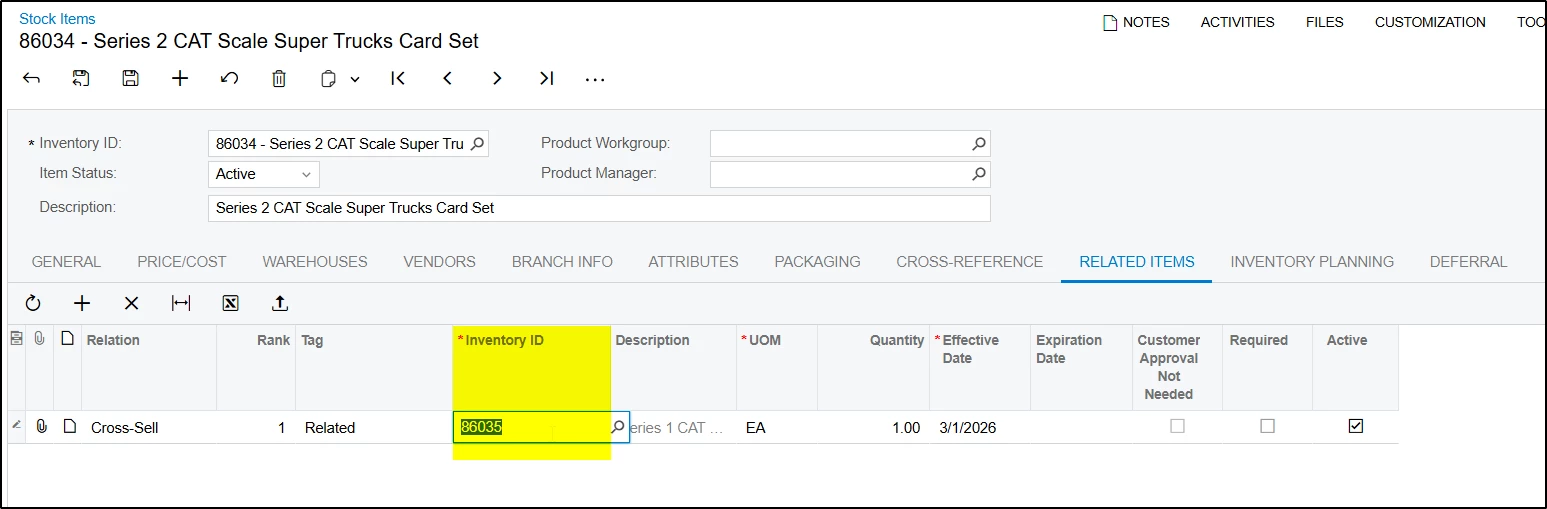
I am working with 2025 R1 (25.101.0153). I want to customize Inventory ID selector, to load template items too along with stock items, under Related Items tab on Stock Items screen.

I tried with Cache Attached on Stock Item graph but that did not help. Can you please suggest best possible way to do that.

 

1 reply

KrunalDoshi
Varsity III
Forum|alt.badge.img
  • Varsity III
  • April 4, 2026

Hi ​@vivekm,

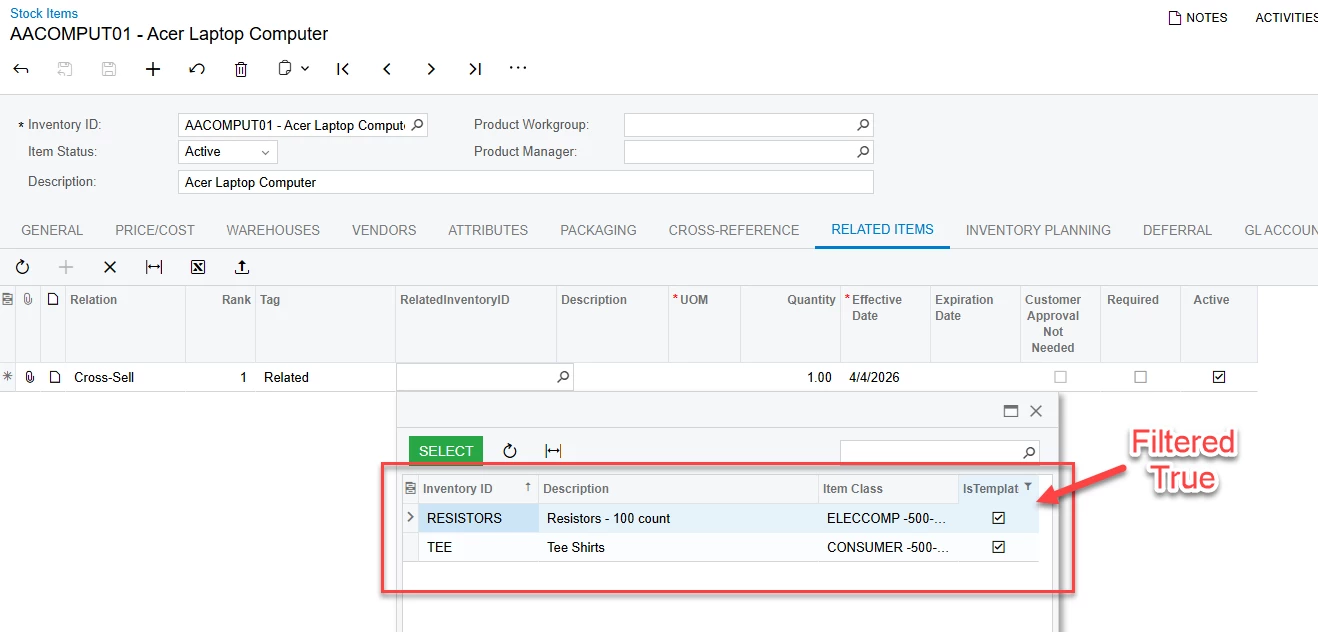
It looks like you have already tried with CacheAttached, but not sure if you have missed anything in it. I have tried with CacheAttached event in InventoryItemMaint graph, and it is working for me. Below are the code and screenshot for your reference. Hope this helps.

[PXMergeAttributes(Method = MergeMethod.Replace)]
[PXSelector(
typeof(Search<InventoryItem.inventoryID,
Where<
InventoryItem.stkItem, Equal<True>, // keep stock items
Or<InventoryItem.isTemplate, Equal<True>> // include templates
>>),
typeof(InventoryItem.inventoryCD),
typeof(InventoryItem.descr),
typeof(InventoryItem.itemClassID),
typeof(InventoryItem.isTemplate),
SubstituteKey = typeof(InventoryItem.inventoryCD),
DescriptionField = typeof(InventoryItem.descr)
)]
[PXRestrictor(typeof(Where<InventoryItem.inventoryID.IsNotEqual<InventoryItem.inventoryID.FromCurrent>>),
PX.Objects.IN.RelatedItems.Messages.UsingInventoryAsItsRelated)]
protected virtual void _(Events.CacheAttached<INRelatedInventory.relatedInventoryID> e)
{
}