Question

Postman Import Collection Failing

  • February 17, 2026
  • 9 replies
  • 54 views

Graeme Laughton-Mutu
Semi-Pro I
Forum|alt.badge.img+1

Having issues trying to Import the Acumatica Endpoint as a Postman collection.

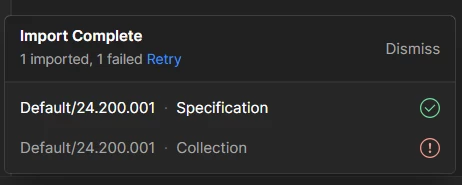
It was working in previous but now it appears to start making the collection, then it disappears and shows Import Failed.

I’m thinking it is to do with the size of the collection as I can create a small custom Endpoint and it imports using the JSON/Swagger/URL data, but trying to use the full Default endpoint fails.


Any other ideas or workarounds to try?

9 replies

Forum|alt.badge.img+3
  • Jr Varsity II
  • February 18, 2026

@Graeme Laughton-Mutu 

Can you confirm Swagger/collection file size (Default endpoint is often 20–50+ MB)?
If it’s large, Postman may fail due to low memory. Close Postman, edit the desktop shortcut, and add --max-old-space-size=4096 to the Target path (e.g., Postman.exe --max-old-space-size=4096), then reopen and import again. This increases memory so large Acumatica collections can load without the “Import Failed” error.


Graeme Laughton-Mutu
Semi-Pro I
Forum|alt.badge.img+1

@Graeme Laughton-Mutu 

Can you confirm Swagger/collection file size (Default endpoint is often 20–50+ MB)?
If it’s large, Postman may fail due to low memory. Close Postman, edit the desktop shortcut, and add --max-old-space-size=4096 to the Target path (e.g., Postman.exe --max-old-space-size=4096), then reopen and import again. This increases memory so large Acumatica collections can load without the “Import Failed” error.

Hi ​@Rakshanda 

When i save the body into a .json file, it is 2.9MB
I also tried your suggestion of adding the Target Path and relaunching Postman, but it still fails to import.


Here is the url to endpoint/collection details if you’d like to try and see if you are able to import it to Postman?

https://focus-demo.myobadvanced.com/entity/Default/24.200.001/swagger.json?company=DemoNZ


I have tried with this hosted site, and a couple of local instances of Acumatica, all fail to import the Default endpoint (or any Extended Endpoint from the Default)


Forum|alt.badge.img+3
  • Jr Varsity II
  • February 18, 2026

Hi ​@Graeme Laughton-Mutu ,

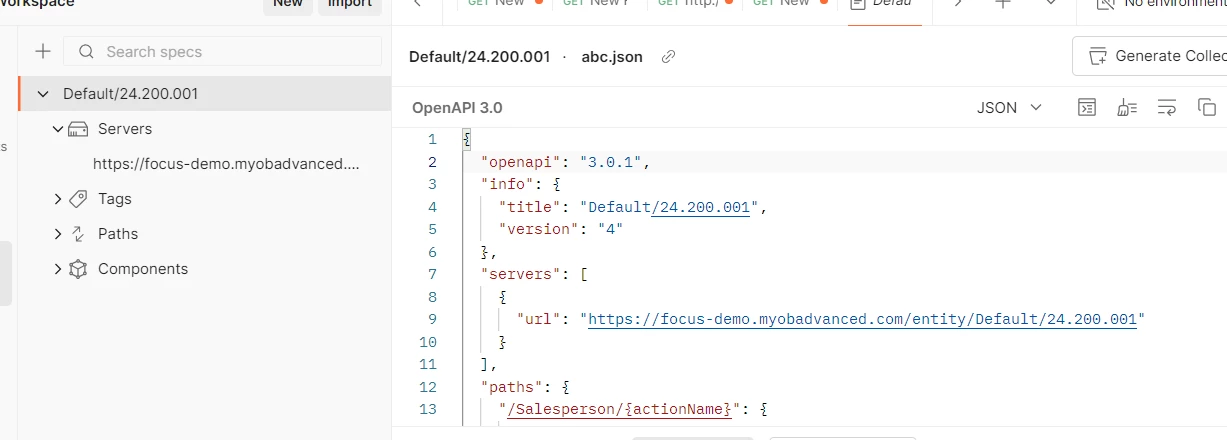
I have tried above import & successfully imported,

Steps which I followed,

1)URL shared by you saved in abc.json 

2)Import by using Upload file

Hope above helps!!


Graeme Laughton-Mutu
Semi-Pro I
Forum|alt.badge.img+1

Hi ​@Graeme Laughton-Mutu ,

I have tried above import & successfully imported,

Steps which I followed,

1)URL shared by you saved in abc.json 

2)Import by using Upload file

Hope above helps!!

Hi ​@Rakshanda 

It looks like you are on the Specification view, which I can successfully create via the Import, but the second step in the import process where it creates the Collection still fails.

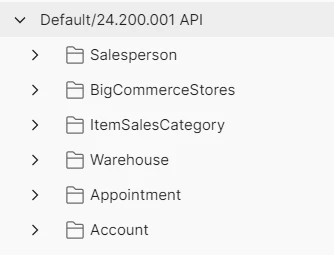
Did yours also create the Default/24.200.001 Collection?


Forum|alt.badge.img+3
  • Jr Varsity II
  • February 18, 2026

hi ​@Graeme Laughton-Mutu ,

Yes i have converted spec to Collection successfully using OpenAI


Graeme Laughton-Mutu
Semi-Pro I
Forum|alt.badge.img+1

@Rakshanda thanks for confirming, I’m not sure why mine (and my colleagues) are failing.

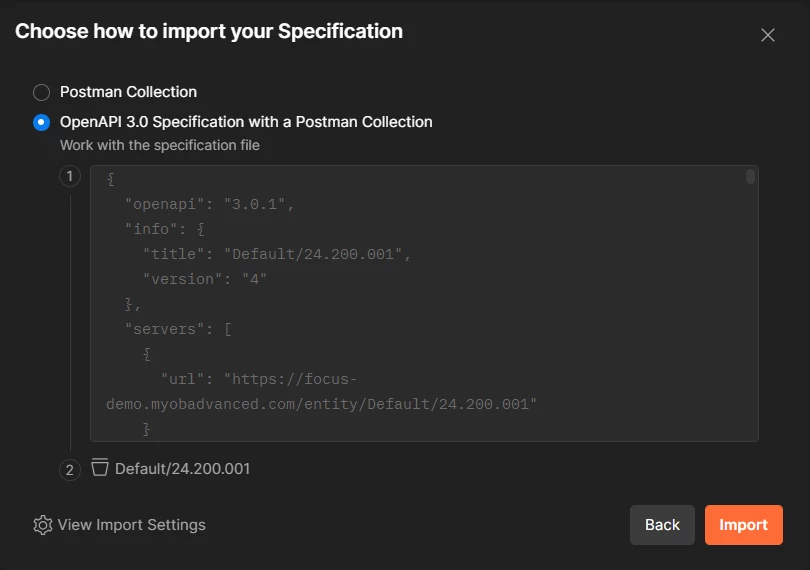
here I have chosen Import > File and selected the swagger.json file saved from the URL above.


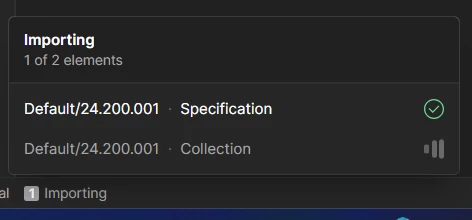
Then after clicking Import, it shows the Specification is created almost instantly, and the Collection begins to create (and begins showing in the Collection list):


After 30 sec to 1 min, it shows Import Failed for the Collection and it disappears from the Collection list.


I’m not sure why mine fails at this step, and yours is successful for both.

Do you have any other ideas or switches I can try?

Which settings to you have enabled under View Import Settings from my first screenshot above?


My Postman version is 11.85.1


Forum|alt.badge.img+3
  • Jr Varsity II
  • February 18, 2026

@Graeme Laughton-Mutu ,

can you try by importing below collection & confirm,


Graeme Laughton-Mutu
Semi-Pro I
Forum|alt.badge.img+1

@Rakshanda Yes that worked


Similar to my own testing creating a small collection and Importing it.

However i need the full Default collection but cannot seem to import it.


Graeme Laughton-Mutu
Semi-Pro I
Forum|alt.badge.img+1

As a workaround, I split the full Default collection into 12 pieces, with a max of 10 objects in each.
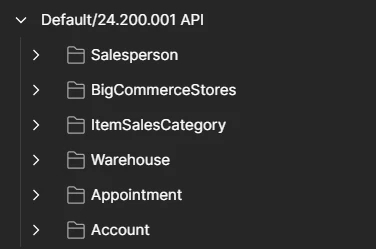
These all imported successfully, then I dragged all the objects back into one collection folder.

End result is a single collection folder with the complete Default endpoint inside it.


Attached are the split out importable if it helps anyone else :)