Solved

How to create a sales order via the REST API

  • January 31, 2023
  • 5 replies
  • 2800 views
  • Translate All

aaldrich
Freshman II


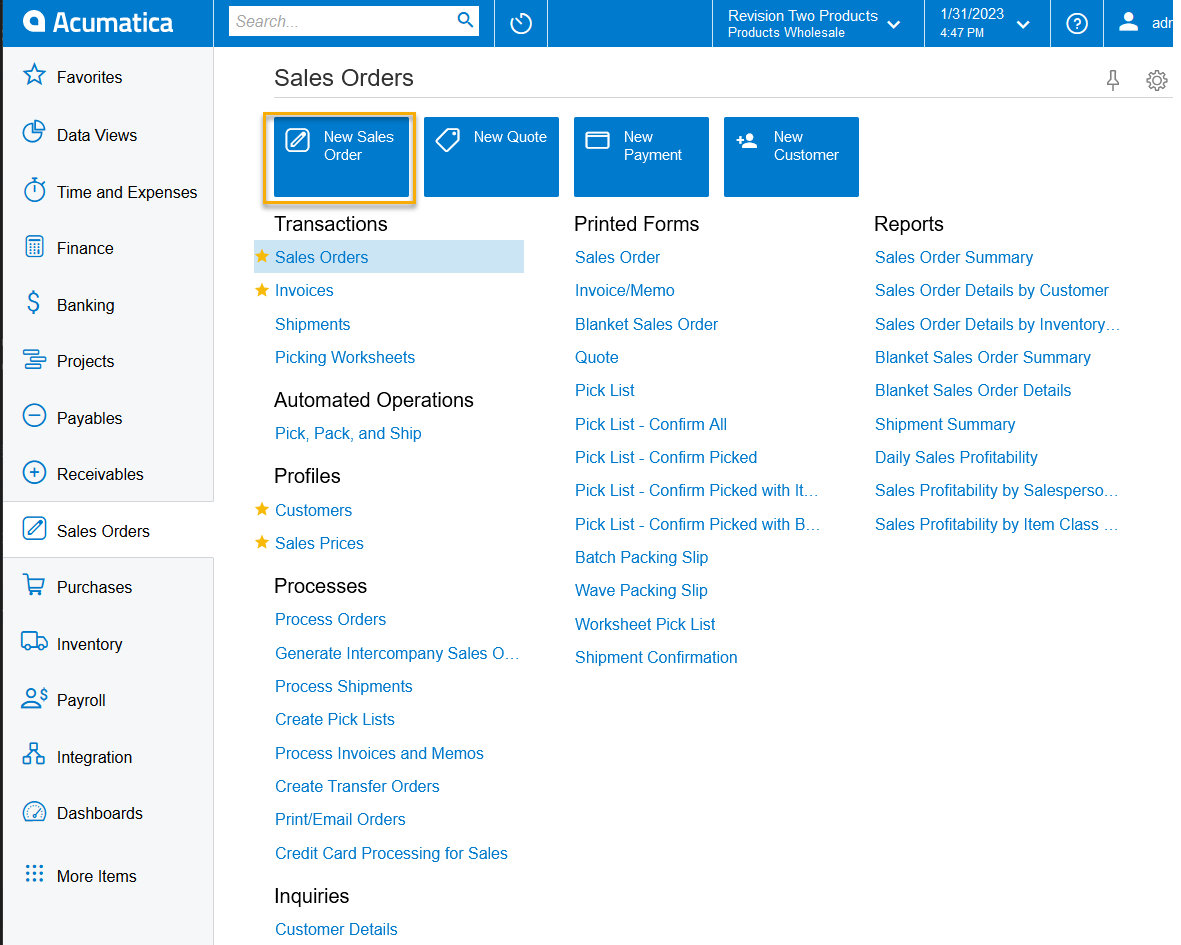
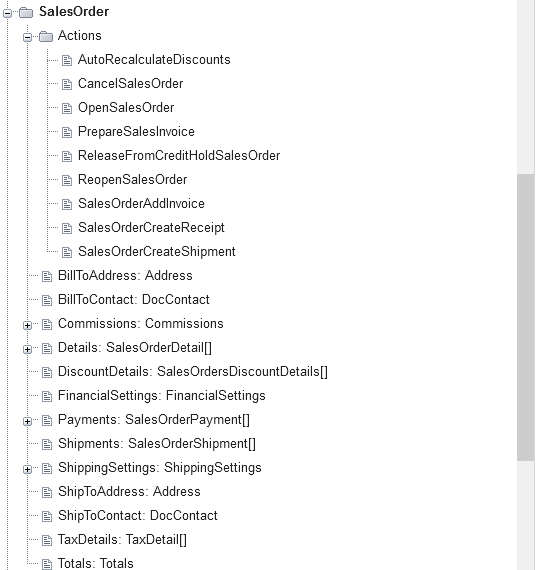
Hello, I’m wondering how I can go about importing a sales order into Acumatica by using the REST API. I realized that this is likely through the use of the Actions however I could not find one that would do the action of “New Sales Order”


Any ideas on how to do this?

Best answer by aaldrich

Hi @yhartman  Below is the JSON API Request to create the Sales Order.


API Request URL: - https://URL/InstanceName/entity/APISamplesEndpoint/18.200.001/SalesOrder

Request Body:

{
"OrderNbr": {
"value": "<NEW>"
},
"OrderType": {
"value": "SO"
},
"CustomerID": {
"value": "AACUSTOMER"
},
"note": "",
"CustomerOrder": {
"value": "STG21002"
},

"Details": [
{
"note": "",
"InventoryID": {
"value": "AACOMPUT01"
},
"OrderQty": {
"value": "1.0000"
},
"MasterQty": {
"value": "1.0000"
},
"ManualPrice": {
"value": true
},
"UnitPrice": {
"value": 79.99
},
"ManualDIscount": {
"value": true
},
"DiscountAmount": {
"value": 0
},
"TaxCategory": {
"value": "DEFAULT"
}
}

],
"Date": {
"value": "12/01/2022"
},
"RequestedOn": {
"value": "12/01/2022"
}
}



This answer works great - It is a PUT request (You can also use the endpoint /entity/Default/20.200.001/SalesOrder)

https://help-2022r2.acumatica.com/(W(1))/Help?ScreenId=ShowWiki&pageid=9d966d50-a0a1-4456-a9ff-1cc2159d48d4

(I was able to find the link above because of @yhartman post)


View original

5 replies

Forum|alt.badge.img+3
  • Jr Varsity I
  • February 1, 2023

Hi,

Look at the below video around minutes 45, it should help! Watch the whole video to understand how Acumatica apis work.

https://youtu.be/WZjlfsN6aew

Also, you can look at https://openuni.acumatica.com/courses/integration/i330-data-manipulation-with-rest-api/

I hope this helps!

Translate

Naveen Boga
Captain II
Forum|alt.badge.img+20

Hi @yhartman  Below is the JSON API Request to create the Sales Order.


API Request URL: - https://URL/InstanceName/entity/APISamplesEndpoint/18.200.001/SalesOrder

Request Body:

{
"OrderNbr": {
"value": "<NEW>"
},
"OrderType": {
"value": "SO"
},
"CustomerID": {
"value": "AACUSTOMER"
},
"note": "",
"CustomerOrder": {
"value": "STG21002"
},

"Details": [
{
"note": "",
"InventoryID": {
"value": "AACOMPUT01"
},
"OrderQty": {
"value": "1.0000"
},
"MasterQty": {
"value": "1.0000"
},
"ManualPrice": {
"value": true
},
"UnitPrice": {
"value": 79.99
},
"ManualDIscount": {
"value": true
},
"DiscountAmount": {
"value": 0
},
"TaxCategory": {
"value": "DEFAULT"
}
}

]


"Date": {
"value": "12/01/2022"
},
"RequestedOn": {
"value": "12/01/2022"
}
}



Translate

aaldrich
Freshman II
  • Author
  • Freshman II
  • Answer
  • February 1, 2023

Hi @yhartman  Below is the JSON API Request to create the Sales Order.


API Request URL: - https://URL/InstanceName/entity/APISamplesEndpoint/18.200.001/SalesOrder

Request Body:

{
"OrderNbr": {
"value": "<NEW>"
},
"OrderType": {
"value": "SO"
},
"CustomerID": {
"value": "AACUSTOMER"
},
"note": "",
"CustomerOrder": {
"value": "STG21002"
},

"Details": [
{
"note": "",
"InventoryID": {
"value": "AACOMPUT01"
},
"OrderQty": {
"value": "1.0000"
},
"MasterQty": {
"value": "1.0000"
},
"ManualPrice": {
"value": true
},
"UnitPrice": {
"value": 79.99
},
"ManualDIscount": {
"value": true
},
"DiscountAmount": {
"value": 0
},
"TaxCategory": {
"value": "DEFAULT"
}
}

],
"Date": {
"value": "12/01/2022"
},
"RequestedOn": {
"value": "12/01/2022"
}
}



This answer works great - It is a PUT request (You can also use the endpoint /entity/Default/20.200.001/SalesOrder)

https://help-2022r2.acumatica.com/(W(1))/Help?ScreenId=ShowWiki&pageid=9d966d50-a0a1-4456-a9ff-1cc2159d48d4

(I was able to find the link above because of @yhartman post)


Translate

Hi, do you know if it is possible to send again the same sales order and UPDATE the items?

When I resend the same sales order, it updates the fields in the header as expected, but instead of updating the line items, it adds new line items.

Thanks,

Mario


Translate

priekenberg40
Varsity I
Forum|alt.badge.img+1

@mariolavignasse6, you need to include the id in each detail which you get in the first post ($expand=Details). If the id is omited detail is handled a new detail.

Translate