Question

TypeScript Extension Not Applying on Approvals Screen (EP503010) – Trying to Make Grid Scrollable in Modern UI

  • August 12, 2026
  • 4 replies
  • 102 views

Hello,

I am trying to make the records on the Approvals screen scrollable on Modern UI, rather than going through pages using the Next button. The screen is scrollable in Classic UI by default, without any screen-level change.

For this requirement, I added a TypeScript extension as below:
 

import {
    removeDecorator,
    gridConfig,
    GridPreset,
    GridFilterBarVisibility,
    GridNoteFilesShowMode,
    GridPagerMode,
} from "client-controls";
import { EPApproval } from "src/screens/EP/EP503010/EP503010";

export interface EPApproval_P24KEPApprovalsRecordsPerScreen_converted extends EPApproval {}

@removeDecorator("gridConfig")
@gridConfig({
    preset: GridPreset.Processing,
    showFilterBar: GridFilterBarVisibility.OnDemand,
    allowUpdate: false,
    showNoteFiles: GridNoteFilesShowMode.Suppress,
    defaultAction: "EditDetail",
    pagerMode: GridPagerMode.InfiniteScroll,
    adjustPageSize: false,
})
export class EPApproval_P24KEPApprovalsRecordsPerScreen_converted {}


But even after publishing the code, the changes are not reflecting/applying on the Approvals screen, and I could not make the Grid section scrollable. I checked the Payload on the Network tab while inspecting the screen, but the changes from my TypeScript extension were not applied.

Am I not attaching the TypeScript extension correctly, or is my TypeScript code itself not what it should be?
 

Any help or guidance would be really appreciated.
 

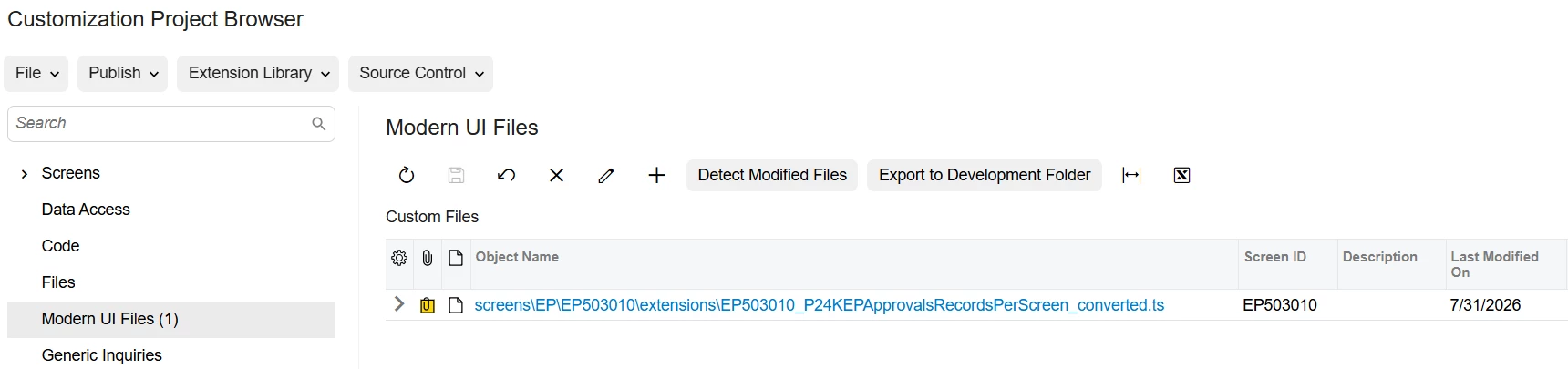
I have also attached screenshots for reference — one showing the screen and Network payload, and one showing how I have added my extension file to the Customization Project.
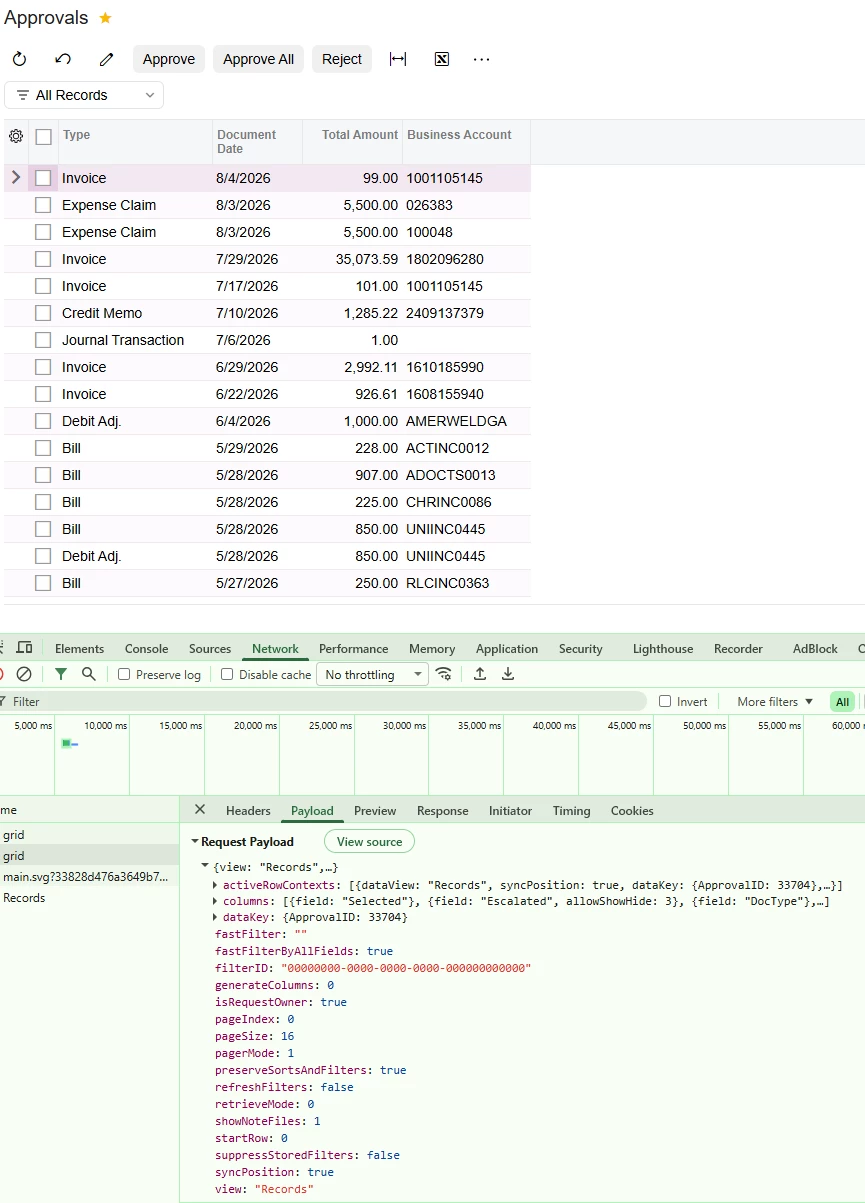
 

Approvals Screen 


Added TypeScript Extension


Kind Regards,
Dhruv

4 replies

Forum|alt.badge.img+4
  • Captain II
  • August 13, 2026

In Modern UI, gridConfig must be applied to the view class that represents the grid, not to the screen class itself. Acumatica's 2026 R1 documentation shows @gridConfig being placed on the PXView class for the table.

Your code currently applies it to:

export class EPApproval_P24KEPApprovalsRecordsPerScreen_converted {}

which is an extension of the screen, so it won't change the grid's configuration.

You need to find the view/grid class inside EP503010.ts that is bound to the Approvals grid, something like:

export class EPOwned extends PXView
{
    // fields...
}

Then customize that view:

import {
    PXView,
    gridConfig,
    removeDecorator,
    GridPreset,
    GridFilterBarVisibility,
    GridNoteFilesShowMode,
    GridPagerMode
} from "client-controls";

import { EPOwned } from "src/screens/EP/EP503010/EP503010";

export interface EPOwned_Ext extends EPOwned {}

@removeDecorator("gridConfig")
@gridConfig({
    preset: GridPreset.Processing,
    showFilterBar: GridFilterBarVisibility.OnDemand,
    allowUpdate: false,
    showNoteFiles: GridNoteFilesShowMode.Suppress,
    defaultAction: "EditDetail",
    pagerMode: GridPagerMode.InfiniteScroll,
    adjustPageSize: false
})
export class EPOwned_Ext {}

The exact view name should be confirmed from your 26R1 EP503010.ts file.


darylbowman
Captain II
Forum|alt.badge.img+17

Your code currently applies it to:

export class EPApproval_P24KEPApprovalsRecordsPerScreen_converted {}

which is an extension of the screen, so it won't change the grid's configuration.

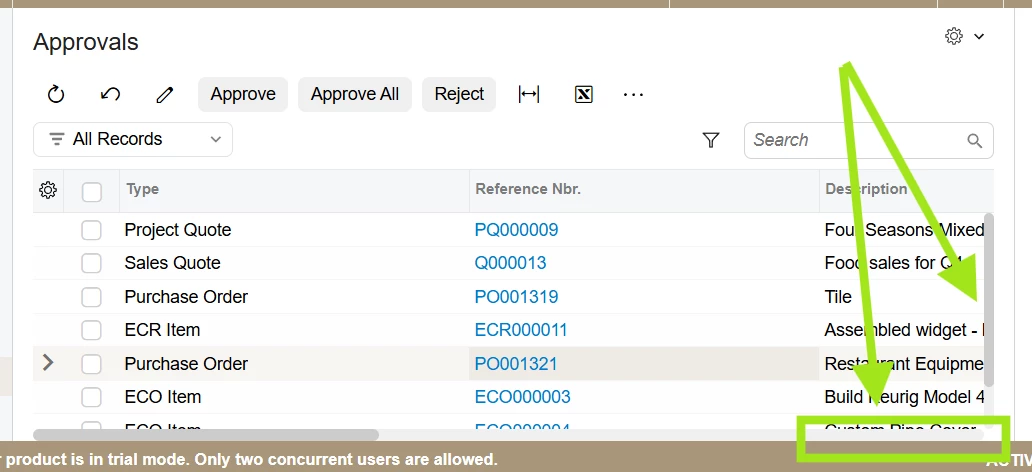
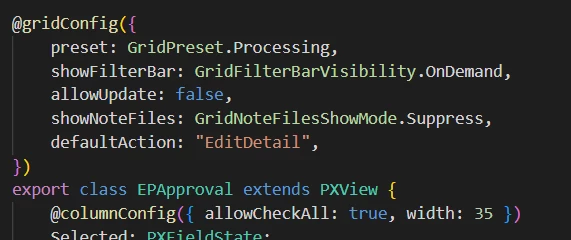
This is obviously not true. The interface extends EPApproval which does extend PXView:


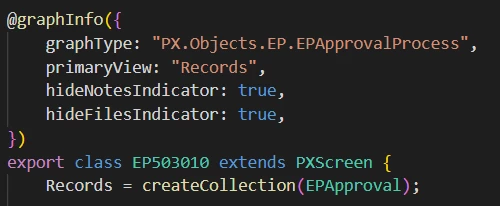
Furthermore, the screen class is EP503010:


Forum|alt.badge.img

Hii ​@dhruv40 ,The issue is that the gridConfig decorator needs to be applied to the actual grid/view member, not to the screen extension class itself. On EP503010, the grid data view is Records, so decorating only the class does not override the grid configuration.
Try extending the generated screen and target the Records grid explicitly:
 

import {
removeDecorator,
gridConfig,
GridPagerMode,
} from "client-controls";

import { EPApproval } from "src/screens/EP/EP503010/EP503010";

export interface EPApproval_P24KEPApprovalsRecordsPerScreen_converted
extends EPApproval {}

export class EPApproval_P24KEPApprovalsRecordsPerScreen_converted {

@removeDecorator("gridConfig")
@gridConfig({
pagerMode: GridPagerMode.InfiniteScroll,
adjustPageSize: false,
})
Records;
}

The important point is to verify the exact grid member name in the generated EP503010.ts screen definition. In the Network payload, the view is shown as Records, so that is the grid/view that needs to be overridden.

Also, after publishing, clear the browser cache or perform a hard refresh to ensure that the updated Modern UI JavaScript bundle is loaded.


darylbowman
Captain II
Forum|alt.badge.img+17

Here’s the actual fix:

import {
GridPagerMode,
updateDecorator,
} from "client-controls";
import { EP503010, EPApproval } from "src/screens/EP/EP503010/EP503010";

// This no-op class works around a build tool bug:
// extensions that put decorators (like @updateDecorator below)
// on an existing view, with nothing extending the screen itself, get
// silently dropped from the build. Plain field additions with no
// decorators aren't affected - they show up without this workaround.
// ~ sincerely, Claude Sonnet 5
export interface EP503010_Test extends EP503010 { }
export class EP503010_Test { }

export interface EPApproval_Test extends EPApproval {}

@updateDecorator("gridConfig", "adjustPageSize", false)
@updateDecorator("gridConfig", "pagerMode", GridPagerMode.InfiniteScroll)
export class EPApproval_Test { }