

Hi Guys,
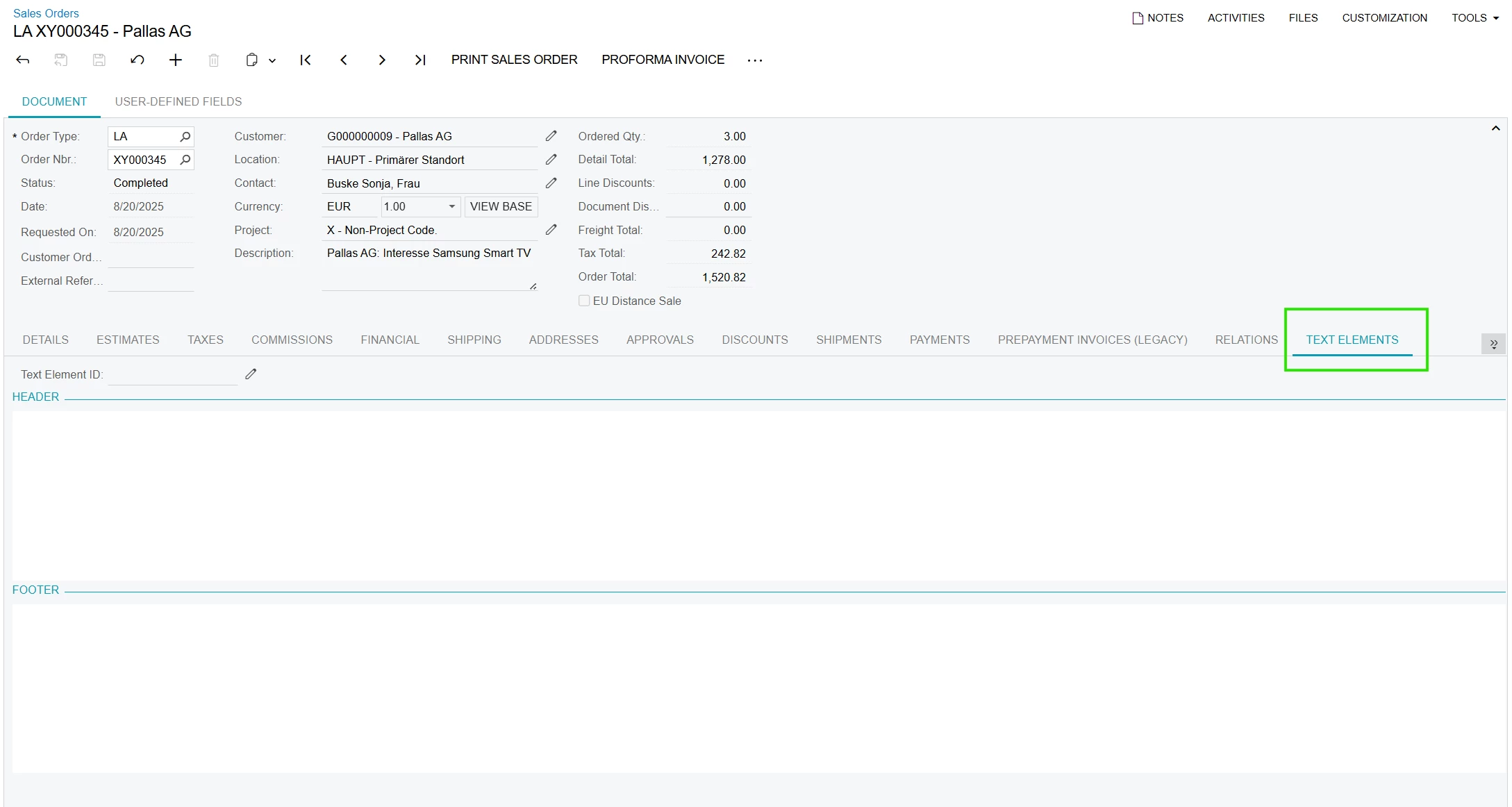
how can i get the tab Text Elements into the Purchase Orders just like in Sales Orders.
Hope u can help :)



Hi Guys,
how can i get the tab Text Elements into the Purchase Orders just like in Sales Orders.
Hope u can help :)
Best answer by Dipak Nilkanth
Hi
I believe this is a customized tab that was added in the Sales Orders screen, since the instance with sales demo data does not have this tab exposed.
To add the same tab in the Purchase Orders screen, you will need to:
Customize the Purchase Orders screen in the Customization Editor.
Add a data view (similar to the one used for the customized tab in Sales Orders).
Add the corresponding field(s) from the editor to the new tab.
Publish the project to apply the changes.
Hope this helps!
No account yet? Create an account
Enter your E-mail address. We'll send you an e-mail with instructions to reset your password.


