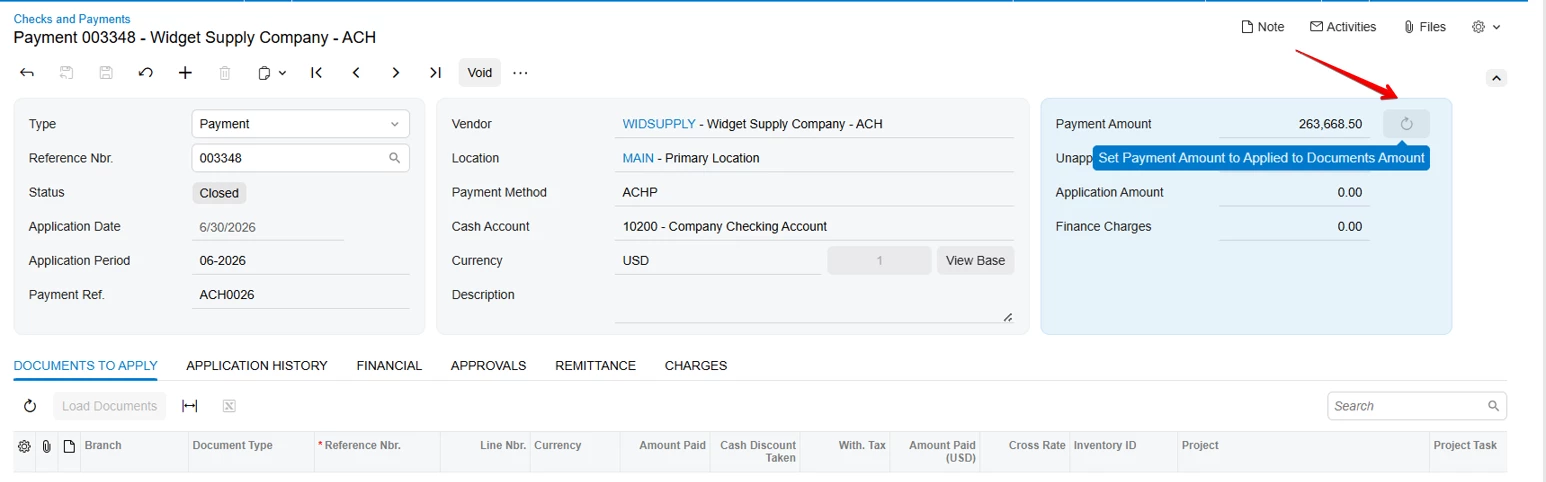
Hi Team
In the Sales Order screen, I have an action button with a refresh Icon and tooltip next to the Cost field in the Classic UI.
How can we Convert this to Modern UI?
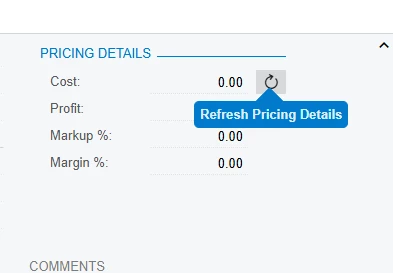
Hi Team
In the Sales Order screen, I have an action button with a refresh Icon and tooltip next to the Cost field in the Classic UI.
How can we Convert this to Modern UI?
Best answer by Saikrishna V
To Add a Refresh button behind the your cost field
 @actionConfig({ toolTip: "Refresh Pricing Details", imageSet: "main", imageKey: "Refresh" })
    YourActioView: PXActionState;
<field prepend="#YourFieldSetId field[name='View.YourCostField']">
<qp-button id="btnPricingDetails" state.bind="View.PricingDetails"
config.bind="{ images: { normal: 'svg:main@Refresh' }, displayIconAndText: false }">
</qp-button>
<qp-tooltip target.bind="btnPricingDetails">Refresh Pricing Details</qp-tooltip>
</field>Hope this works!
Enter your E-mail address. We'll send you an e-mail with instructions to reset your password.