Solved

ToolTips on Modern UI

  • January 5, 2026
  • 2 replies
  • 82 views

 Hello,

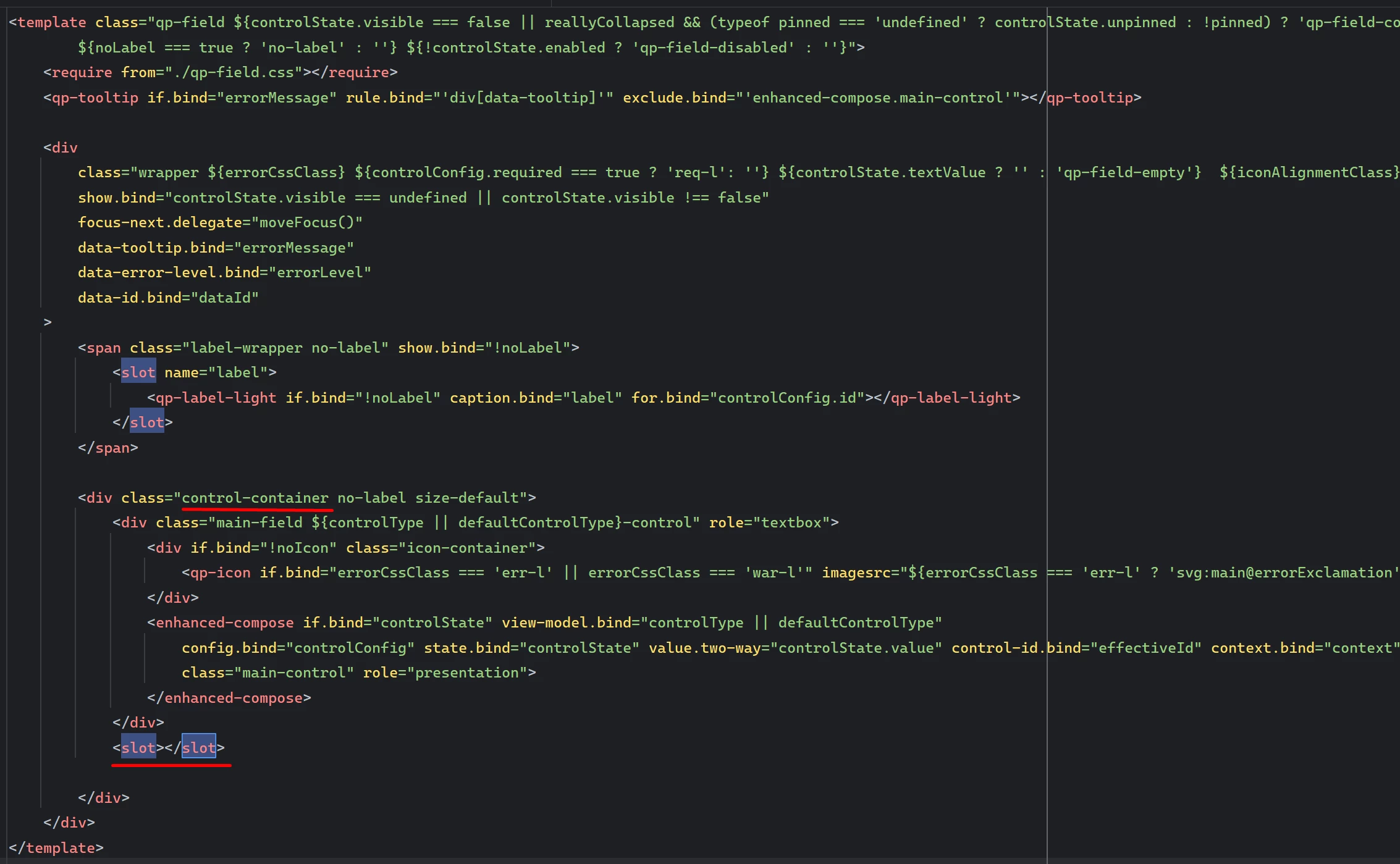
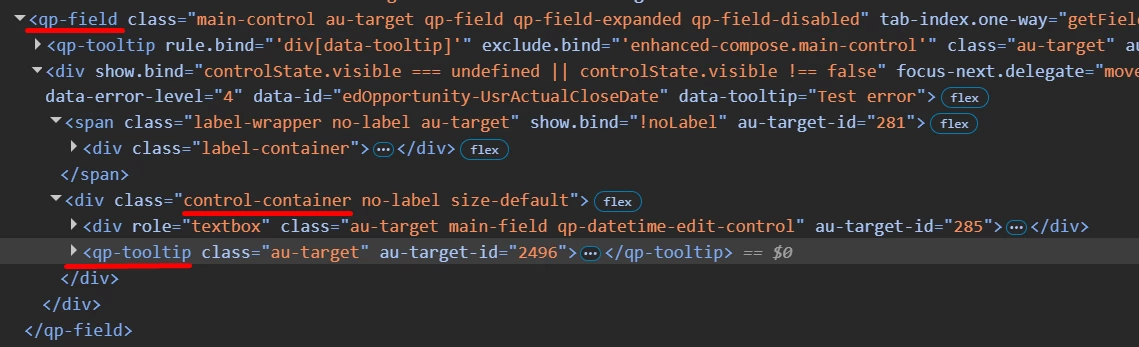
Has anybody figured out how to display the tooltip on a field? I am trying to follow the options here without much success: https://help.acumatica.com/(W(11))/Help?ScreenId=ShowWiki&pageid=b510e5fb-72c3-42f5-a48c-39dda10f0acc


How it was displayed on the classic UI (ASPX):

<px:PXDropDown runat="server" ID="edUsrTBBRPDValidationBrand" DataField="UsrTBBRPDValidationBrand" ToolTip="Controls validation behavior when Brand is missing or invalid during XYZ Product Data processing. Options: None (no validation), Warn (display warning), Error (block processing)." />


Here is what I’ve tried:

.ts File:

import { Messages as SysMessages } from "client-controls/services/messages";
import { createCollection, createSingle, PXScreen, graphInfo, PXActionState, viewInfo, handleEvent, CustomEventType, actionConfig, RowSelectedHandlerArgs, PXViewCollection, PXPageLoadBehavior, ControlParameter, localizable } from "client-controls";
import { INSetup } from "./views";

@localizable

class LocalizableStrings {
    static UsrTBBRPDValidationBrand = "Controls validation behavior when Brand is missing or invalid during XYZ Product Data processing. Options: None (no validation), Warn (display warning), Error (block processing).";
}


@graphInfo({graphType: "TBBlueRidge.TBBRSetup", primaryView: "BlueRidgeSetup", })

export class TBBR1000 extends PXScreen {

    BlueRidgeSetup = createSingle(INSetup);
    LocalizableStrings = LocalizableStrings;

}

HTML file:

				<qp-fieldset id="fsProductValidations" view.bind="BlueRidgeSetup" caption="Product Validations">
<field name="UsrTBBRPDValidationBrand" tooltip.bind="FieldToolTips.UsrTBBRPDValidationBrand"></field>
</qp-fieldset>


I’ve also tried this in the views.ts:

import { PXView, PXFieldState, gridConfig, treeConfig, fieldConfig, controlConfig, actionConfig, headerDescription, ICurrencyInfo, disabled, PXFieldOptions, linkCommand, columnConfig, GridColumnShowHideMode, GridColumnType, PXActionState, TextAlign, GridPreset, GridFilterBarVisibility, GridFastFilterVisibility, ISelectorControlConfig, ControlParameter } from "client-controls";
import { TBBR1000 } from "./TBBR1000";

import {
localizable
} from "client-controls";

@localizable
class TestToolTips {
static ValidationBrand = "Test123";
}
// Views

export class INSetup extends PXView {

@controlConfig({
tooltip: localizable(TestToolTips.ValidationBrand)
})
UsrTBBRPDValidationBrand : PXFieldState;


}


I’ve not had any success in getting the message to display when hovering over the field drop-down nor title. Any help would be greatly appreciated.

Best answer by aleksandrsechin

Hi ​@Brandon379 
I spent enough time looking for ways to define tooltips for fields, and here is what I found:

1. For a grid field, you can define a tooltip in the .ts file, as shown in the code snippet below. The tooltip is displayed when you hover over the column title:

@gridConfig({
preset: GridPreset.Details
})
export class MySetup extends PXView {
@columnConfig({ toolTip: LocalizableStrings.myField_tooltip })
MyField : PXFieldState;
}

@localizable
export class LocalizableStrings {
static myField_tooltip = "My tooltip text.";
}


2. For a field defined in a fieldset, I wasn’t able to find an approach that works (neither in .ts nor in .html). However, tooltips do work for buttons, and based on this, I found the following workaround:

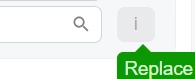
The idea is to define a disabled button with the caption i that contains the tooltip. Below is a code example: 

<field name="MyField">
<qp-button caption="i" enabled.bind="false" class="col-auto"
tooltip.bind='LocalizableStrings.myField_tooltip'>
</qp-button>
</field>
@localizable
export class LocalizableStrings {
static myField_tooltip = "My tooltip text.";
}

@graphInfo({
graphType: "MyMaint",
primaryView: "Setup"
})
export class AA101000 extends PXScreen {
...
LocalizableStrings = LocalizableStrings;
...
}

Hope this helps.

2 replies

Marco Villasenor
Jr Varsity II
Forum|alt.badge.img+3

I think you are missing referencing the correct class for your localized message in the HTML: “LocalizableStrings”

Using your original ts file, try this in the HTML:

<qp-fieldset id="fsProductValidations" view.bind="BlueRidgeSetup" caption="Product Validations">
<field name="UsrTBBRPDValidationBrand" tooltip.bind="LocalizableStrings.UsrTBBRPDValidationBrand"></field>
</qp-fieldset>


Forum|alt.badge.img+4

Hi ​@Brandon379 
I spent enough time looking for ways to define tooltips for fields, and here is what I found:

1. For a grid field, you can define a tooltip in the .ts file, as shown in the code snippet below. The tooltip is displayed when you hover over the column title:

@gridConfig({
preset: GridPreset.Details
})
export class MySetup extends PXView {
@columnConfig({ toolTip: LocalizableStrings.myField_tooltip })
MyField : PXFieldState;
}

@localizable
export class LocalizableStrings {
static myField_tooltip = "My tooltip text.";
}


2. For a field defined in a fieldset, I wasn’t able to find an approach that works (neither in .ts nor in .html). However, tooltips do work for buttons, and based on this, I found the following workaround:

The idea is to define a disabled button with the caption i that contains the tooltip. Below is a code example: 

<field name="MyField">
<qp-button caption="i" enabled.bind="false" class="col-auto"
tooltip.bind='LocalizableStrings.myField_tooltip'>
</qp-button>
</field>
@localizable
export class LocalizableStrings {
static myField_tooltip = "My tooltip text.";
}

@graphInfo({
graphType: "MyMaint",
primaryView: "Setup"
})
export class AA101000 extends PXScreen {
...
LocalizableStrings = LocalizableStrings;
...
}

Hope this helps.