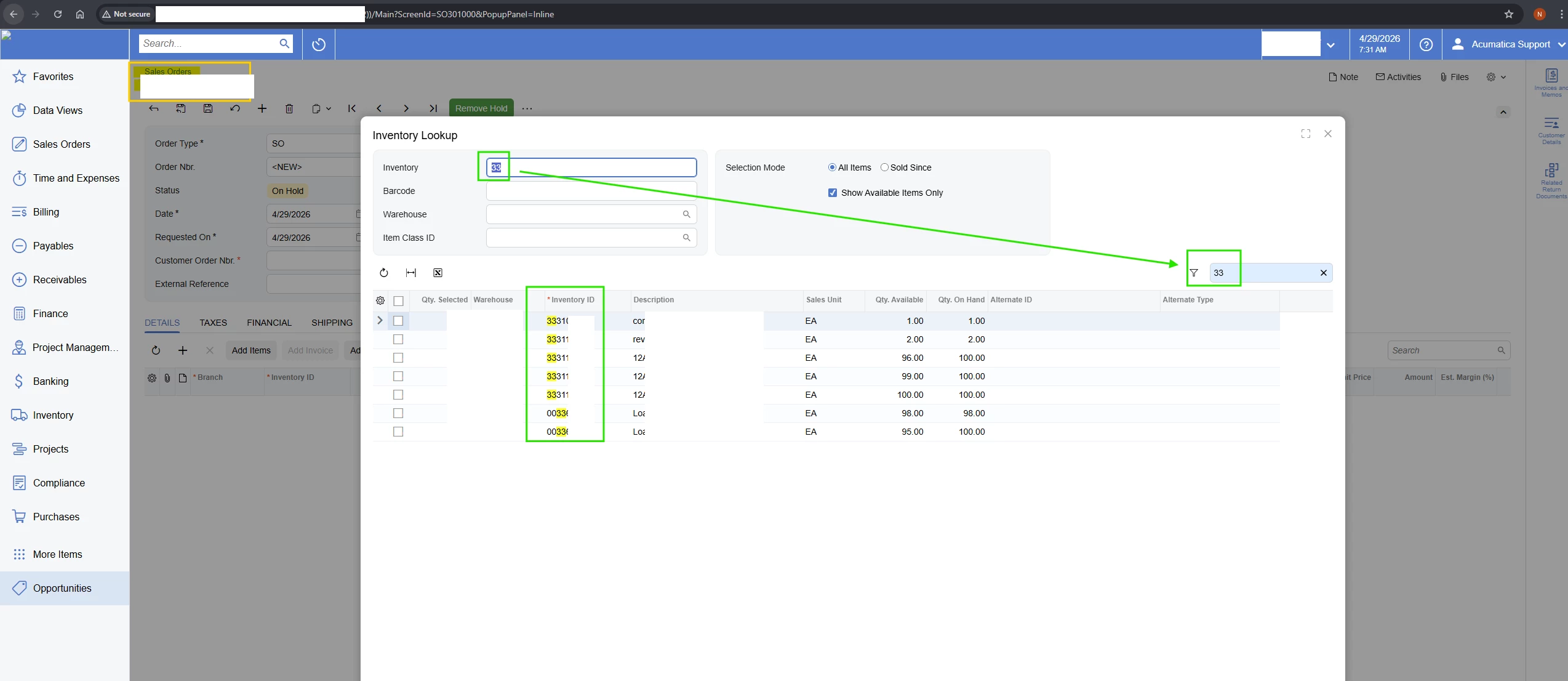
Hi Team,
In the Sales Order (SO301000) – Add Items / Inventory Lookup popup, the Inventory field is automatically populated based on the Inventory selected on the current Sales Order line using the FieldSelecting event.
This implementation works as expected in the Classic UI. However, in the Modern UI, the same FieldSelecting logic only populates the Inventory value in the field but does not apply the filter to the grid.
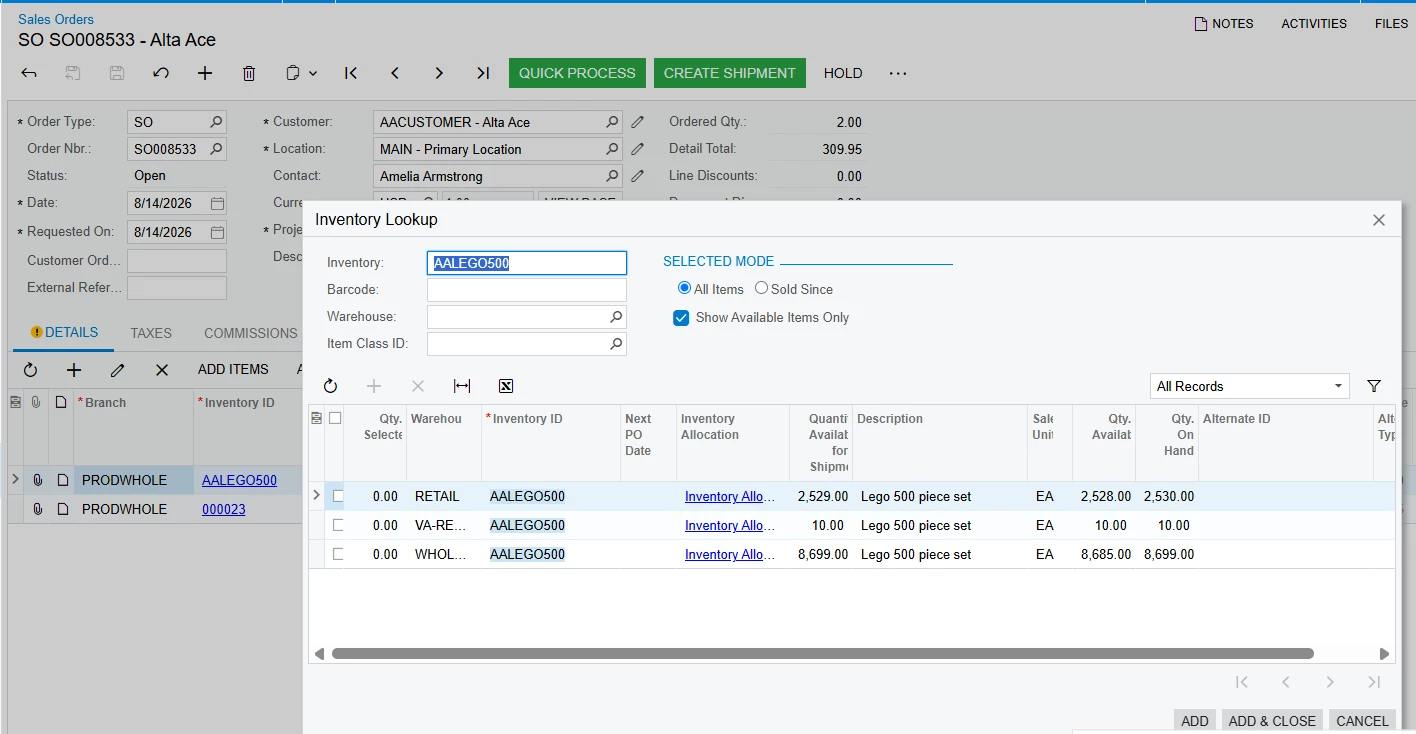
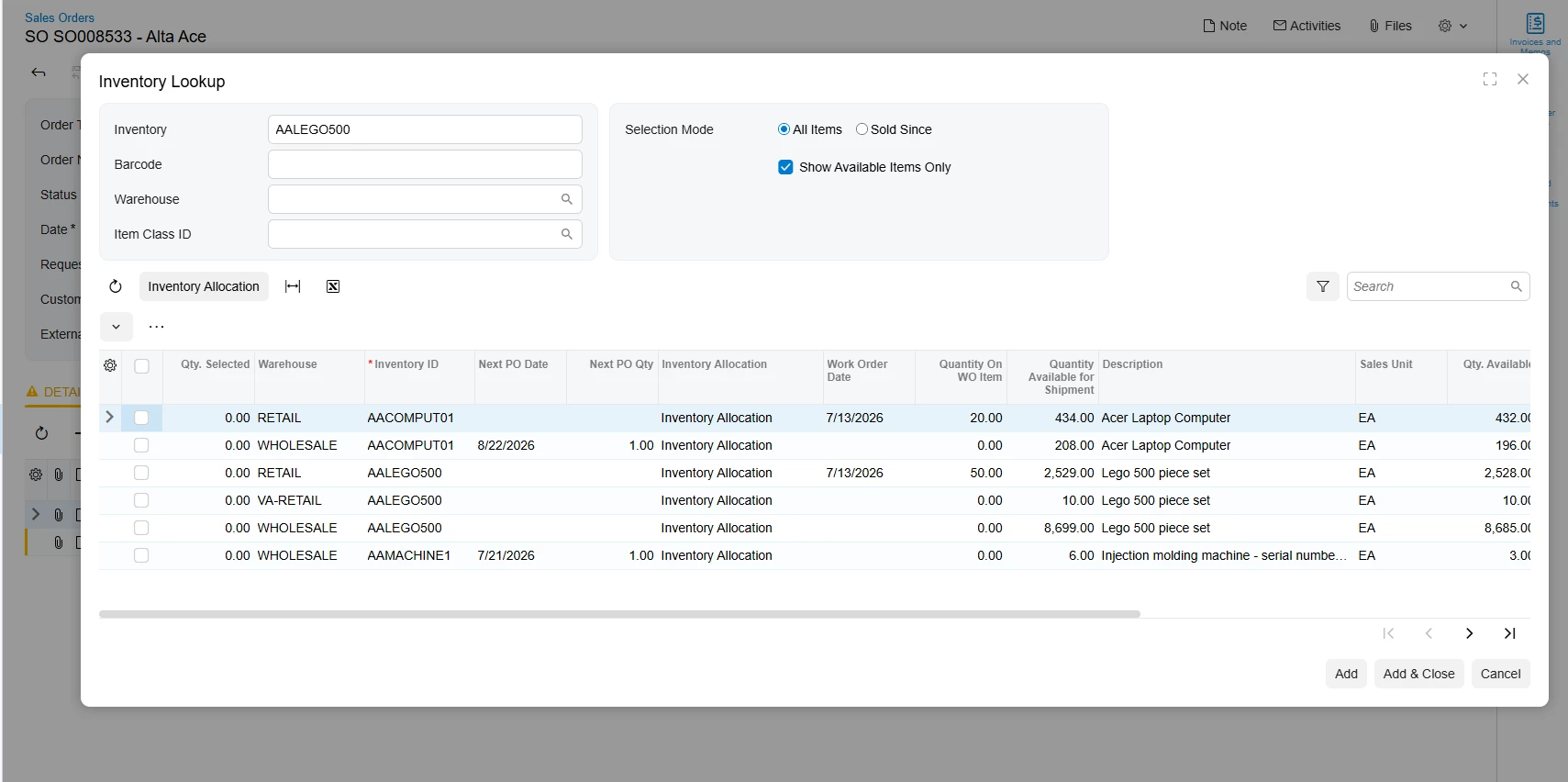
Expected Result:
When the Add Items popup opens, the Inventory field should be populated with the Inventory from the current Sales Order line, and the ItemInfo grid should immediately be filtered accordingly, without requiring the user to manually enter or reselect the Inventory value.