

Answer

How to set default sort order for Appointment Details

  • October 4, 2024
  • 2 replies
  • 129 views

Forum|alt.badge.img

On Appointment screen I wants to set default sort order on Line Status column.
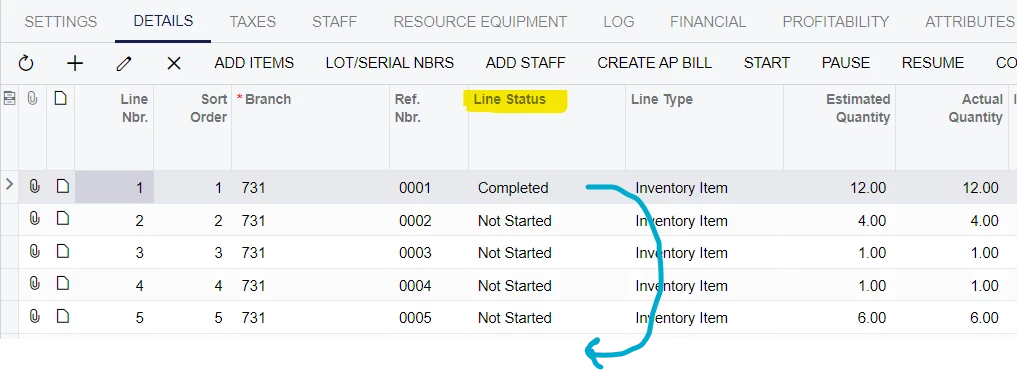
Reason is Not Started items should be visible first. 

This helps a lot in Acumatica mobile application.

I cannot find any help to set default sorting column. Is it possible or any other way to make this possible.

“AppointmentDetails” view is used for it in “AppointmentEntry” graph.

 

Best answer by bjani23

I get answer from 


2 replies

dcomerford
Captain II
Forum|alt.badge.img+15
  • Captain II
  • October 4, 2024

@bjani23 It will need a customisation this post might help


Forum|alt.badge.img
  • Author
  • Jr Varsity III
  • Answer
  • October 4, 2024

I get answer from

