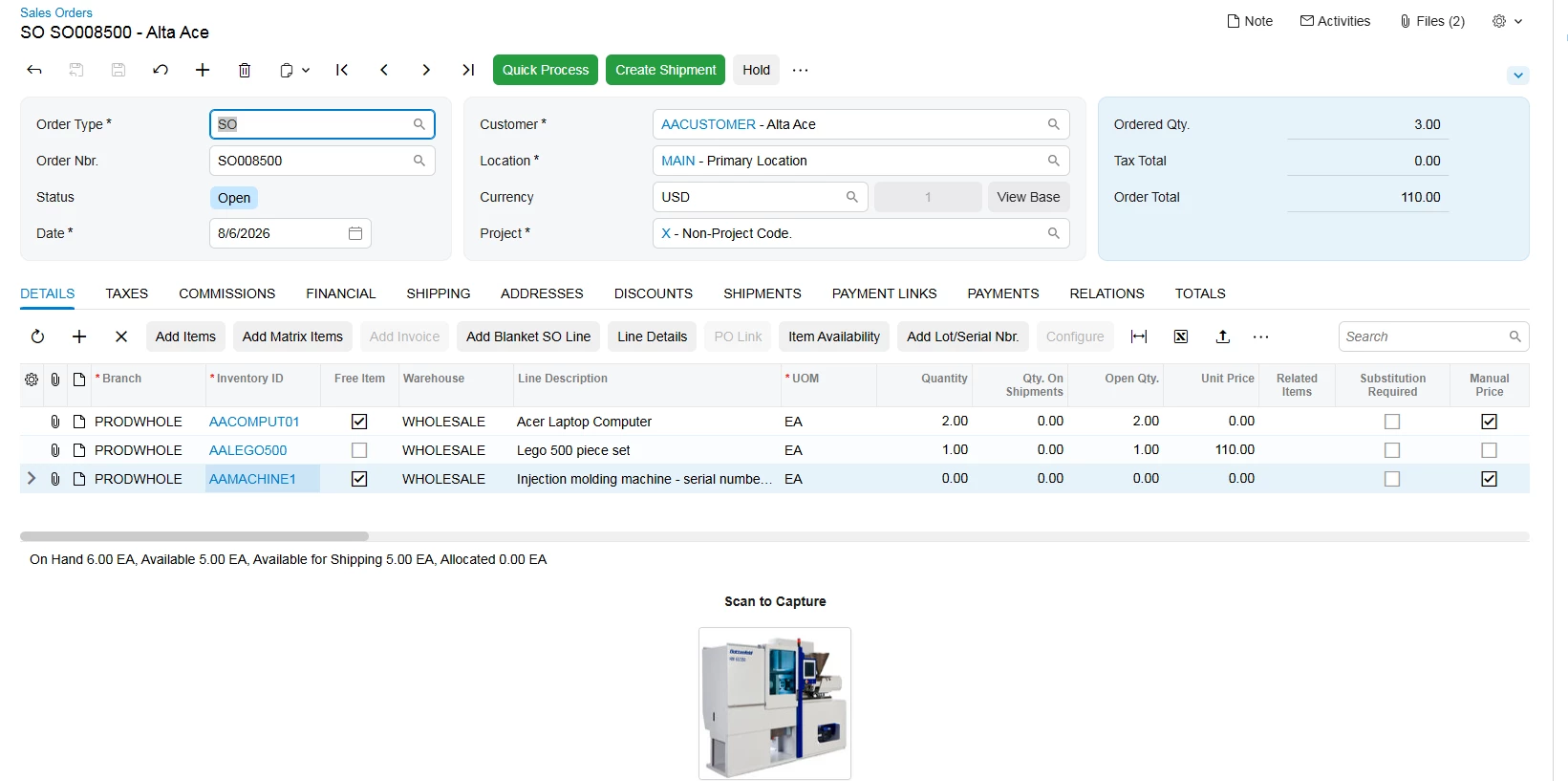
I have tried all the possible ways to implement the Barcode or QR code it is working fine in Classic UI Modern UI Not-It is for Sales Order Screen
My HTML code
<template modify="#form-Order">
<field name="UsrQRCodeBase" unbound="" replace-content="">
<div class="v-stack col-12" style="align-items: center; justify-content: center; padding: 10px 0;">
<!-- Clean label element matching modern framework styling -->
<qp-label caption="Scan to Capture" style="font-weight: 600; margin-bottom: 8px;"></qp-label>
<!-- Standard HTML layout image container that natively decodes the Base64 variable -->
<img src="data:image/png;base64,{{Document.UsrQRCodeBase}}"
alt="Sales Order QR Code"
style="width: 160px; height: 160px; border: 1px solid var(--qp-border-color, #e0e0e0); border-radius: 4px; background-color: #ffffff; box-shadow: 0 1px 3px rgba(0,0,0,0.05);" />
</div>
</field>