Question

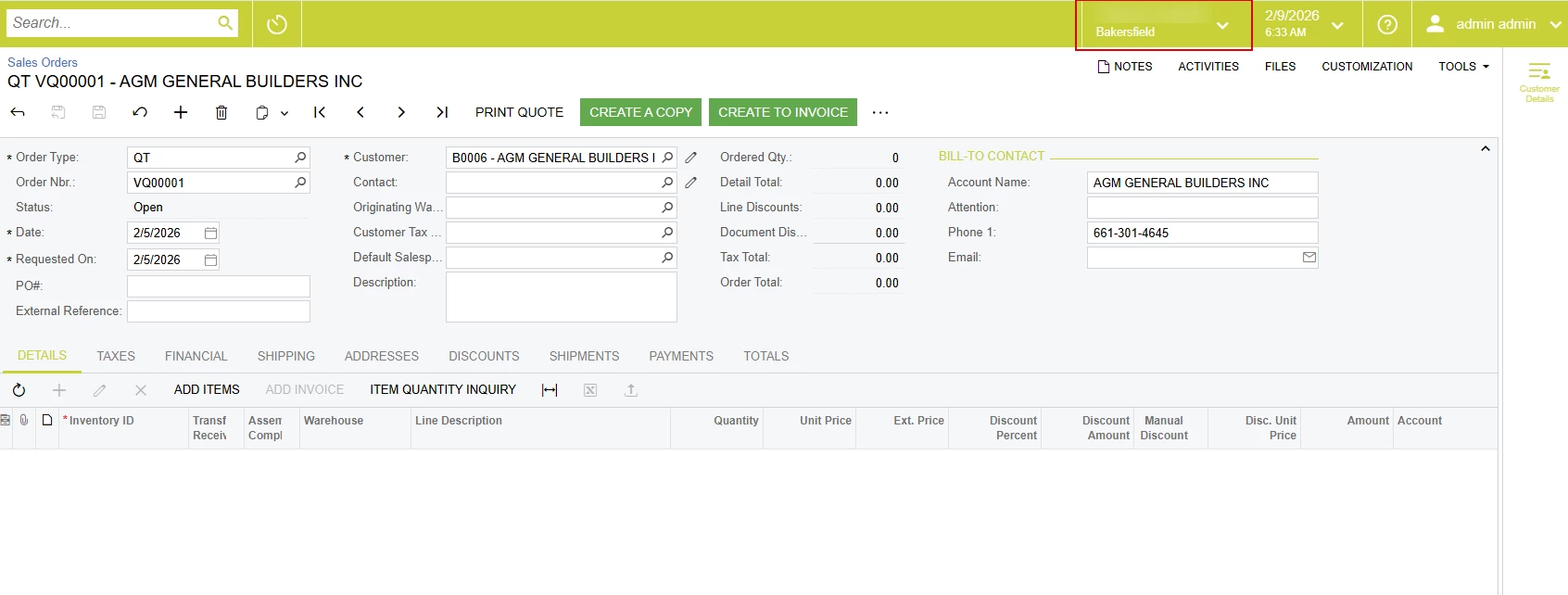
How can I access the top of Acumatica with JavaScript and disable the dropdown?

  • February 9, 2026
  • 5 replies
  • 37 views

mos11
Freshman I
Forum|alt.badge.img

When I open the browser console and write something like:

function disableBranchSelector() { console.log("Disabling branch selector"); $('.branch-selector__button.dropdown-toggle').prop('disabled', true); } 

it works from the console and the dropdown is locked. But when I write this code in the Customization Project Screen Editor (as I usually write JS), it doesn’t work. I think the Sales Order screen JS doesn’t have access to this part of the screen, and that’s why it doesn’t work. How can I disable or hide this dropdown? What can I actually do with it?
 

5 replies

Forum|alt.badge.img+9
  • Captain II
  • February 9, 2026

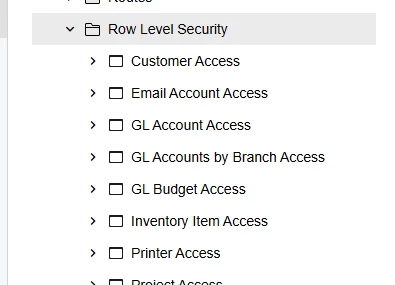
You can do this via access rights/row level security.


Jhon Reeve Penuela
Freshman I
Forum|alt.badge.img

You can do this via access rights/row level security.

Hi ​@aiwan . I try your suggestion. I try to revoke all access rights. but I still access.


mos11
Freshman I
Forum|alt.badge.img
  • Author
  • Freshman I
  • February 9, 2026

I want to implement this using JavaScript, as other methods don’t work for me.


Forum|alt.badge.img+8
  • Captain II
  • February 9, 2026

You’ve asked this question a few times. Can you tell us why you want to do this strictly through a customization?


mos11
Freshman I
Forum|alt.badge.img
  • Author
  • Freshman I
  • February 9, 2026

 ​@Django  I want to restrict some users from certain branches, but I want them to have access to the warehouses of this branch. I saw a case about this, and it said that in this situation it can’t be done using roles.