Question

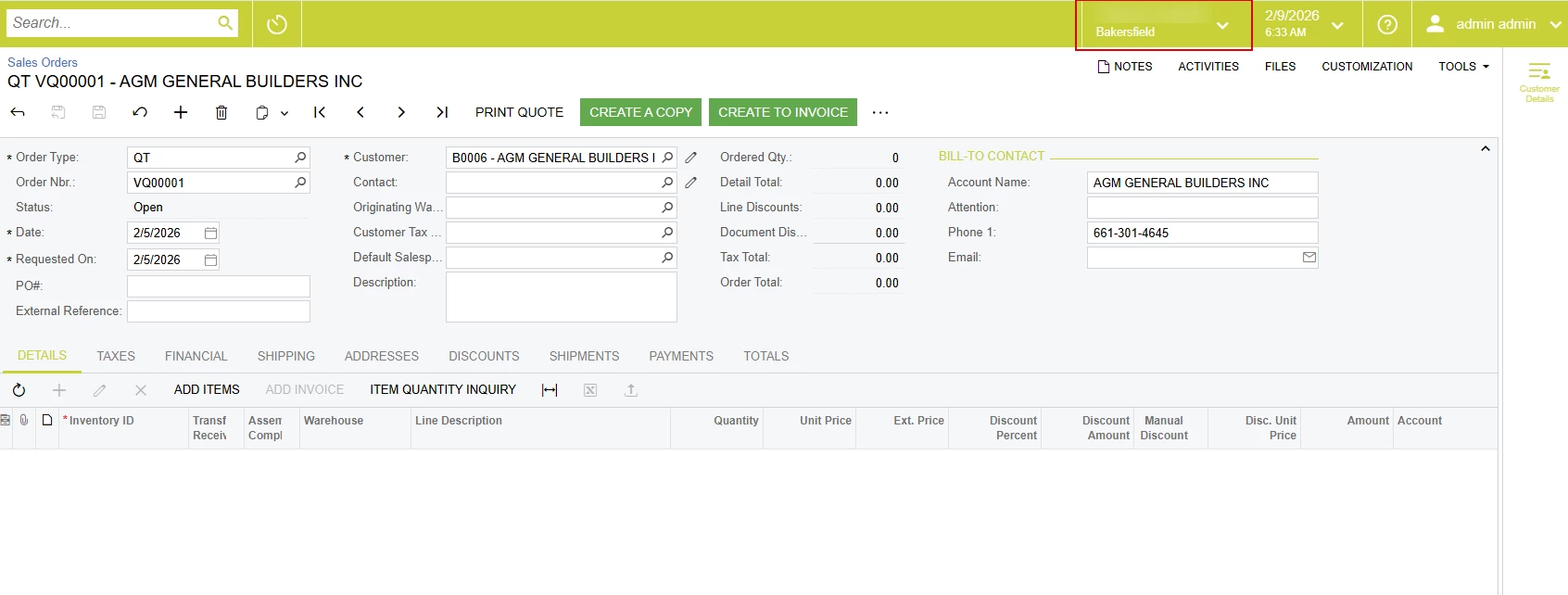
How can I access the top of Acumatica with JavaScript and disable the dropdown?

  • February 9, 2026
  • 8 replies
  • 74 views

mos11
Freshman II
Forum|alt.badge.img

When I open the browser console and write something like:

function disableBranchSelector() { console.log("Disabling branch selector"); $('.branch-selector__button.dropdown-toggle').prop('disabled', true); } 

it works from the console and the dropdown is locked. But when I write this code in the Customization Project Screen Editor (as I usually write JS), it doesn’t work. I think the Sales Order screen JS doesn’t have access to this part of the screen, and that’s why it doesn’t work. How can I disable or hide this dropdown? What can I actually do with it?
 

8 replies

Forum|alt.badge.img+9
  • Captain II
  • February 9, 2026

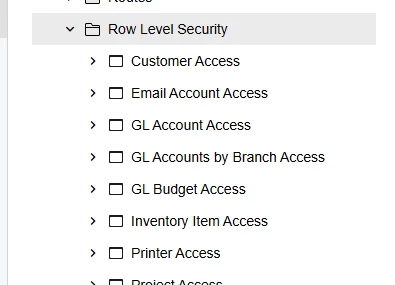
You can do this via access rights/row level security.


Jhon Reeve Penuela
Jr Varsity III
Forum|alt.badge.img

You can do this via access rights/row level security.

Hi ​@aiwan . I try your suggestion. I try to revoke all access rights. but I still access.


mos11
Freshman II
Forum|alt.badge.img
  • Author
  • Freshman II
  • February 9, 2026

I want to implement this using JavaScript, as other methods don’t work for me.


Forum|alt.badge.img+8
  • Captain II
  • February 9, 2026

You’ve asked this question a few times. Can you tell us why you want to do this strictly through a customization?


mos11
Freshman II
Forum|alt.badge.img
  • Author
  • Freshman II
  • February 9, 2026

 ​@Django  I want to restrict some users from certain branches, but I want them to have access to the warehouses of this branch. I saw a case about this, and it said that in this situation it can’t be done using roles.


Chris Hackett
Community Manager
Forum|alt.badge.img
  • Acumatica Community Manager
  • July 1, 2026

Hi ​@mos11 were you able to find a solution? Thank you!


mos11
Freshman II
Forum|alt.badge.img
  • Author
  • Freshman II
  • July 2, 2026

@Chris Hackett Not yet.


Samvel Petrosov
Jr Varsity III
Forum|alt.badge.img+9

@mos11 you can try adding a simple JS script like below.

When you publish a JS it runs in the inner iframe and in order to get to the top navigation you need to get to the parent of that iframe. Then overwriting the branch button click to an empty function basically kills the clicking and doesn’t show the popup.

This is just an example, you will need to adjust your JavaScript for the specific requirements.
I would still recommend looking into alternative options or maybe altering the requirements if possible and only add JavaScript as a last resort.
 

this.parent.branchSelectorHelper.onBranchButtonClick= new function(){}

 UPDATE actually disabling with your initial script looks better to the user. So you just need to add “this.parent.” before your script.
 

​​​​​​​this.parent.$('.branch-selector__button.dropdown-toggle').prop('disabled', true);