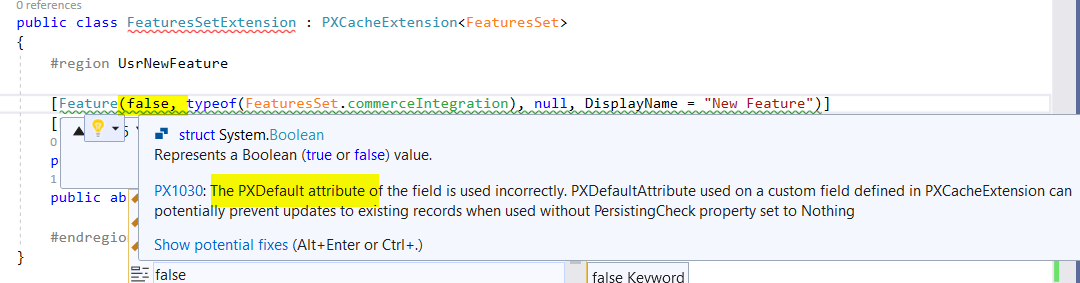
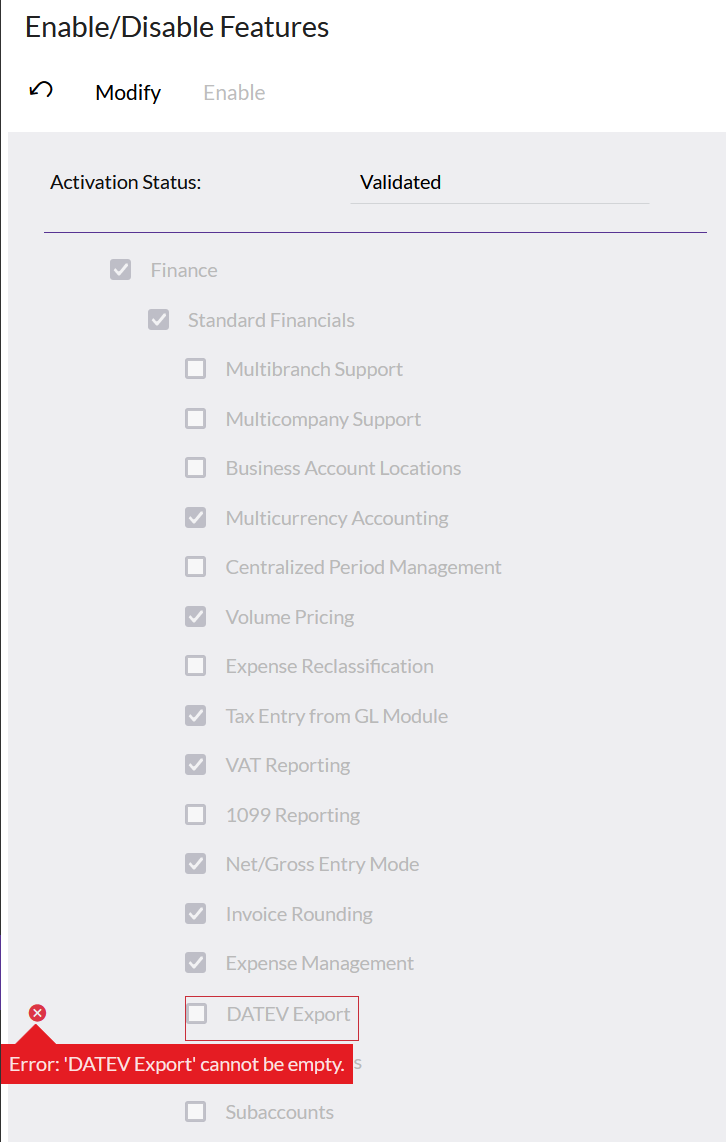
When adding a new custom feature switch i get an error when changing another feature due to the null value in the new feature switch field. How can i prevent this?
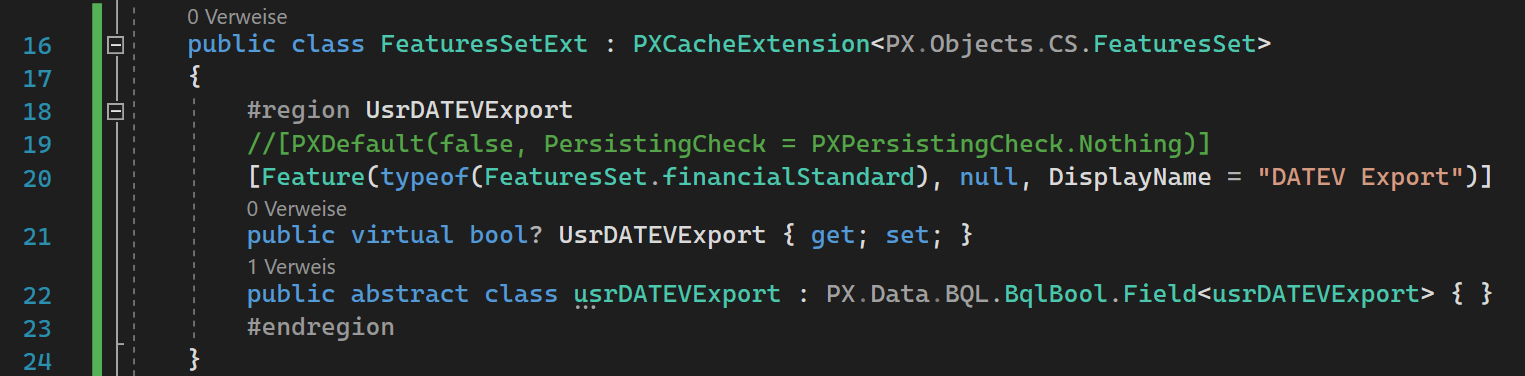
[PXDefault(false, PersistingCheck = PXPersistingCheck.Nothing)] doesn’t help here!


 +1
+1When adding a new custom feature switch i get an error when changing another feature due to the null value in the new feature switch field. How can i prevent this?
[PXDefault(false, PersistingCheck = PXPersistingCheck.Nothing)] doesn’t help here!
Best answer by priekenberg40
The trick is to create the Usr-Field in FeaturesSet with default false/0:
<Table TableName="FeaturesSet">
    <Column TableName="FeaturesSet" ColumnName="UsrMyFeature" ColumnType="bool" DefaultValue="0" DecimalPrecision="0" DecimalLength="0" IsNewColumn="True" IsUnicode="True" />
</Table>
Use “Source Control” “Save Project to Folder...”, edit _project\FeaturesSet.xml and then “Open Project From Folder...”
Enter your E-mail address. We'll send you an e-mail with instructions to reset your password.