


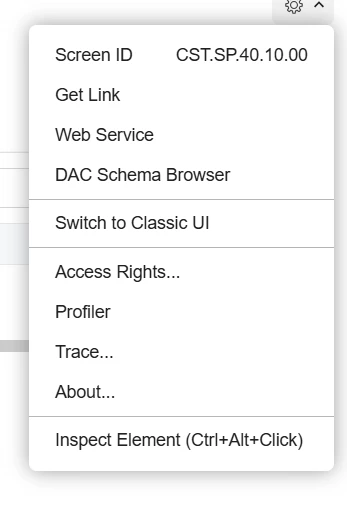
Hello, I am trying to customize the screen SP401000 which only appears in the modern portal. I created a typescript and html extension for that screen, and published via the project editor in the main instance. Once I go into the portal of that main instance, those fields don’t show up. Is there a different process for adding custom fields to the portal? When I did ctr+alt in that screen, the view uses the same CRCase database which those custom fields are located in.
Solved
Adding custom fields to a screen in the Modern Portal
Best answer by hdussa
Hello
You'll likely need to publish the customization through the modern UI portal not from the main instance. Give that a try and see if it works!





Enter your E-mail address. We'll send you an e-mail with instructions to reset your password.