Question

Self-Service portal can't check out

  • June 5, 2025
  • 4 replies
  • 86 views

Forum|alt.badge.img+1

Hi guys,


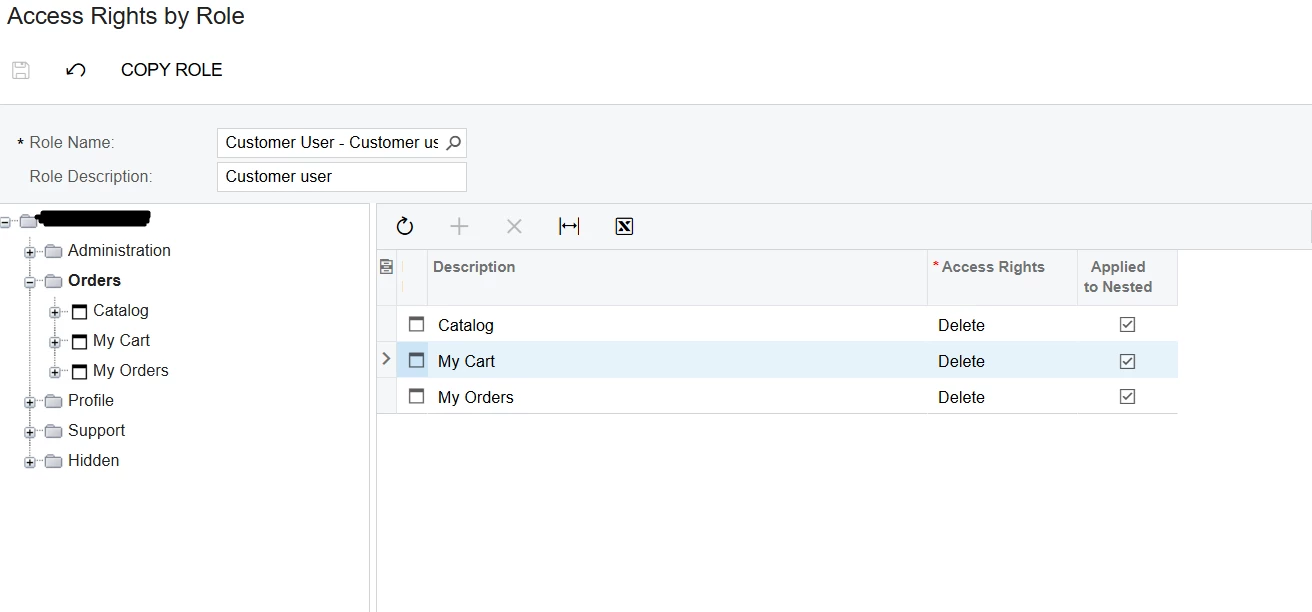
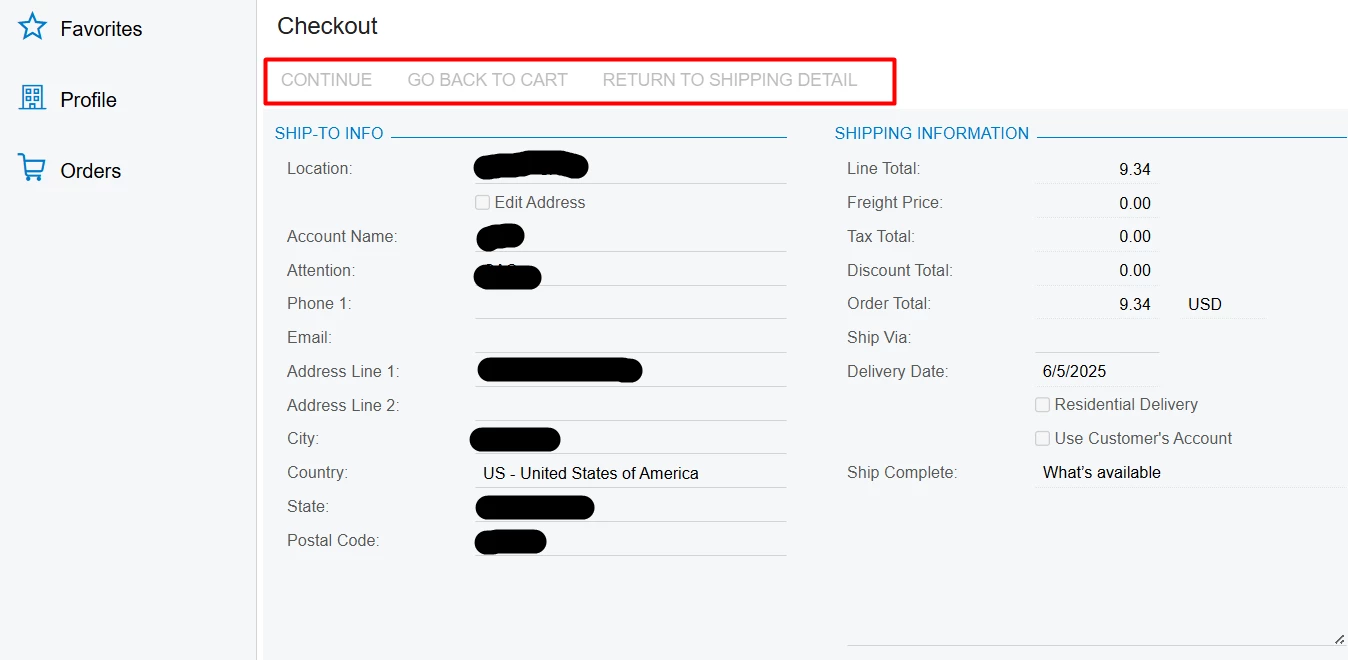
I just can’t figure out the issue. I follow the guide to set up the self-service portal. The user can’t checkout because of the buttons can’t click. I checked every steps and access rights. Anyone give me a hit? Thank you.


4 replies

hkabiri
Acumatica Moderator
Forum|alt.badge.img+8
  • Acumatica Support Team
  • June 5, 2025

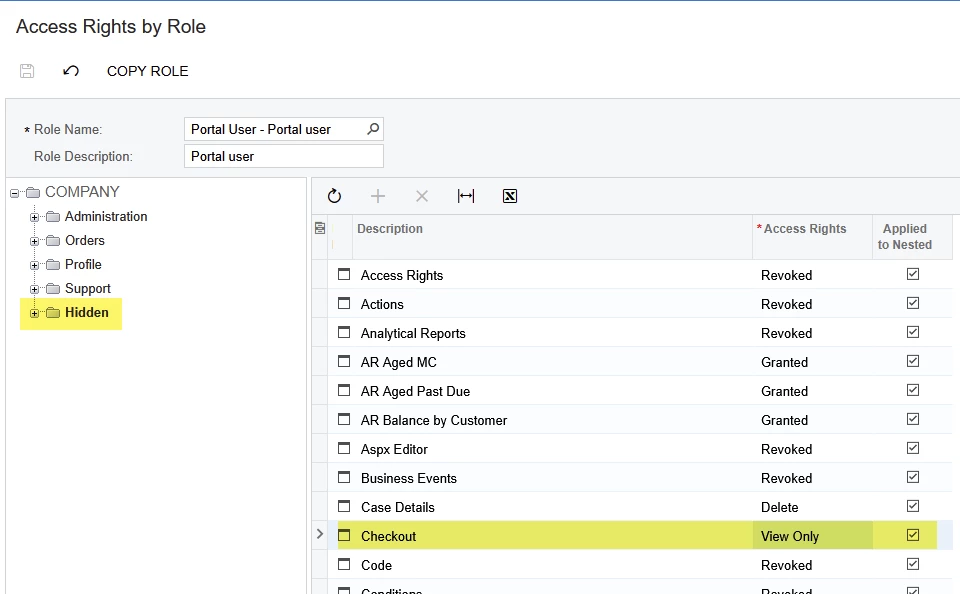
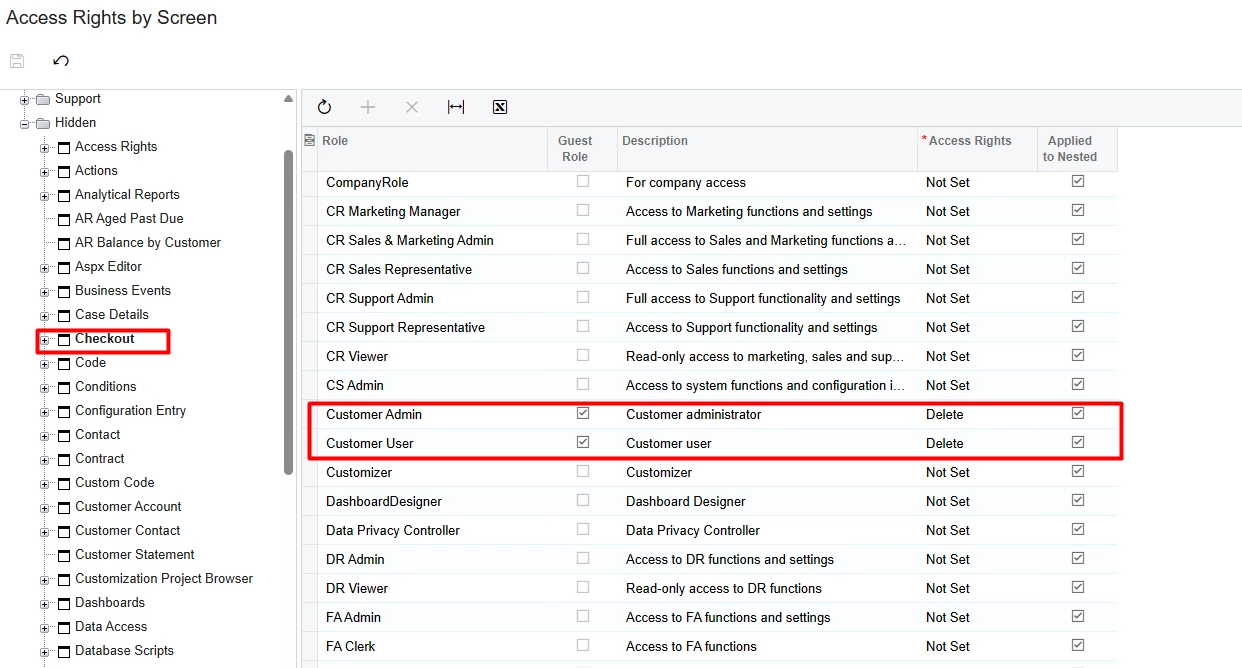
@larryly Please Check Access Rights by Role while the corresponding role is selected and check the Access Right under Hidden>Checkout as you can see below. If the Access Rights is View Only  you may not have those options available as the screenshot you shared.


Forum|alt.badge.img+1
  • Author
  • Semi-Pro III
  • June 5, 2025

@hkabiri  I had checked it. It looks nothing wrong with access rights. 


Chris Hackett
Community Manager
Forum|alt.badge.img
  • Acumatica Community Manager
  • August 14, 2025

Hi ​@larryly were you able to find a solution? Thank you!


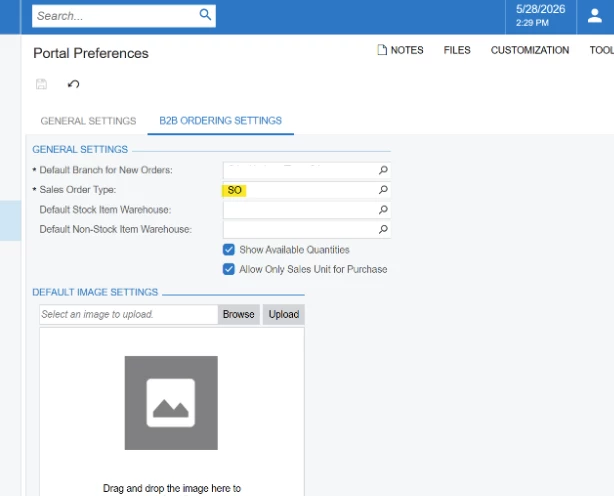
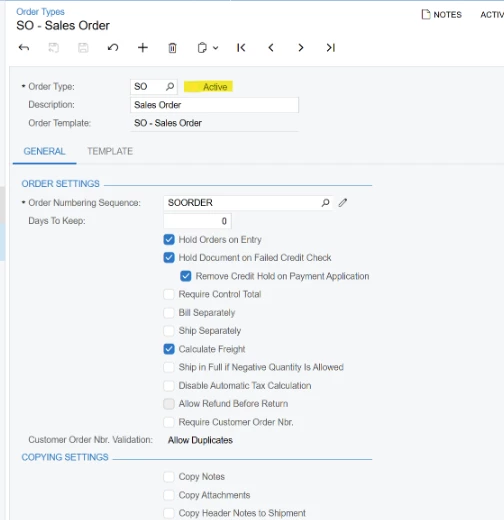
In addition to ​@hkabiri  suggestion, another reason why buttons on the Checkout screen are greyed out could be if the SO order type selected as the default one for the portal orders on Portal preferences screen (SP80000) is not active in the Order Types screen (SO201000) on the ERP side.