I am reviewing the Project 360 Dashboards and came across a tile that I don’t have access to. I cannot find where to provide or grant access either.
On the Project Status Screen (PM301500) form the Documents to Approve widget is showing as below and states that I do not have enough permission to view this, (I am an admin account)
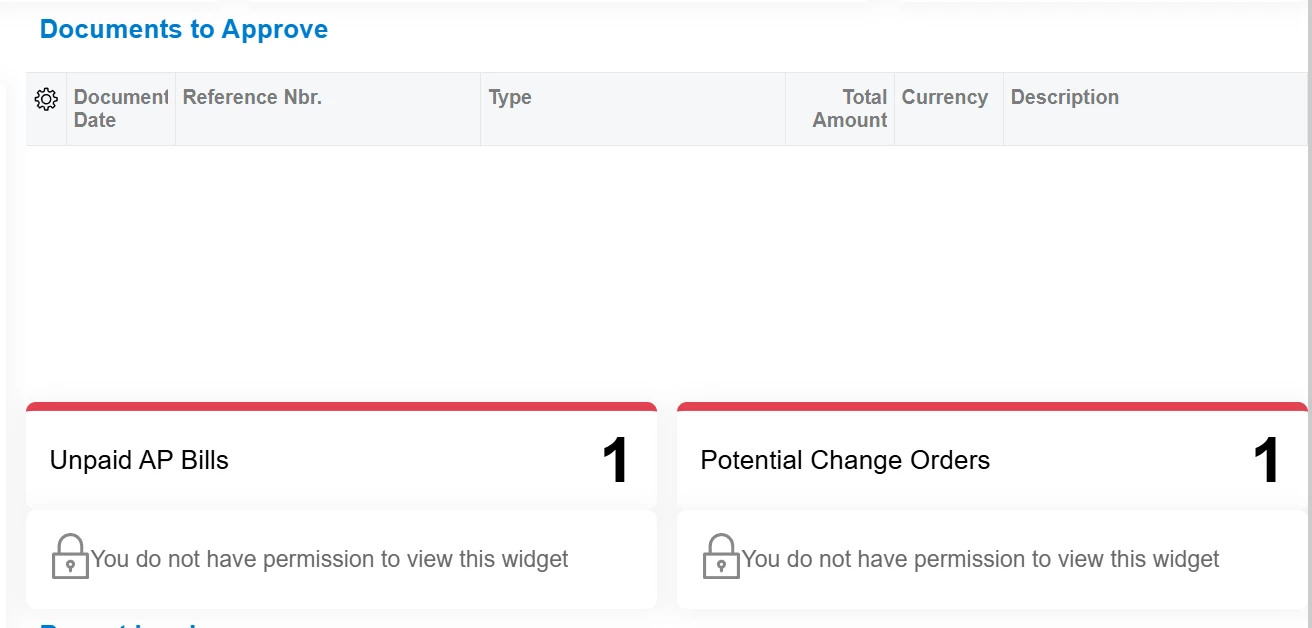
If you click into the “Unpaid AP bills” tile it takes you to the Approvals page, where I have access to. And the “Potential Change Orders” tile takes you to the “Change Orders “ screen which I also have access to.
I reviewed the Site Map, Class Dashboards, and Dashboards screens, Access Rights by Screen menu and could not find the correct area to update permissions.
Would anyone know where I would go to update the permissions? Is this a potential bug?