Solved

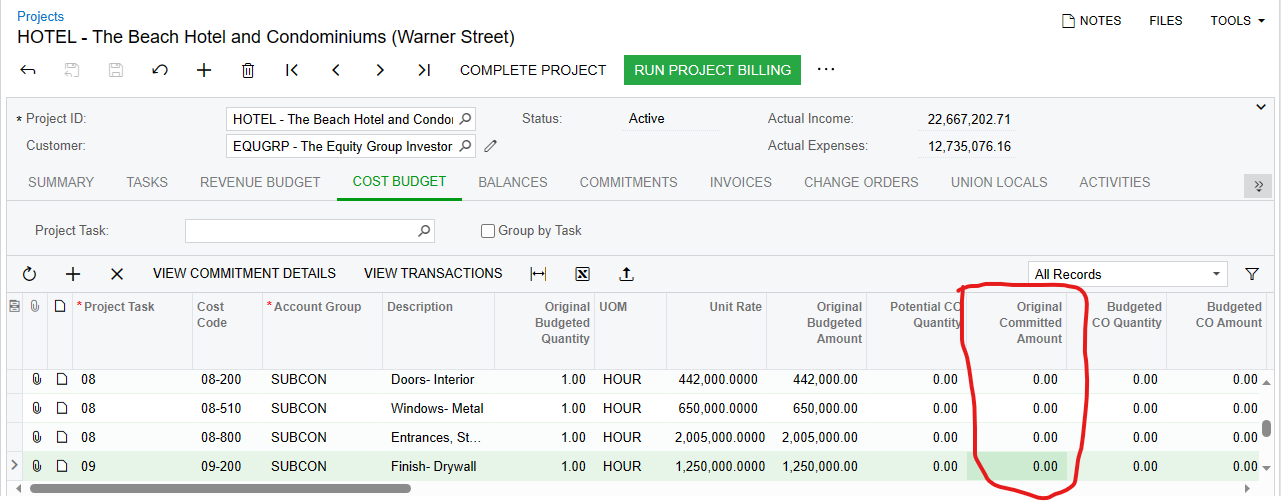
I created subcontract but original committed amount was not visible in project under cost budget field.

  • June 28, 2023
  • 4 replies
  • 222 views
  • Translate All

Forum|alt.badge.img

Hi @All 

I created subcontract for a project but original committed amount values are not getting in the fields under project cost budget tab.
 

Best answer by Heidi Dempsey

There are a few settings to look at -

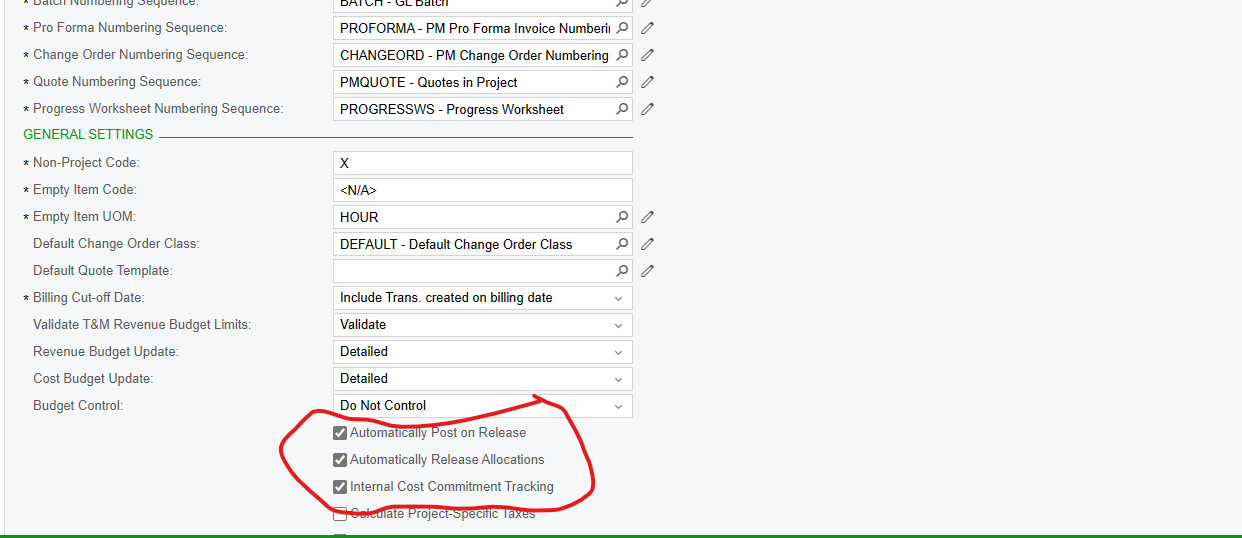
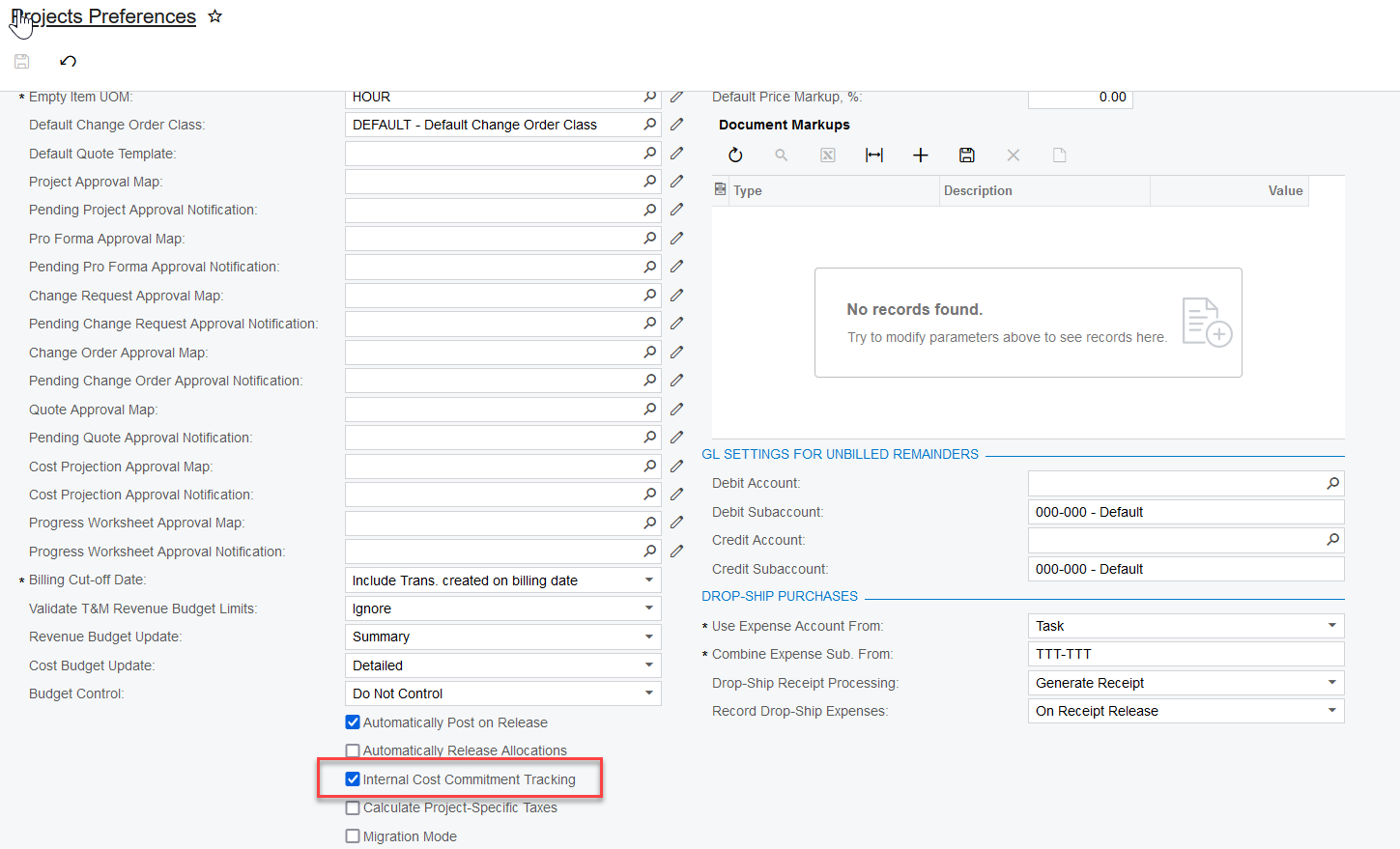
Project Preferences - Internal Cost Commitment Tracking
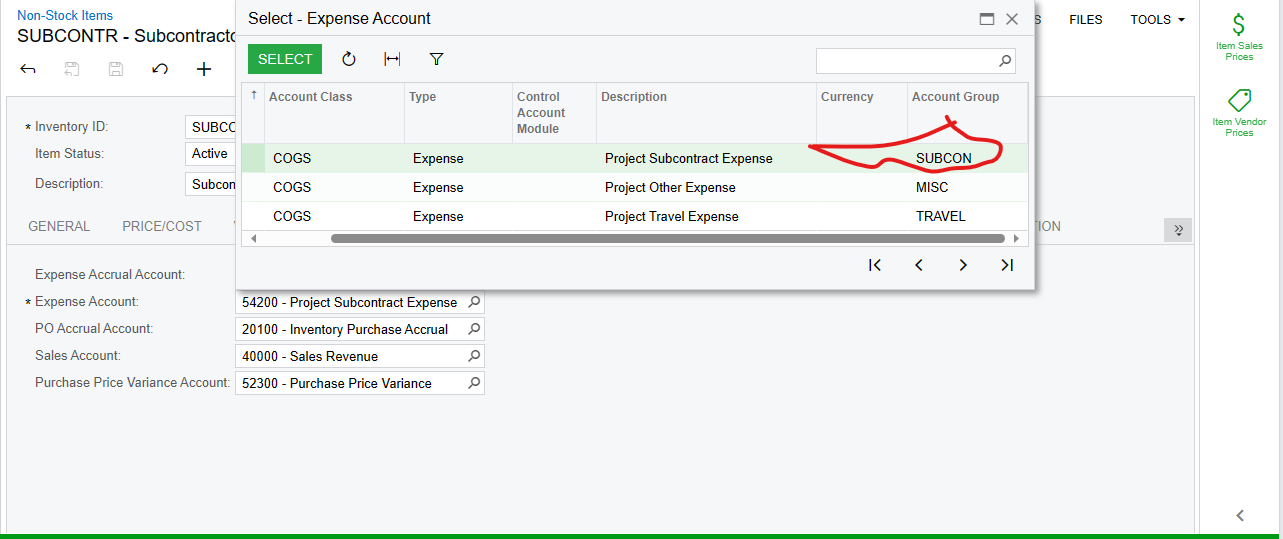
On the commitment, make sure that the Expense Account on the Item is attached to an account group

‘
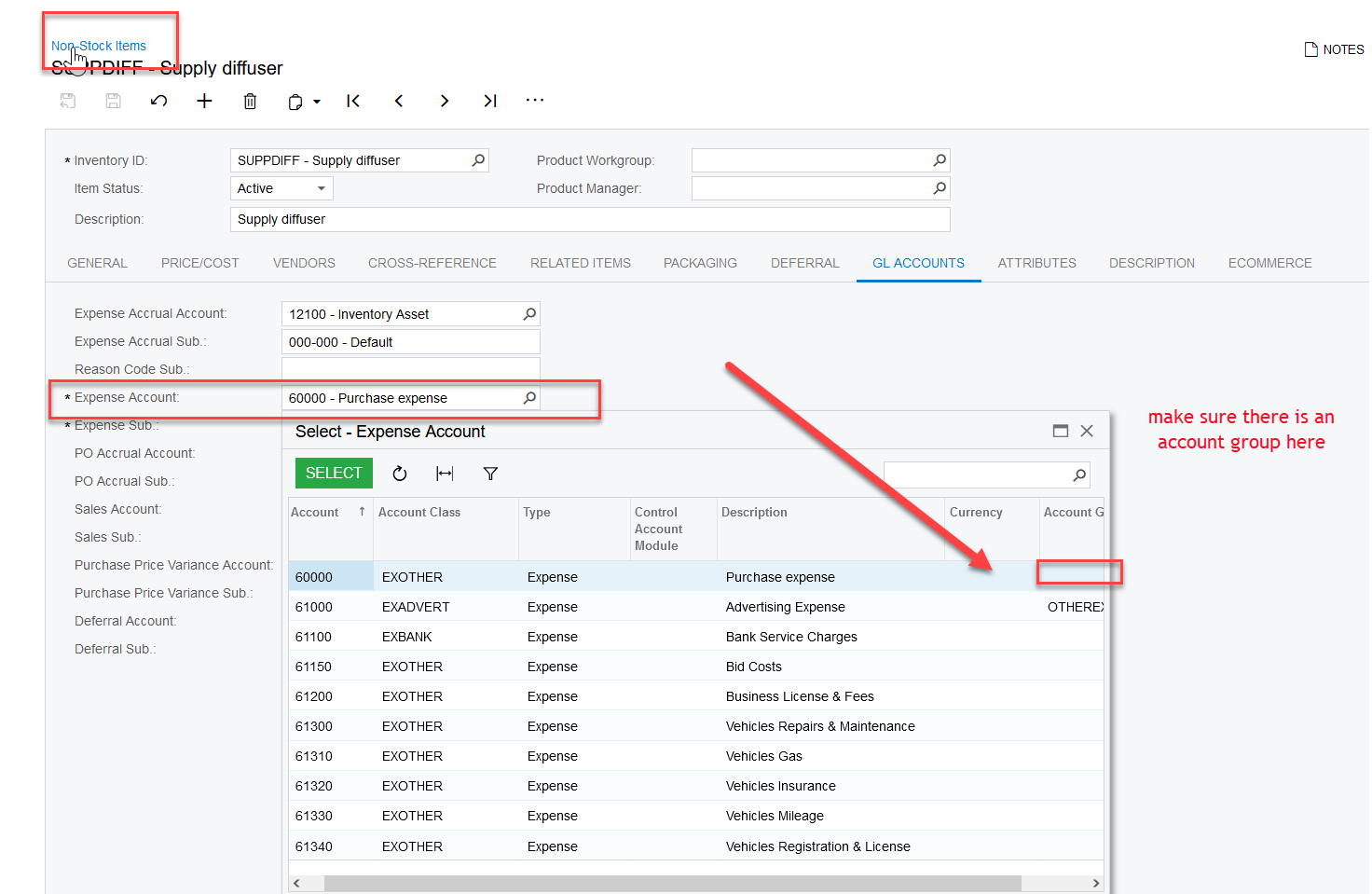
 

Once you verify these settings and change something, then you can recalculate project balances

View original

4 replies

Heidi Dempsey
Community Manager
Forum|alt.badge.img+3

There are a few settings to look at -

Project Preferences - Internal Cost Commitment Tracking

On the commitment, make sure that the Expense Account on the Item is attached to an account group

‘


Once you verify these settings and change something, then you can recalculate project balances

Translate

Forum|alt.badge.img

HI @Heidi Dempsey

I configured all the setting you mention above, The mistake I did here was I didn’t included the Debit account  with Account Group after Including the Debit account with Account Group its working working.


Translate

Forum|alt.badge.img


Translate

Heidi Dempsey
Community Manager
Forum|alt.badge.img+3

Thank you for the update

Translate