I have a customization project which has been developed in my Local instance of acumatica erp. now I need to deploy this whole customization project in a different acumatica ERP in the cloud. How can I do this?
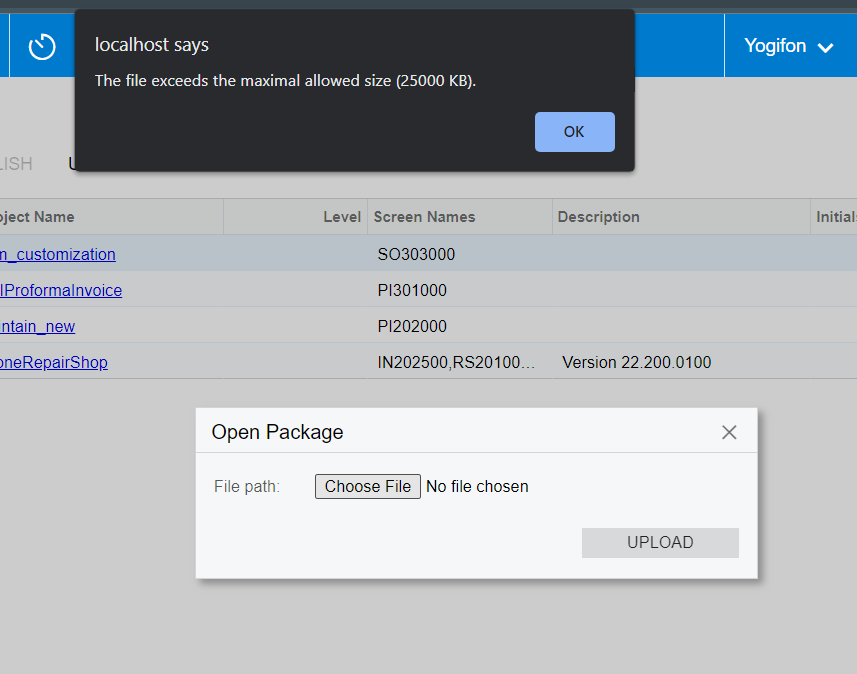
Once I tried this using import option in the customization projects but it didn’t allow me to do because of exceeding the size. below screenshot for the reference.
Is there any other way to do it? Can someone suggest me the solution or send me any guidance resource?
Thanks.
Best answer by ruchikasharma23
Hi @oshadarodrigo64 Customization Project is a zip folder which changes to the user interface, configuration data, and functionality of Acumatica ERP. You can create it from “Customization Projects” screen. You can then click on your customization project to open the Customization Project Editor and add all the items you customized. For e.g. if you want to make code changes, you can add a dll to “Files” or start making changes in the Customization Project Editor itself. I understand from your screenshot that you’re trying to add a solution file as a Customization Project, which is why it is failing. Below is a great guide to start learning about working with Customization Projects. https://help-2022r2.acumatica.com/(W(14))/Help?ScreenId=ShowWiki&pageid=316b14fa-f406-4788-993c-7b043b1c5bd9
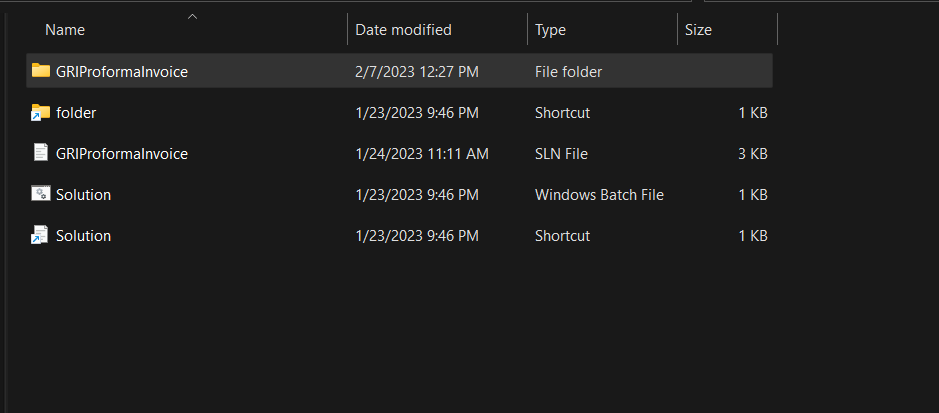
@Naveen Boga Thank you for your reply. Customization package means a different one? There are no any images. I was going to add one folder which consists of following files .Have I done something wrong when uploading these files to the acumatica erp instance. . Below screenshot for your reference.
since I’m new to acumatica , can you please to help me in this way.?
Hi @oshadarodrigo64 Customization Project is a zip folder which changes to the user interface, configuration data, and functionality of Acumatica ERP. You can create it from “Customization Projects” screen. You can then click on your customization project to open the Customization Project Editor and add all the items you customized. For e.g. if you want to make code changes, you can add a dll to “Files” or start making changes in the Customization Project Editor itself. I understand from your screenshot that you’re trying to add a solution file as a Customization Project, which is why it is failing. Below is a great guide to start learning about working with Customization Projects. https://help-2022r2.acumatica.com/(W(14))/Help?ScreenId=ShowWiki&pageid=316b14fa-f406-4788-993c-7b043b1c5bd9