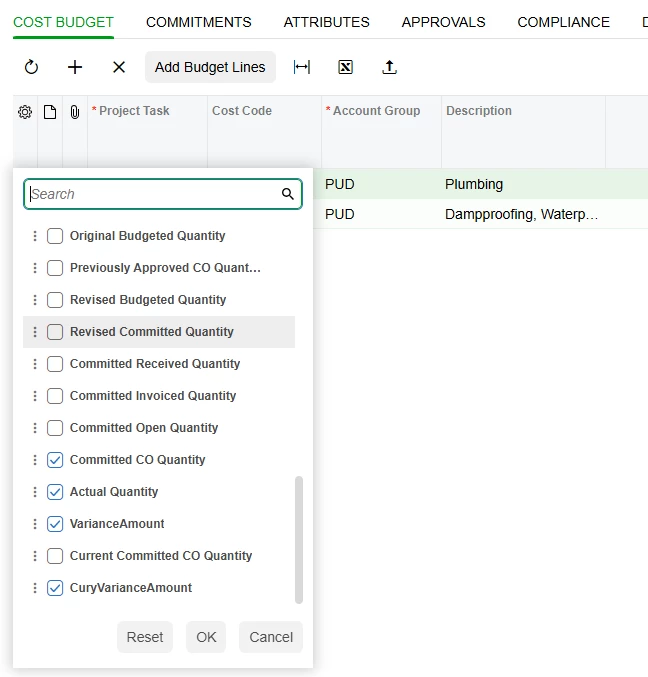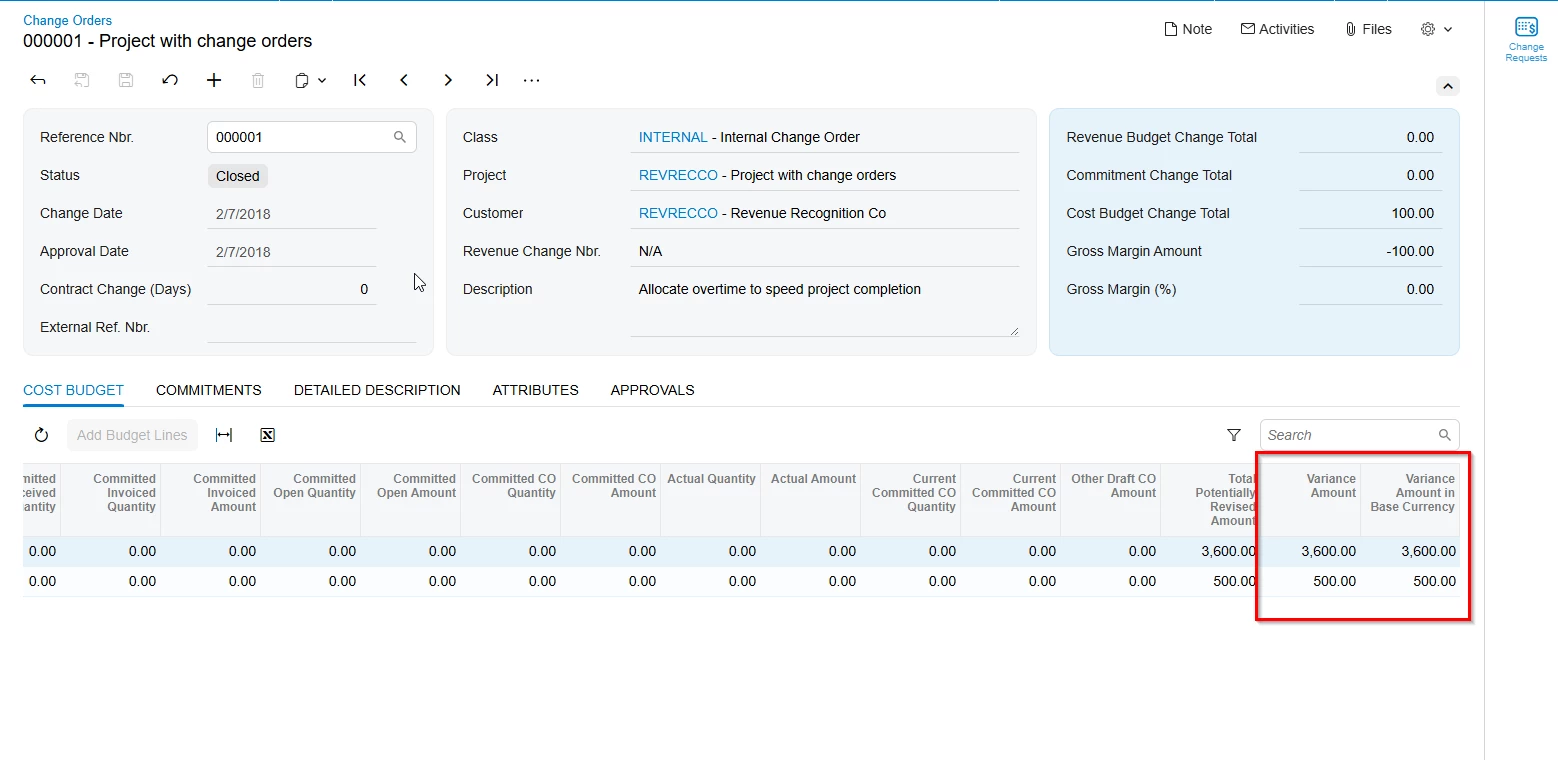
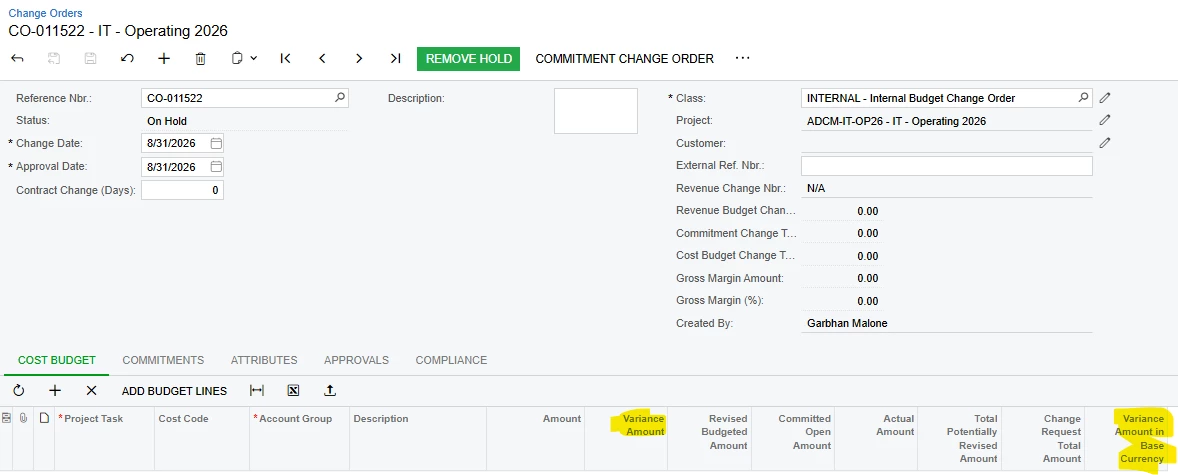
Variance Amount columns for example only display in Classic UI
Variance Amount columns for example only display in Classic UI
Best answer by Steve Milner
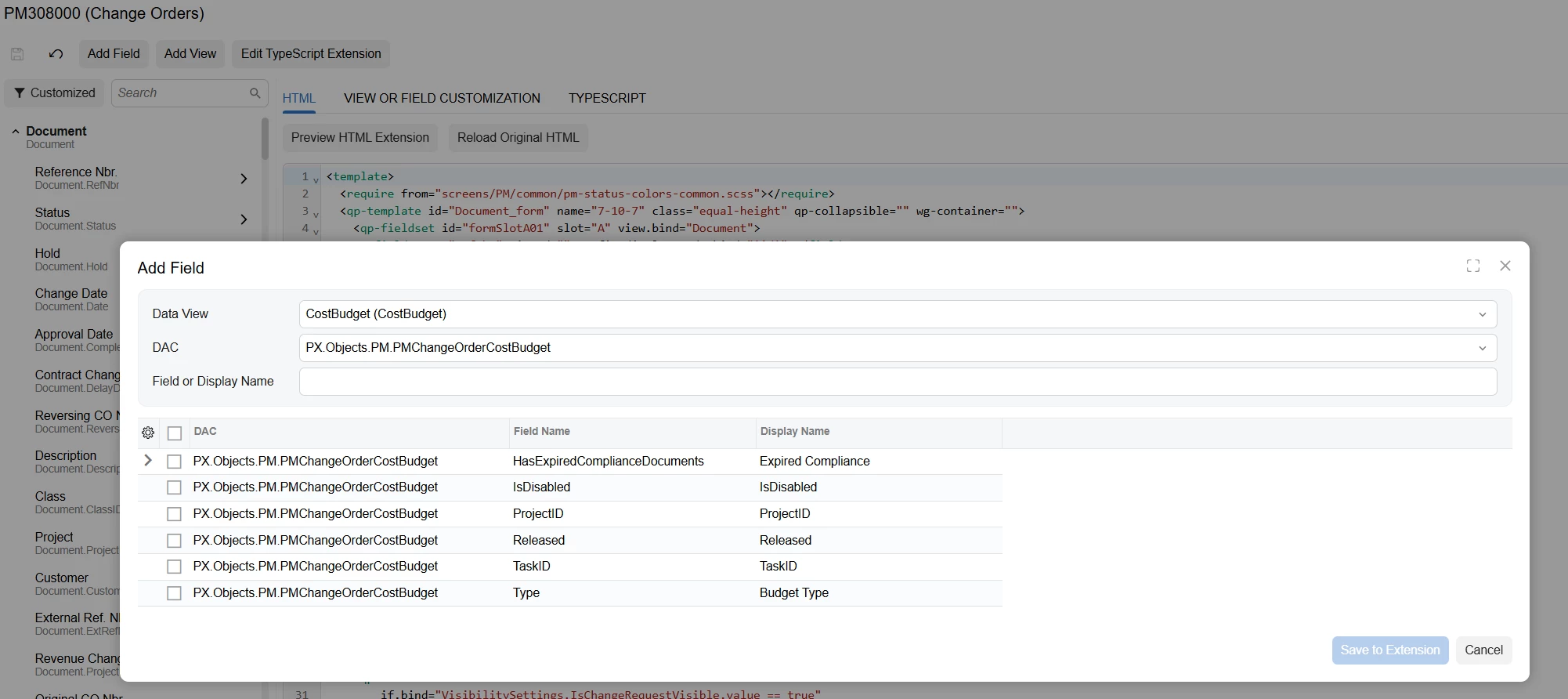
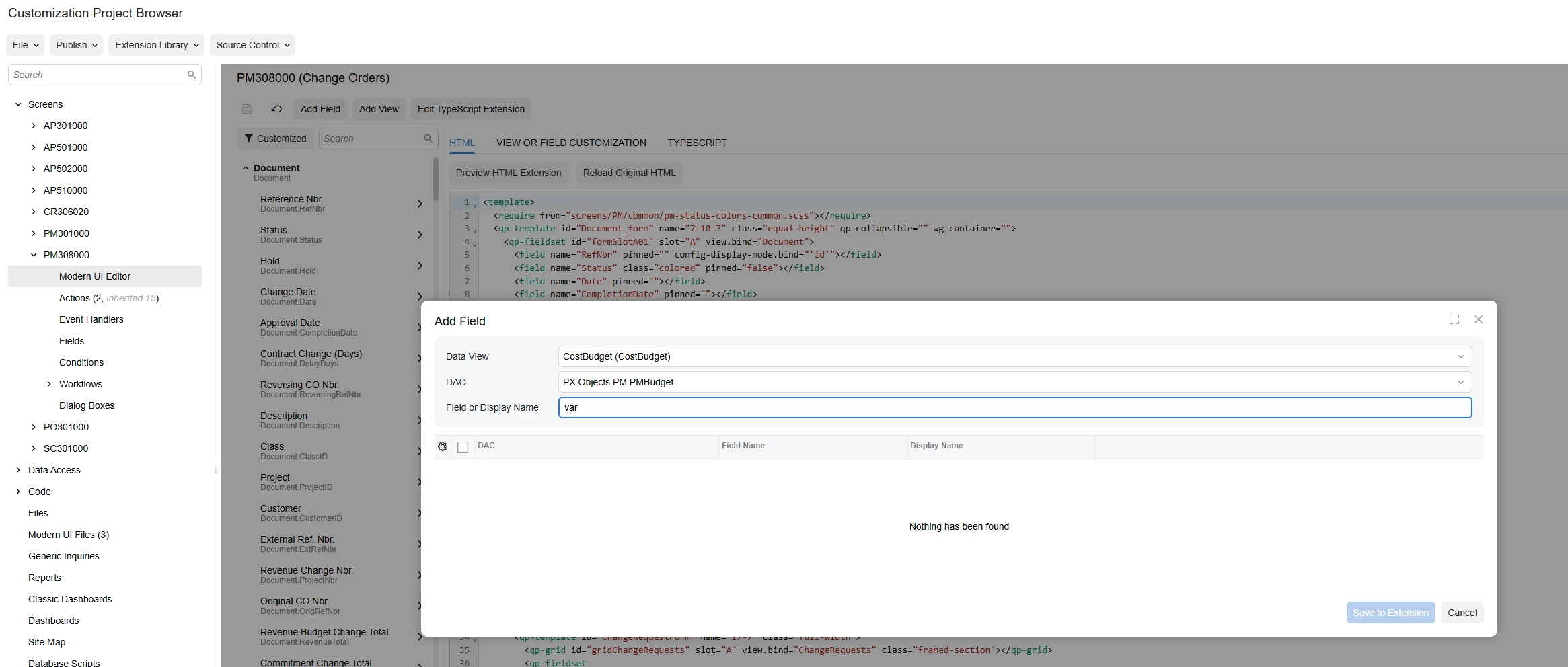
@Garbhanm4 Reproduced your empty list exactly, and it isn't a feature or a preference.
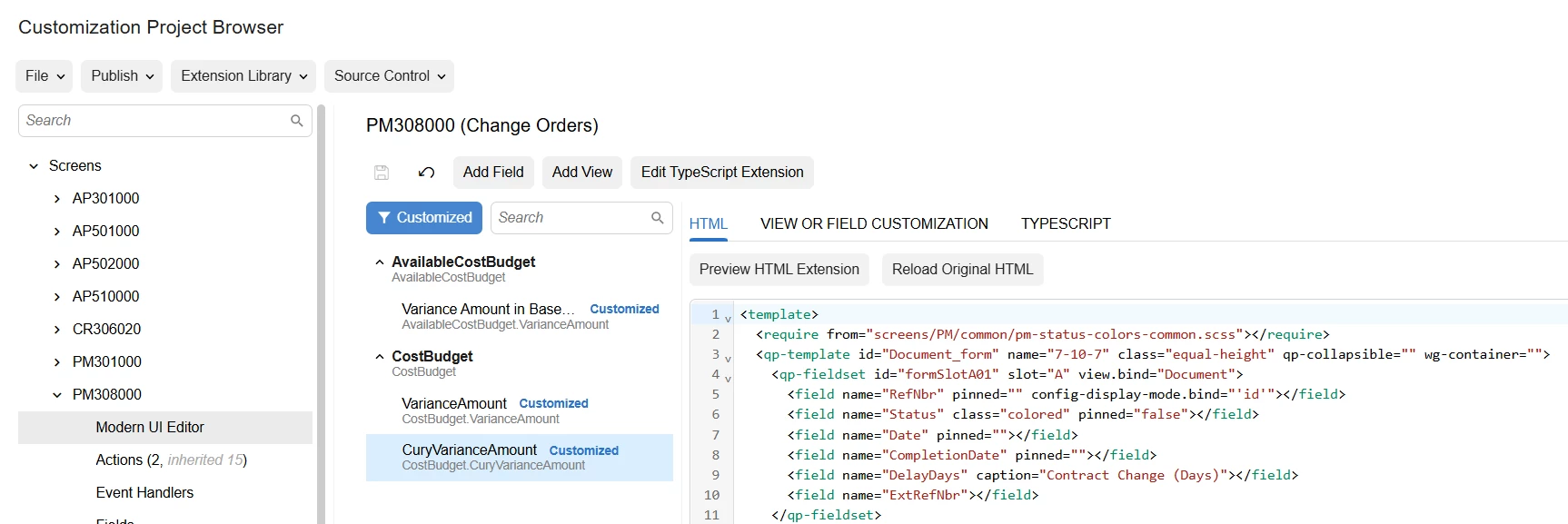
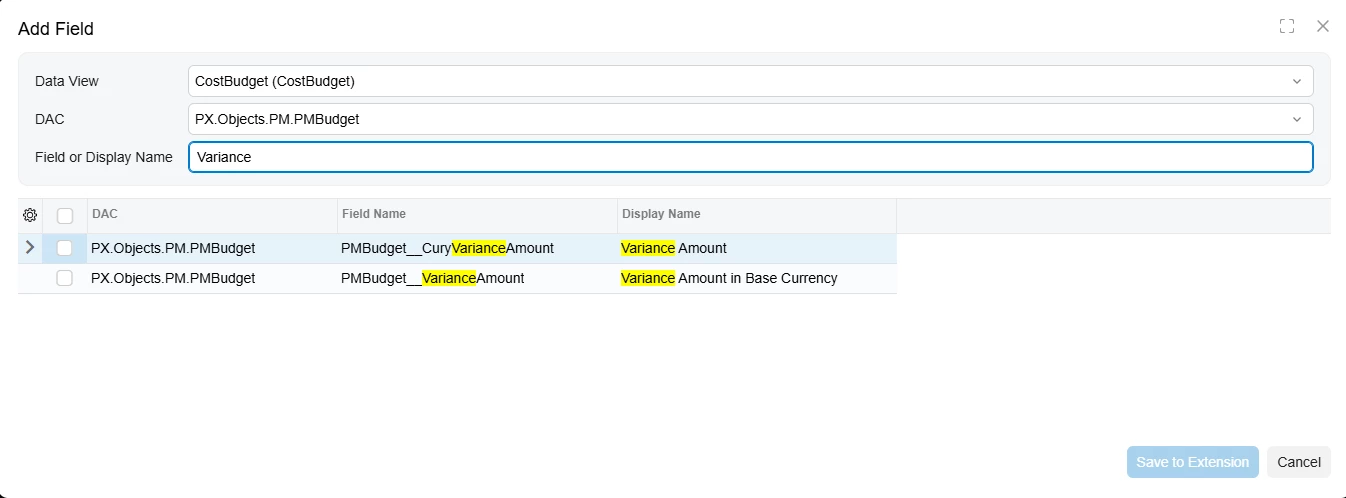
The Add Field dialog hides fields that are already on the view. You added VarianceAmount and CuryVarianceAmount earlier, so they no longer show as candidates. I added those same two unprefixed fields to the CostBudget view on 25.200.0248 and the list went from returning both to "Nothing has been found" for var. Before that, lowercase var returned both, so the filter isn't case sensitive either.
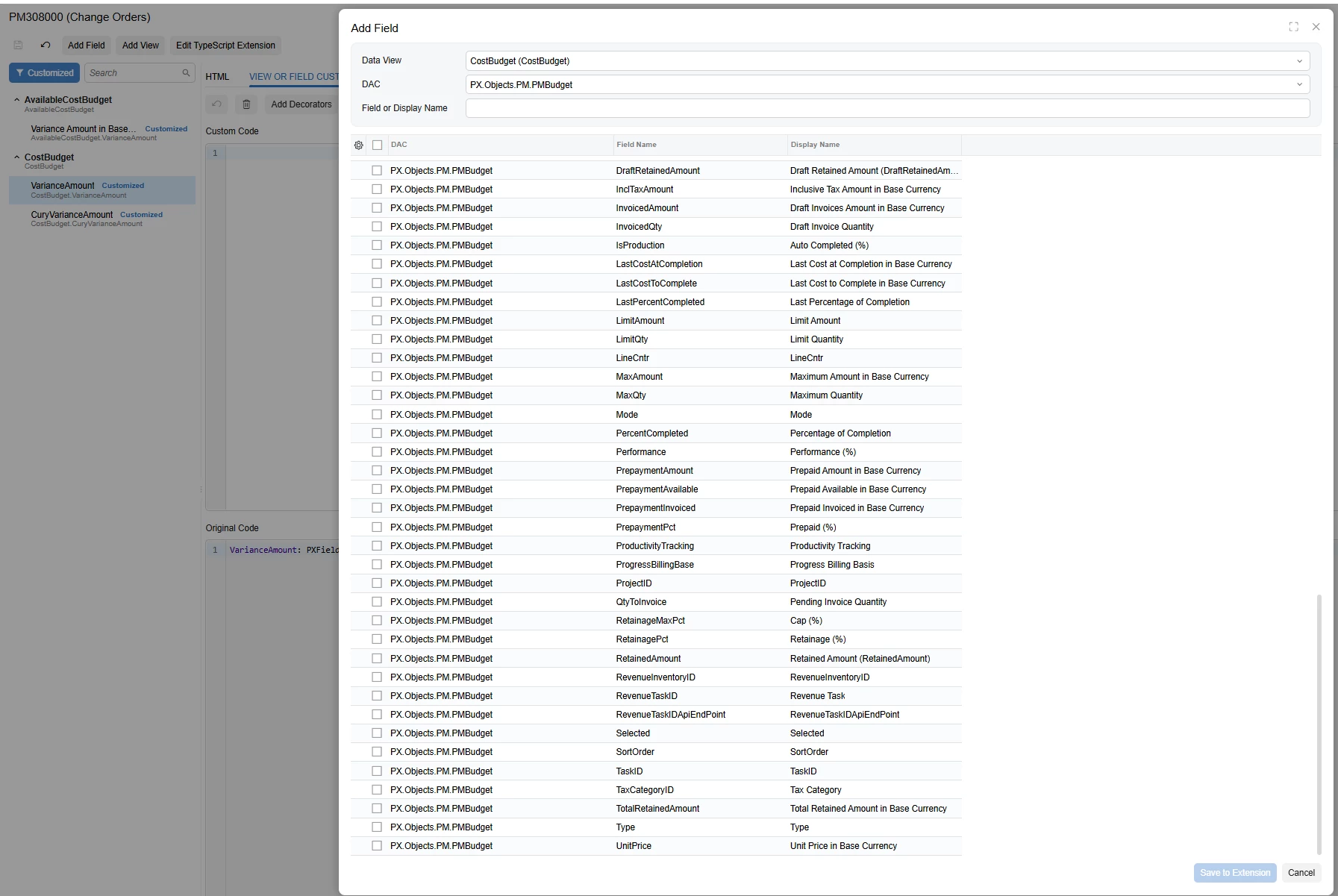
I checked the DAC as well. PMBudget.CuryVarianceAmount and VarianceAmount carry only PXCurrency, PXBaseCury and PXUIField, with no feature or visibility attribute, and no DAC extension touches them. There's nothing to switch on.
The catch is the names the dialog hands you on 25.2. That view names its joined PMBudget fields with a double underscore, which is why the thirteen that already work read PMBudget__CuryActualAmount and so on. Unprefixed binds to nothing, which is what your element tree was showing.
So remove those two customizations, then declare these through Edit TypeScript Extension instead:
import { CostBudget } from "src/screens/PM/PM308000/views";import { PXFieldState } from "client-controls";export interface CostBudgetVarianceExt extends CostBudget {}export class CostBudgetVarianceExt { PMBudget__CuryVarianceAmount: PXFieldState; PMBudget__VarianceAmount: PXFieldState;}Sandbox first, and watch for the second Publish button after validation finishes.
If it still behaves differently on your instance, send me a private message here with the details and I'll keep digging.
Enter your E-mail address. We'll send you an e-mail with instructions to reset your password.