Solved

Editing profile name doesn't update as expected

  • June 20, 2024
  • 8 replies
  • 105 views
  • Translate All

iqraharrison
Captain II
Forum|alt.badge.img+9

Hi!

I’ve edited the project profile name to say “Project Hub” similar to the construction presales engineer demo:
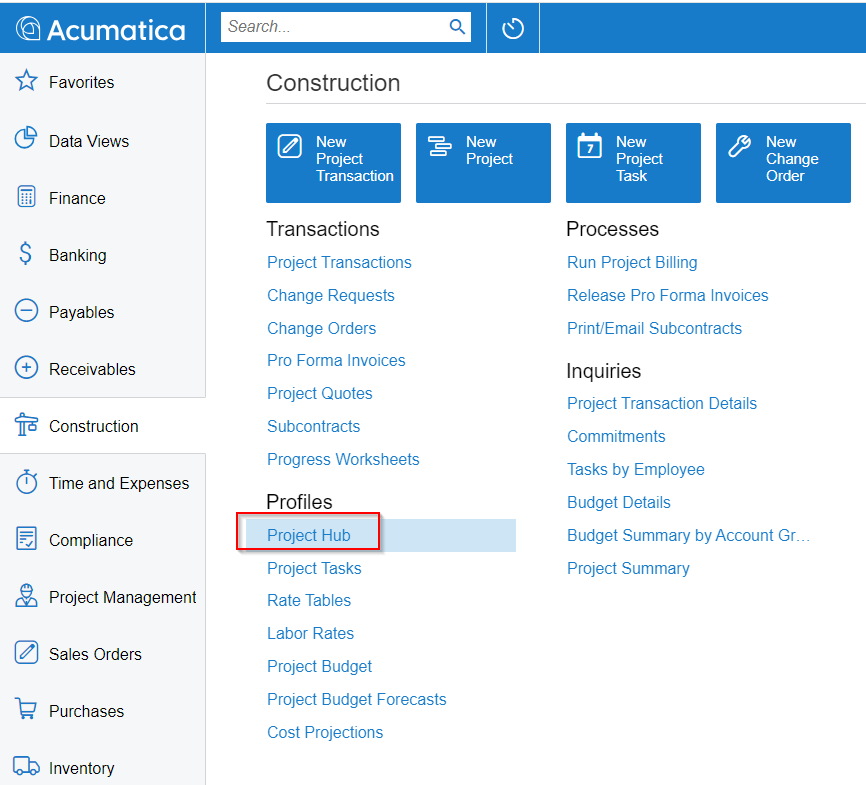
I noticed this shows up fine in some areas but in other areas it shows up as the original name “projects” 
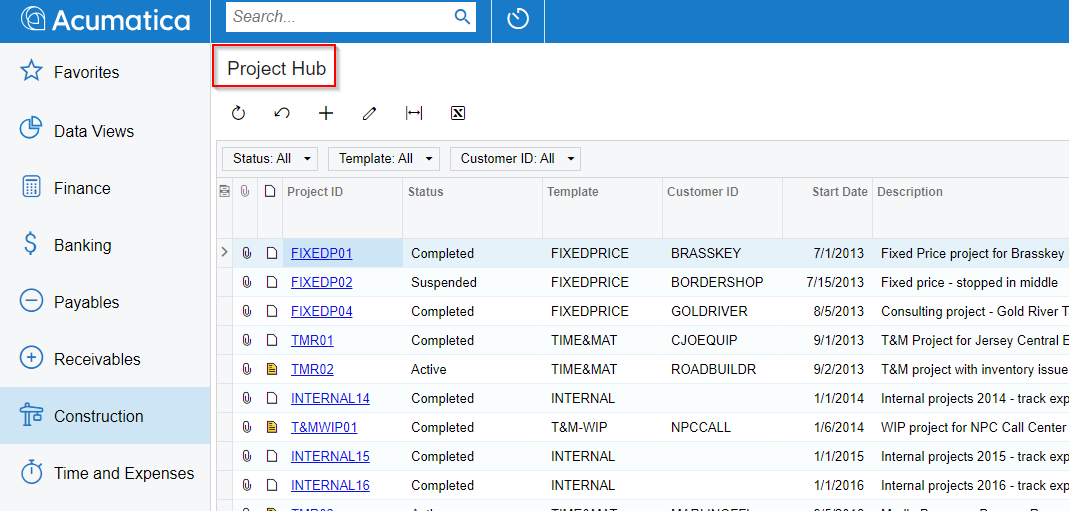
when i drill into a specific project, we noticed that it only says Projects, not Project Hub (the link works fine, just visually I would like to see the updated name): 
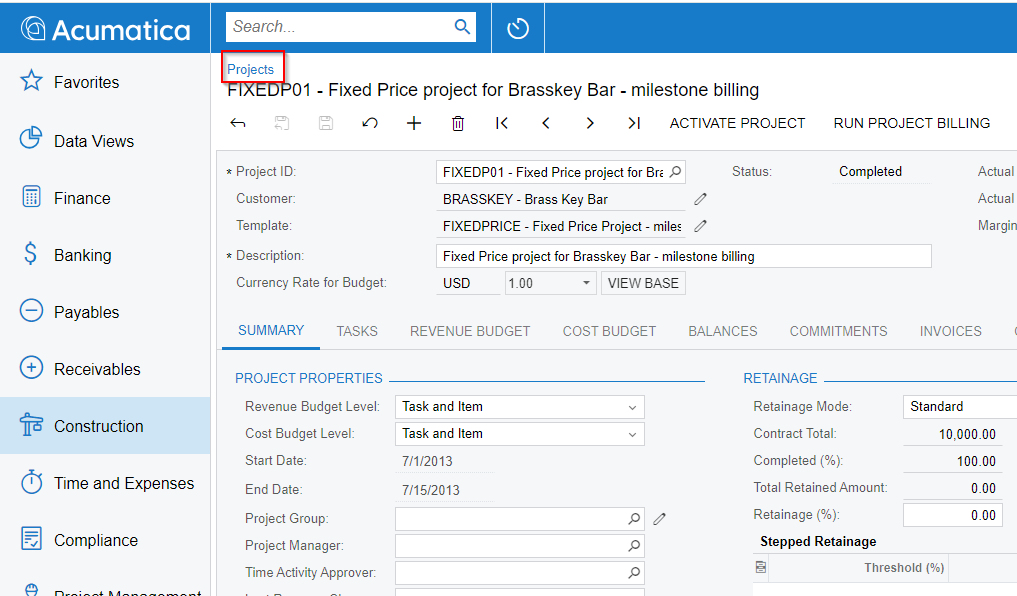
this is what it looks like in the construction golden demo video: 
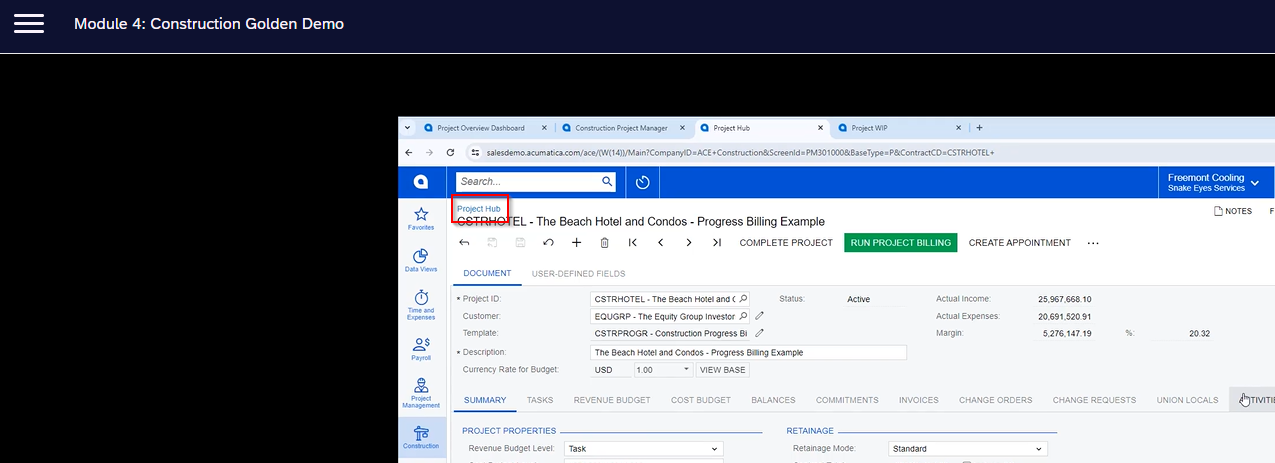
Am i missing a step or is this done via customization? I appreciate your help in advance!

Best answer by darylbowman

I think you’ll find that if you open the Site Map and filter by Screen ID contains ‘PM.30.10’, you’ll see something like this:

Try changing PM.30.10.00 to ‘Projects Hub’ as well.

View original

8 replies

Heidi Dempsey
Community Manager
Forum|alt.badge.img+3

@iqraharrison I am able to duplicate what you are saying.  If you have seen it work as you desire in previous versions, feel free to enter a case for us to escalate.

Translate

iqraharrison
Captain II
Forum|alt.badge.img+9

@Heidi Dempsey ill submit a case! i haven’t personally done it but it does show up in acumatica documentation. thanks!

Translate

Heidi Dempsey
Community Manager
Forum|alt.badge.img+3

@iqraharrison Thanks.  Please provide the documentation, I asked some colleagues, and we believe it would just change the menu and to change the screen title might require a customization.

Translate

iqraharrison
Captain II
Forum|alt.badge.img+9

@Heidi Dempsey I found it in one of the videos within the Construction Presales engineer learning path.  this image specifically can be found within R331 Construction Demo Fundamentals - Module 4: Construction Golden Demo at/around 9 minutes

Translate

darylbowman
Captain II
Forum|alt.badge.img+17

I think you’ll find that if you open the Site Map and filter by Screen ID contains ‘PM.30.10’, you’ll see something like this:

Try changing PM.30.10.00 to ‘Projects Hub’ as well.

Translate

iqraharrison
Captain II
Forum|alt.badge.img+9

@darylbowman @Heidi Dempsey that was it! i updated it and it changed the title for the page! thank you both for your help! 

Translate

darylbowman
Captain II
Forum|alt.badge.img+17

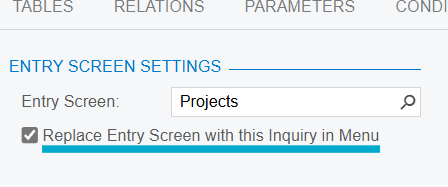
This is because the ‘Projects’ item on the Workspace list is actually the Projects GI (PM.30.10.PL). The GI workspace item replaces the Projects screen item (PM.30.10.00) when you check the ‘Replace Entry Screen with this Inquiry in Menu’

When you renamed the Workspace item, you renamed the site map record for the GI but not the underlying screen, which is where the page title comes from in Projects.

Translate

iqraharrison
Captain II
Forum|alt.badge.img+9

@darylbowman thanks for sharing the explanation, that makes a lot of sense and ill keep that in mind in this ever comes up again!

Translate