Answer

Site logo reverts to default Acumatica.

  • December 18, 2020
  • 7 replies
  • 832 views

saiful murad
Jr Varsity II
Forum|alt.badge.img

Hi,

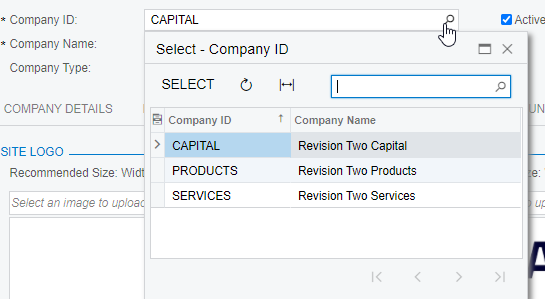
Faced a teething problem.  Uploaded client’s site logo and report logo in the Visual Appearance tab in Companies screen (CS101500).  What appears on screen, is the Acumatica’s default logo. 
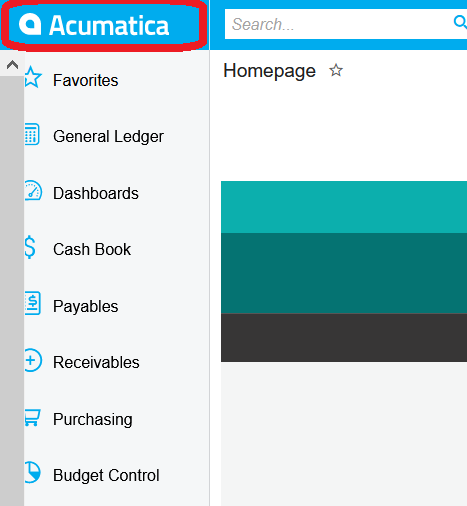


Cleared cache many times, log out and refresh website and site logo remains the same.

Checked in the File Maintenance screen (SM202510) and access right is public.

Where could we have gone wrong? 



Best answer by Irina

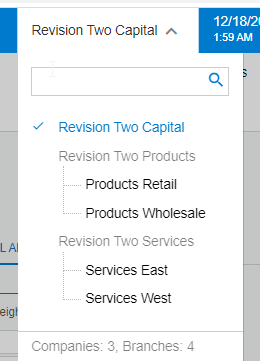
We had a case related to such an issue and it was related to the branch security settings. It appeared that the Access Role was set on the Companies form, and users NOT having this role has no access to this company (branch) data and so, had no access to the custom logo.

So I assume it was the issue here as well.

7 replies

Vinay Koppula
Semi-Pro II
Forum|alt.badge.img+1
  • Semi-Pro II
  • December 18, 2020

Make sure that you are looking at the right branch.


Naveen Boga
Captain II
Forum|alt.badge.img+19
  • Captain II
  • December 18, 2020

Hi @saiful murad 

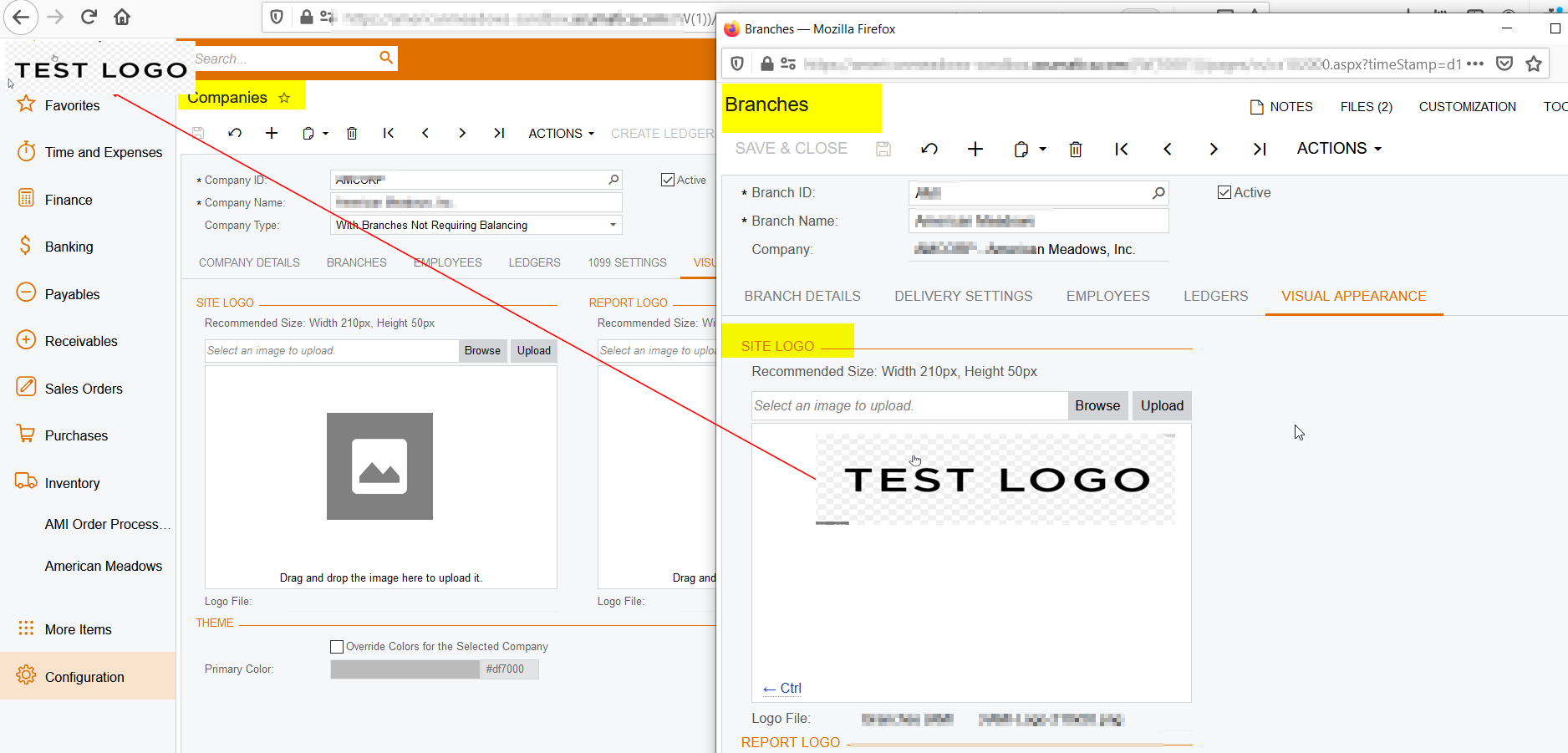
I concur with @Vinay K. Please configure the logos at branch level in “Branches” screen for the specific company and verify.

Please find the screenshot for reference. Hope this helps!!


saiful murad
Jr Varsity II
Forum|alt.badge.img
  • Author
  • December 20, 2020

Thanks @Naveen B and @Vinay K .

We have already set for a branch of the company with the site and report logo of the client’s.

It looks fine for users (they log in they see their logo) but not when we log in as admin, still see Acumatica  logo.


Naveen Boga
Captain II
Forum|alt.badge.img+19
  • Captain II
  • December 21, 2020

@saiful murad,

Ohhh..then it will be tricky, and we never come across this scenario :( 

In this case, the Acumatica support team may help you to found out the root cause.


saiful murad
Jr Varsity II
Forum|alt.badge.img
  • Author
  • December 21, 2020

Hi @Naveen B ,

Seems our team has resolved this.  Will watch this and have it monitored.


Naveen Boga
Captain II
Forum|alt.badge.img+19
  • Captain II
  • December 21, 2020

Hi @saiful murad 

That's great. Can you please let us know that, what is the fix your tem did on this issue?


Irina
Community Manager
Forum|alt.badge.img+8
  • Acumatica Platform Analyst
  • Answer
  • February 2, 2021

We had a case related to such an issue and it was related to the branch security settings. It appeared that the Access Role was set on the Companies form, and users NOT having this role has no access to this company (branch) data and so, had no access to the custom logo.

So I assume it was the issue here as well.