Answer

Modern UI 25R2: Facing while converting custom screen to Modern UI

  • September 3, 2025
  • 1 reply
  • 215 views

Issue Description :-
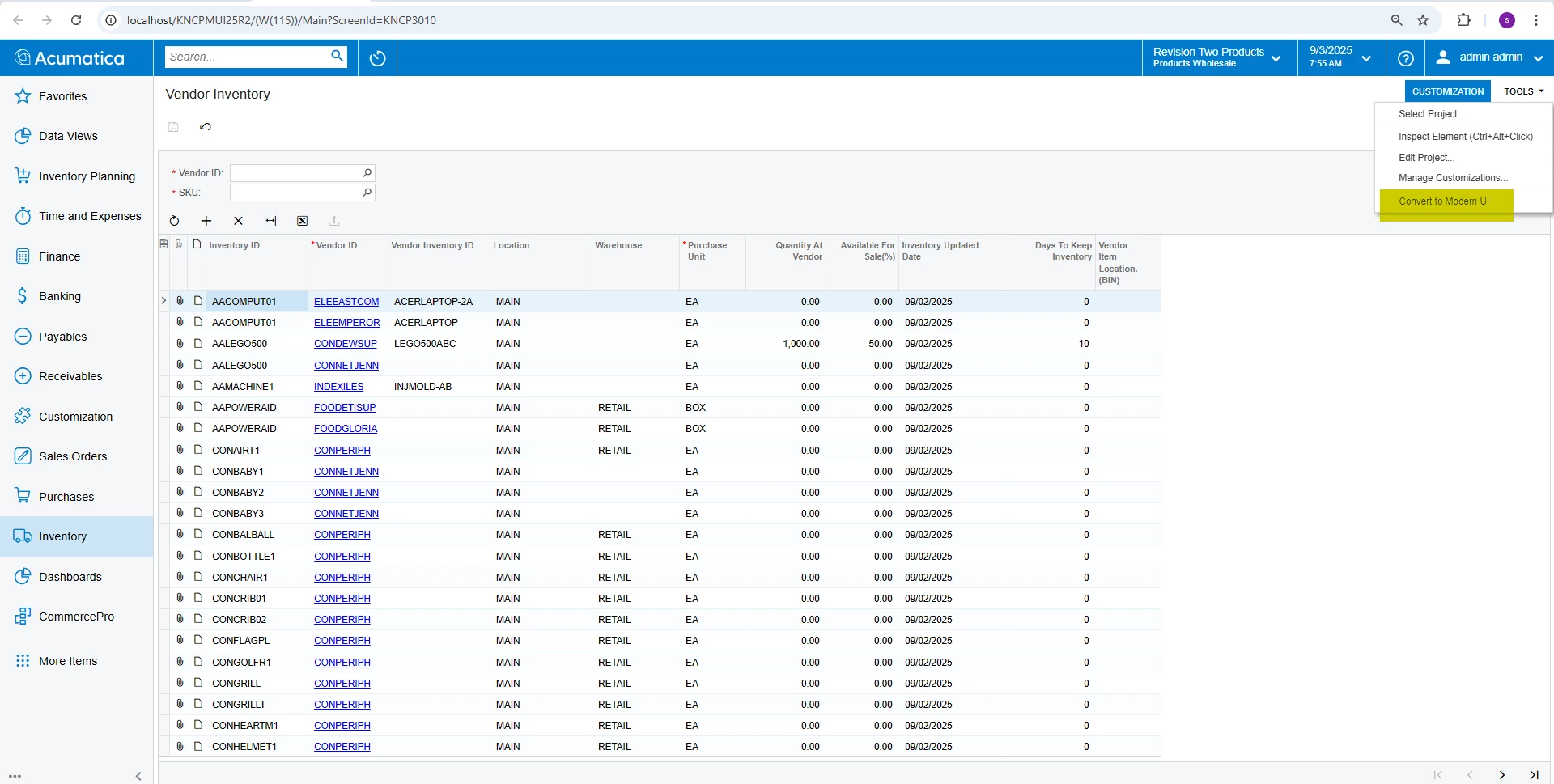
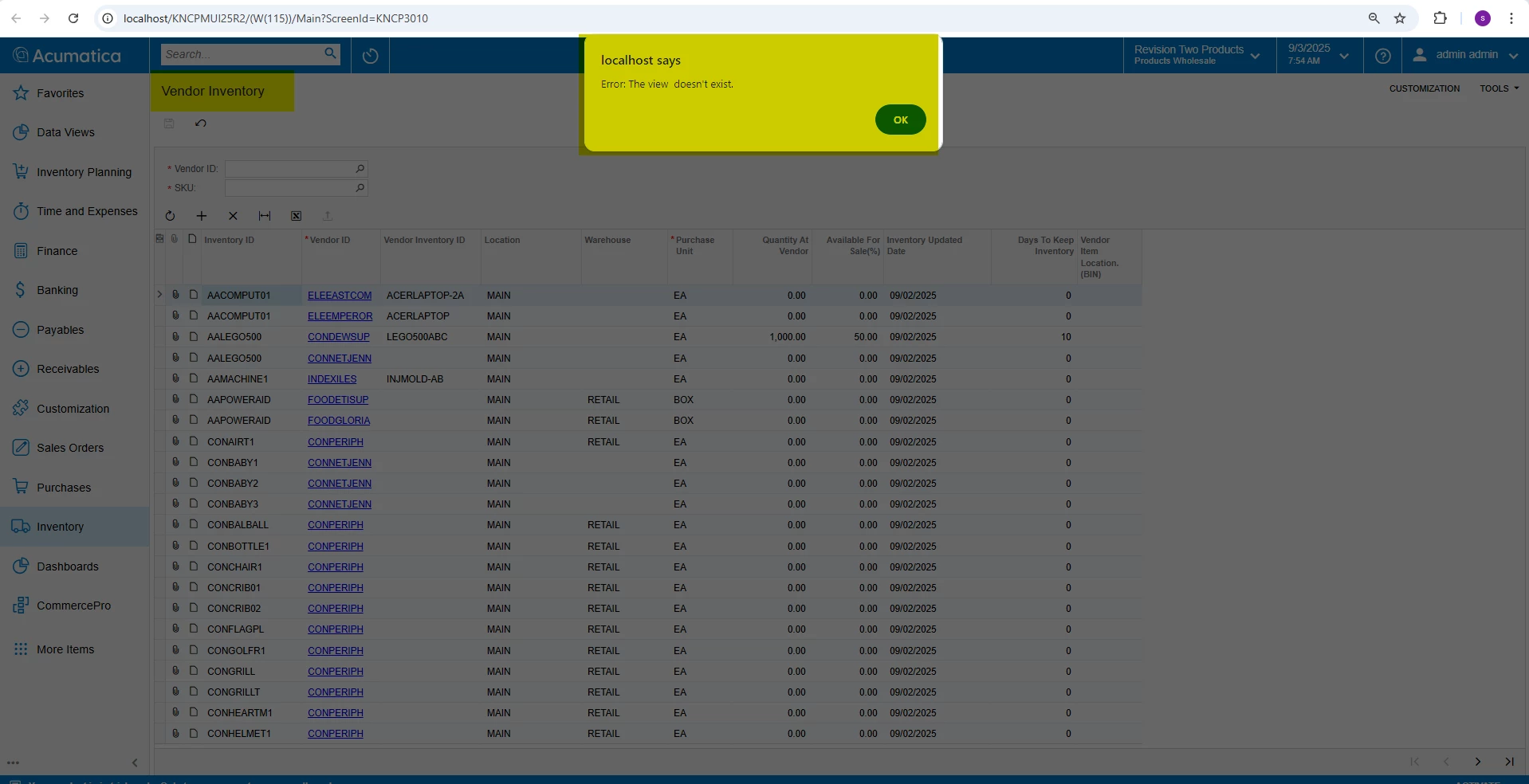
When converting custom screens to the Modern UI, we encounter the following error:
Error: The view doesn’t exist.

This happens specifically of the custom screens when clicking the Convert to Modern UI action, the system shows the error.
 

Expected Behavior :-
Instead of the error, we should be able to download the Modern UI file that corresponds to the respective custom screen.


Thank you in Advance

Best answer by ed.goodman

@saikrishnac40 

Good afternoon.

Check the converter settings in the web.config file and make sure they are correctly configured. Key attributes to check include shouldFilesBeDownloaded and declareViewsInViewModelFile.

https://help.acumatica.com/(W(12))/Help?ScreenId=ShowWiki&pageid=f2bc25a1-e320-438c-baab-91c13236896a

Hope this helps.

Ed

1 reply

ed.goodman
Acumatica Employee
Forum|alt.badge.img+4
  • Acumatica Employee
  • Answer
  • September 23, 2025

@saikrishnac40 

Good afternoon.

Check the converter settings in the web.config file and make sure they are correctly configured. Key attributes to check include shouldFilesBeDownloaded and declareViewsInViewModelFile.

https://help.acumatica.com/(W(12))/Help?ScreenId=ShowWiki&pageid=f2bc25a1-e320-438c-baab-91c13236896a

Hope this helps.

Ed
