Answer

Acumatica Instance website not working

  • August 19, 2024
  • 19 replies
  • 604 views

Forum|alt.badge.img+3

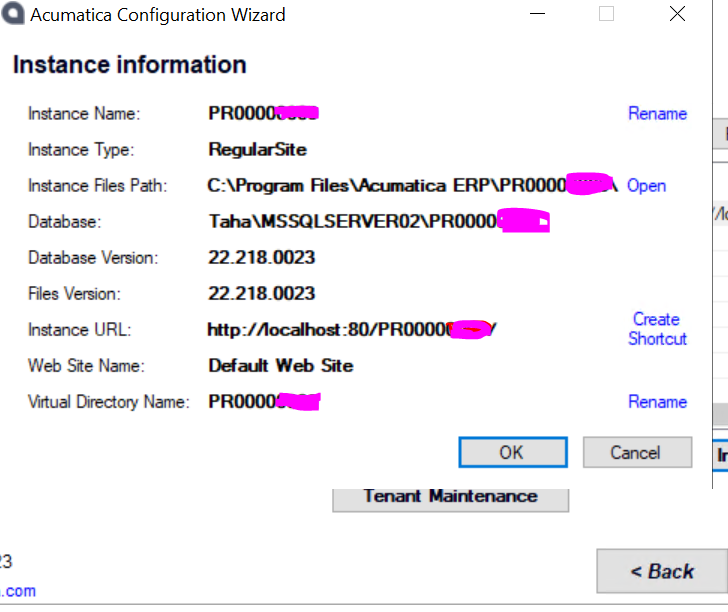
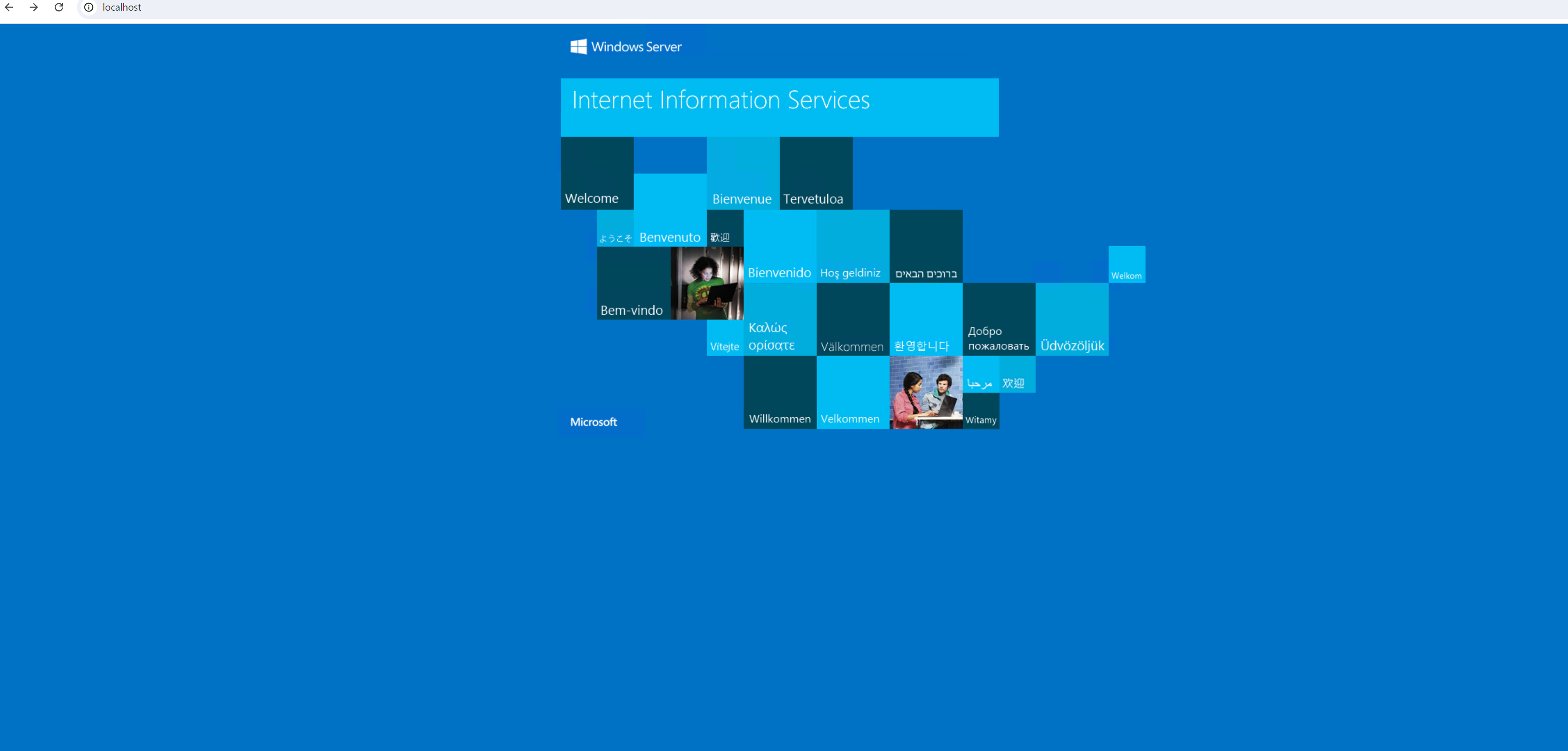
Hi All, I am using windows data center 2022. I have installed the acumatica instance and use the existing database. But after successful installation I am facing the below Issue. Attach is the picture of error.
 

Best answer by tahayabali

@Chris Hackett  Its not from the above answers. I have edited the Web.config file, added localsql instance. Then restart IIS its worked fine

19 replies

Naveen Boga
Captain II
Forum|alt.badge.img+19
  • Captain II
  • August 20, 2024

Hi @tahayabali  Seems you already configured the IIS. Please enter the right URL and verify (http://localhost/INSTANCENAME)


Forum|alt.badge.img+3
  • Author
  • Captain I
  • August 20, 2024

Hi @Naveen Boga I have tried the whole URL but still it says , This site can’t be reach. 


Naveen Boga
Captain II
Forum|alt.badge.img+19
  • Captain II
  • August 20, 2024

@tahayabali  Can you please check below steps and perform.

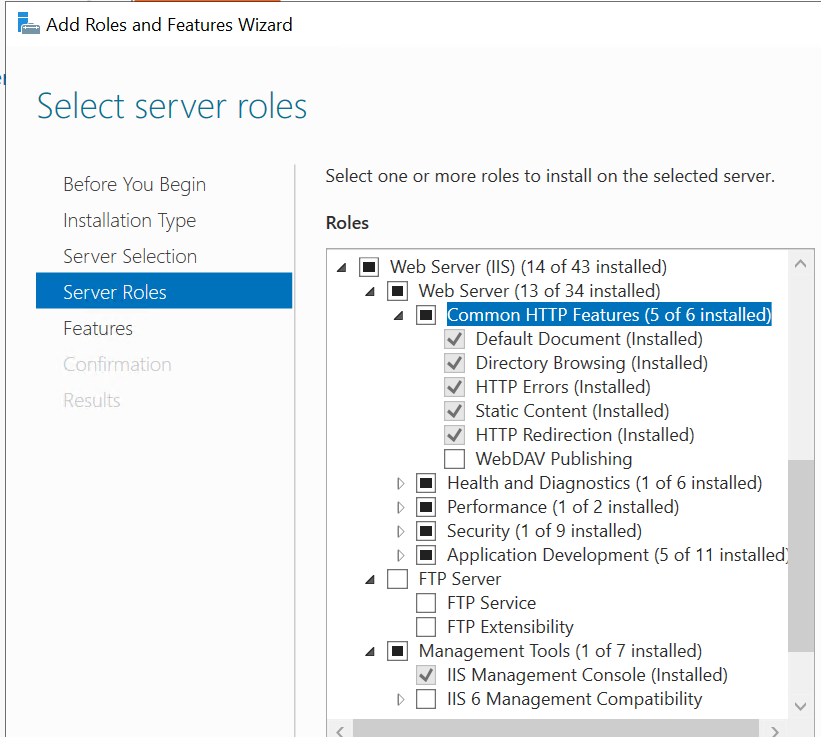
  1. Check if you are IIS is up.
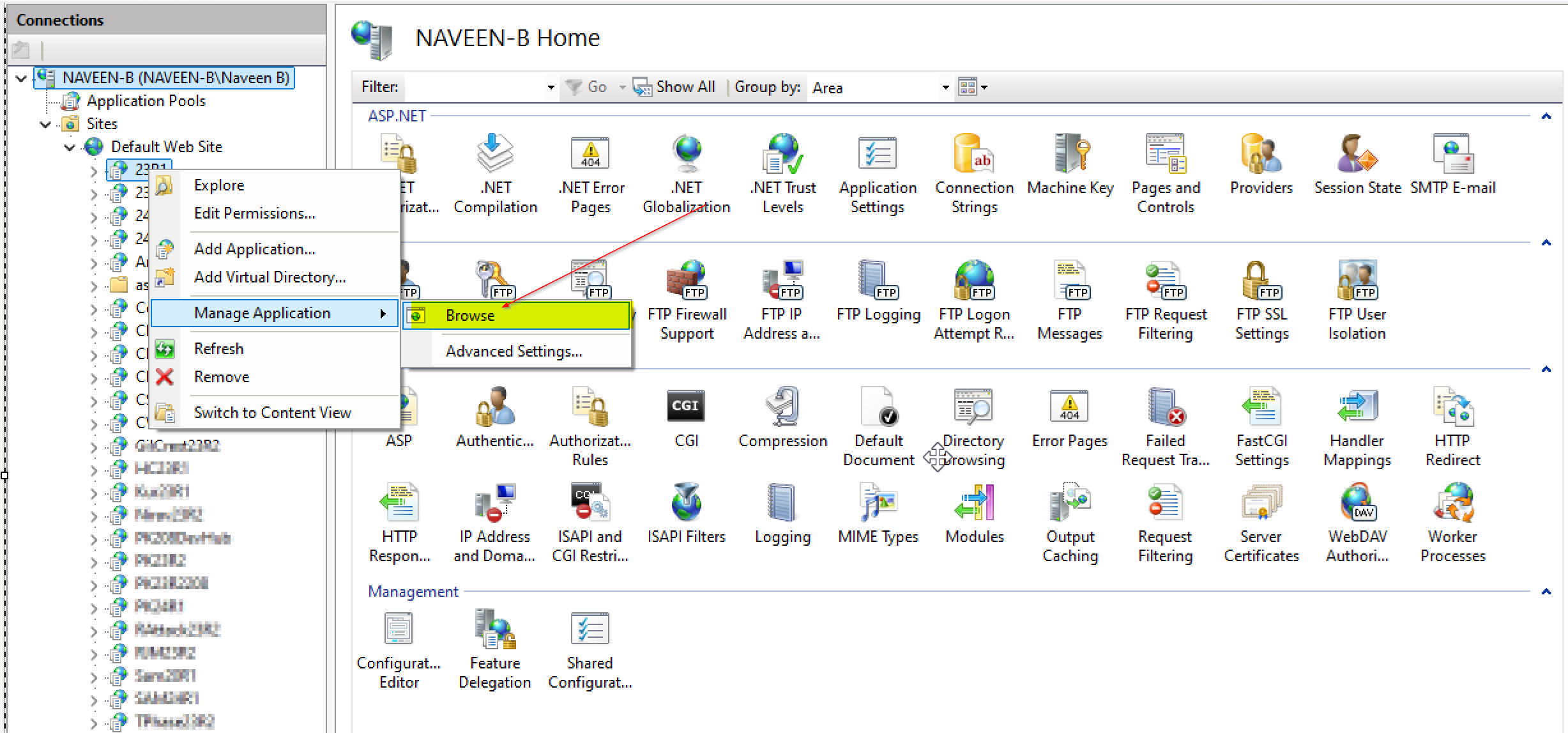
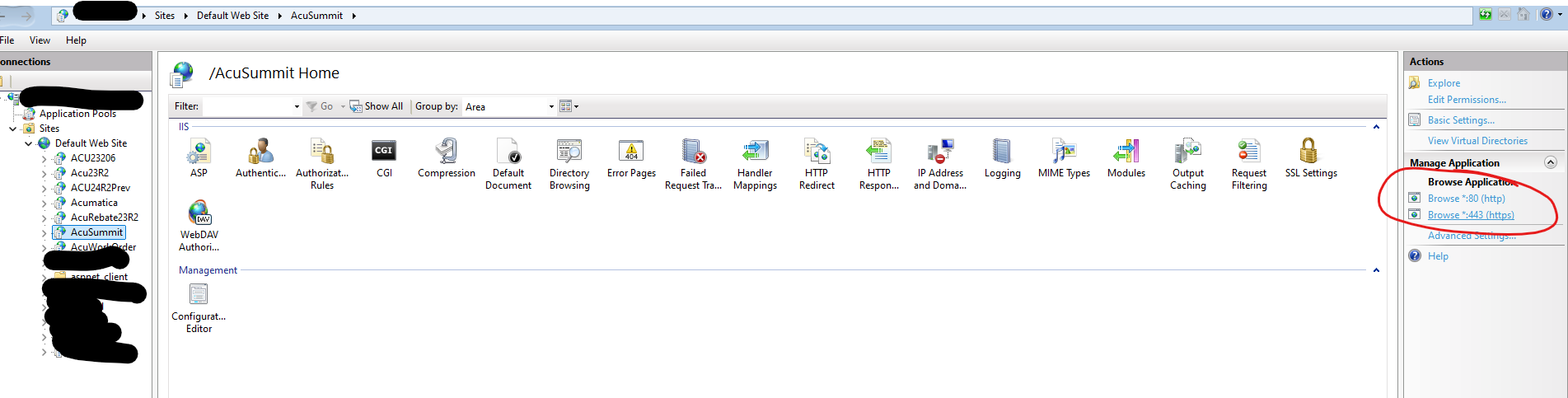
  2. Go to your IIS and right click on the website → Manage Application → Browse to open the instance like below.
  3. If you are still facing the issue then I think instance is not created properly. You can reach me personally I will help you our.


Forum|alt.badge.img+3
  • Author
  • Captain I
  • August 26, 2024

Hi, All the problem is still persist. I have refresh the IIS and cross verify the database it’s connected with SMSS but page is still not loading.


Naveen Boga
Captain II
Forum|alt.badge.img+19
  • Captain II
  • August 26, 2024

@tahayabali  I request you to follow the below tutorial and may solve your problem.


Forum|alt.badge.img+3
  • Author
  • Captain I
  • August 26, 2024

I have already did that is available in the video you shared. Only difference is I am using Developer Edition not the Express that shows in the video


Samvel Petrosov
Jr Varsity II
Forum|alt.badge.img+8

Are you requesting the system from inside the server/VM or outside?

http://localhost/PR... will only work from inside. 

As an option, check the User profile that is set to run the IIS application pool. Very often the database require admin access and the default user doesn’t have proper access and that causes the site to fail.


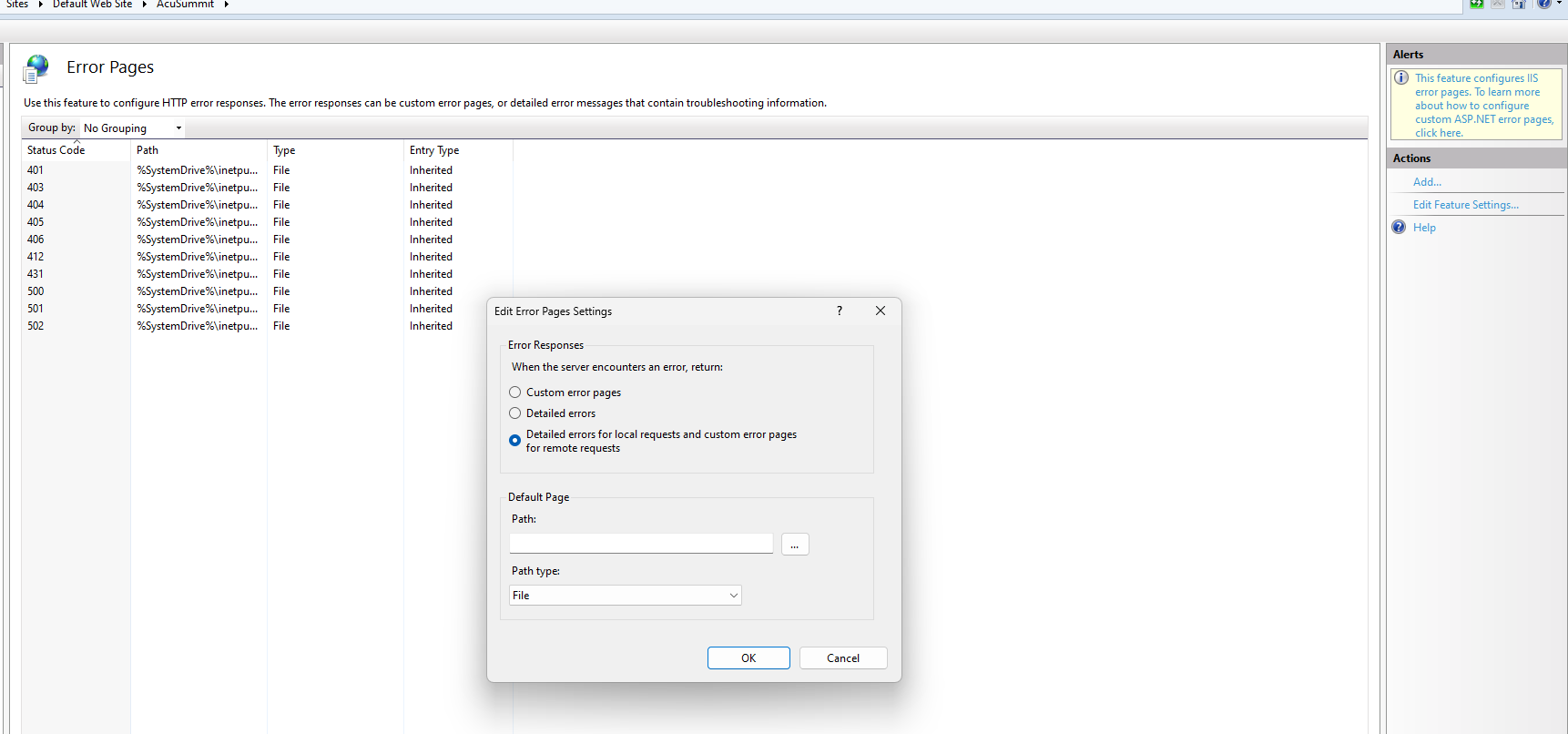
I also would suggest turning on the Detailed Errors if they are not on, that may give more details on what is going on here.


Forum|alt.badge.img+3
  • Author
  • Captain I
  • August 26, 2024

@Samvel Petrosov I am using my own profile and I am admin f the machine. I am trying to access the Site inside server browser


Samvel Petrosov
Jr Varsity II
Forum|alt.badge.img+8

Have you tried enabling the detailed error messages? Does it show any new information?


Forum|alt.badge.img+3
  • Author
  • Captain I
  • August 26, 2024

Nope No new error messages. @Samvel Petrosov 


Samvel Petrosov
Jr Varsity II
Forum|alt.badge.img+8

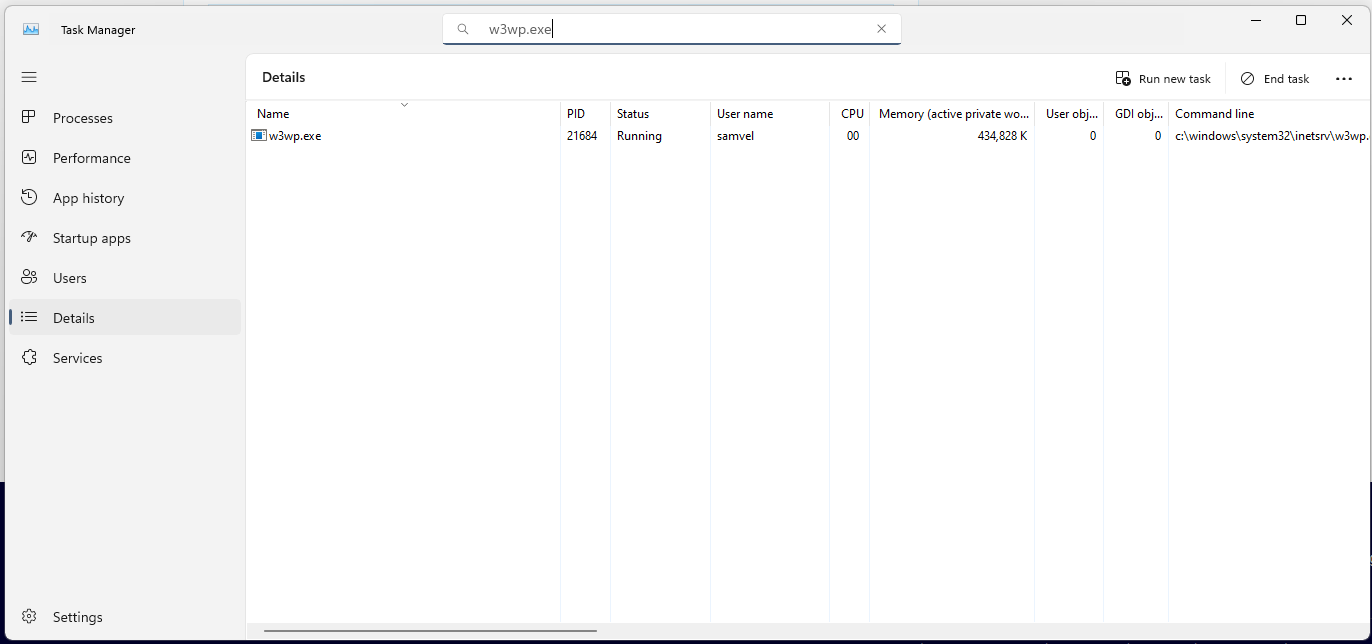
Do you see the w3wp.exe running?
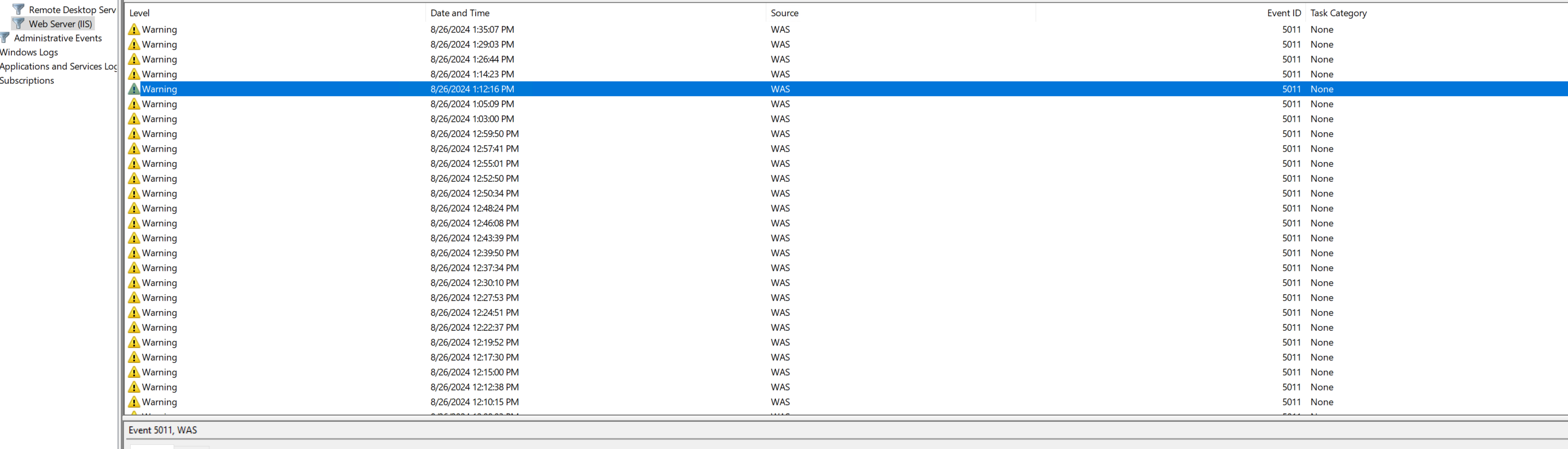
Are there any error logs in the Windows Event Viewer? 


Technically, the site can’t be reached means whatever you put as the URL is not correct.

Try accessing the site using the links that IIS shows you


Forum|alt.badge.img+3
  • Author
  • Captain I
  • August 26, 2024

@Samvel Petrosov 

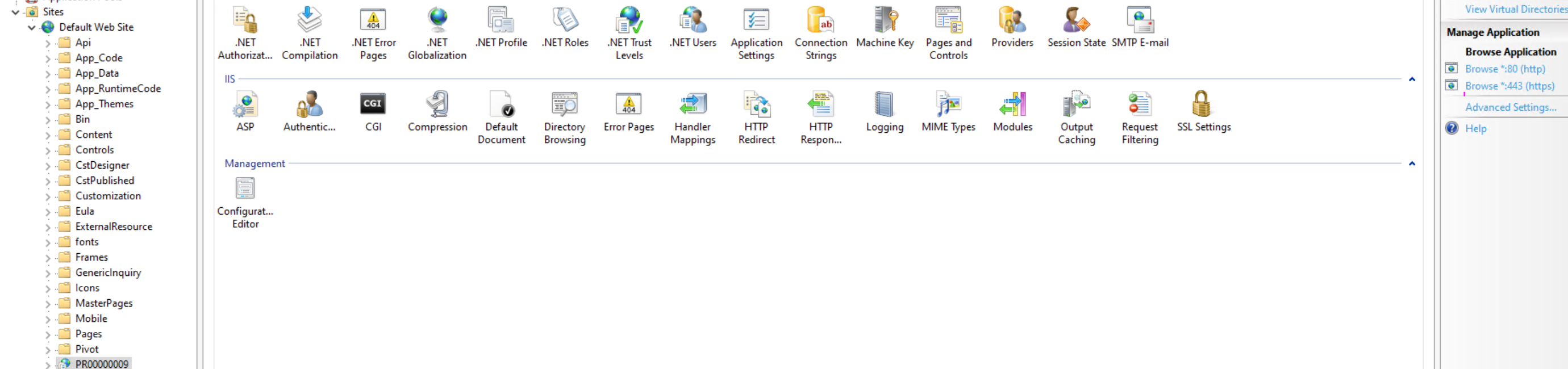
So I tried to use the IIS to access  the wesbite. But still loading and then this site can;t be reach error.
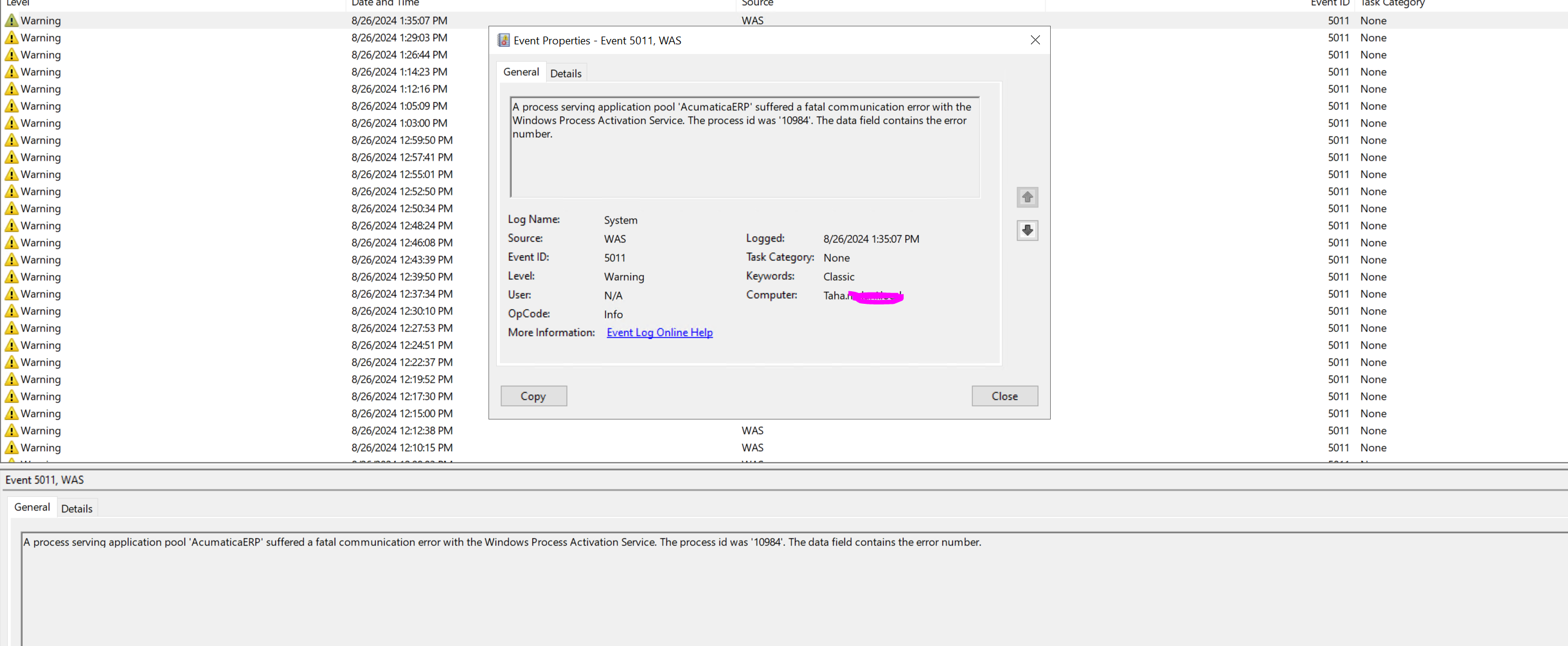
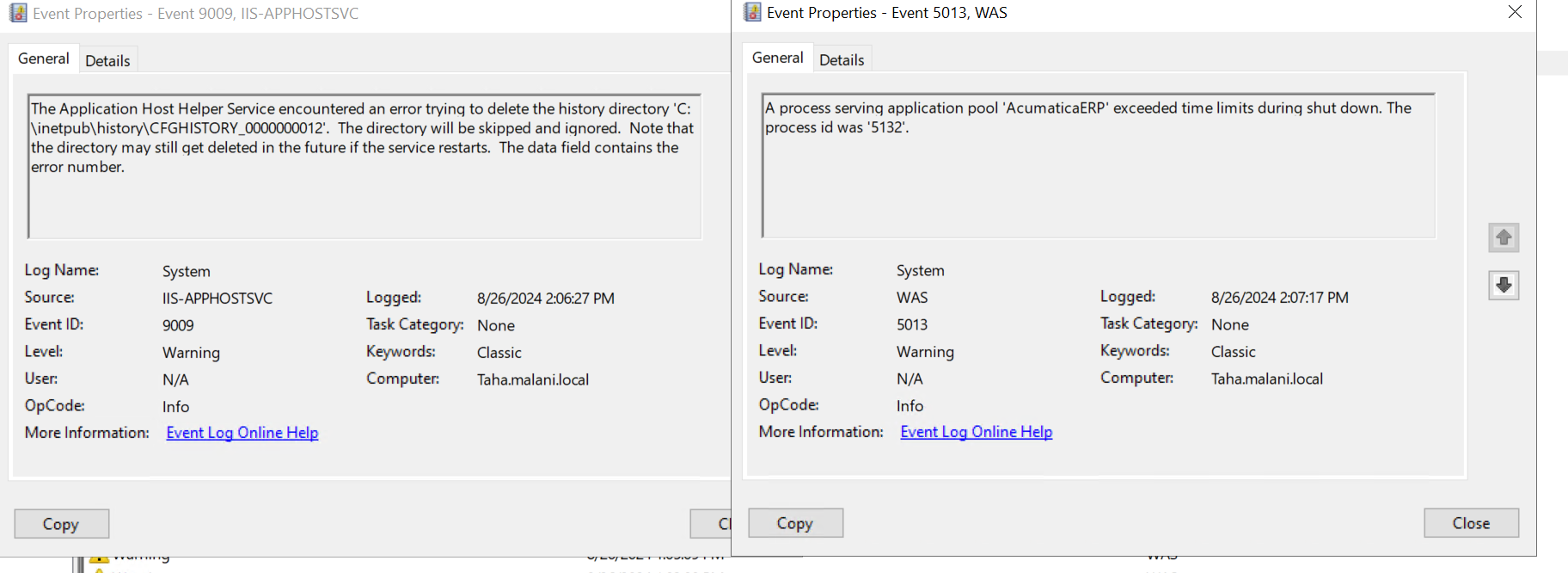
This is the Event Viewer


w3wp.exe is running 
 

both lnks have same problem  


Samvel Petrosov
Jr Varsity II
Forum|alt.badge.img+8

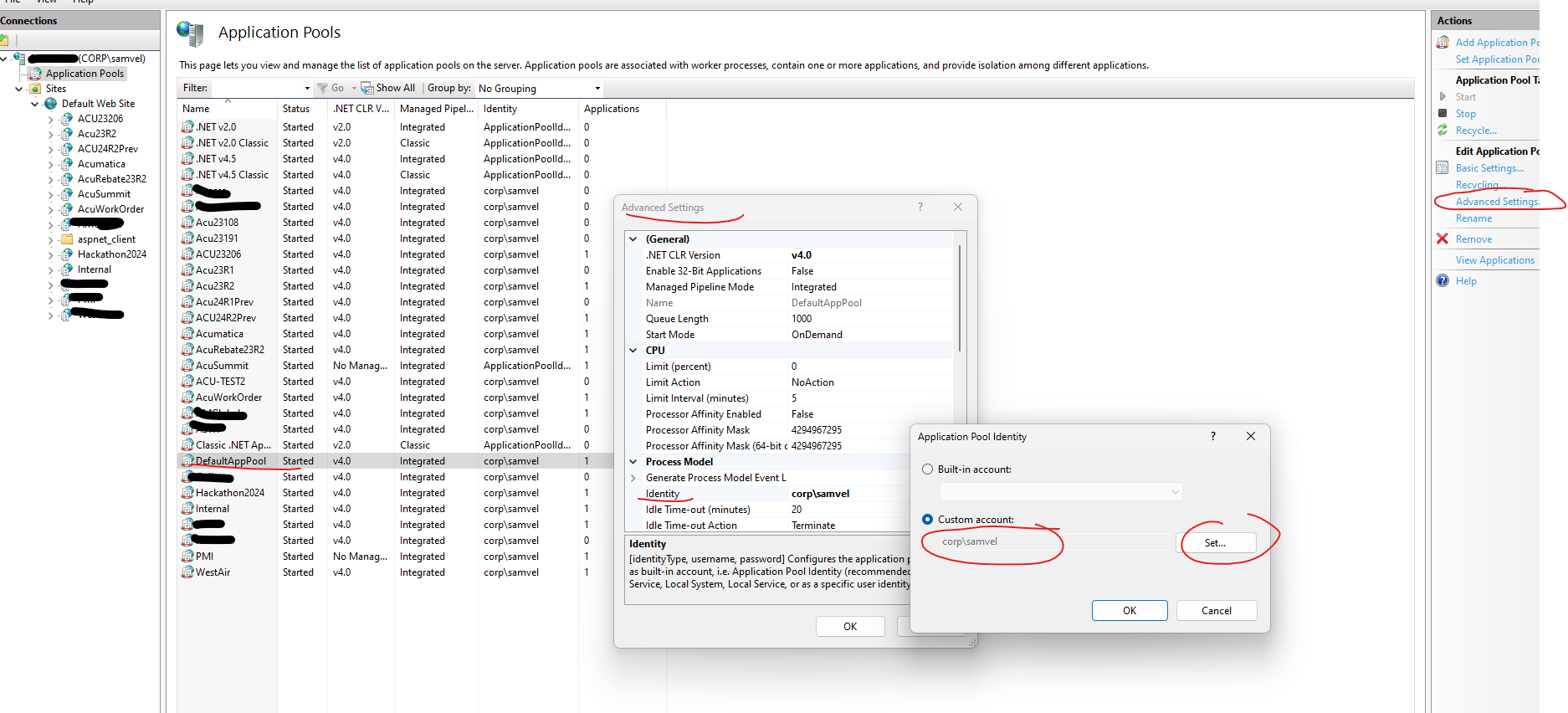
Try changing the Identity of the DefaultAppPool to user User,

Also, in your first screenshot, the warning/error message is not visible.


Forum|alt.badge.img+3
  • Author
  • Captain I
  • August 26, 2024


Forum|alt.badge.img+3
  • Author
  • Captain I
  • August 26, 2024

@Samvel Petrosov After making changes the event viewer look like this 


Forum|alt.badge.img+3
  • Author
  • Captain I
  • August 28, 2024

I have solved the issue. Thanks for all solutions. 


Chris Hackett
Community Manager
Forum|alt.badge.img
  • Acumatica Community Manager
  • August 28, 2024

Hi @tahayabali - Can you share how you solved your issue and if it was one of the responses above, please mark as best answer. Thank you!


Forum|alt.badge.img+3
  • Author
  • Captain I
  • Answer
  • August 30, 2024

@Chris Hackett  Its not from the above answers. I have edited the Web.config file, added localsql instance. Then restart IIS its worked fine


Naveen Boga
Captain II
Forum|alt.badge.img+19
  • Captain II
  • August 31, 2024

Hey @tahayabali  When the instance was created, the Connection String should have automatically included your local instance details based on the information provided during installation. How did it end up being changed?