Solved

Acumatica Instance website not working

  • Aug 19, 2024 9:01 PM UTC
  • 19 replies
  • 766 views
  • Translate All

Forum|alt.badge.img+3

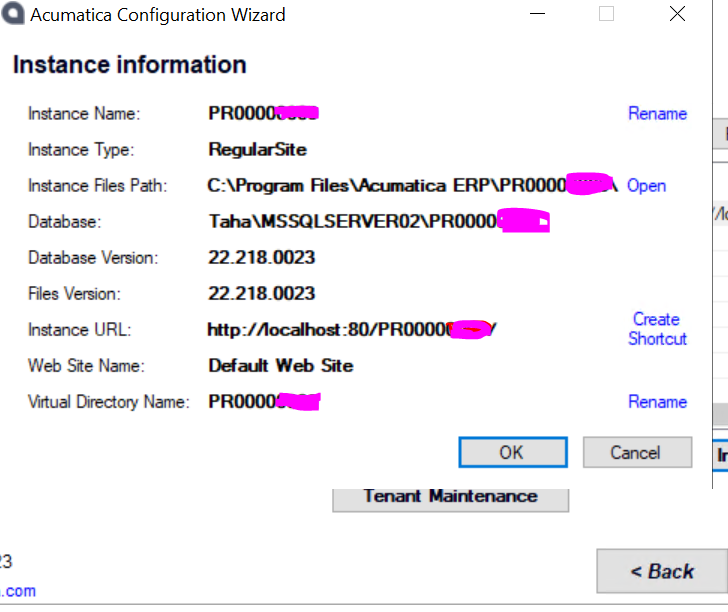
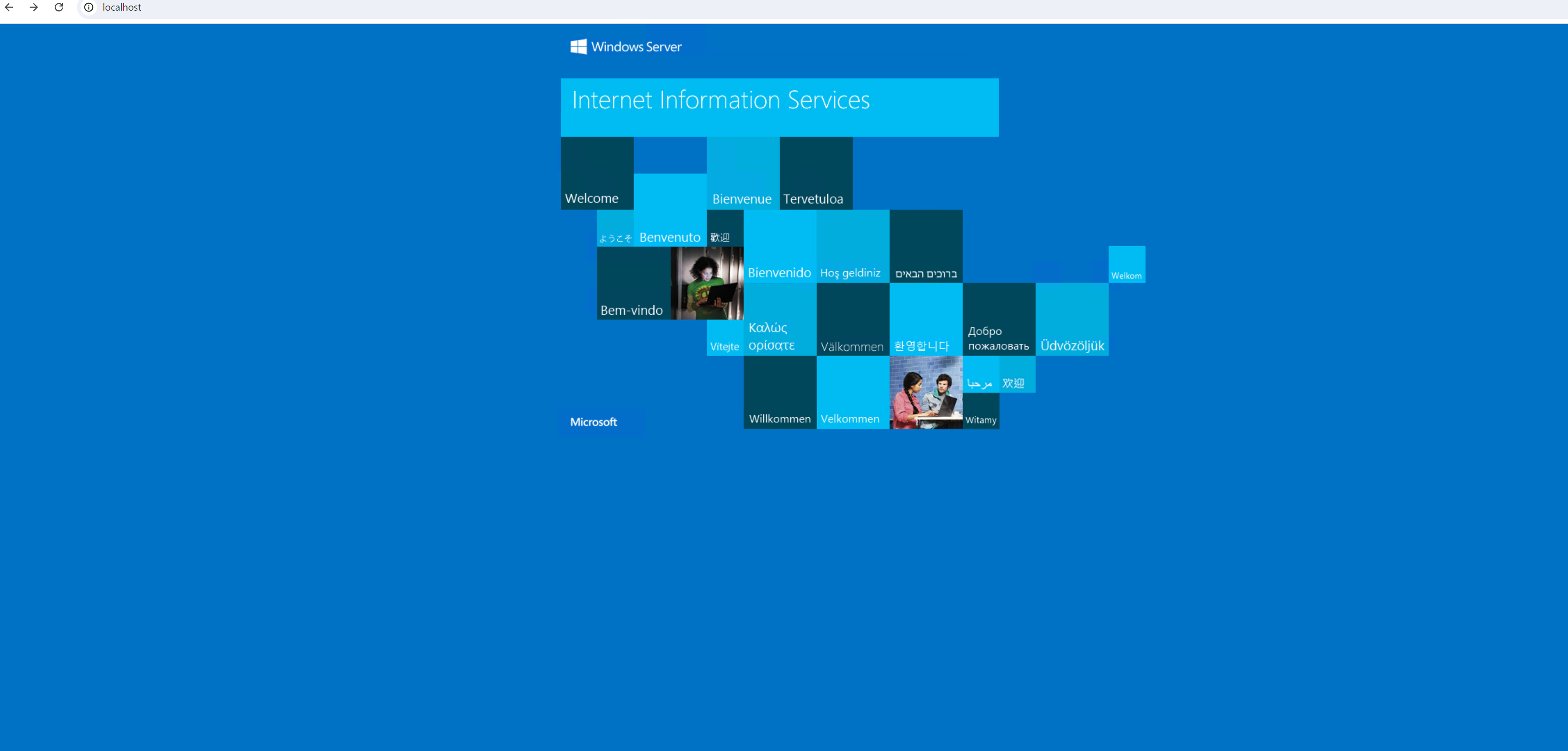
Hi All, I am using windows data center 2022. I have installed the acumatica instance and use the existing database. But after successful installation I am facing the below Issue. Attach is the picture of error.
 

Best answer by tahayabali

@Chris Hackett  Its not from the above answers. I have edited the Web.config file, added localsql instance. Then restart IIS its worked fine

View original

19 replies

Naveen Boga
Captain II
Forum|alt.badge.img+20
  • Captain II
  • Aug 20, 2024 4:18 AM UTC

Hi @tahayabali  Seems you already configured the IIS. Please enter the right URL and verify (http://localhost/INSTANCENAME)

Translate

Forum|alt.badge.img+3
  • Author
  • Captain I
  • Aug 20, 2024 3:03 PM UTC

Hi @Naveen Boga I have tried the whole URL but still it says , This site can’t be reach. 


Translate

Naveen Boga
Captain II
Forum|alt.badge.img+20
  • Captain II
  • Aug 20, 2024 3:10 PM UTC

@tahayabali  Can you please check below steps and perform.

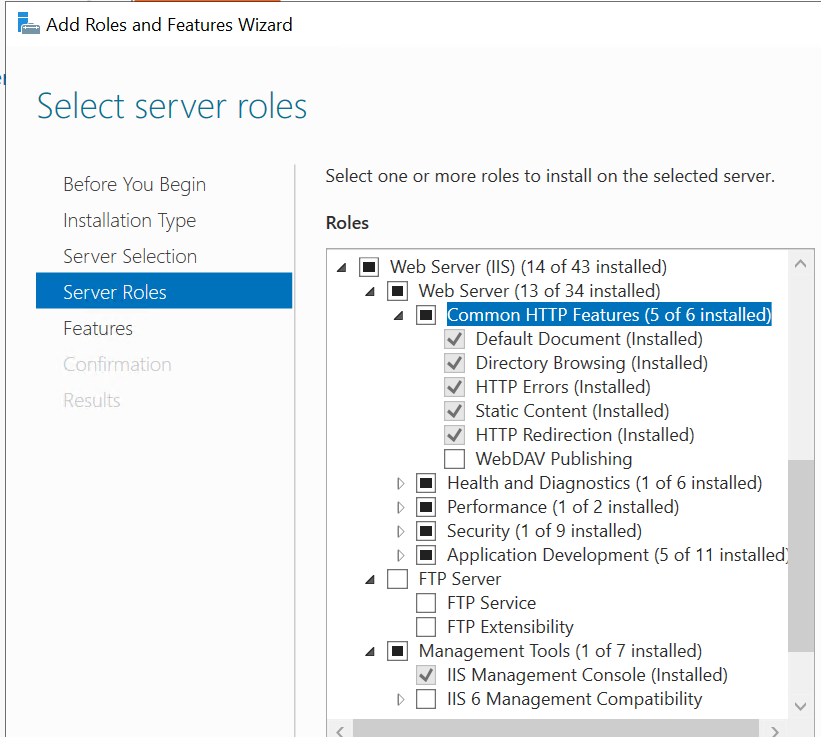
  1. Check if you are IIS is up.
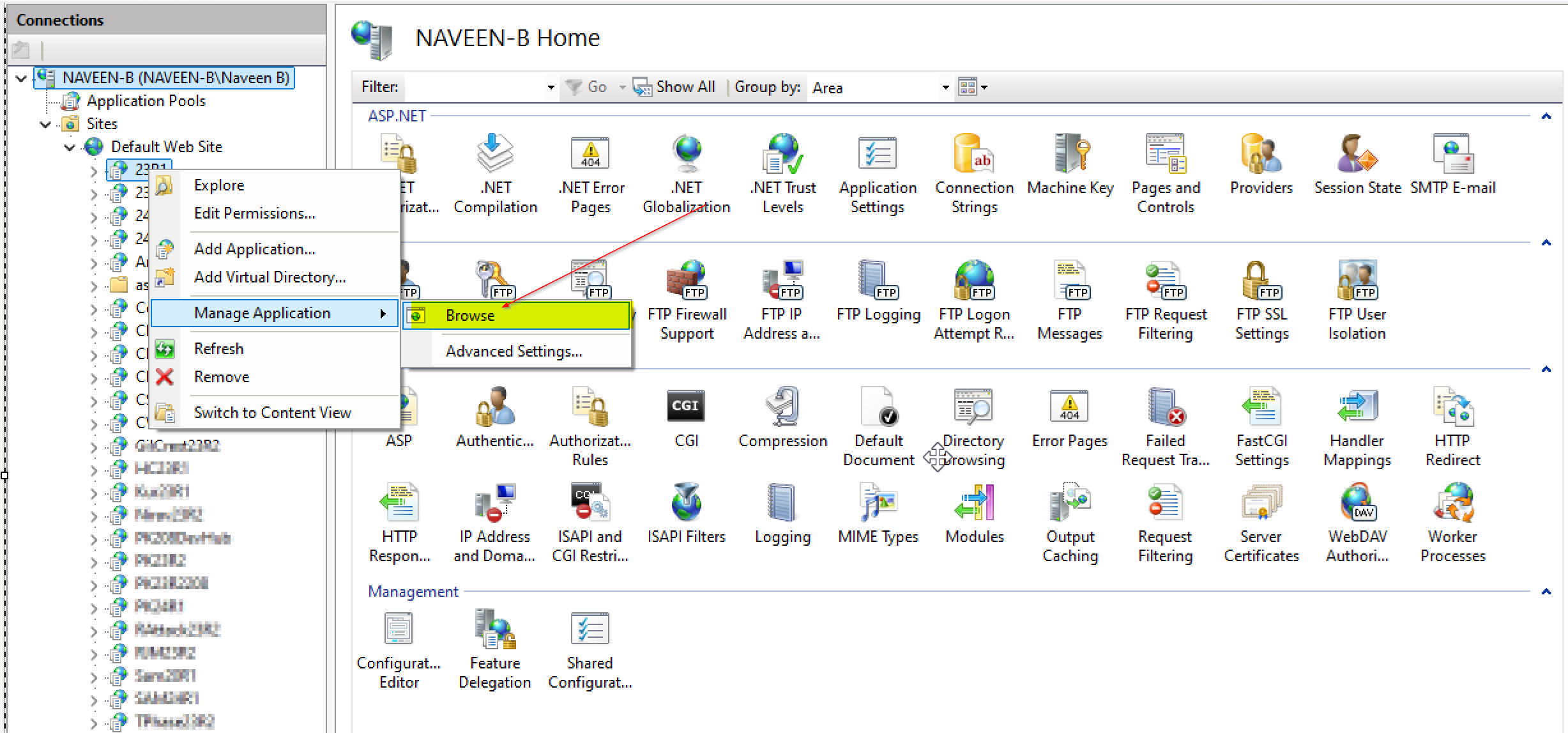
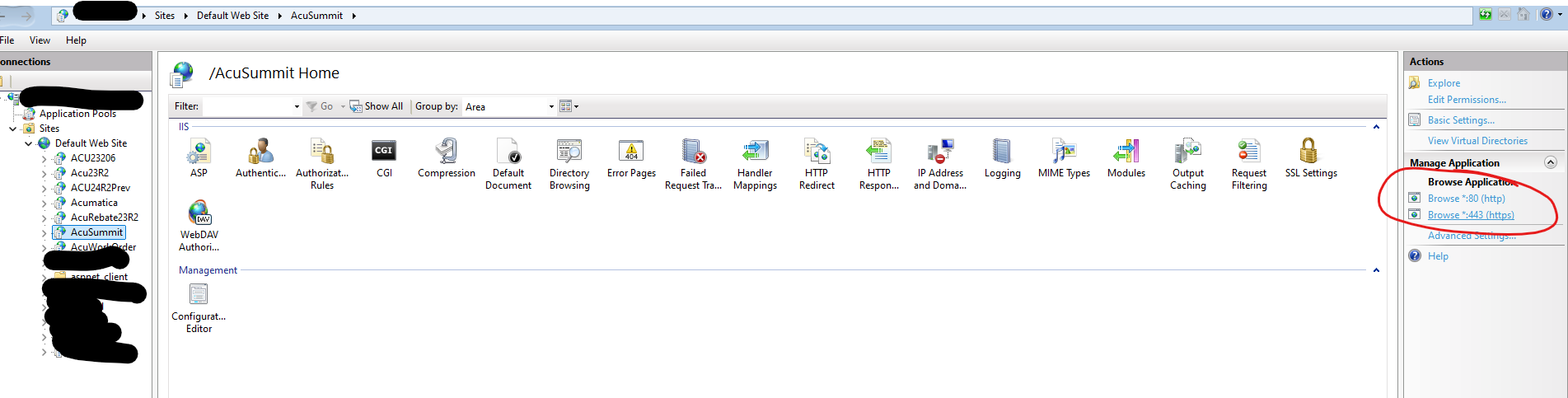
  2. Go to your IIS and right click on the website → Manage Application → Browse to open the instance like below.
  3. If you are still facing the issue then I think instance is not created properly. You can reach me personally I will help you our.


Translate

Forum|alt.badge.img+3
  • Author
  • Captain I
  • Aug 26, 2024 2:30 PM UTC

Hi, All the problem is still persist. I have refresh the IIS and cross verify the database it’s connected with SMSS but page is still not loading.

Translate

Naveen Boga
Captain II
Forum|alt.badge.img+20
  • Captain II
  • Aug 26, 2024 3:33 PM UTC

@tahayabali  I request you to follow the below tutorial and may solve your problem.


Translate

Forum|alt.badge.img+3
  • Author
  • Captain I
  • Aug 26, 2024 5:58 PM UTC

I have already did that is available in the video you shared. Only difference is I am using Developer Edition not the Express that shows in the video

Translate

Samvel Petrosov
Jr Varsity III
Forum|alt.badge.img+9

Are you requesting the system from inside the server/VM or outside?

http://localhost/PR... will only work from inside. 

As an option, check the User profile that is set to run the IIS application pool. Very often the database require admin access and the default user doesn’t have proper access and that causes the site to fail.


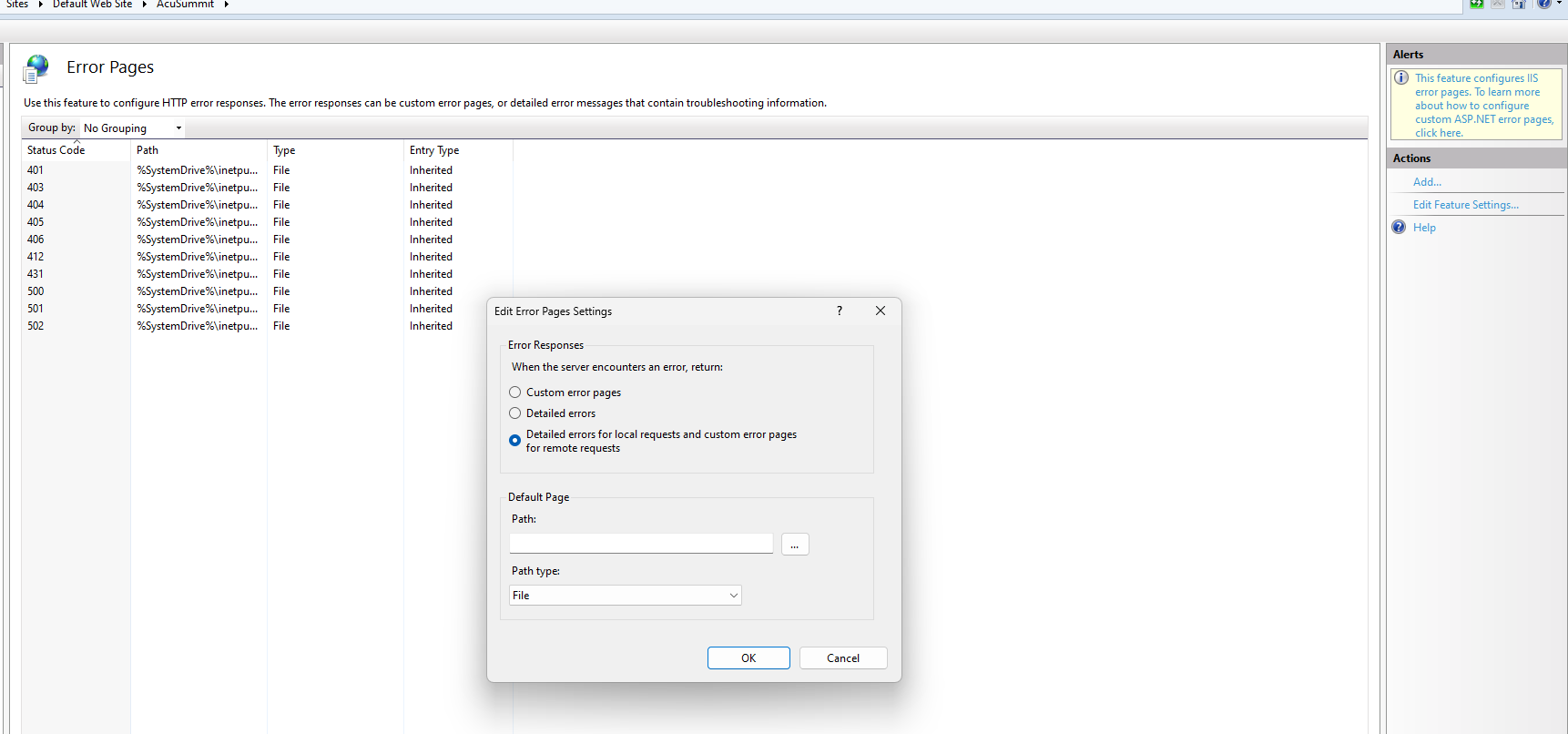
I also would suggest turning on the Detailed Errors if they are not on, that may give more details on what is going on here.


Translate

Forum|alt.badge.img+3
  • Author
  • Captain I
  • Aug 26, 2024 7:01 PM UTC

@Samvel Petrosov I am using my own profile and I am admin f the machine. I am trying to access the Site inside server browser

Translate

Samvel Petrosov
Jr Varsity III
Forum|alt.badge.img+9

Have you tried enabling the detailed error messages? Does it show any new information?

Translate

Forum|alt.badge.img+3
  • Author
  • Captain I
  • Aug 26, 2024 8:24 PM UTC

Nope No new error messages. @Samvel Petrosov 

Translate

Samvel Petrosov
Jr Varsity III
Forum|alt.badge.img+9

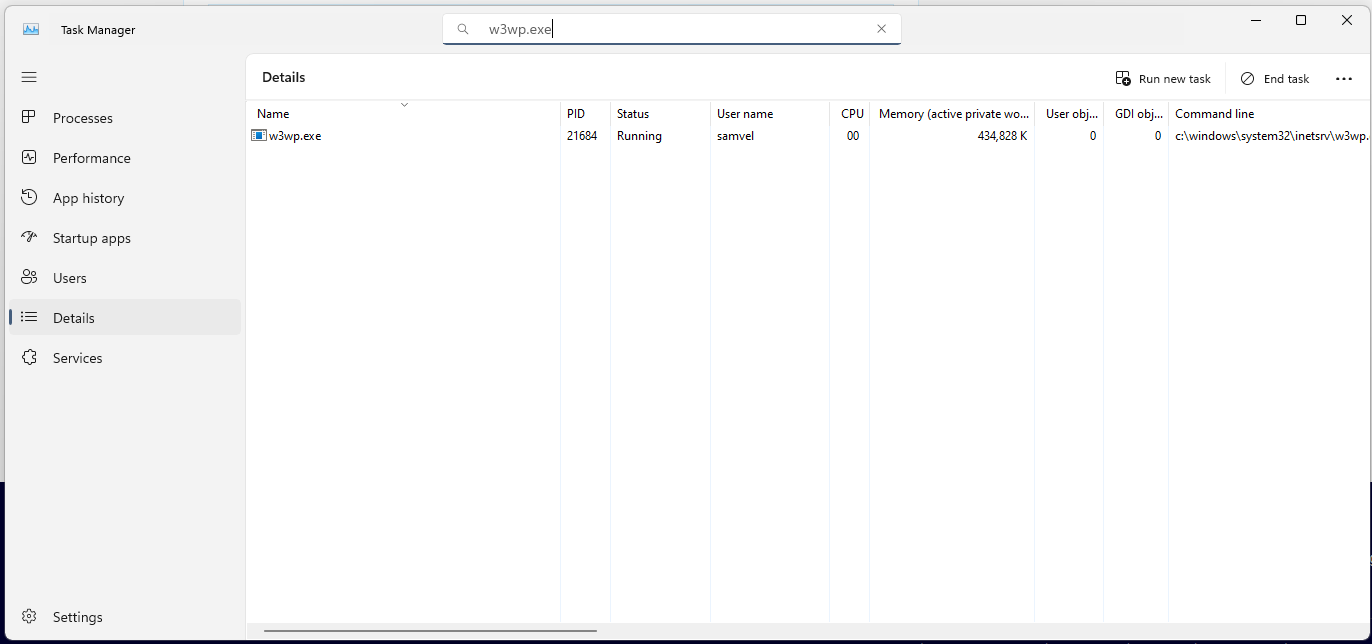
Do you see the w3wp.exe running?
Are there any error logs in the Windows Event Viewer? 


Technically, the site can’t be reached means whatever you put as the URL is not correct.

Try accessing the site using the links that IIS shows you


Translate

Forum|alt.badge.img+3
  • Author
  • Captain I
  • Aug 26, 2024 8:48 PM UTC

@Samvel Petrosov 

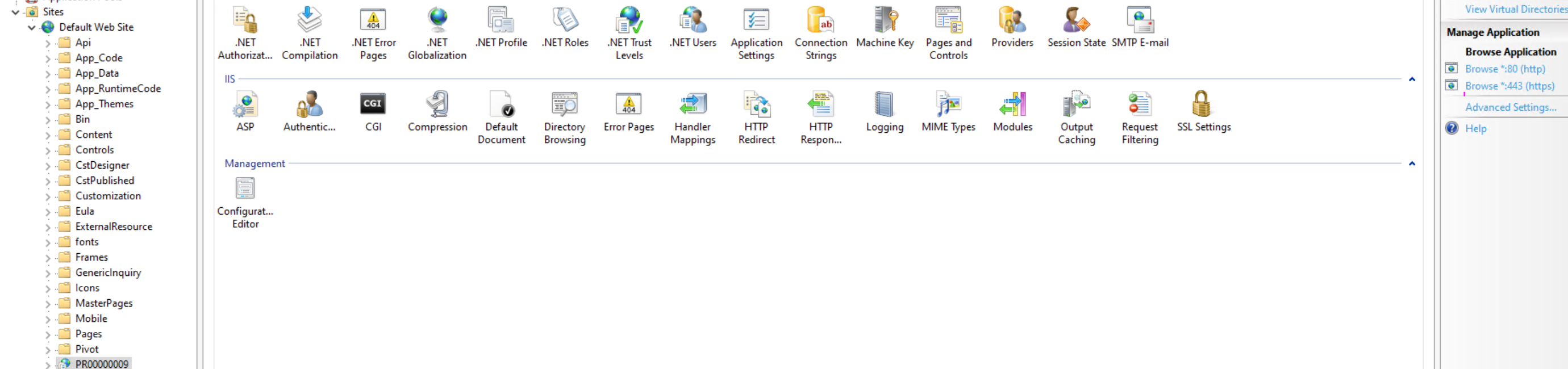
So I tried to use the IIS to access  the wesbite. But still loading and then this site can;t be reach error.
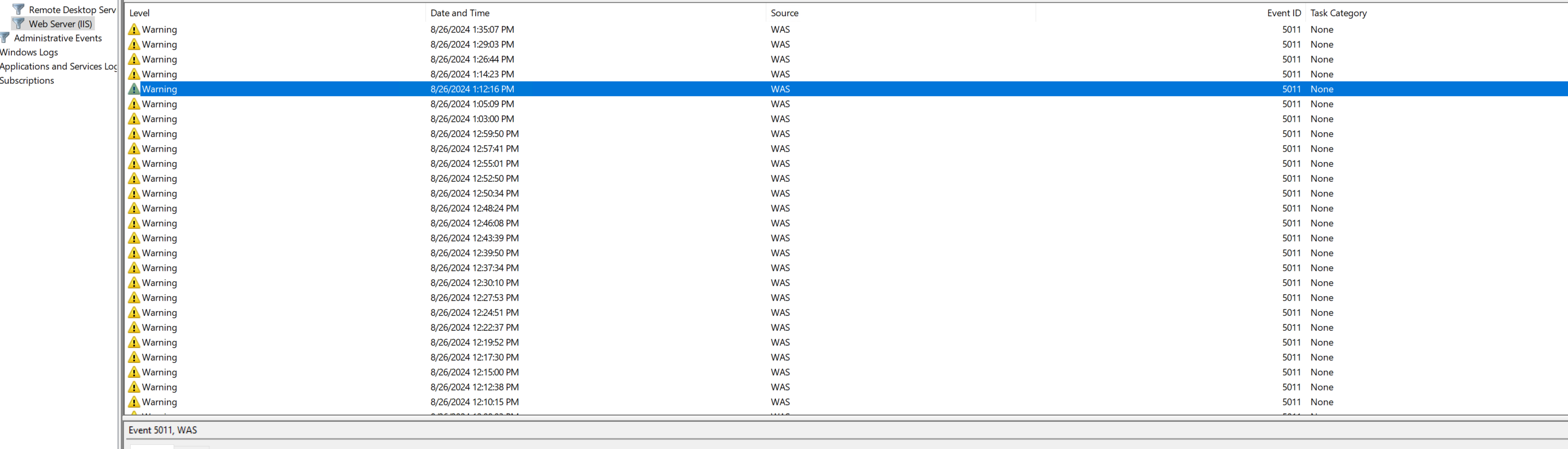
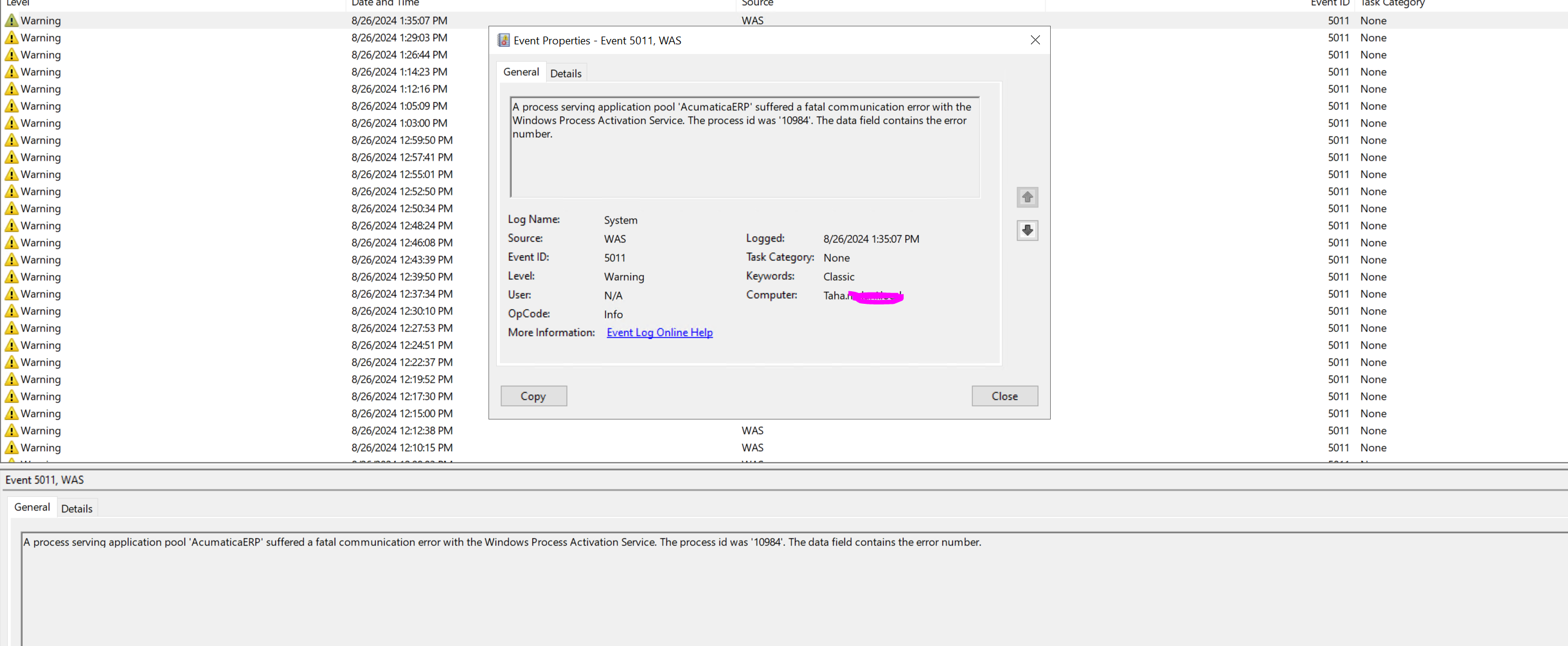
This is the Event Viewer


w3wp.exe is running 
 

both lnks have same problem  


Translate

Samvel Petrosov
Jr Varsity III
Forum|alt.badge.img+9

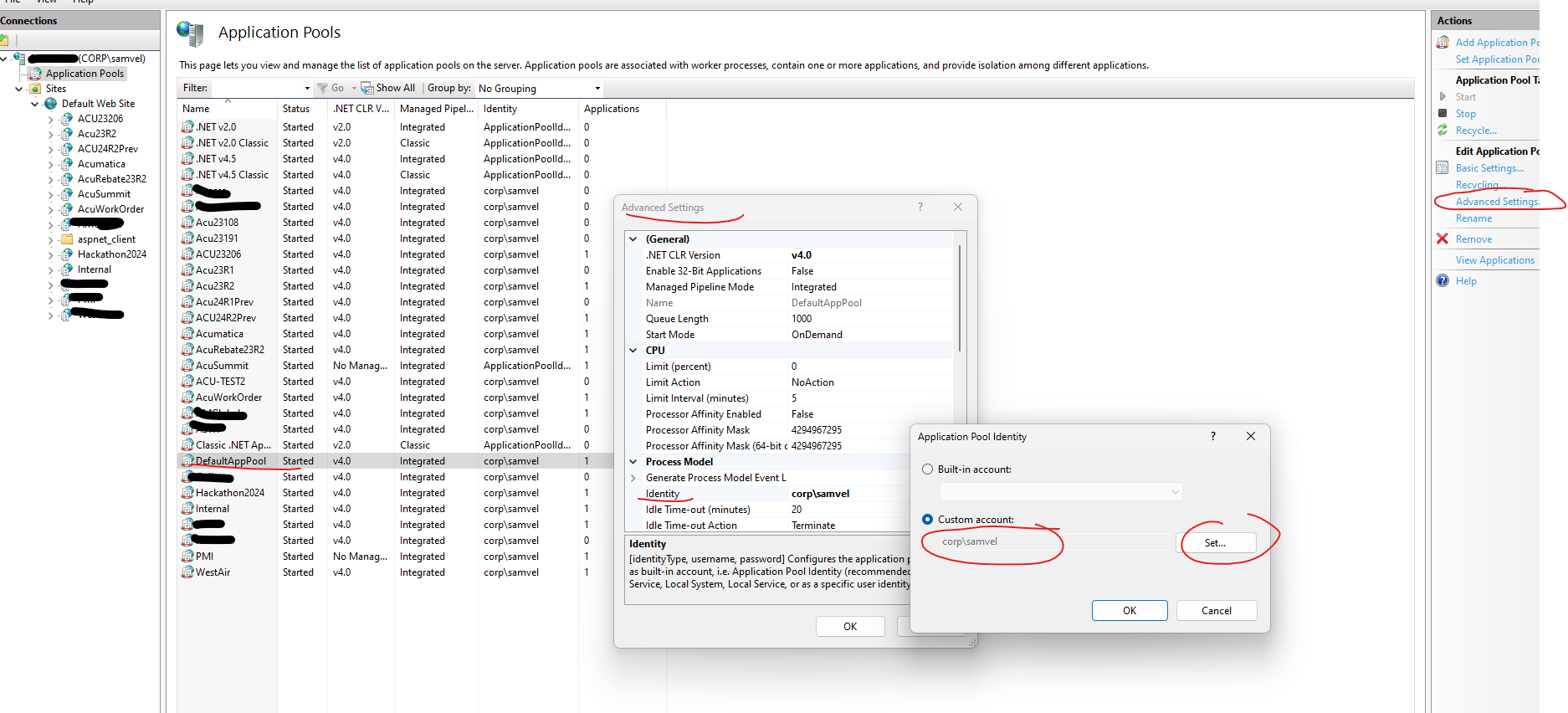
Try changing the Identity of the DefaultAppPool to user User,

Also, in your first screenshot, the warning/error message is not visible.


Translate

Forum|alt.badge.img+3
  • Author
  • Captain I
  • Aug 26, 2024 8:57 PM UTC


Translate

Forum|alt.badge.img+3
  • Author
  • Captain I
  • Aug 26, 2024 9:11 PM UTC

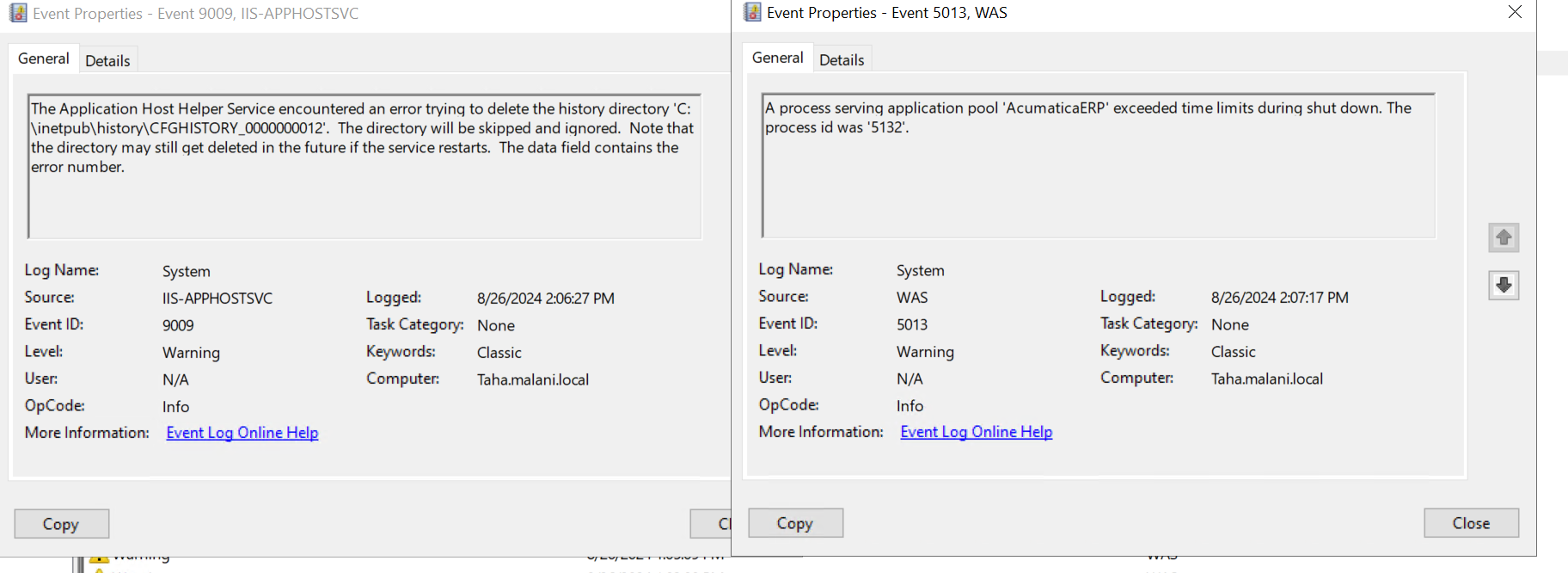
@Samvel Petrosov After making changes the event viewer look like this 


Translate

Forum|alt.badge.img+3
  • Author
  • Captain I
  • Aug 28, 2024 2:11 PM UTC

I have solved the issue. Thanks for all solutions. 

Translate

Chris Hackett
Community Manager
Forum|alt.badge.img
  • Acumatica Community Manager
  • Aug 28, 2024 7:26 PM UTC

Hi @tahayabali - Can you share how you solved your issue and if it was one of the responses above, please mark as best answer. Thank you!

Translate

Forum|alt.badge.img+3
  • Author
  • Captain I
  • Answer
  • Aug 30, 2024 9:32 PM UTC

@Chris Hackett  Its not from the above answers. I have edited the Web.config file, added localsql instance. Then restart IIS its worked fine

Translate

Naveen Boga
Captain II
Forum|alt.badge.img+20
  • Captain II
  • Aug 31, 2024 12:41 PM UTC

Hey @tahayabali  When the instance was created, the Connection String should have automatically included your local instance details based on the information provided during installation. How did it end up being changed?

Translate