Solved

Access Rights for viewing help screen

  • Apr 25, 2022 8:41 AM UTC
  • 8 replies
  • 915 views
  • Translate All

Forum|alt.badge.img+1

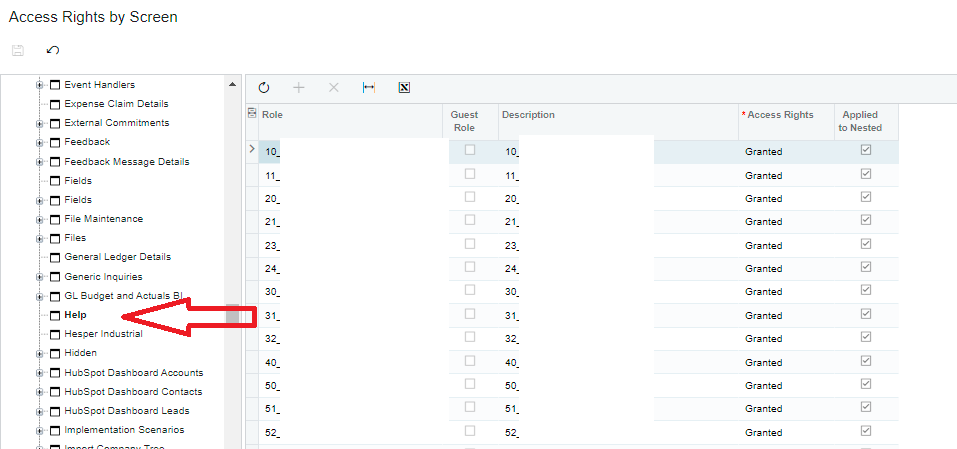
I have granted access to all roles for the Help screen (under the “Hidden”) workspace:
 

But my users can’t see the help file.  When they press on help, they get this:
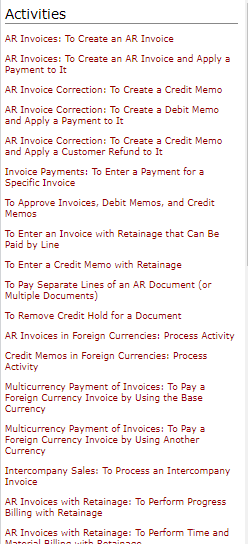
 

Followed by a blank screen:

 

Where else can I set these permissions so that it will work?
Best answer by Laura03

Hello,

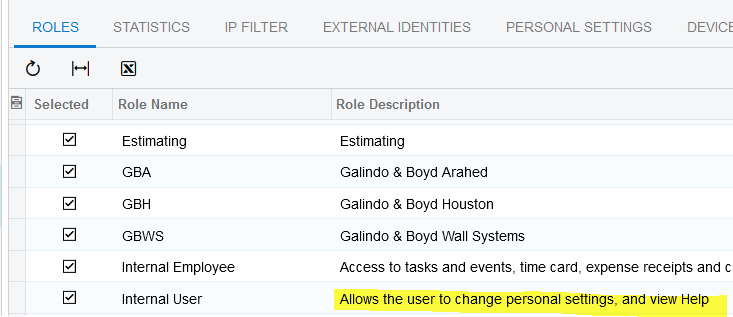
Assign all users to the Internal Users role in the Users screen or in the User Roles screen.


View original

8 replies

Laura03
Captain II
Forum|alt.badge.img+20
  • Captain II
  • Answer
  • Apr 25, 2022 10:54 AM UTC

Hello,

Assign all users to the Internal Users role in the Users screen or in the User Roles screen.


Translate

Forum|alt.badge.img+1
  • Author
  • Semi-Pro II
  • Apr 25, 2022 11:34 AM UTC

Thanks Laura, any reason I can’t just add it to the other roles?  I’m not sure why internal user role was not granted initially by our implementation partner, I will need to check if they had a valid reason for that.

Translate

Laura03
Captain II
Forum|alt.badge.img+20
  • Captain II
  • Apr 25, 2022 12:07 PM UTC

Hello @MarciaW 

I don’t know the answer to why it’s difficult (or impossible?) to add to other roles. Maybe someone else will come along and answer that part of your question.

I’ve been setting up Acumatica clients since 2015 and the way I was trained (and works great) is to add the users to at least 2 roles, always: the area where they work and Internal User. If entering time, the user also needs to be an Employee.  If approving documents, the user needs to be an Employee and another role that grants access to Approvals screen.

Translate

Forum|alt.badge.img+1
  • Author
  • Semi-Pro II
  • Apr 25, 2022 3:41 PM UTC

Thanks, I just checked, our internal user role (for some reason) has many screens revoked (I’ve attached the list), that our users would need.  But I noticed that the internal user has view-only access to the help screen, and I only have the option of giving granted, revoked, or not set.  Maybe it has something to do with that.  I may need to escalate it as our users urgently need to access help.

Translate

Laura03
Captain II
Forum|alt.badge.img+20
  • Captain II
  • Apr 25, 2022 3:52 PM UTC

Hello,

In my experience adding people to Internal user does not actually revoke screens to which they inherit rights for other roles. But it’s hard to say with 100% certainty, since roles can be changed by users, including the Acumatica-provided standard roles.

I suggest adding one user to the Internal User role and then using the feature at the top of the Users screen to Login as that User and evaluate your results, before rolling the change out to the rest of the group.  Good luck!


Translate

Forum|alt.badge.img+1
  • Author
  • Semi-Pro II
  • Apr 26, 2022 7:18 AM UTC

Thanks Laura, I will try that.

Translate

Forum|alt.badge.img+12
  • Acumatica Support Team
  • Apr 26, 2022 8:10 AM UTC

Hi @MarciaW 

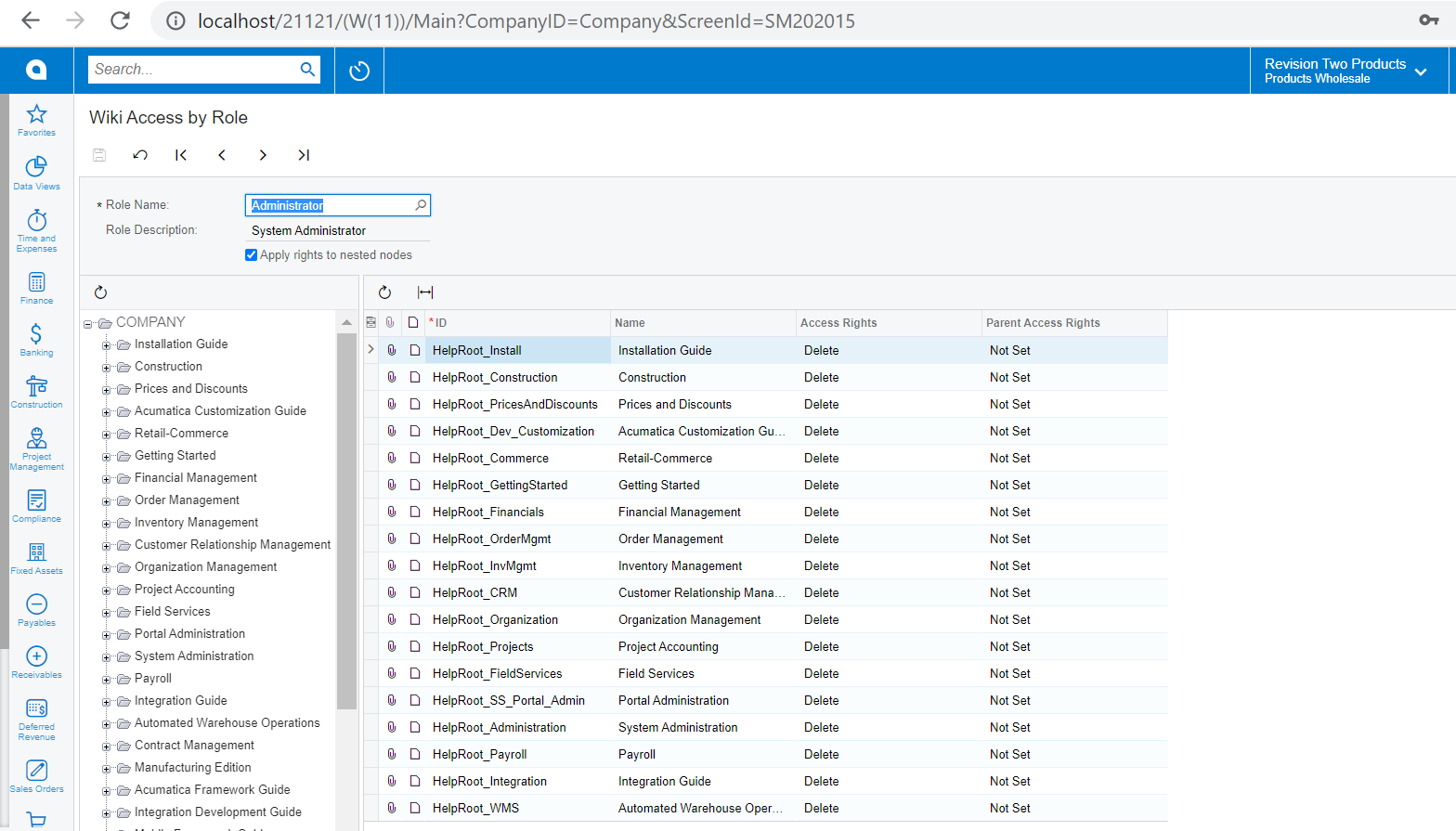
The Help articles are set as wiki in Acumatica. Can you check if the user role has access to the wiki pages?


Regards,

Translate

Forum|alt.badge.img+1
  • Author
  • Semi-Pro II
  • May 11, 2022 1:28 PM UTC

Despite all the “Revoke” settings, this seems to have worked for all users.

Translate