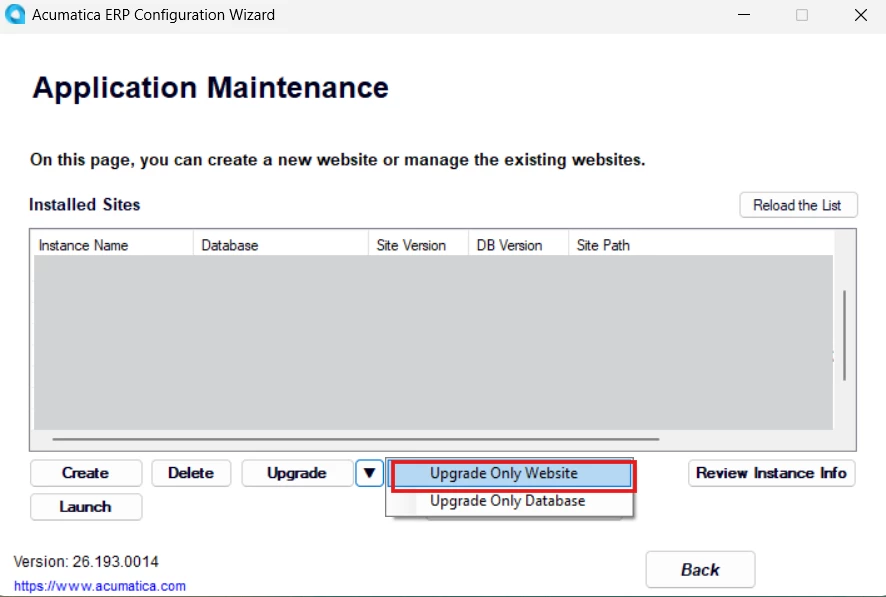
Hello,
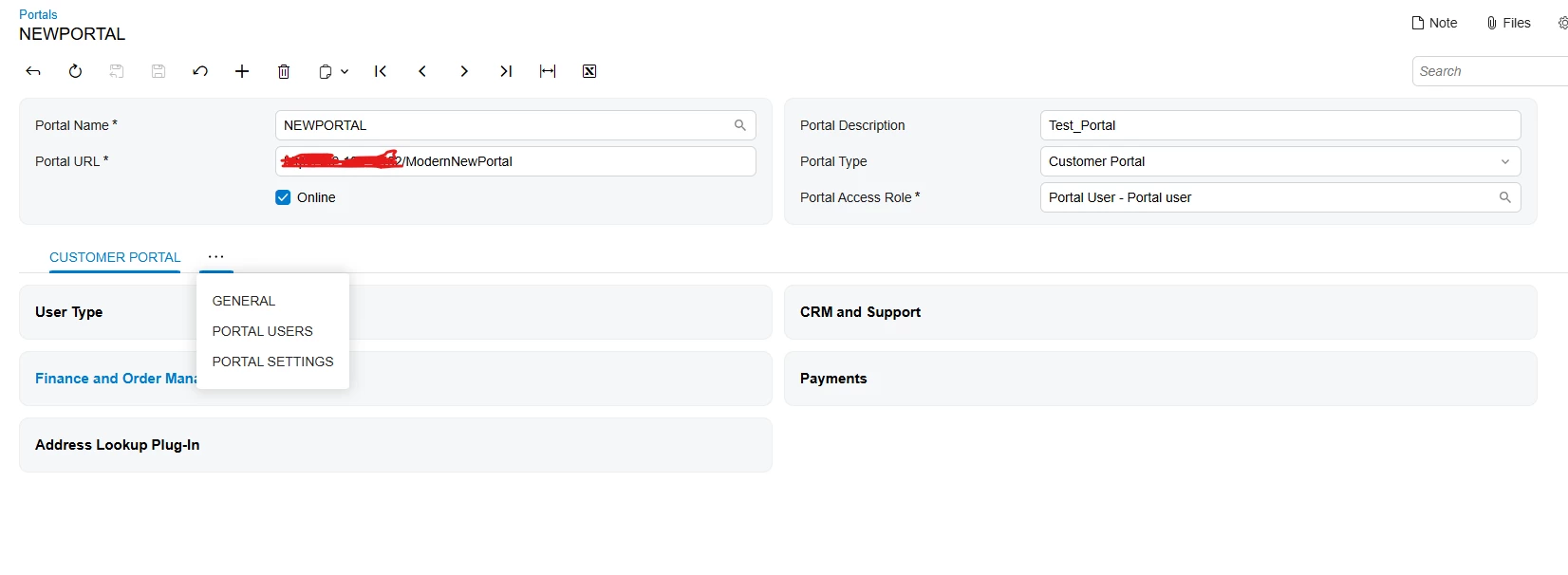
Could someone please help me understand why this screen is broken?
There are no custom extensions or modifications applied to this screen, so I’m not sure what could be causing the issue.


 +2
+2Hello,
Could someone please help me understand why this screen is broken?
There are no custom extensions or modifications applied to this screen, so I’m not sure what could be causing the issue.
Best answer by VardanV
Thank you all for your efforts!
The issue is related to the visibility configuration of the tab, where visibility is controlled using the if.bind property.
<qp-tab id="tbCustomerPortal" caption="Customer Portal" if.bind="Portal.PortalType.value === SPPortalType.CustomerPortal">In the Modern UI code, I found comments on some screens indicating that, for some reason, if.bind does not work correctly in certain cases.
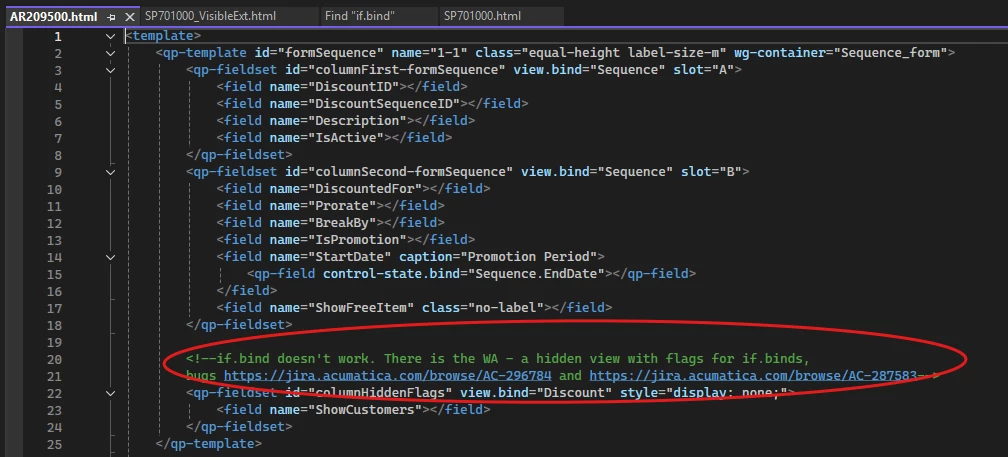
To resolve the issue, the if.bind property needs to be replaced with the visible.bind property by extension.
<template>
    <qp-tab modify="#tbCustomerPortal"
            caption="Customer Portal"
            if.bind="true === true"
            visible.bind="Portal.PortalType.value === SPPortalType.CustomerPortal">
        </qp-tab>
</template>
Enter your E-mail address. We'll send you an e-mail with instructions to reset your password.