The Automation Schedule History shows all of our email are “Processing completed with Errors’. We cannot find what is causing these errors. Please help us understand the errors and show us how to fix the issue.
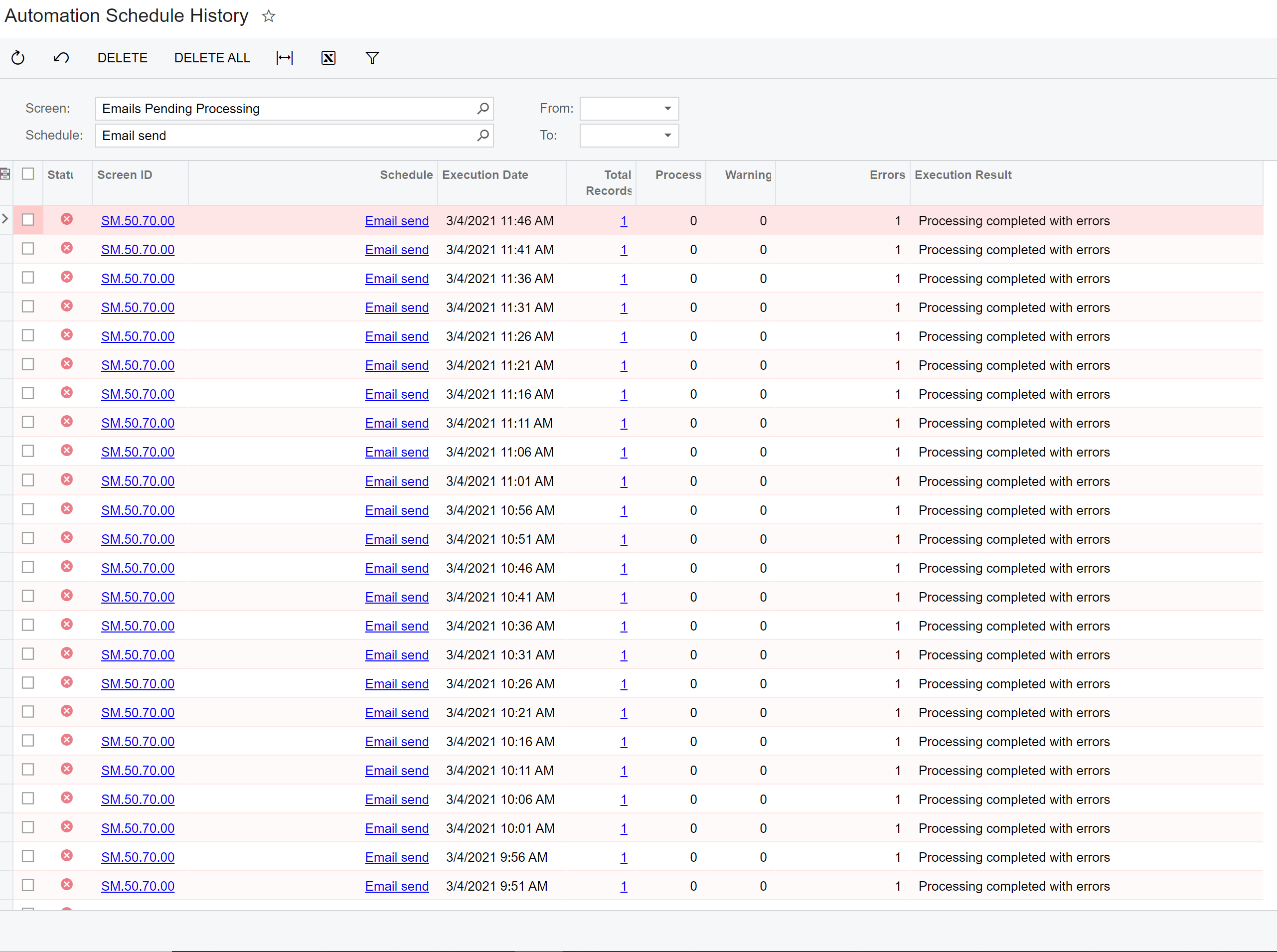



The Automation Schedule History shows all of our email are “Processing completed with Errors’. We cannot find what is causing these errors. Please help us understand the errors and show us how to fix the issue.
Best answer by kgartly09
In one of our cases this was due to the having the auto set to Process All when there was a condition to only process one of the system email accounts in the schedule. Changing it to Process instead resolved the error.
No account yet? Create an account
Enter your E-mail address. We'll send you an e-mail with instructions to reset your password.