Question

Screen Timeout for Acumatica

  • January 8, 2026
  • 2 replies
  • 35 views

Forum|alt.badge.img

Hello all!

We have an accounting employee that when running large jobs, gets kicked out of Acumatica. I know we can change the time out which we have to 30 minutes. We lowered it for security reasons. I didn’t see a way to change it per person so I assume that is not allowed. Is there a way to trick the system to stay logged in longer? Moving the mouse, etc.


Thank You!
2 replies

nhatnghetinh
Captain II
Forum|alt.badge.img+13
  • Captain II
  • January 12, 2026

Hi ​@bbondura 

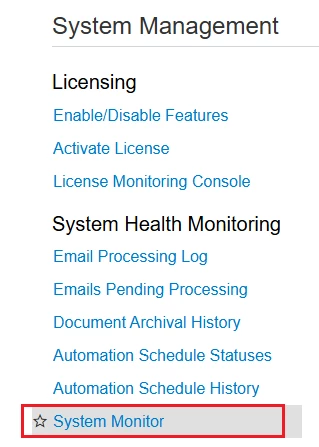
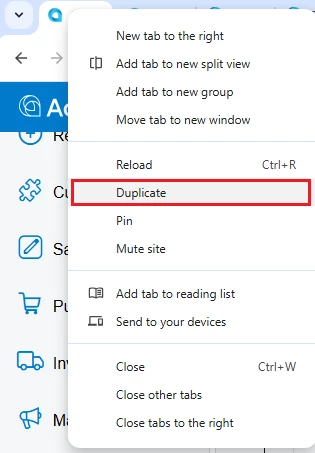
Try this: Create Access Rights for the accounting employee using the "System Monitor" screen. When the accountant is running large jobs as you mentioned, open the "System Monitor" screen by clicking "Duplicate" in the web browser.


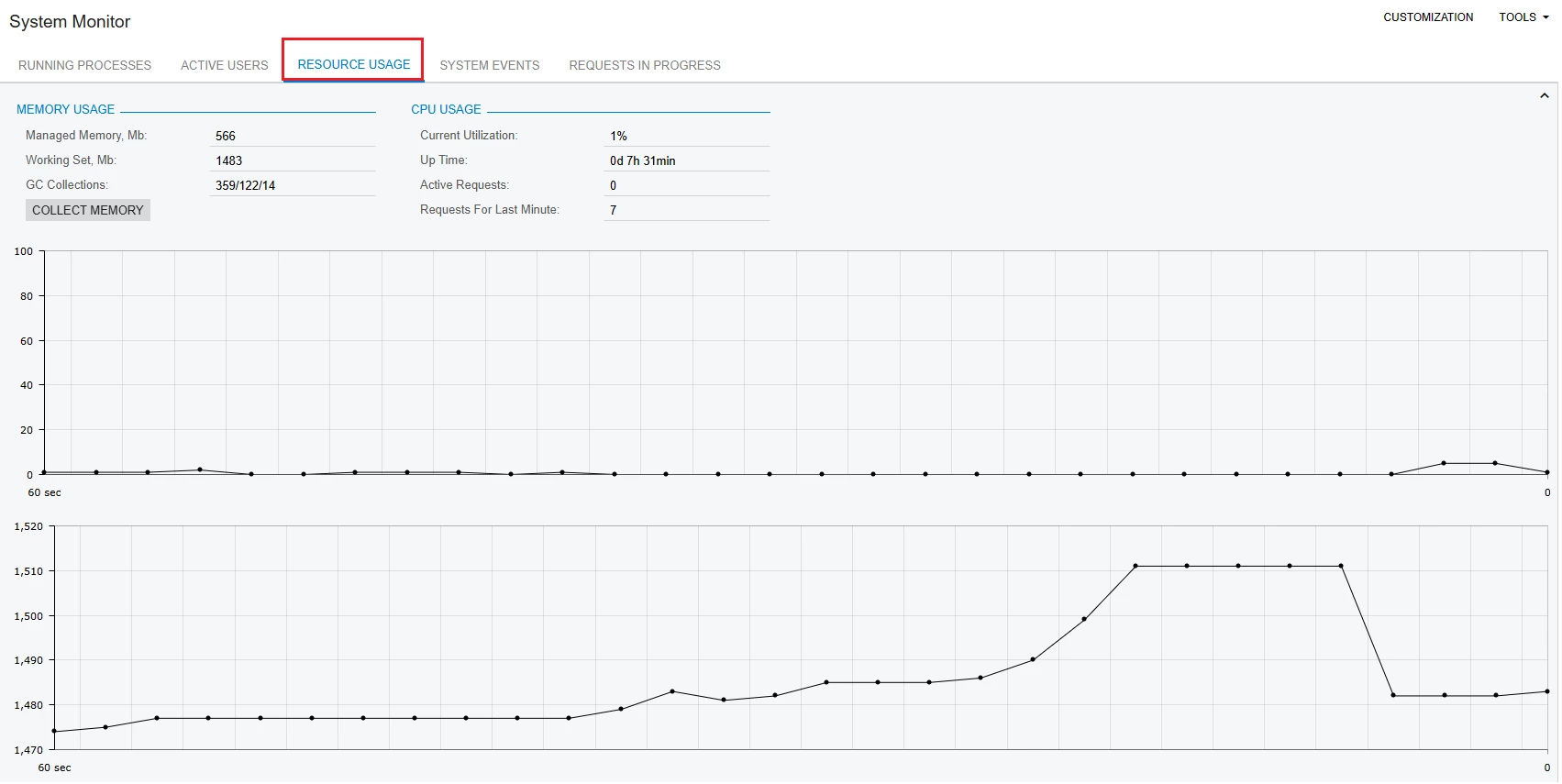
When you open the "System Monitor" screen, click on the "RESOURCE USAGE" tab.


I noticed that when you click on the "RESOURCE USAGE" tab of the "System Monitor" screen, Acumatica always stays logged in.


Best Regards,

NNT


Forum|alt.badge.img
  • Author
  • Jr Varsity II
  • January 13, 2026

Thank You!

This might be more than they are willing to do. They are not tech savvy

Brent