Hello Experts,
I described this problem in another post, but due to time constraints, I didn’t explain it clearly enough at the time.
The goal was to quickly find a workaround at that time. Now that we have a workaround, I hope more experts can help identify the root cause. Below is a detailed description:
Background:
- We recently upgraded from 2021r2 + Windows Server 2016 + SQL Server 2016 to 2024r2 + Windows Server 2022 + SQL Server 2022. The 2023r1 version appeared as an intermediate version during the upgrade process.
- Our site has 3 tenants, all using the exact same PO3020PL.
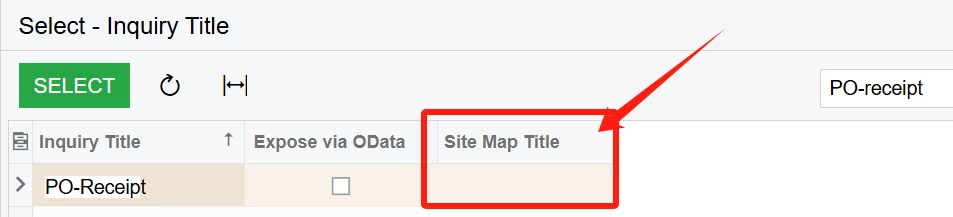
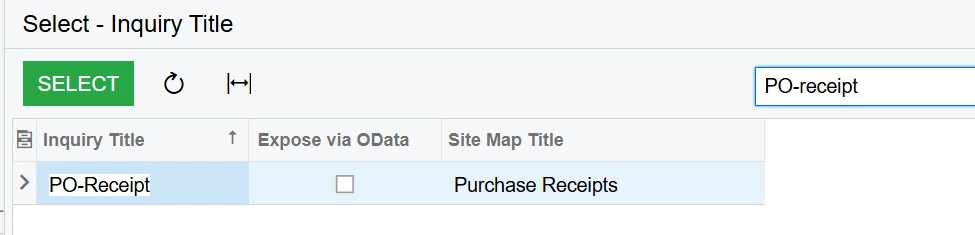
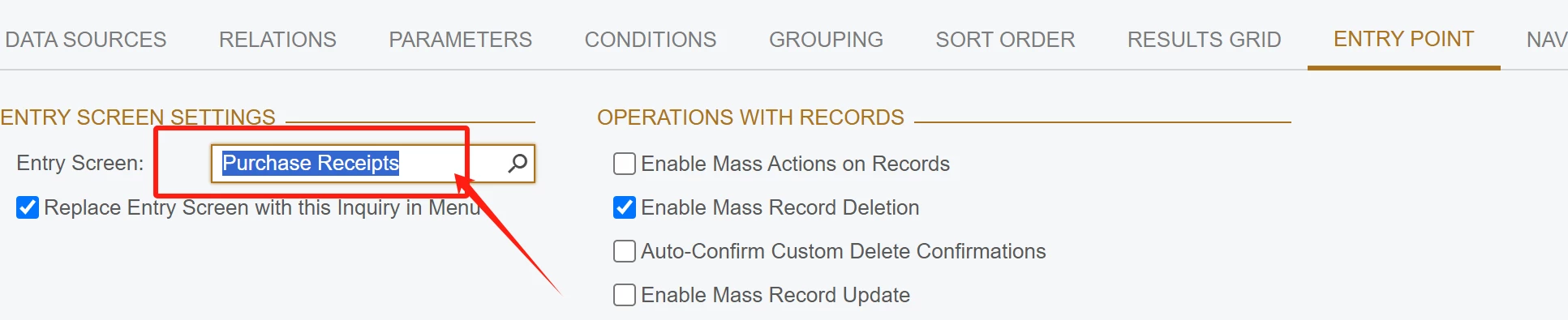
- Two tenants can normally display PO3020PL and load PO-Receipts for editing on the generic inquiry page(SM651700).
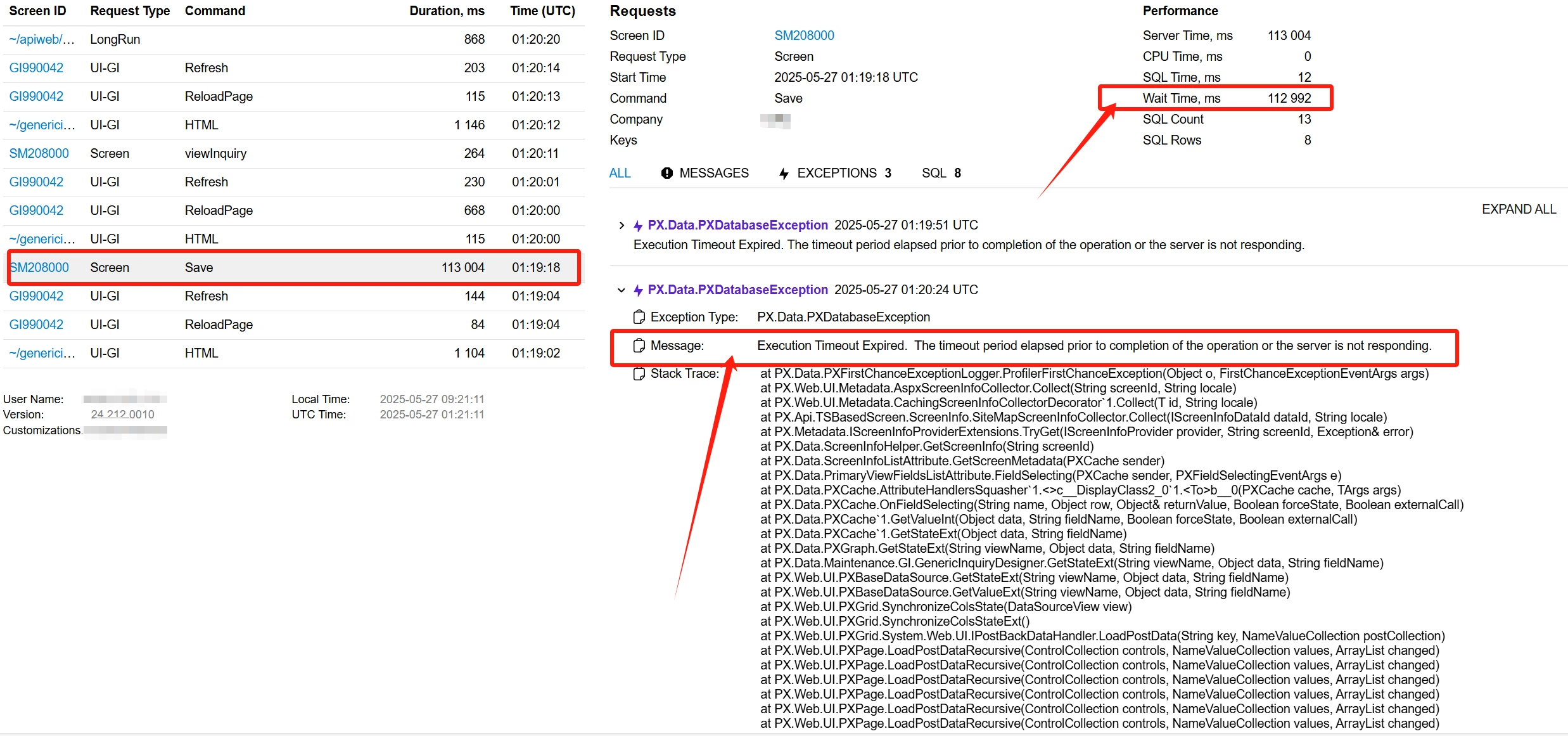
- One tenant encounters the following issues:
- Directly accessing
.../ScreenId=PO3020PLresults in a timeout prompt. - When editing PO-Receipts on the generic inquiry edit page, once a selector is used to select a PO-Receipt, the page appears to freeze.
- Directly accessing
- For the problematic tenant, all other PL-series pages load normally.
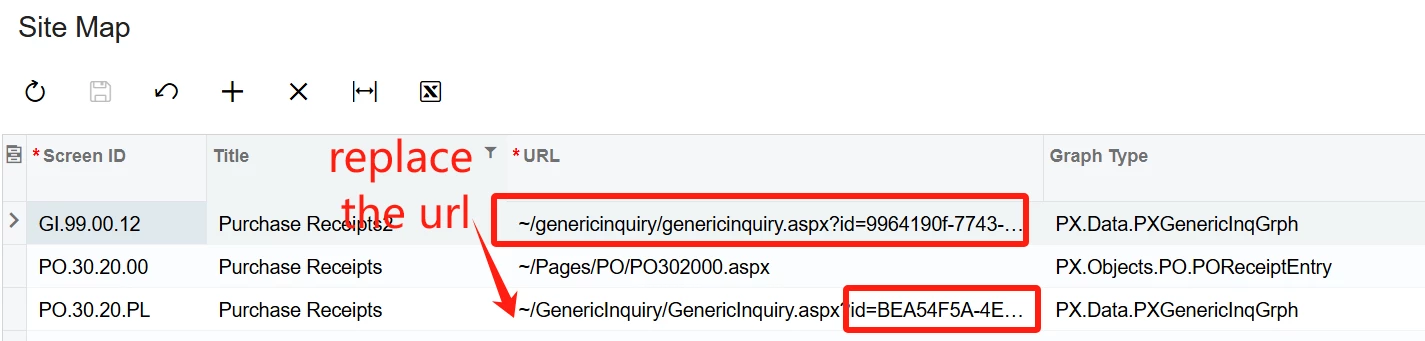
- In the Access Right by Screen page(SM201020), I cannot find PO3020PL. However, when printing the Access Right by Screen Report (SM651700), it shows that I (as an admin) have delete permissions for PO3020PL.
Could anyone provide some suggestions? Any help is appreciated.
My large guess it is still an access right issue, it is not a data issue. if it is a data issue, it should not stop me from opening the inquiry in SM651700.