



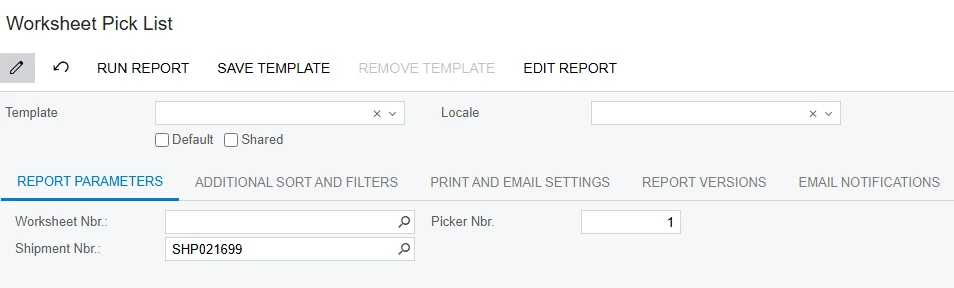
***so on the worksheet pick list, some of the shipment nbr do not produce any data after Run Report
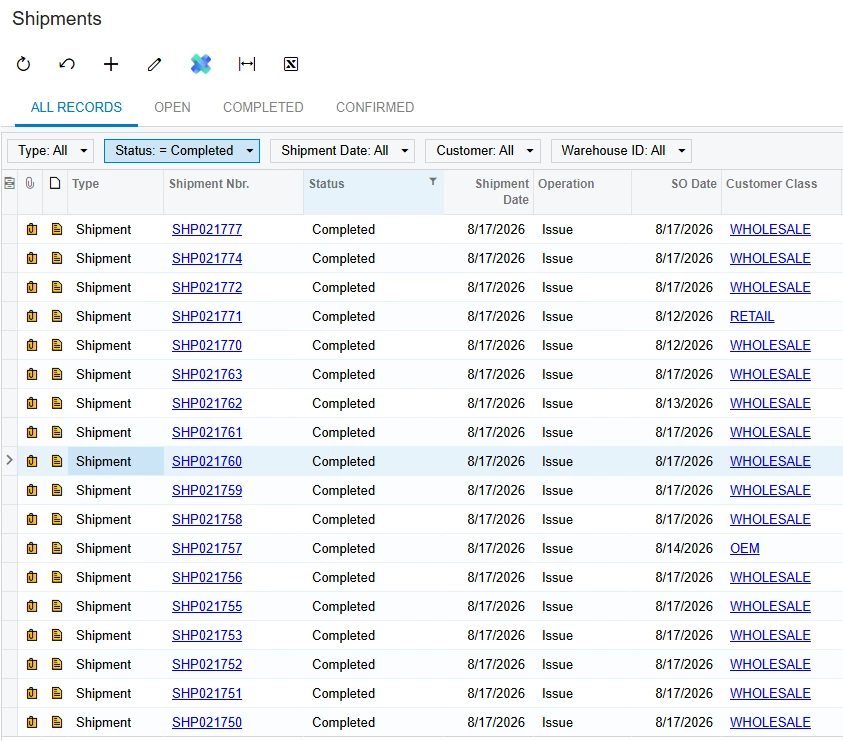
****the status are completed already
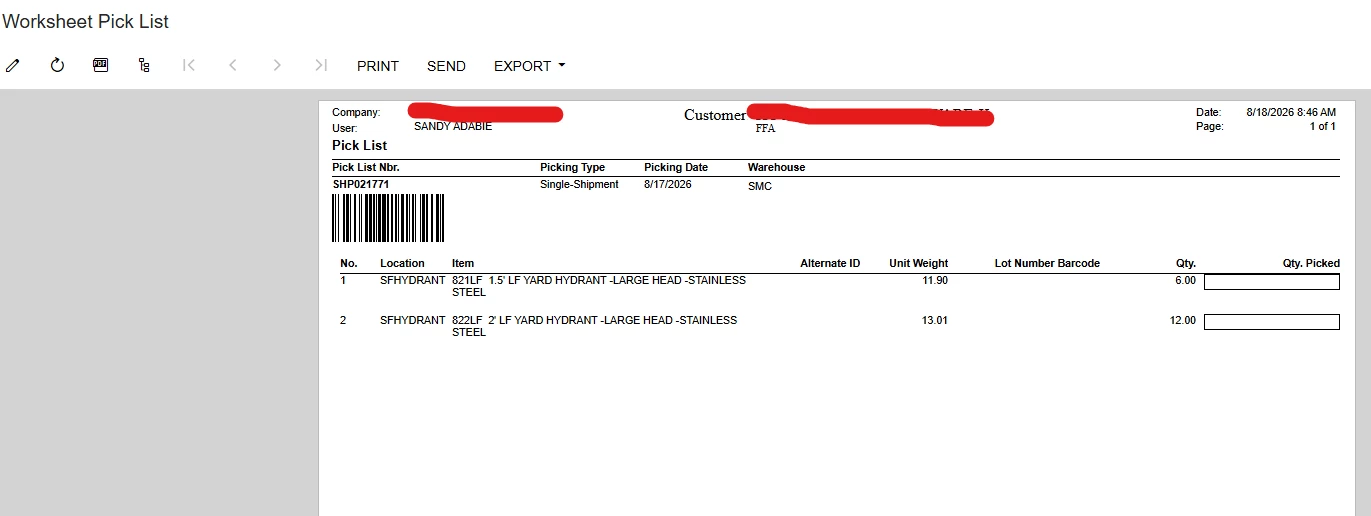
***some of the shipment works in the worksheet pick list
***so on the worksheet pick list, some of the shipment nbr do not produce any data after Run Report
****the status are completed already
***some of the shipment works in the worksheet pick list
Best answer by Steve Milner
Sandy,
I pulled the report definition (SO644006.rpx). The Shipment Nbr. parameter doesn't match the shipment — it matches SOPickingWorksheet.SingleShipmentNbr, the shipment number held on a single-shipment worksheet.
So it only ever returns something for shipments picked via Create Single-Shipment Pick Lists. Your working example confirms it — the header reads Picking Type: Single-Shipment.
For wave and batch worksheets that field is empty, so the shipment number finds nothing. And that's by design rather than a bug: in wave and batch picking, pickers are assigned portions of the worksheet, not shipments, so a single shipment's items can be spread across several pickers' lists. There's no one pick list to look up by shipment.
Run those by Worksheet Nbr. instead. Find the worksheet on Picking Worksheets (SO302500) — the Shipments tab shows which shipments it covers.
On Picker Nbr.: pick list numbers are formatted Worksheet Nbr./Picker Nbr. — so in 000001/2, the picker number is 2. It's a filter on the report, so set it to match the list you want, or it'll narrow you to one picker's lines.
Enter your E-mail address. We'll send you an e-mail with instructions to reset your password.


