Answer

What expression to insert to display the company logo in report?

  • March 27, 2025
  • 4 replies
  • 161 views

Forum|alt.badge.img

Hello all,

I am not able to figure out the expression to insert in report desginer to display the company’s logo in report.
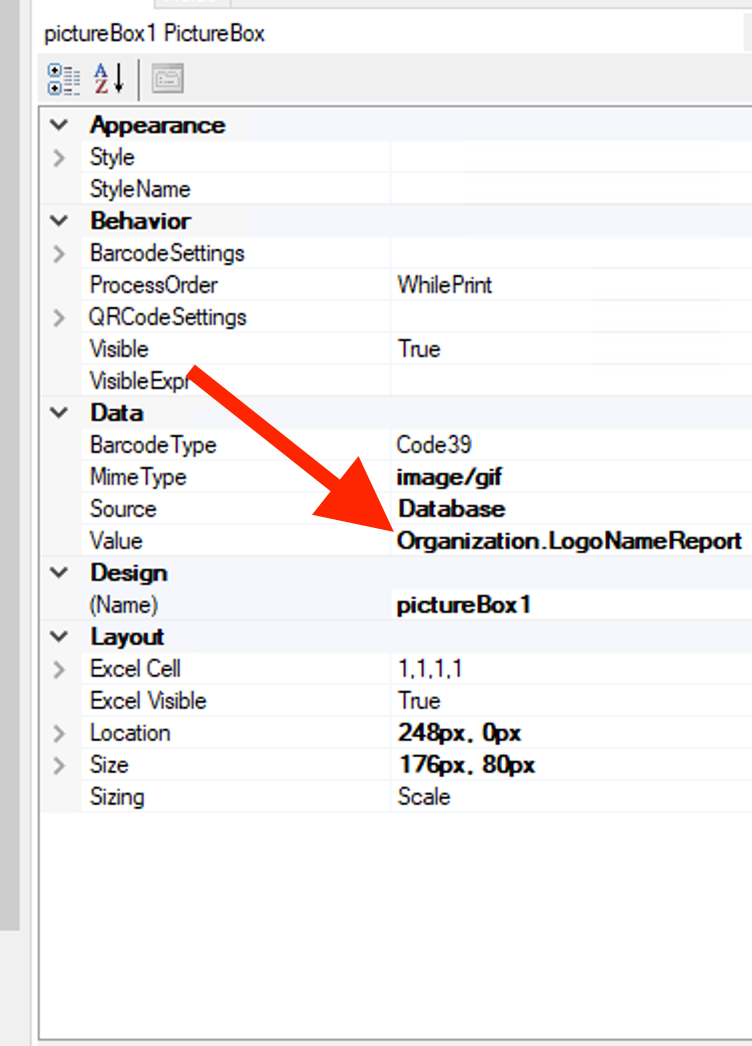


Best answer by Ankita Tayana


Hi ​@Harry,

Please follow below steps to display the company's logo in report if expression is not working.

use Embedded images to upload your company logo and give the source and value to the picture box to display logo as per screenshots below.
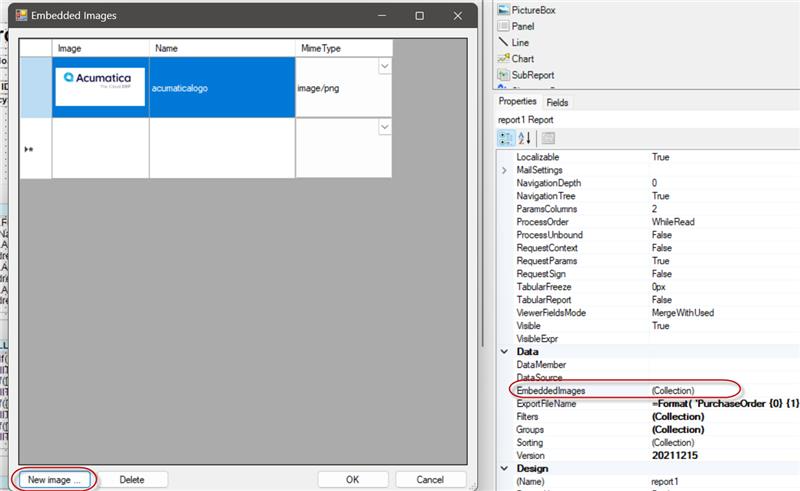
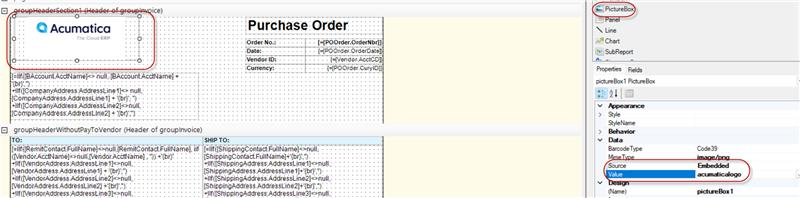
 

Hope this helps!

4 replies

  • Jr Varsity I
  • March 27, 2025

Hi Harry, do you have branches configured?  If yes, try [Branch.BranchOrOrganizationLogoNameReport] on the report. Otherwise, you can go the route of using the source embedded and upload the logo on the report. I hope this helps.


Forum|alt.badge.img
  • Author
  • Semi-Pro II
  • March 27, 2025

Hey ​@tkapuenene36 , there are no logos at branch level. We only have the logo at company level. The logo has been added under the Visual Appearance tab → Report Logo but I am unable to figure the expression to use in report designer.


Forum|alt.badge.img+5
  • Jr Varsity I
  • Answer
  • March 27, 2025


Hi ​@Harry,

Please follow below steps to display the company's logo in report if expression is not working.

use Embedded images to upload your company logo and give the source and value to the picture box to display logo as per screenshots below.


Hope this helps!


Forum|alt.badge.img
  • Varsity II
  • July 24, 2025

Hey ​@tkapuenene36 , there are no logos at branch level. We only have the logo at company level. The logo has been added under the Visual Appearance tab → Report Logo but I am unable to figure the expression to use in report designer.

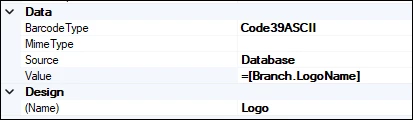
I wouldn’t use an embedded image for a logo that is already stored in the system.  Make sure the Branch DAC is added and joined to one of your tables then you can reference the company logos directly - note that you must specify the ‘=” and the brackets or it won’t work:

If you want to use the larger report logo use ‘=[Branch.LogoNameReport]’.