Answer

Using values of Attributes in calculation

  • December 29, 2023
  • 4 replies
  • 170 views

Forum|alt.badge.img

I have the following attribute:
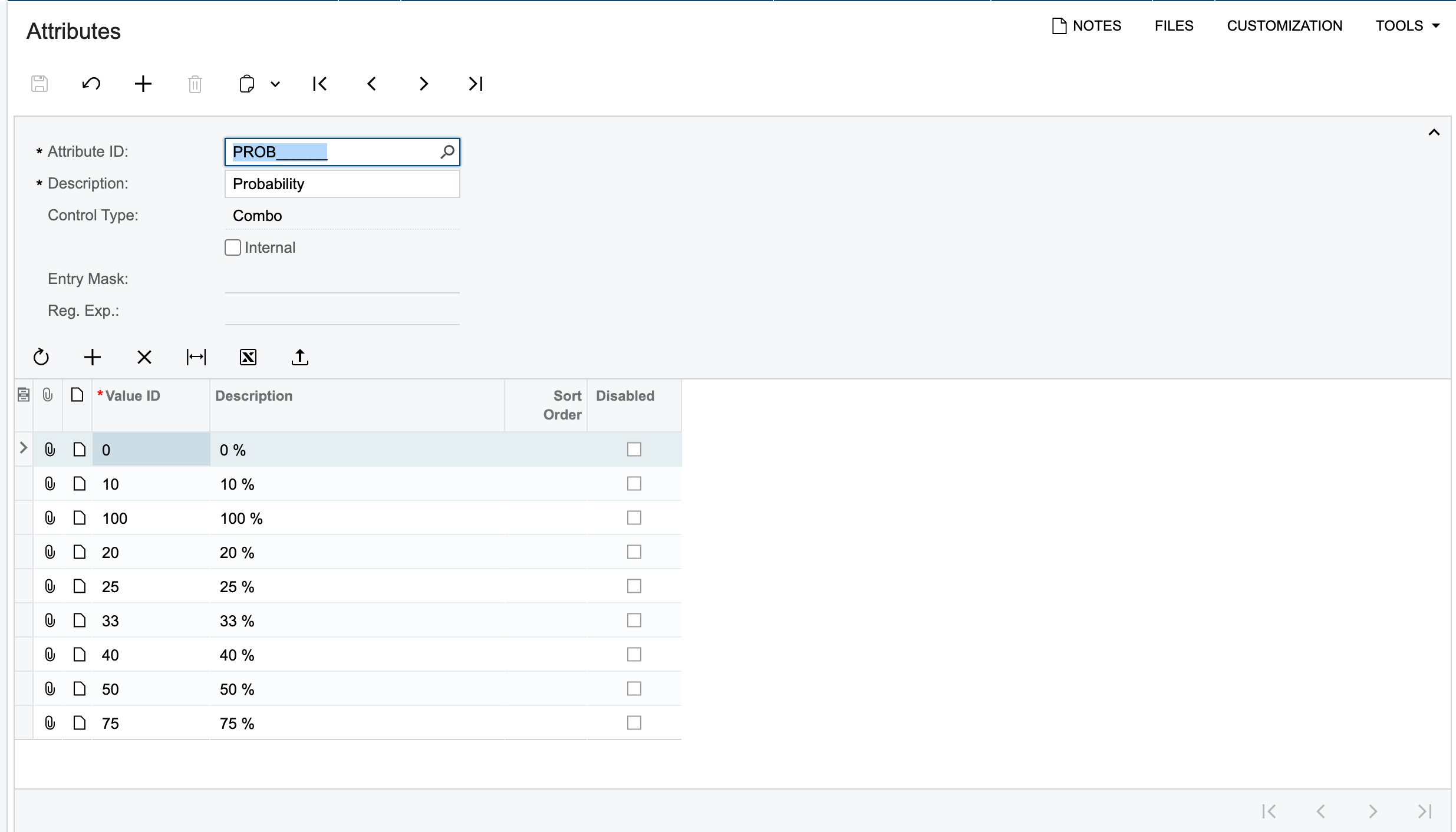


We then use one of these values in Project Quotes:
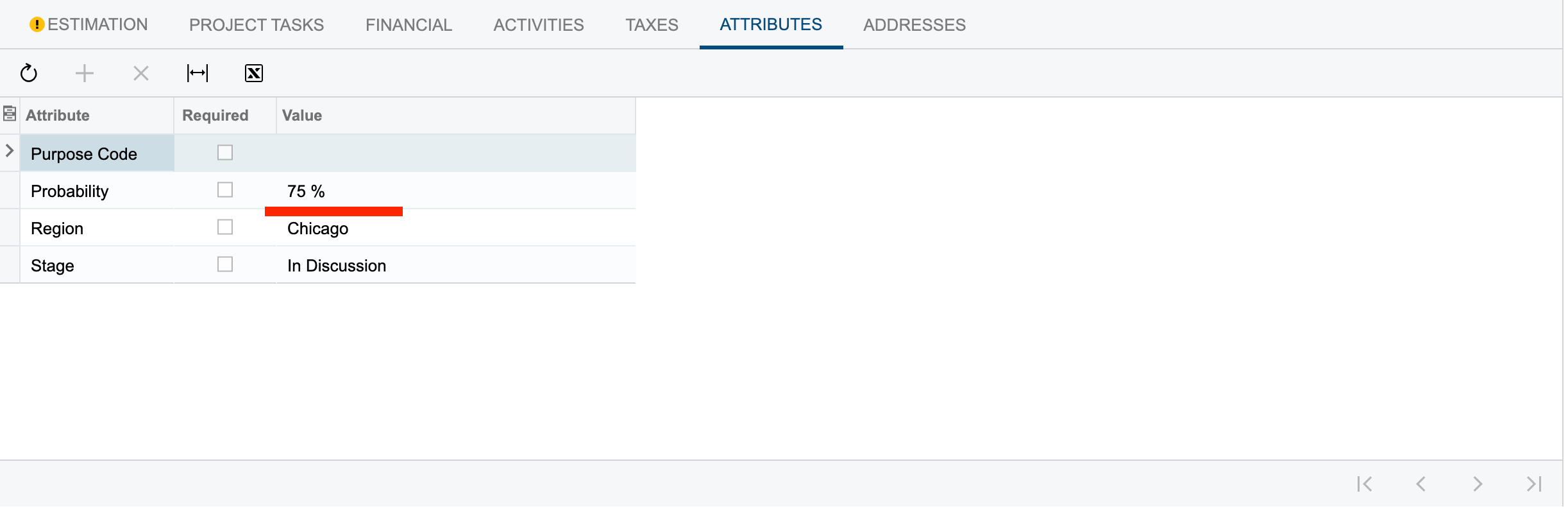


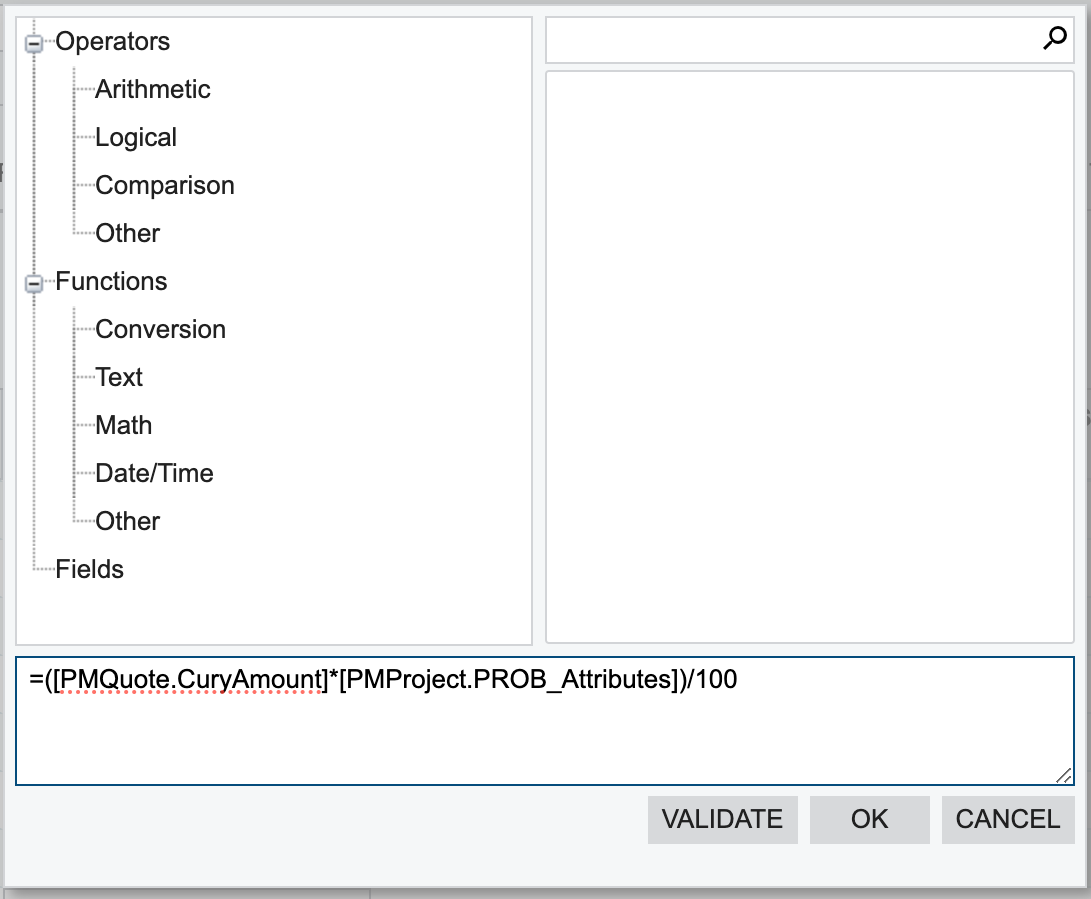
Now I would like to display a calculation of this Attribute value and the Total Sales value in the Project Quote PL GI. I tried to apply the below calculation:
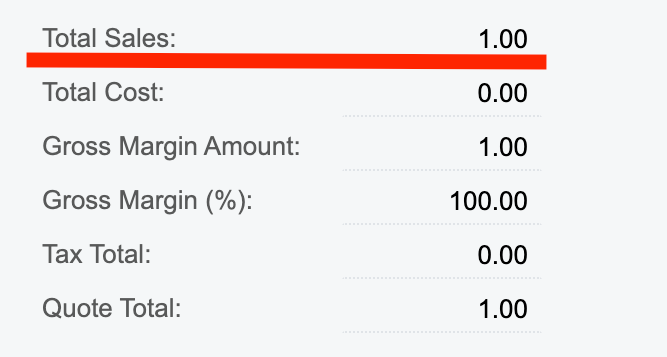
​​​​​​​


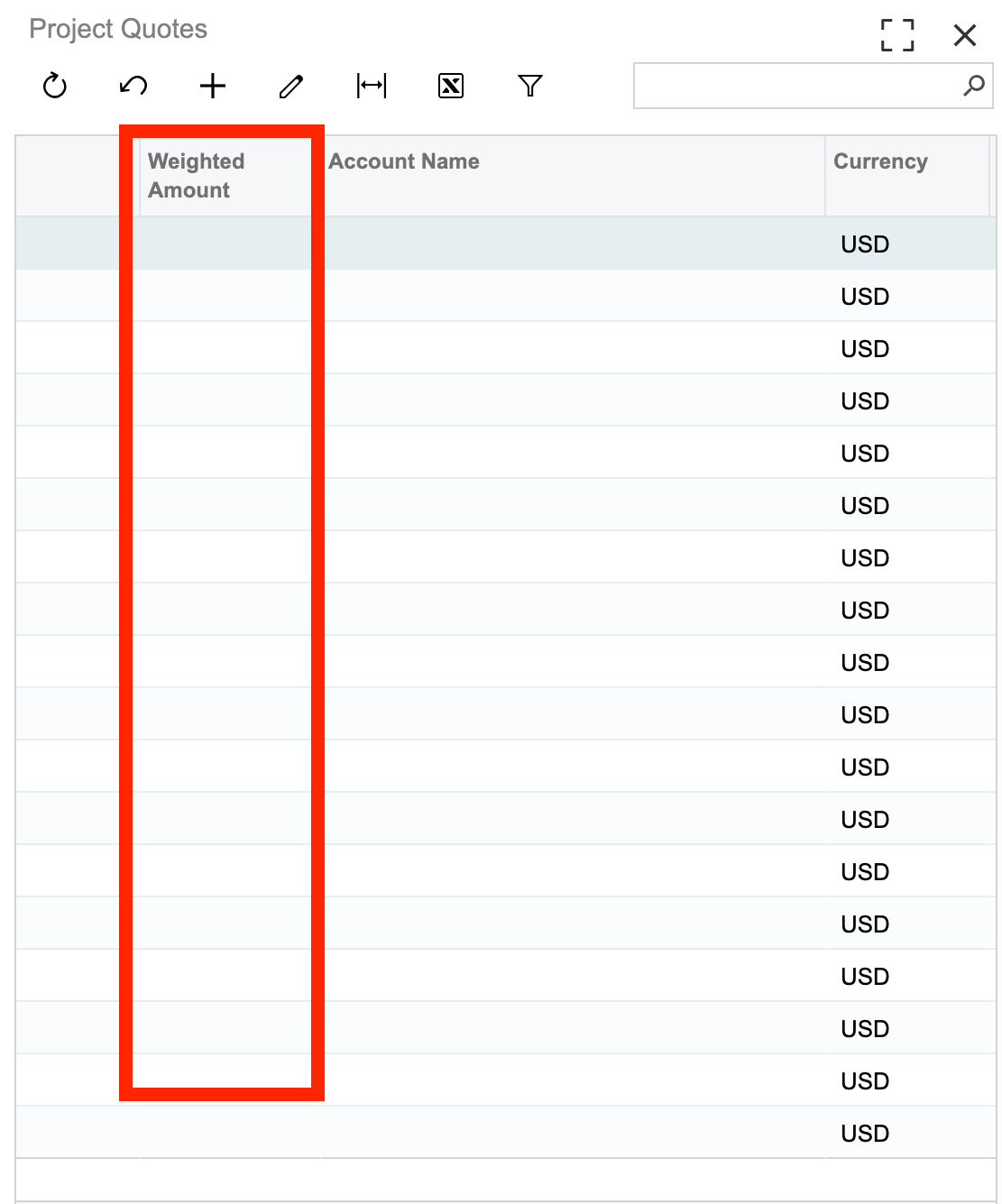
But it doesnt display the results:
​​​​​​​

What is the mistake in the calculation that I am making? Please guide me through it.
​​​​​​​Thanks in advance.

Best answer by Harry

Hello @Naveen Boga & @Laura02 , thank you for your suggestions. I actually found out that i was making a mistake in the calculation. So instead of PMProject.PROB_Attributes, I needed to put PMQuote.PROB_Attributes since, I was trying to pull the values from the Project Quotes screen only.
And now the results are now displaying correct.
Thank you once again.

4 replies

Naveen Boga
Captain II
Forum|alt.badge.img+19
  • Captain II
  • December 29, 2023

@Harry Can you please check value coming in for the PMProject.PROB_Attributes?

I think this is coming as a NULL value, hence it showing blank.


Laura03
Captain II
Forum|alt.badge.img+19
  • Captain II
  • December 29, 2023

Hello ,

I agree with Naveen:  when we display an attribute in a GI, we see the Description of the attribute, not the ID.

If you display the PMProject.PROB_Attributes value, I think you will see 10 %, 25 %, etc. and these values can’t be used in calculations.

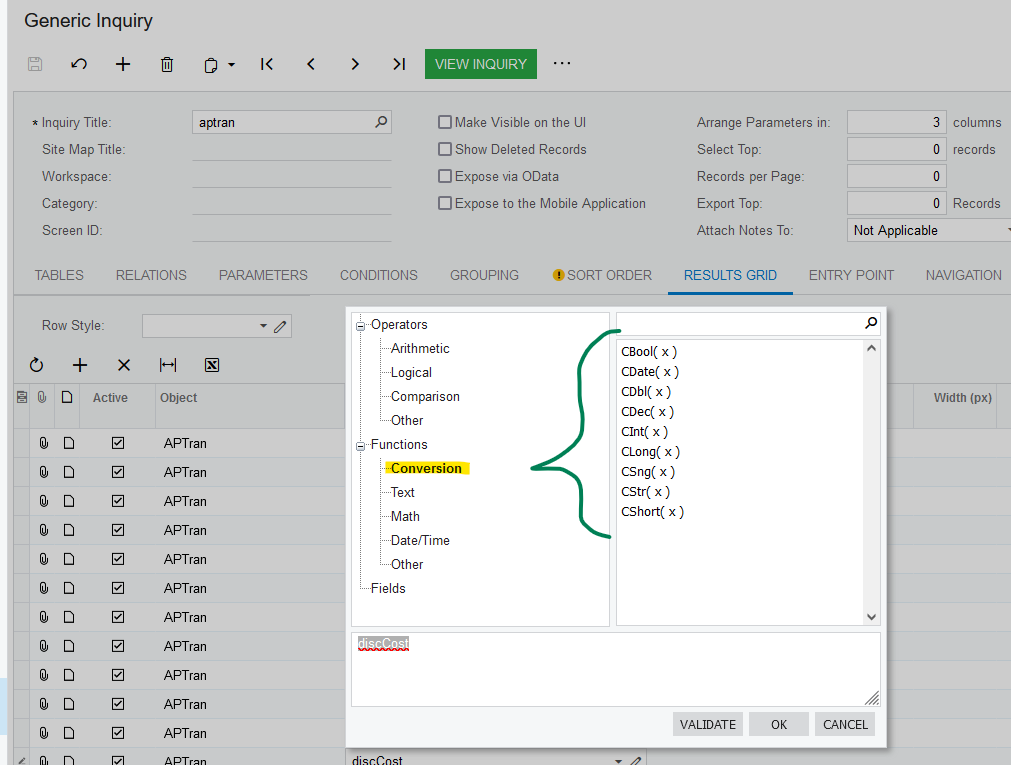
Try changing the Description on the attributes to be 10 or 25 (remove the %).  Now you have a text field, and you can change the Text field by casting it like CDec( [PMProject.PROB_Attributes]) in your formula, to perform calculations.

Laura


Forum|alt.badge.img
  • Author
  • Semi-Pro II
  • Answer
  • December 29, 2023

Hello @Naveen Boga & @Laura02 , thank you for your suggestions. I actually found out that i was making a mistake in the calculation. So instead of PMProject.PROB_Attributes, I needed to put PMQuote.PROB_Attributes since, I was trying to pull the values from the Project Quotes screen only.
And now the results are now displaying correct.
Thank you once again.


Chris Hackett
Community Manager
Forum|alt.badge.img
  • Acumatica Community Manager
  • December 29, 2023

Thank you for sharing your solution with the community @Harry!