Question

UPS Labels

  • July 30, 2024
  • 4 replies
  • 84 views

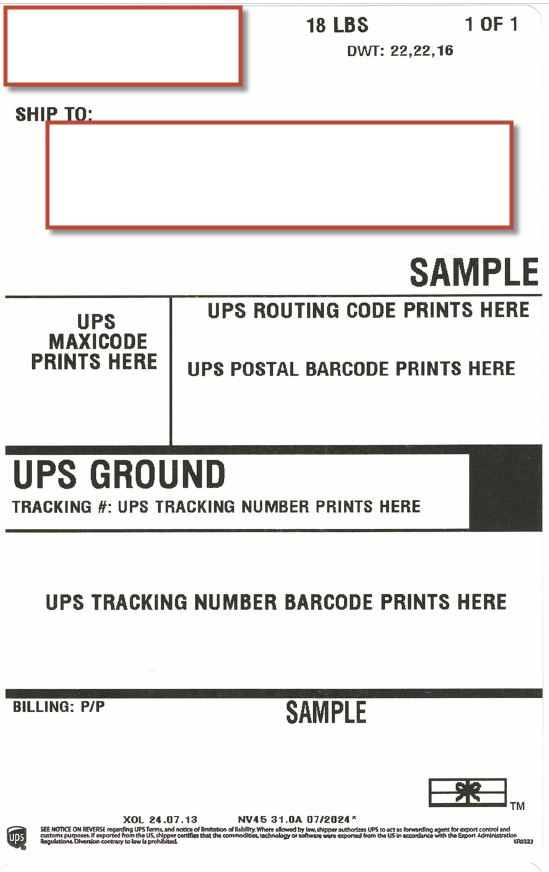
We finally have been able to print our UPS shipping labels but now have ran into another issue. The report generated label itself, it is printing as a SAMPLE label and they are not including the UPS information (Tracking number, routing code, etc.)

How do we get these items to print, and the label to not say “Sample” and also all the UPS information (Tracking number, routing code, etc.).

Acumatica Cloud ERP 2023 R2
Build 23.212.0024 +

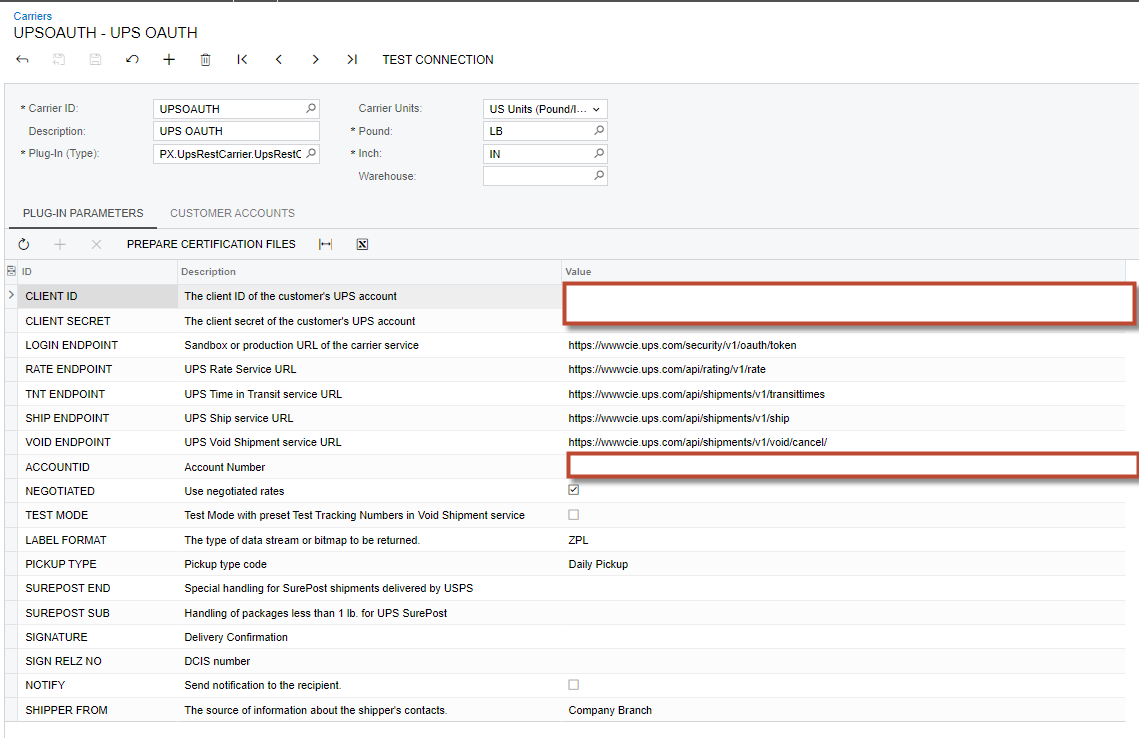
Did I miss any settings or parameters while configuring? 

4 replies

Manikanta Dhulipudi
Captain II
Forum|alt.badge.img+15

Hi @karthikn61 

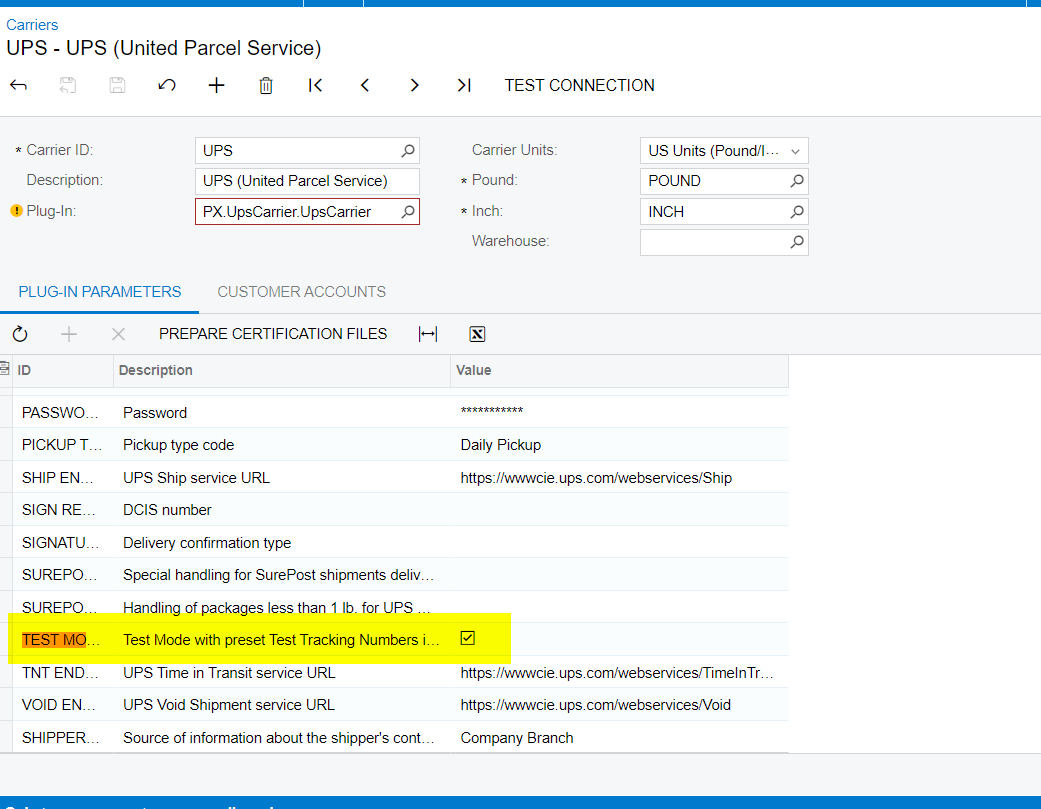
Is the check box enable for test mode.


Uncheck it and verify once.


  • Author
  • Freshman I
  • July 30, 2024

Hi,

No - the Test Mode check box is UNCHECKED.


  • Author
  • Freshman I
  • July 30, 2024

Hi,

Current Output was like this. It prints the shipment address and company details.


Chris Hackett
Community Manager
Forum|alt.badge.img
  • Acumatica Community Manager
  • August 22, 2024

Hi @karthikn61 were you able to find a solution? Thank you!