

Answer

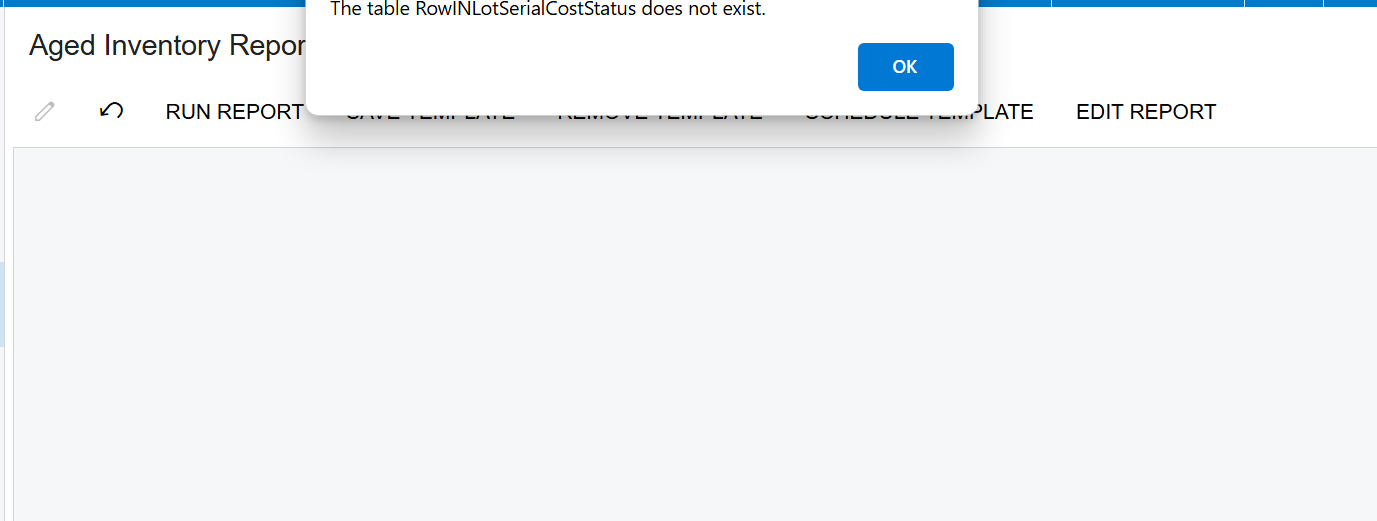
Table RowInLotSerialCostStatua and RowINSiteCostStatus do not exist

  • April 14, 2025
  • 3 replies
  • 133 views

Had this issue at first, replaced the table and then got this issue after. 
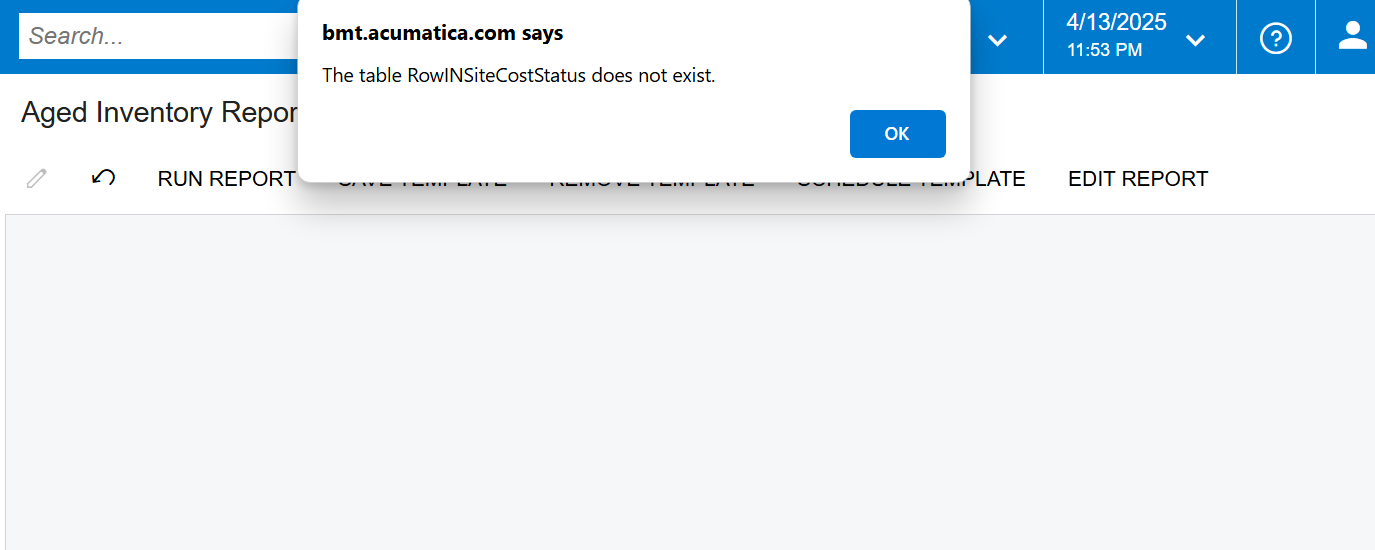
what would be the equal to this table in acumatica? Client upgraded from 23R1 to 24R2 and started to have issues with these reports that worked before

Best answer by Rakshanda

Hi ​@ssantillan ,

The INSiteCostStatus and INLotSerialCostStatus projection DACs have been removed from the PX.Objects.IN namespace. They have been replaced by INSiteCostStatusByCostLayerType and INLotSerialCostStatusByCostLayerType, which are now located in the PX.Objects.IN.DAC.Projections namespace.

hope this helps

3 replies

Forum|alt.badge.img+1
  • Jr Varsity II
  • Answer
  • April 14, 2025

Hi ​@ssantillan ,

The INSiteCostStatus and INLotSerialCostStatus projection DACs have been removed from the PX.Objects.IN namespace. They have been replaced by INSiteCostStatusByCostLayerType and INLotSerialCostStatusByCostLayerType, which are now located in the PX.Objects.IN.DAC.Projections namespace.

hope this helps


DipakNilkanth
Pro III
Forum|alt.badge.img+13

Hi ​@ssantillan, In the addition of ​@Rakshanda ‘s answer, you also need to open the Aged Inventory Report in the Report Designer and replace the old table INLotSerialCostStatus with INLotSerialCostStatusByCostLayerType.

Once you save the updated report to the server, the issue should be resolved.

As per the Acumatica 2023 R2 release notes, the previous DAC (INLotSerialCostStatus) has been removed from the PX.Objects.IN namespace and moved to the PX.Objects.IN.DAC.Projections namespace.

Release Notes for 23 R2

Hope, it helps!


Forum|alt.badge.img+8
  • Captain II
  • April 14, 2025

@ssantillan 


On the back of what ​@Rakshanda said, these changes are usually documented in the Release Notes for new system verisons.

