Hello all, I have been trying to create a new report from scratch which would list out the Project & the subcontract details on the basis of the selected project ID.
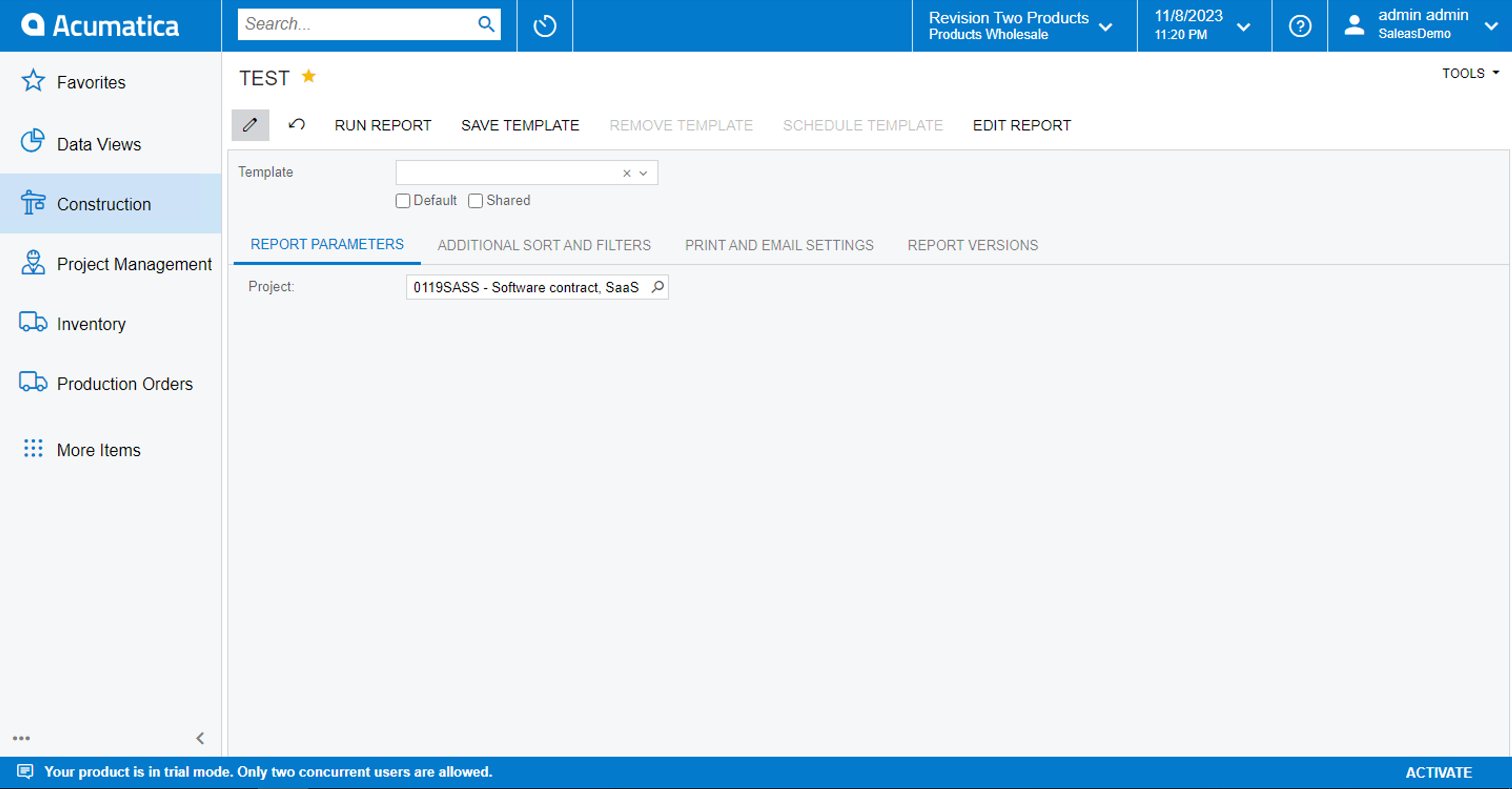
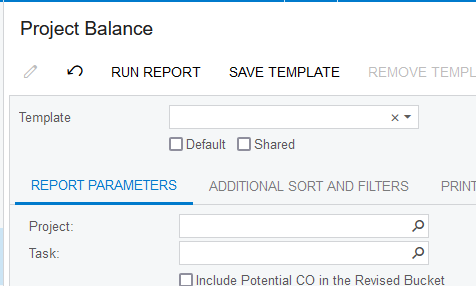
I have copied the Project Balance (PM621000) report. Have only kept one parameter:
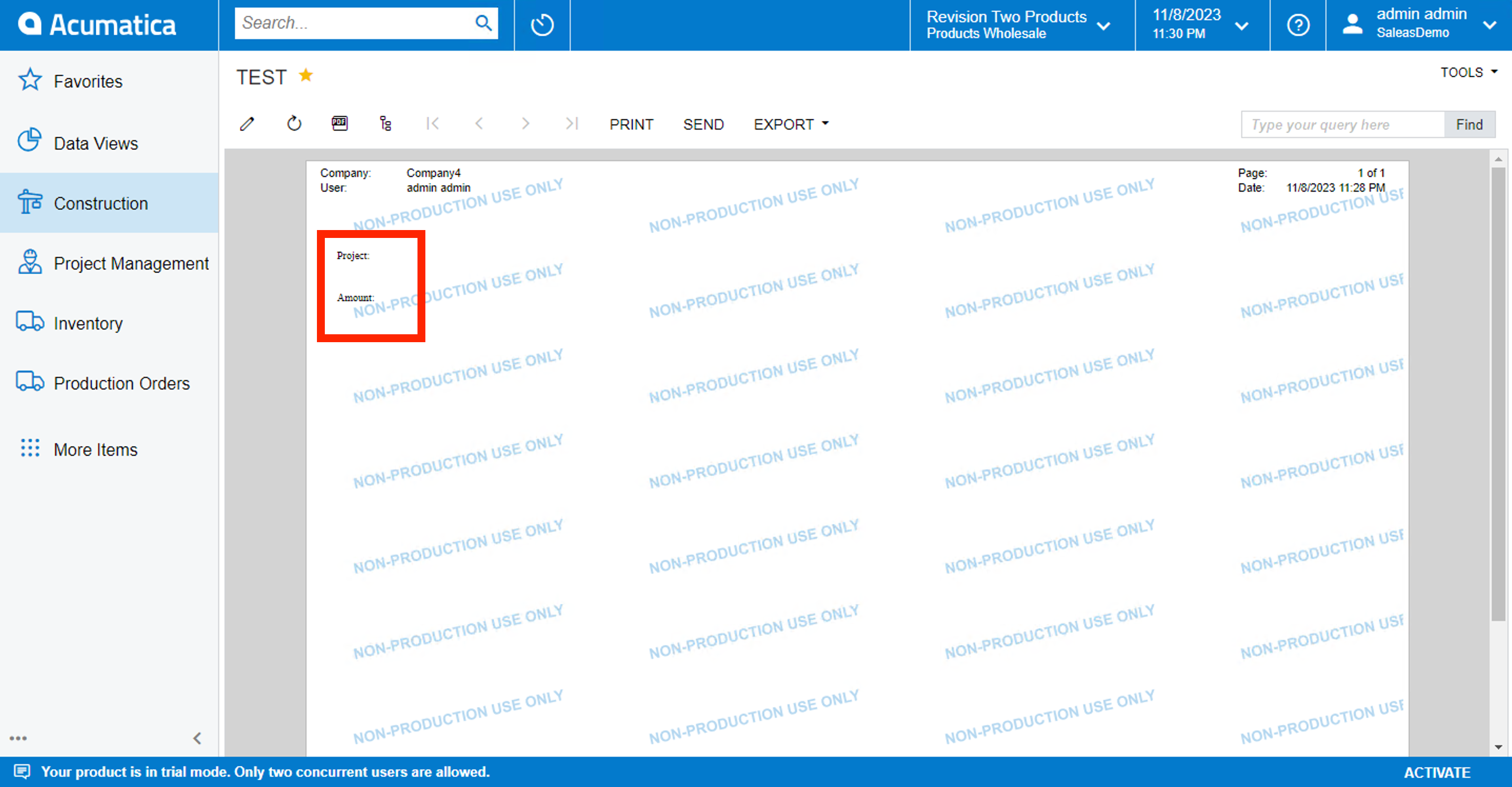
But when I run the report, the values of the detail section isn’t getting displayed:
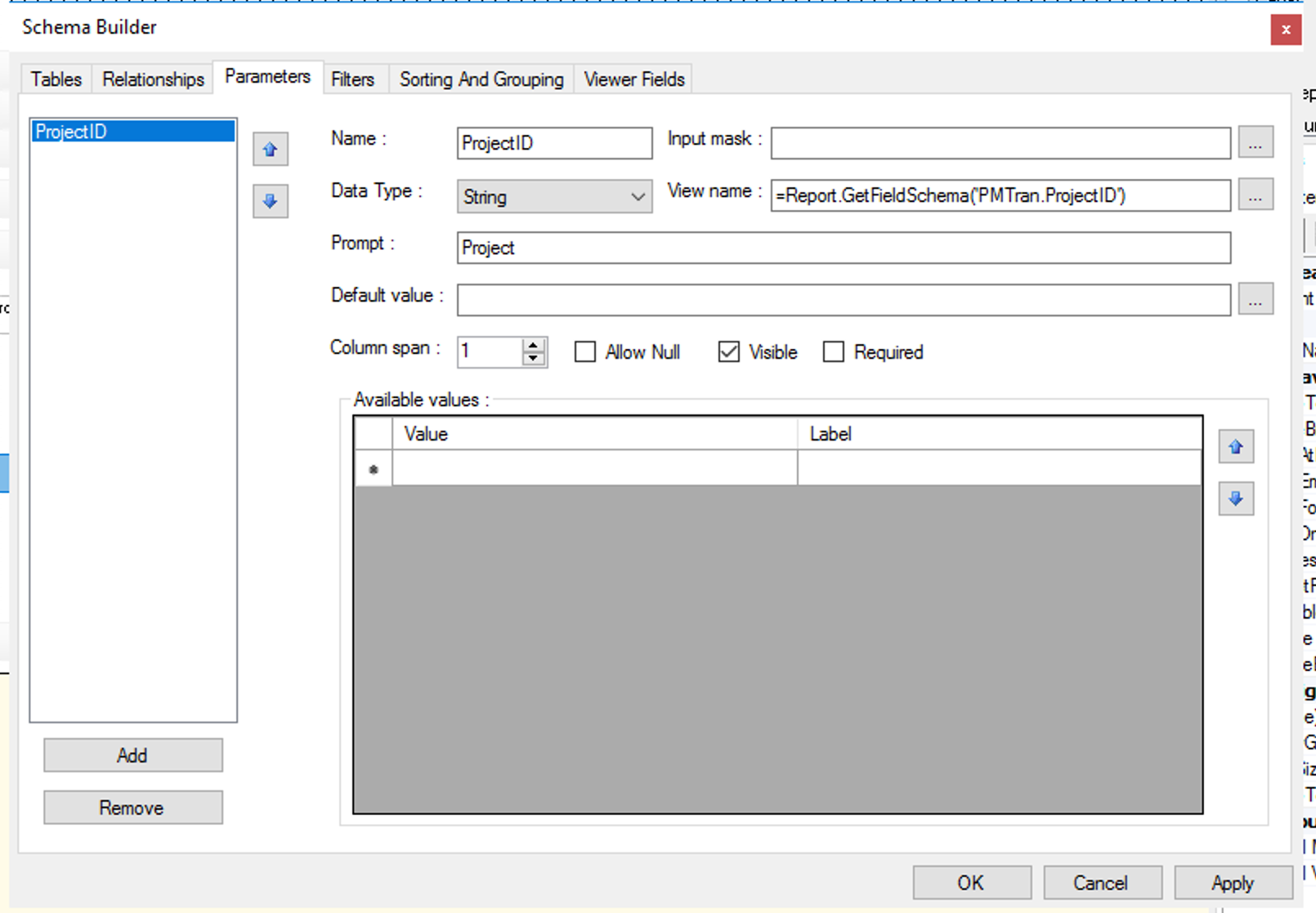
What is it that I am missing here? Is the View Name for the Project ID parameter correct?
Best answer by Harshita
Hello @Harshita ,
I recommend looking at a standard Acumatica Project Report to see how the parameters and filters work.
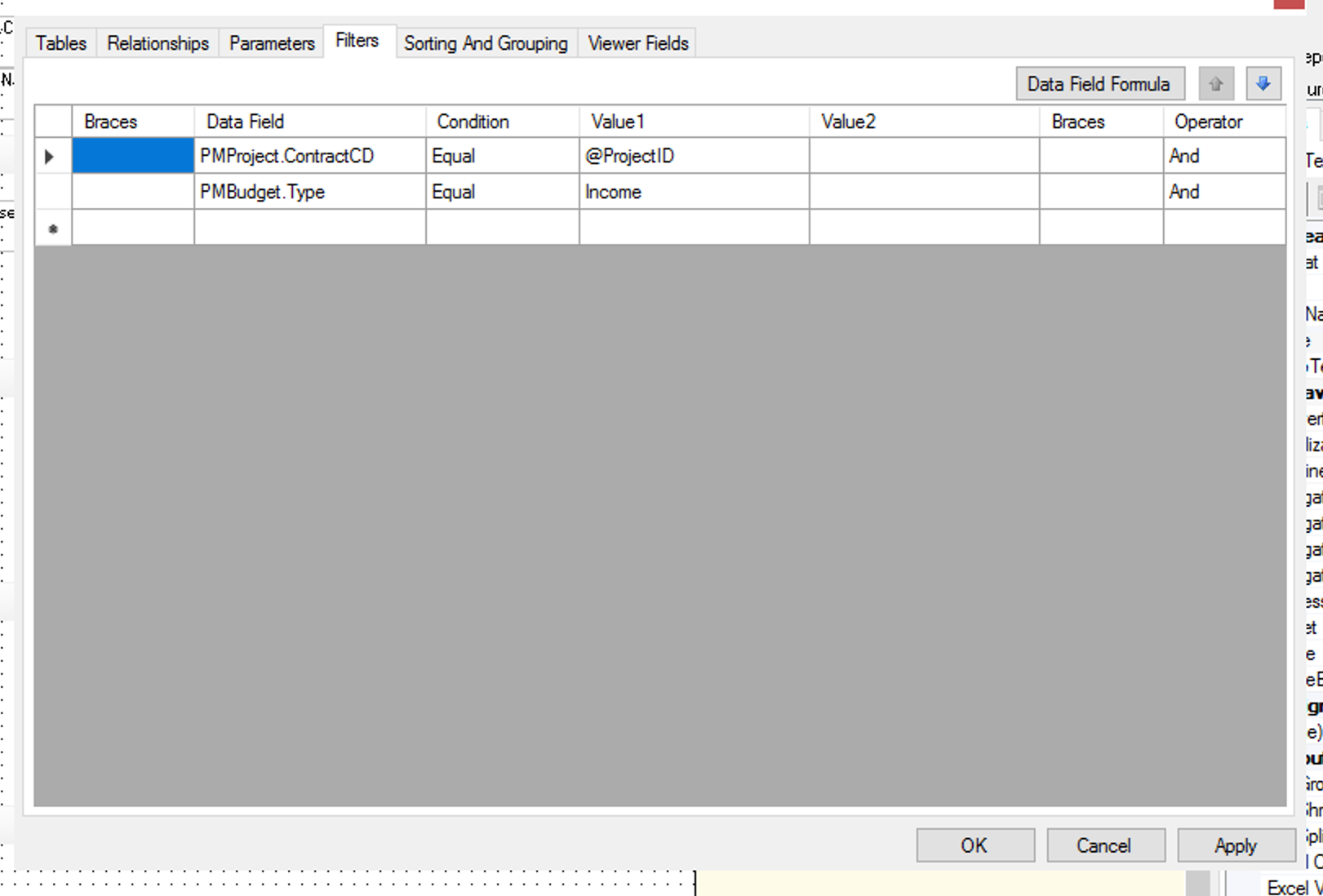
Your Parameters tab looks good! Does your Filters tab look like this?
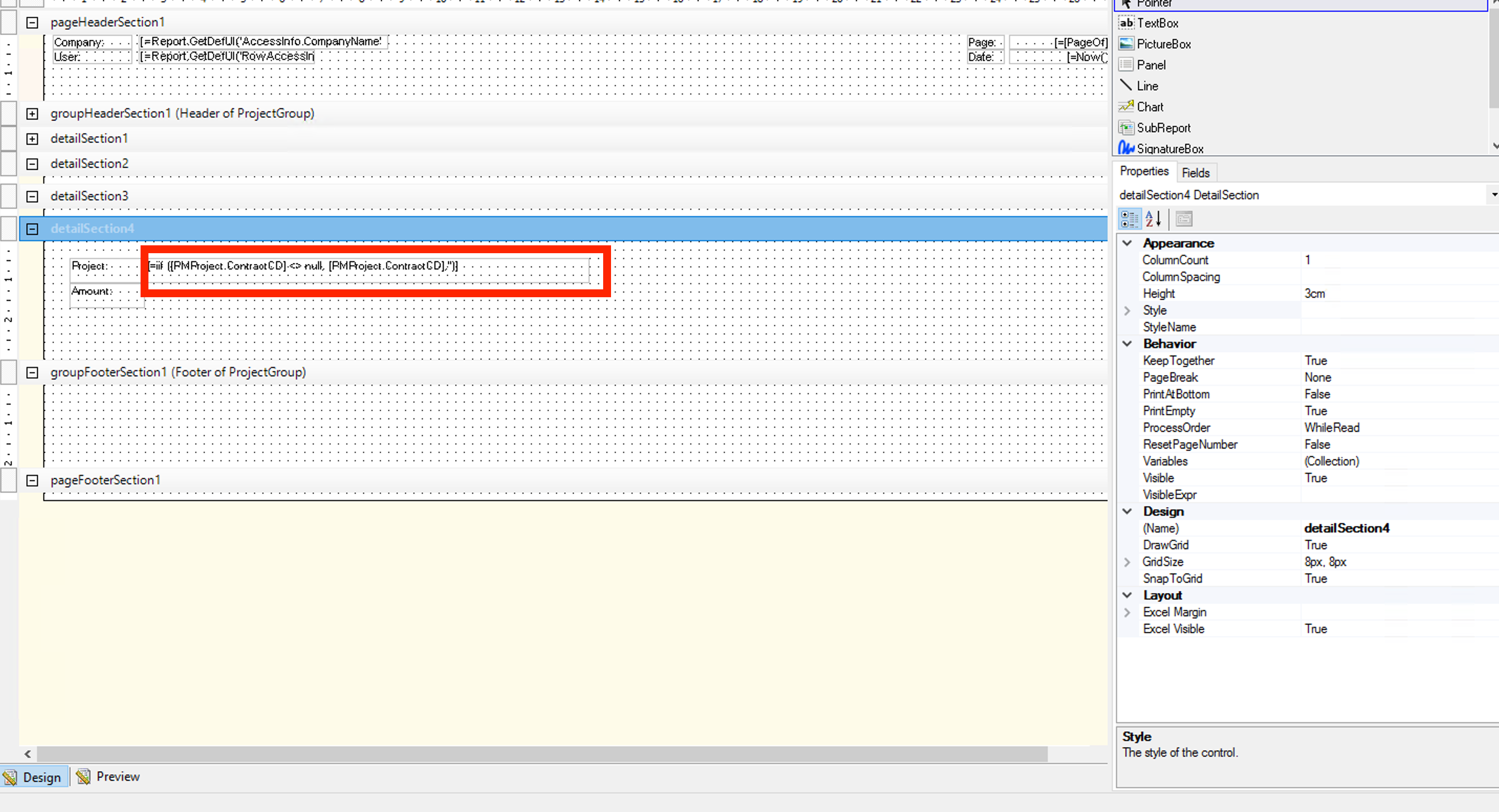
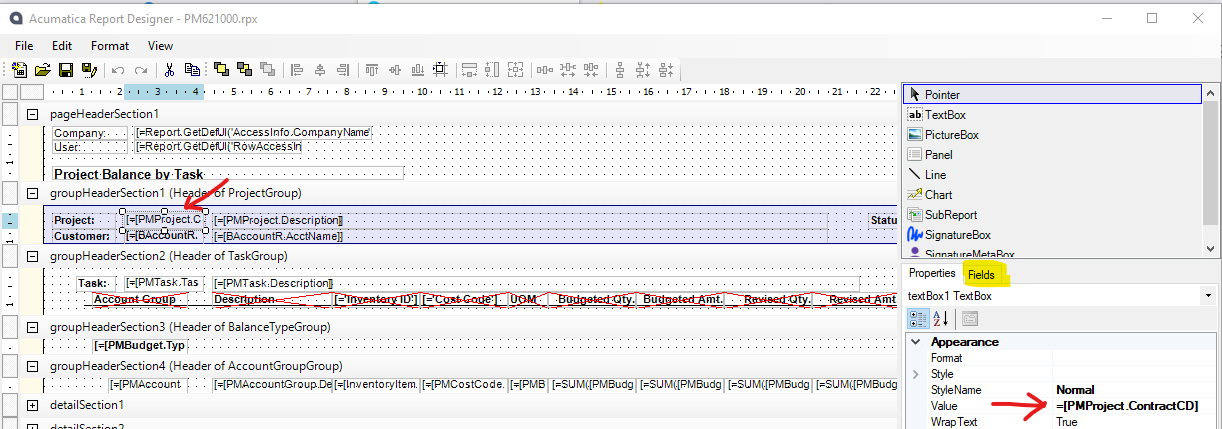
Project ID displayed on the report is just the field (drag ProjectID field from fields tab of right panel):
Laura
Hello @Laura02 , thank you for your prompt response. Upon checking I found out that I had removed the Filtering part from the report because of which the results weren’t getting displayed. But now it gets displays correctly.
I recommend looking at a standard Acumatica Project Report to see how the parameters and filters work.
Your Parameters tab looks good! Does your Filters tab look like this?
Project ID displayed on the report is just the field (drag ProjectID field from fields tab of right panel):
Laura
Hello @Laura02 , thank you for your prompt response. Upon checking I found out that I had removed the Filtering part from the report because of which the results weren’t getting displayed. But now it gets displays correctly.
Also, yesterday I tried out to build a GI on the same scenario where I was not able to display the PMBudget.CuryRevisedAmount field. That got resolved. I am not trying to implement the same in the report. Have attached the screenshots below:
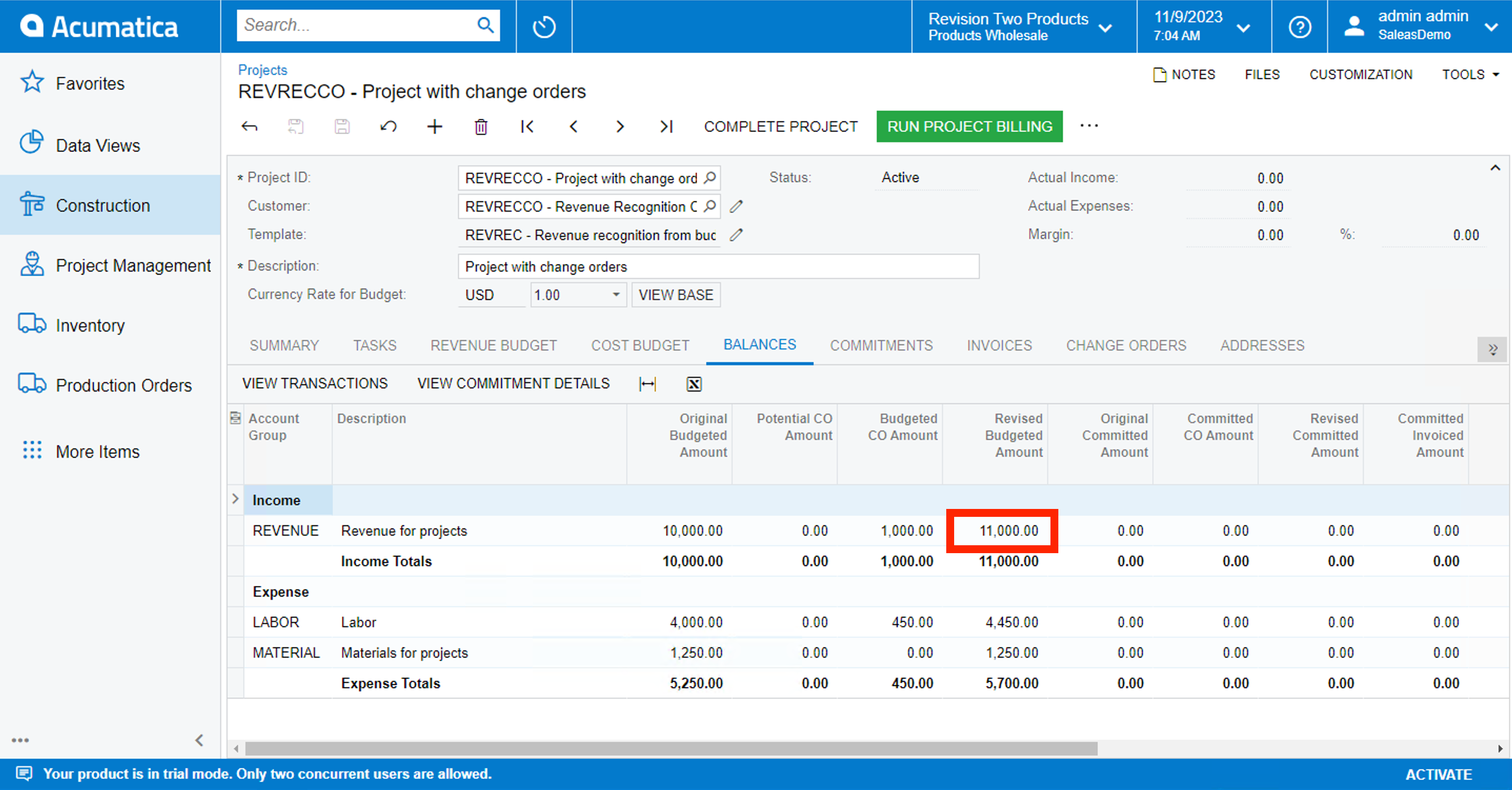
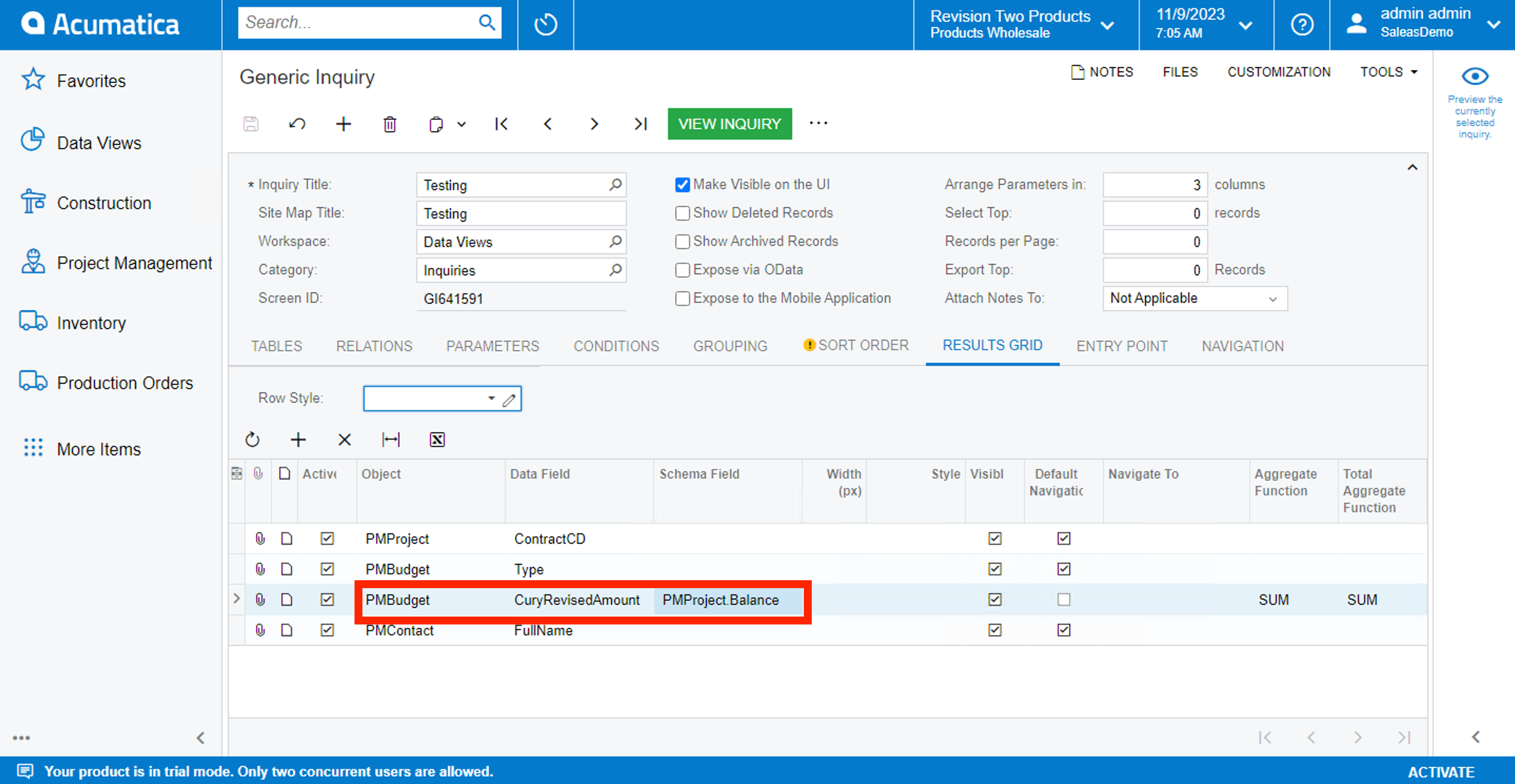
I was looking to display the below highlighted field:
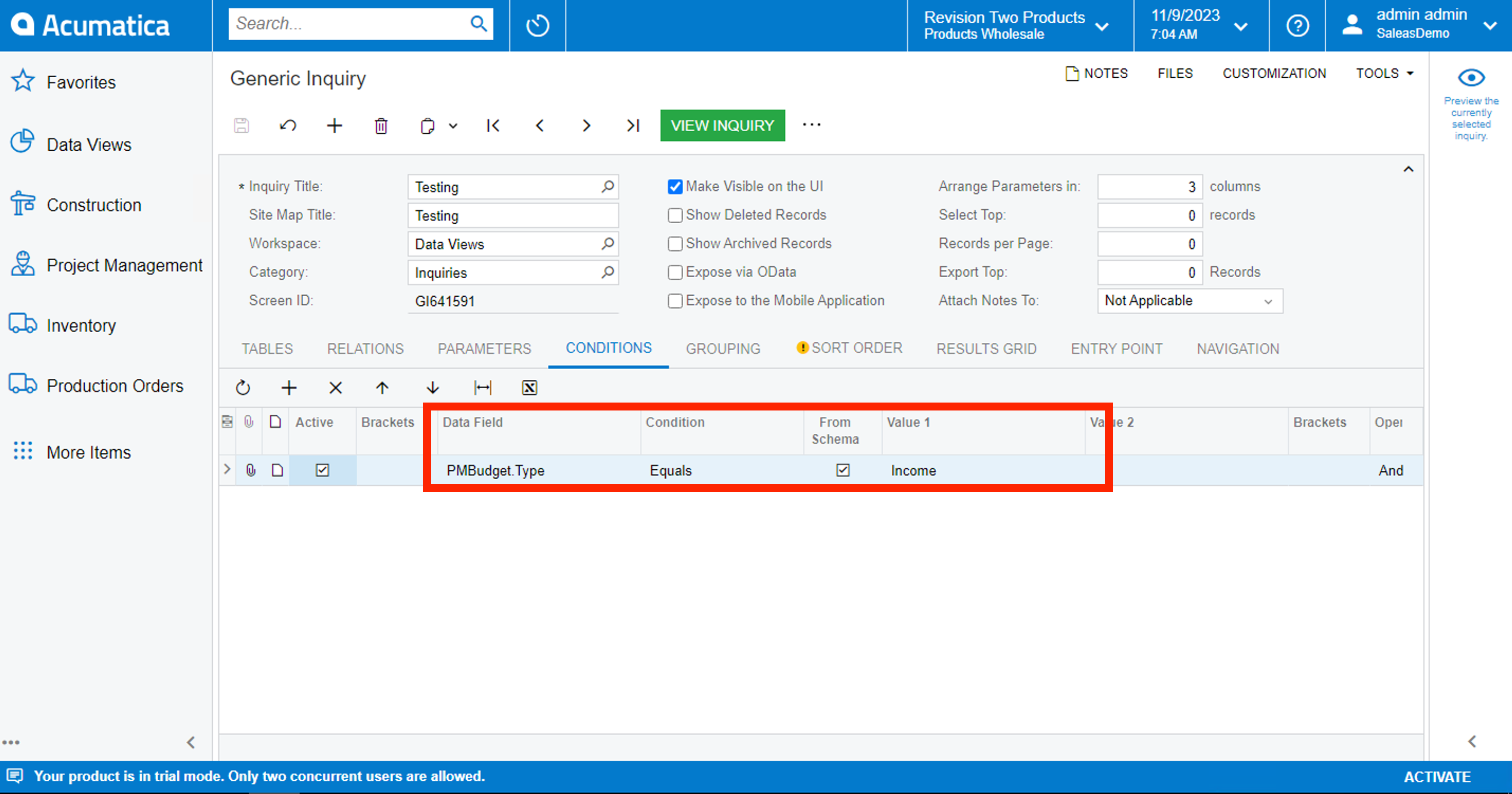
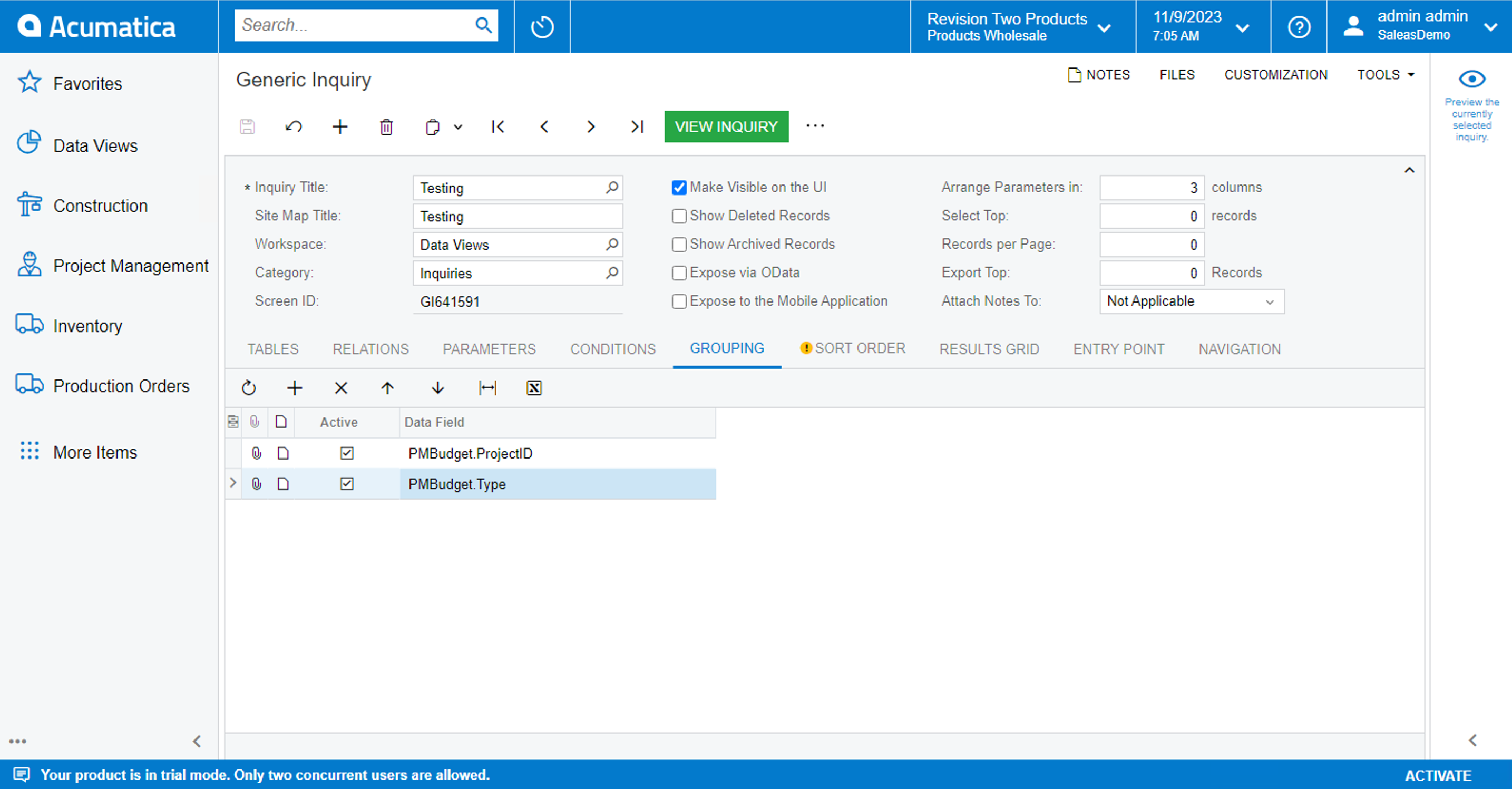
The GI part:
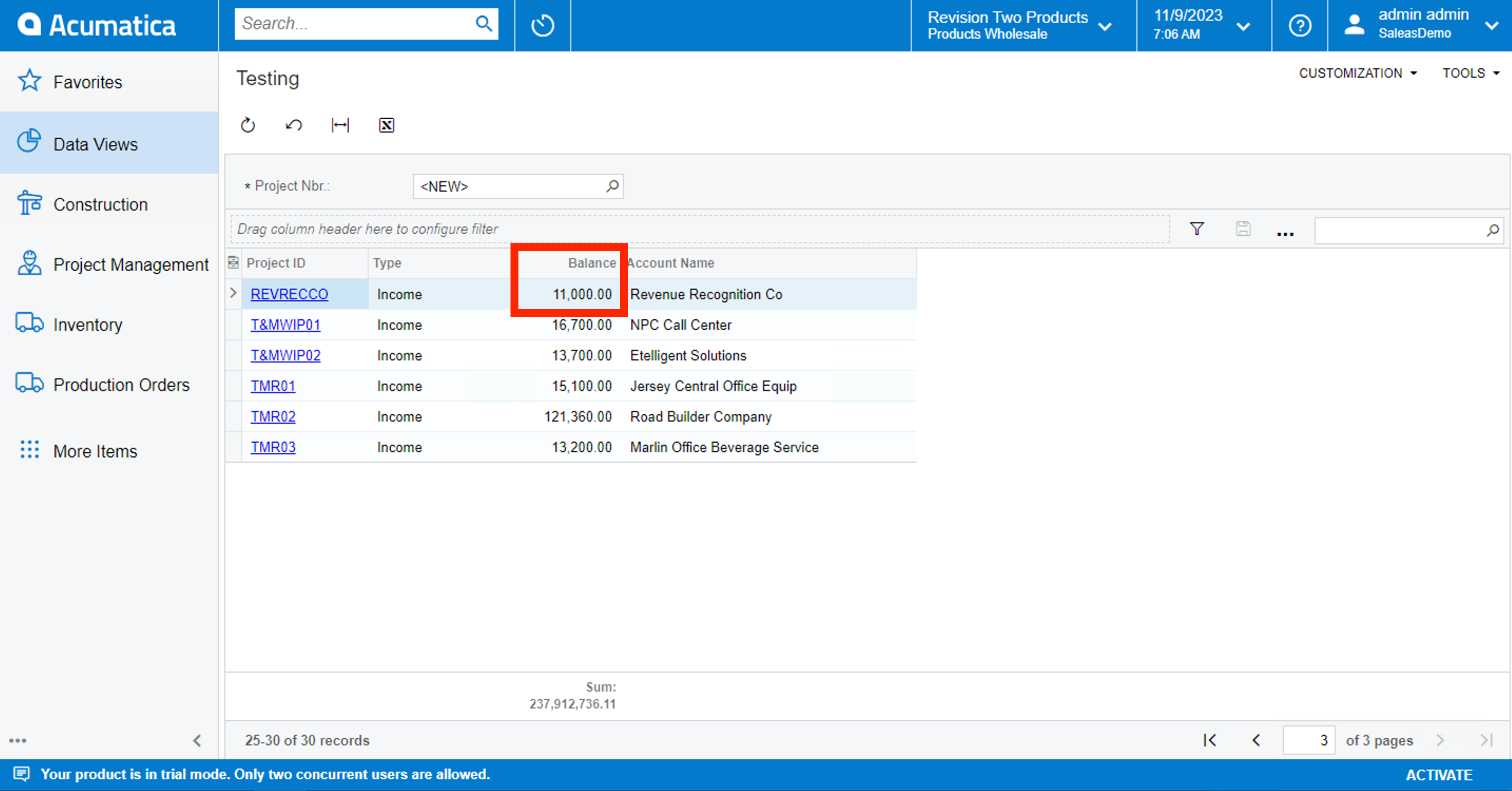
And the result of GI:
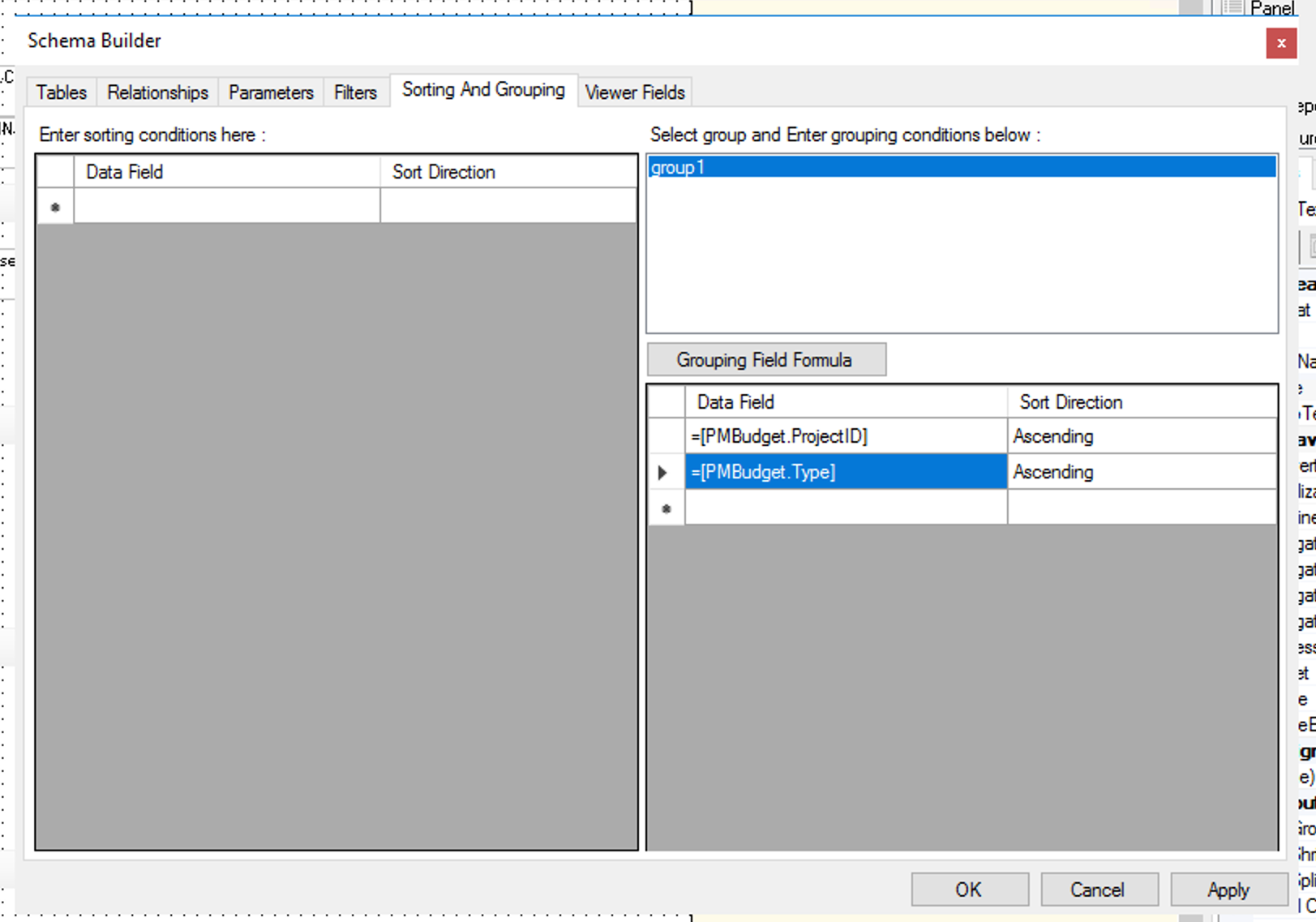
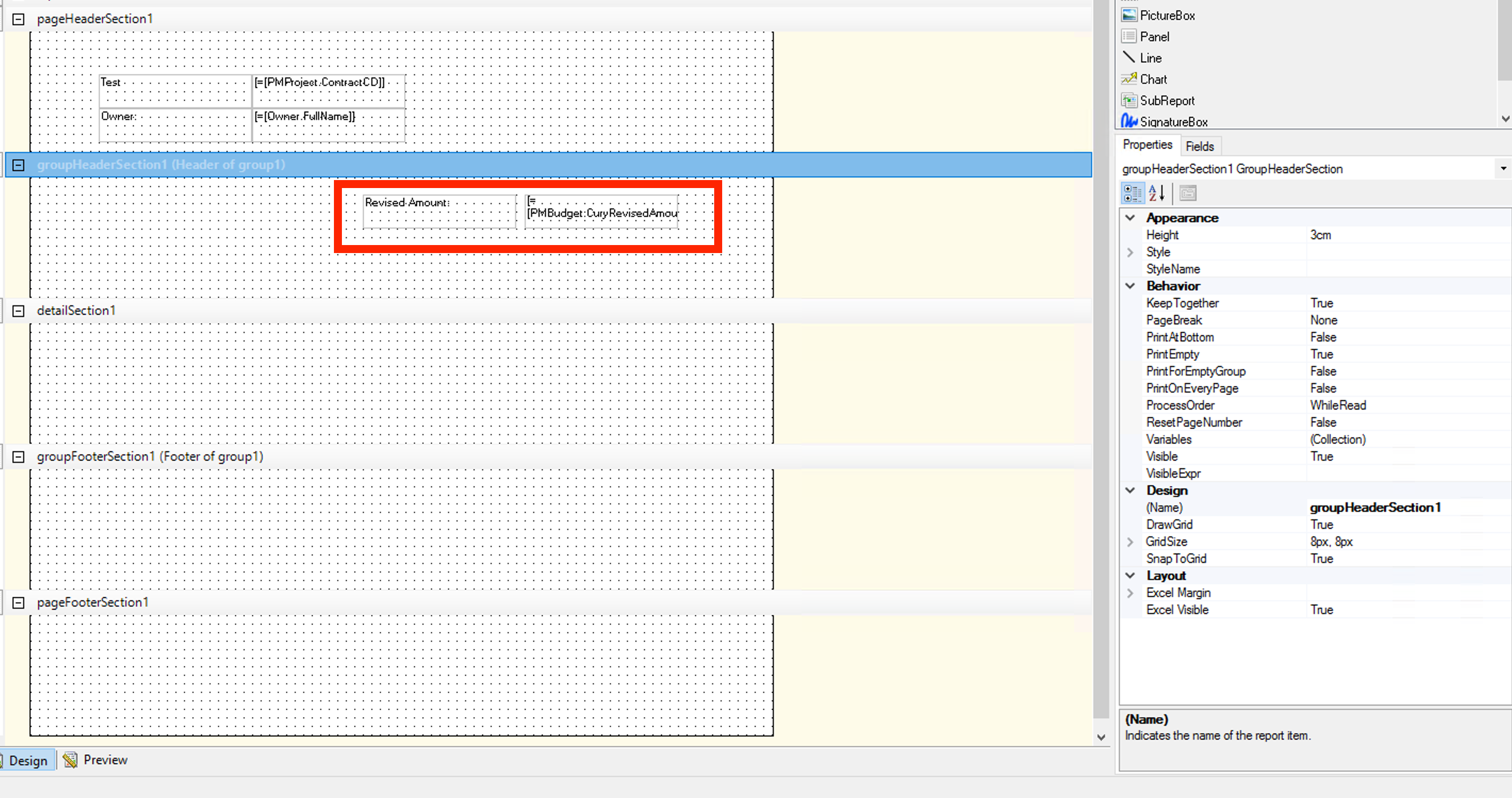
Now i am trying to implement the above condition in a report too:
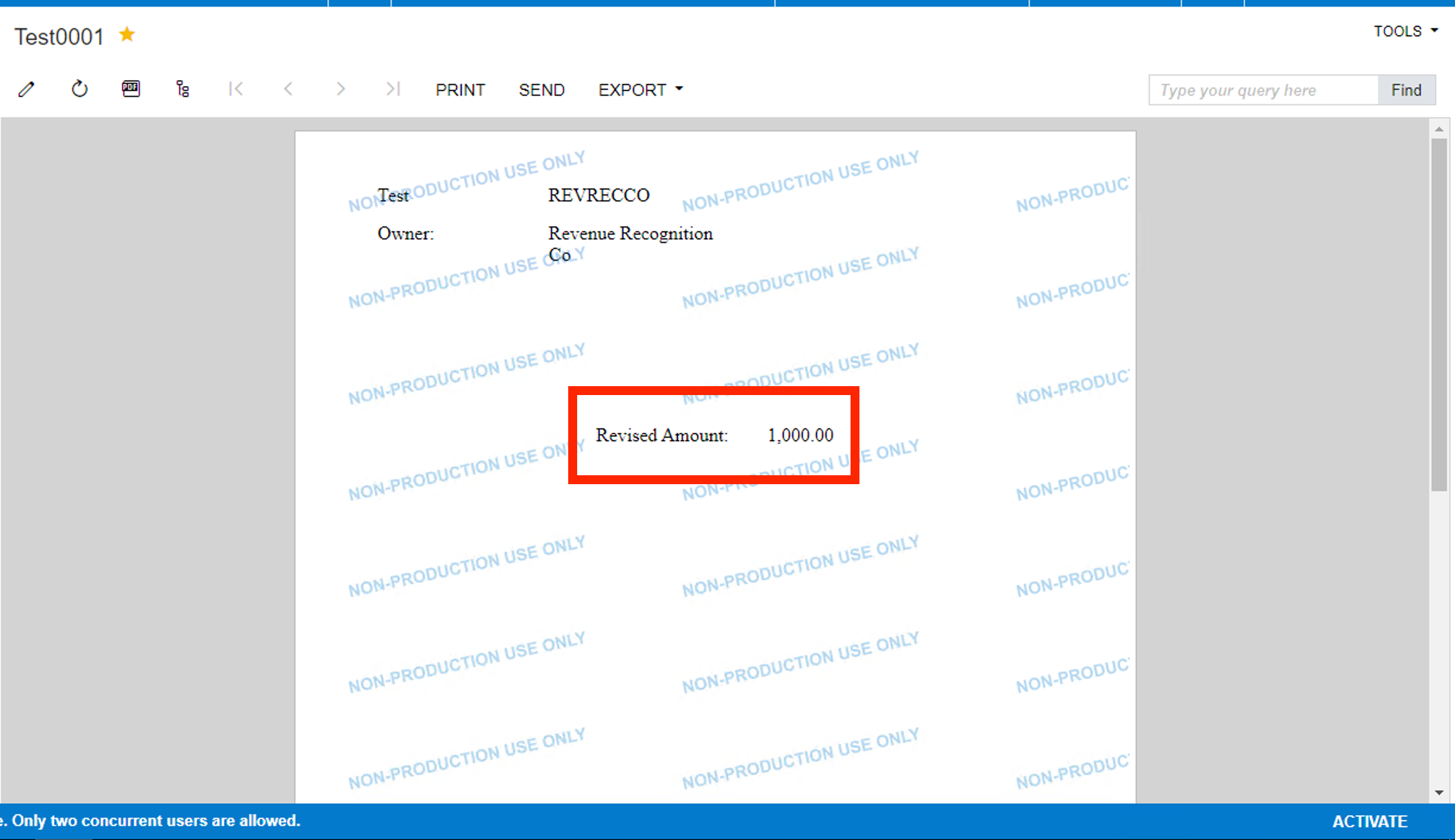
But the result displays some other figure:
Whereas I am looking to display the 11,000/- amount How can I display this? Would be grateful for your guidance. Thanks in advance.
Also, yesterday I tried out to build a GI on the same scenario where I was not able to display the PMBudget.CuryRevisedAmount field. That got resolved. I am not trying to implement the same in the report. Have attached the screenshots below:
I was looking to display the below highlighted field:
The GI part:
And the result of GI:
Now i am trying to implement the above condition in a report too:
But the result displays some other figure:
Whereas I am looking to display the 11,000/- amount How can I display this? Would be grateful for your guidance. Thanks in advance.
Hello @Laura02 , An update: I have resolved the Revised Amount part. So now I used “SUM ([PMBudget.CuryRevisedAmount])”