Question

Report designer not working in new upgrade

  • February 9, 2026
  • 2 replies
  • 52 views

Hi.

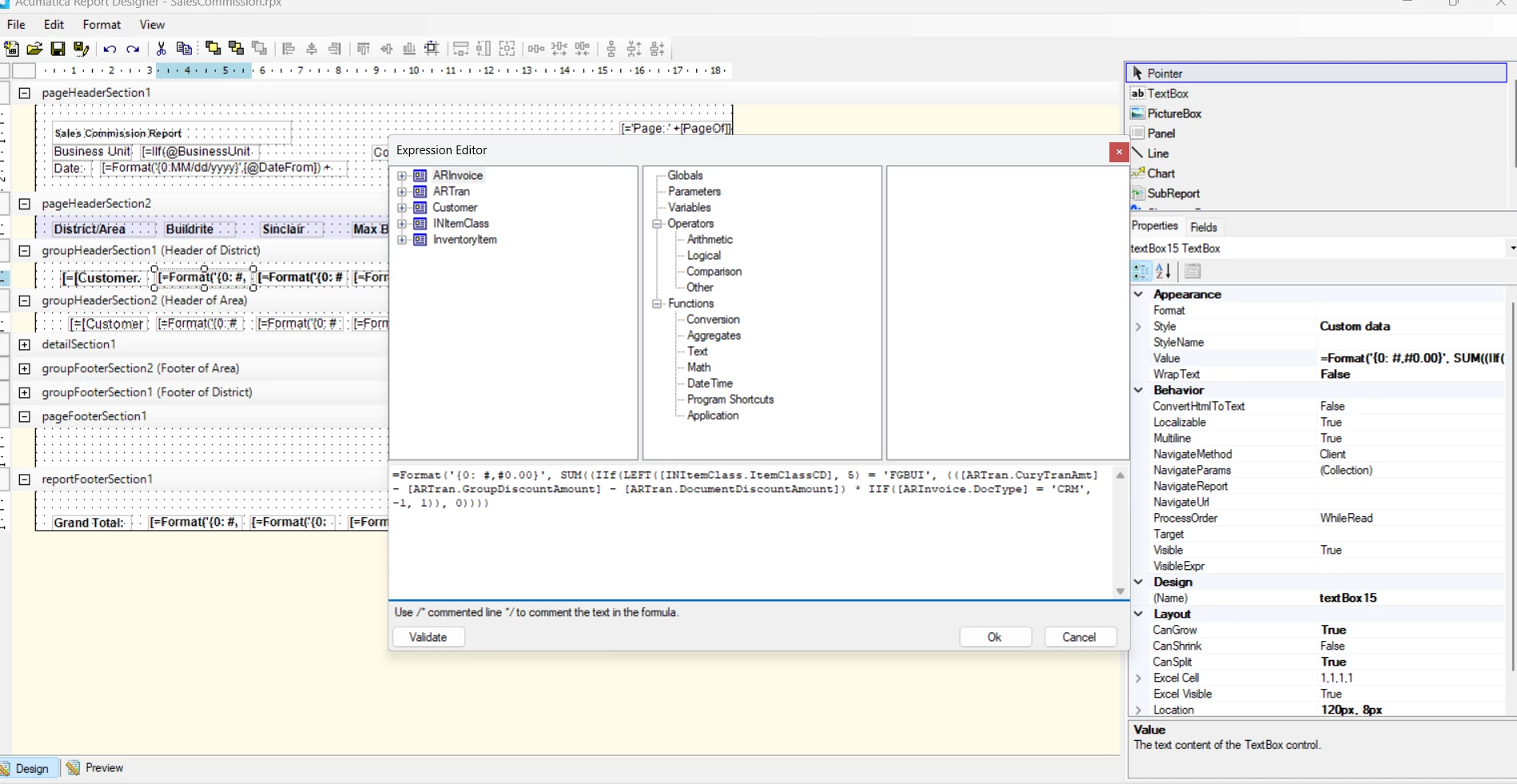
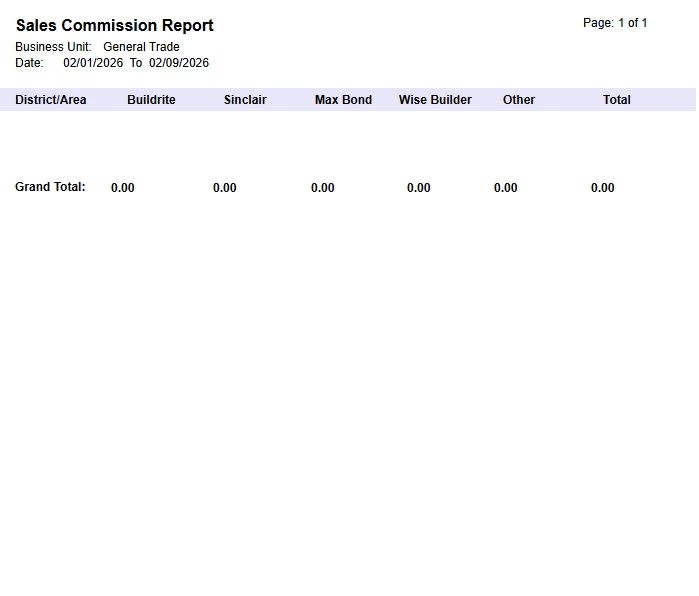
I would like ask why my report is not working anymore in the new update, especially the groupheadersection1 (header for district) and groupheadersection1 (header for area). 

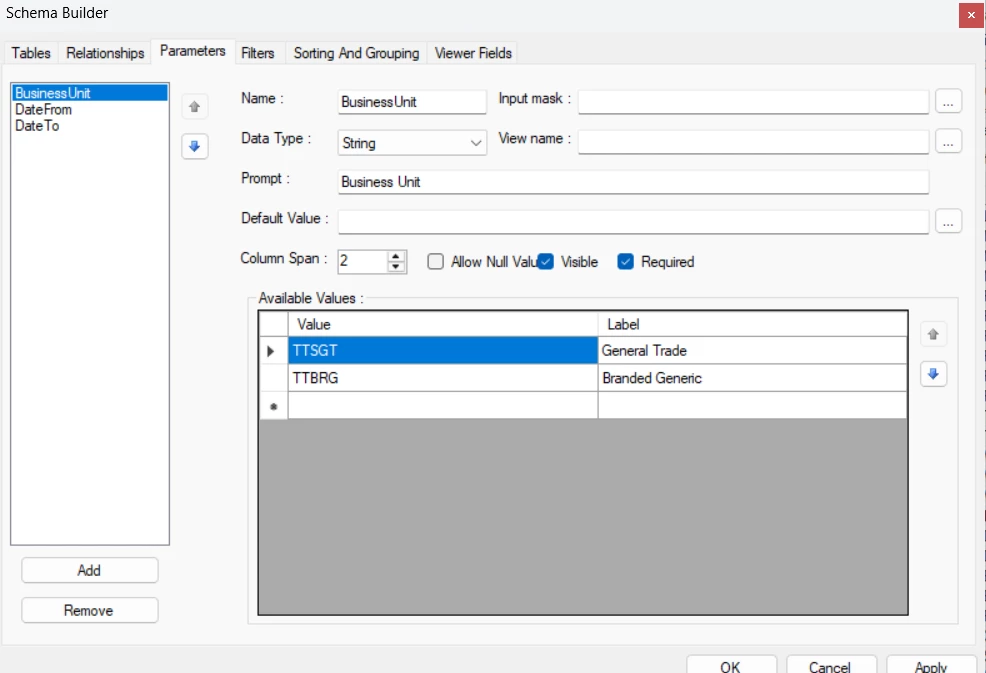
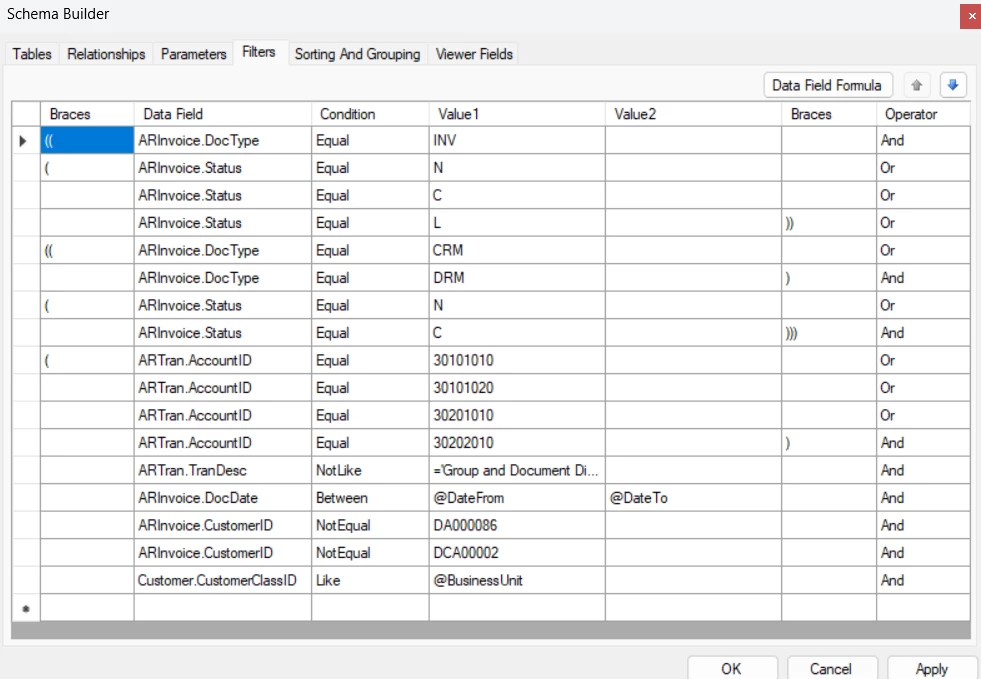
Here are some of the formula i used and the parameters and filters i’ve setup.

Thank you.


2 replies

KrunalDoshi
Freshman II
Forum|alt.badge.img
  • Freshman II
  • February 9, 2026

Hi ​@dreycruz,

This could happen due to multiple reasons. Could you provide more information about from which version to which version have you upgraded? Do you have any modifications done the existing report? Which report are you trying to modify in report designer.

I have seen it is since 2024 R1, it is advisable to use the report designer of the same version to modify the report. Let me know if this helps.


Forum|alt.badge.img+1
  • Captain I
  • February 9, 2026

@KrunalDoshi is right, you may need to delete your current Report Designer application from your computer, and install the new version. Please see the back and forth responses on this post, but I think the new version of Report Designer was required somewhere around 24R1 if I remember correctly.

2025R1 upgrade, now I can't log into Report Designer | Community


Here are the Builds where you can go into the Version > Build > Acumatica Tools

builds.acumatica.com - /builds/


As mentioned, you won’t need to do this each time you upgrade, but starting in like 2024R1, there was a new Version of Report Designer that you will need to open reports.