Solved

QRCode Inventory Item Label

  • August 12, 2026
  • 9 replies
  • 127 views
  • Translate All

sabrinarzk
Freshman I

Hi,

I am creating a new Inventory Item Label with a QR code. This report is intended to generate inventory by warehouse and will be used with the Scan and Count feature in the Acumatica Mobile app.

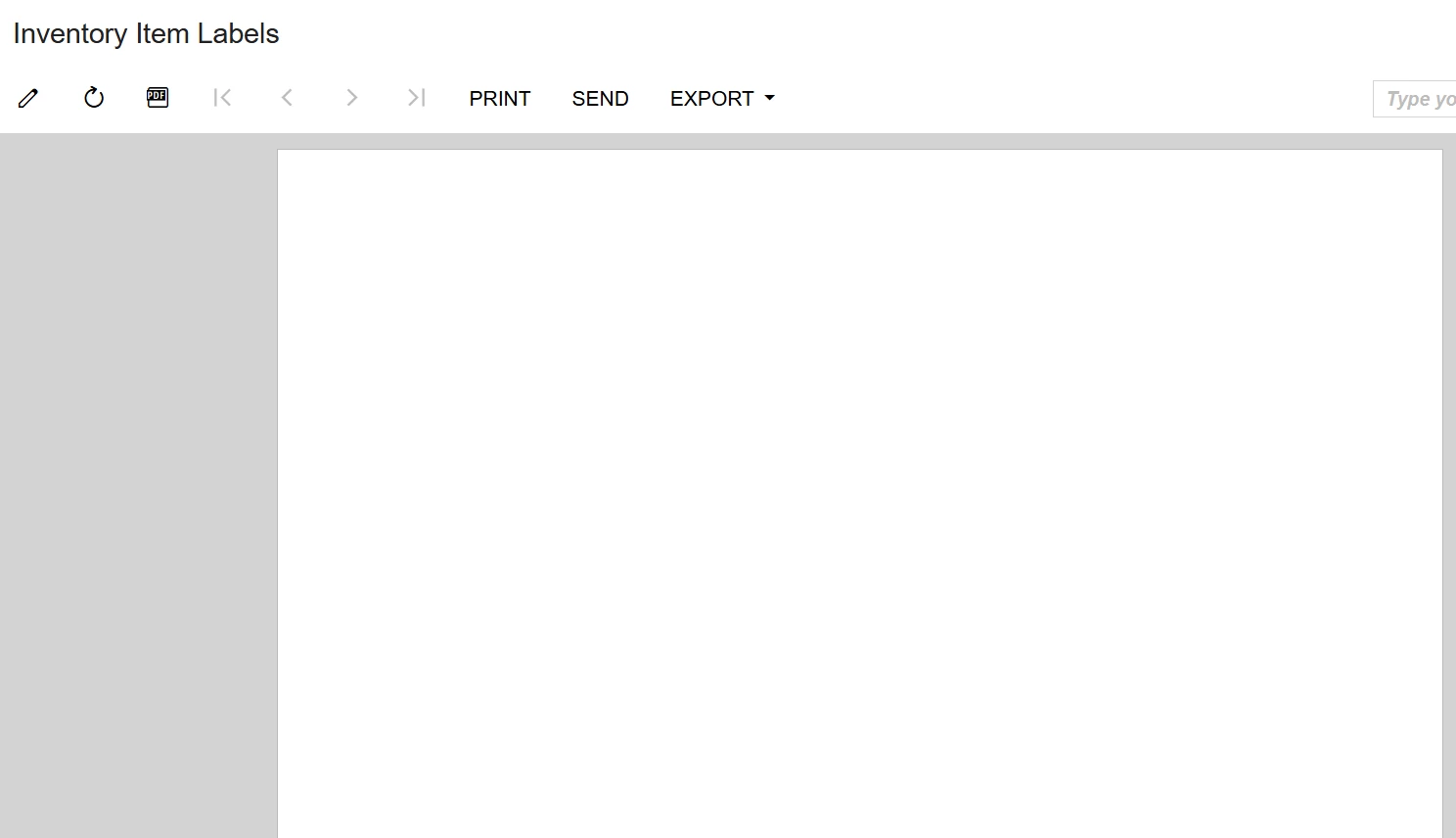
At present, the report is displaying as blank, and I am unsure of the root cause. I would greatly appreciate professional assistance in resolving this issue. Thank you.
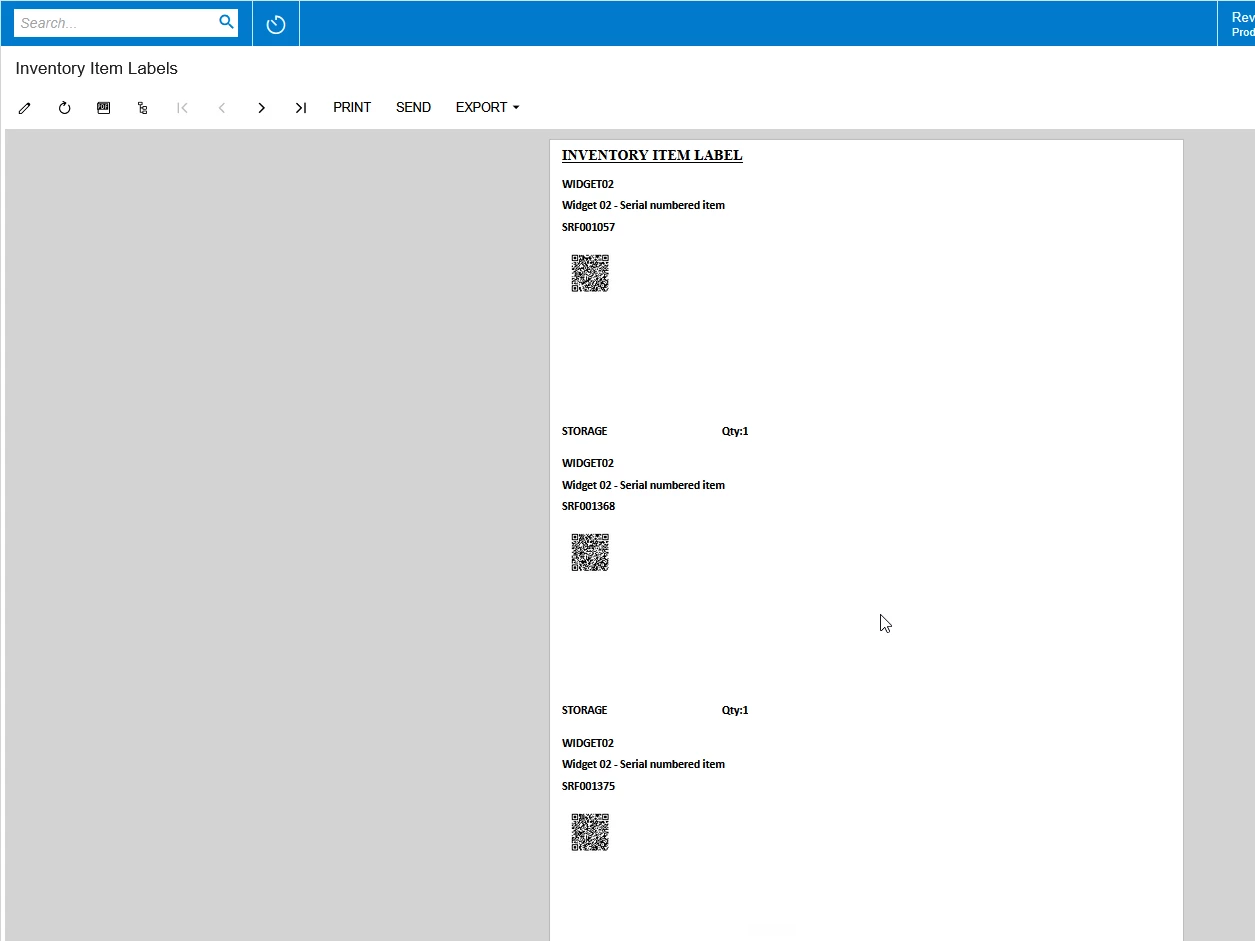

Best answer by Naveen Boga

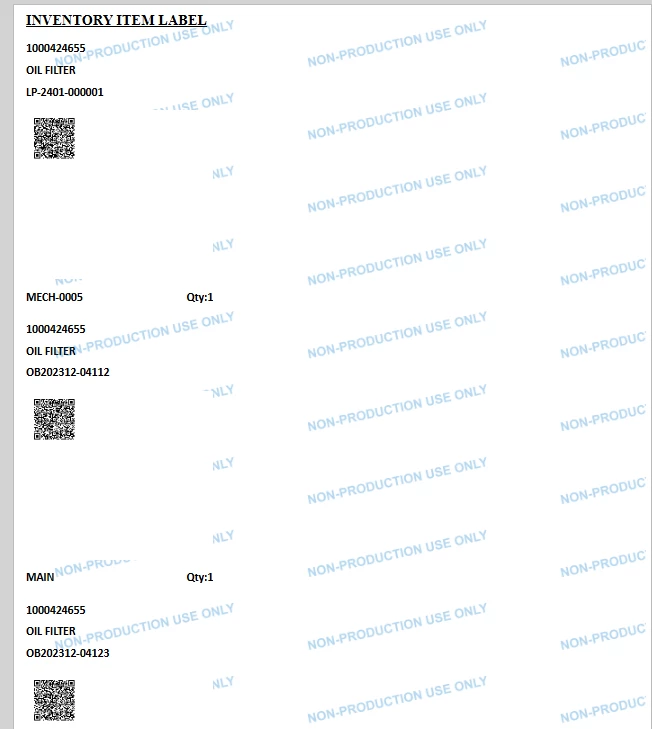
​@sabrinarzk  I modified this report and report is showing the data properly. Please verify with the new report and share the details.


View original

9 replies

Naveen Boga
Captain II
Forum|alt.badge.img+20

​@sabrinarzk  I modified the report, can you please verify 

Translate

sabrinarzk
Freshman I
  • Author
  • Freshman I
  • August 13, 2026

Hi Naveen,
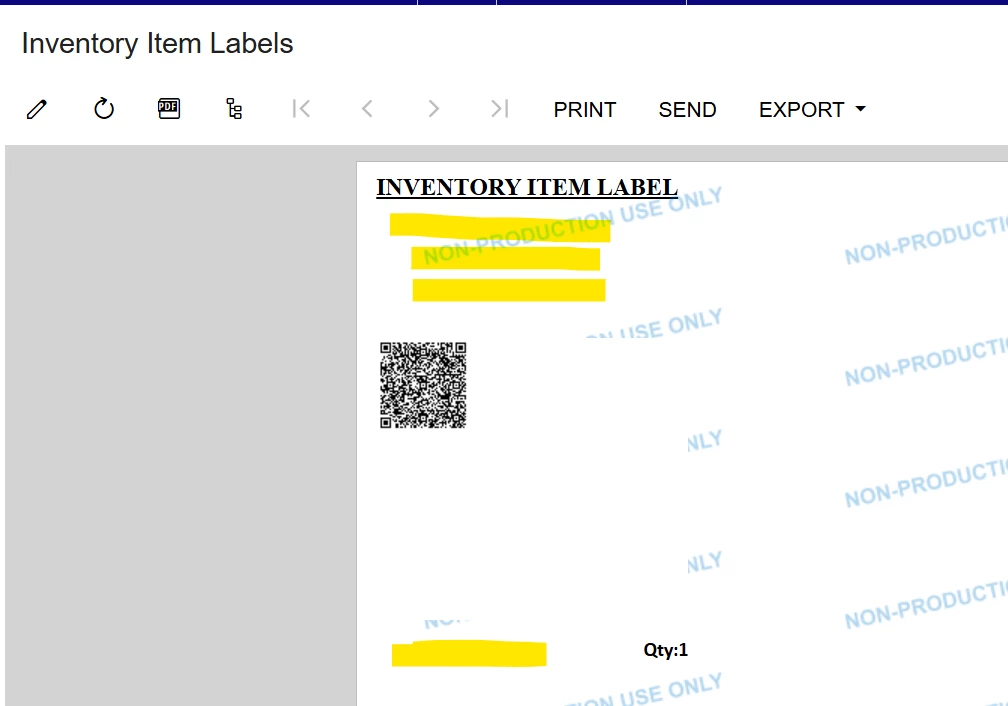
Thank you for responding to my queries. I run your reports, and it shows blank.
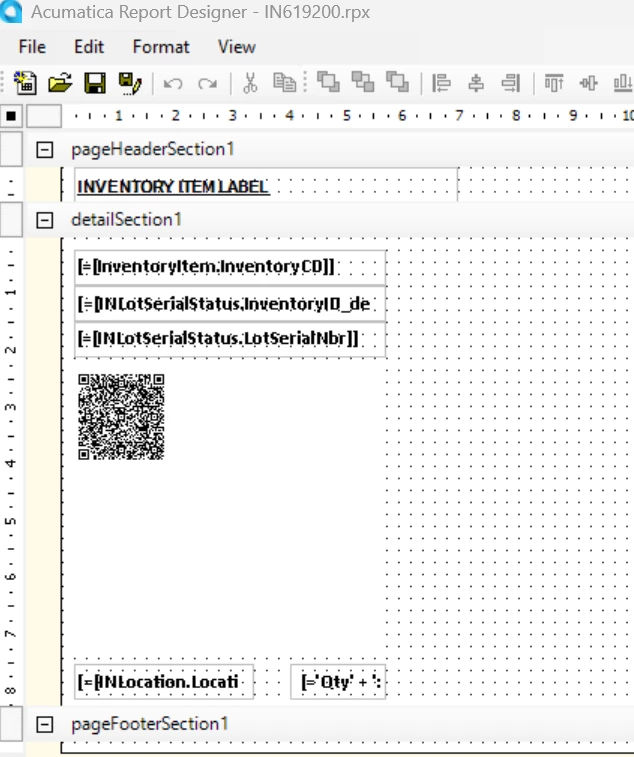
But I run on one of my reports, it succeeds, but the detail section only shows the hardcoded label.


My new report designer


Translate

Naveen Boga
Captain II
Forum|alt.badge.img+20

​@sabrinarzk  Can you please share the .rpx file?

Translate

sabrinarzk
Freshman I
  • Author
  • Freshman I
  • August 13, 2026

Hi Naveen,
Please find the attachment,

Translate

Naveen Boga
Captain II
Forum|alt.badge.img+20

@ I see that you still shared the .rps file, can you please share the .rpx file format? 

Translate

sabrinarzk
Freshman I
  • Author
  • Freshman I
  • August 14, 2026

Hi Naveen,
Sorry for the wrong file. Please find the attachment.

Translate

Naveen Boga
Captain II
Forum|alt.badge.img+20
  • Captain II
  • Answer
  • August 14, 2026

​@sabrinarzk  I modified this report and report is showing the data properly. Please verify with the new report and share the details.


Translate

sabrinarzk
Freshman I
  • Author
  • Freshman I
  • August 14, 2026

Hi Naveen,
Succeed. Thank you


Translate

Naveen Boga
Captain II
Forum|alt.badge.img+20

​@sabrinarzk  Awesome! Thanks for sharing the update!

Translate