We just converted to Acumatica 25R2 and some of our Generic Inquiries are failing with error:
Conversion failed when converting date and/or time from character string
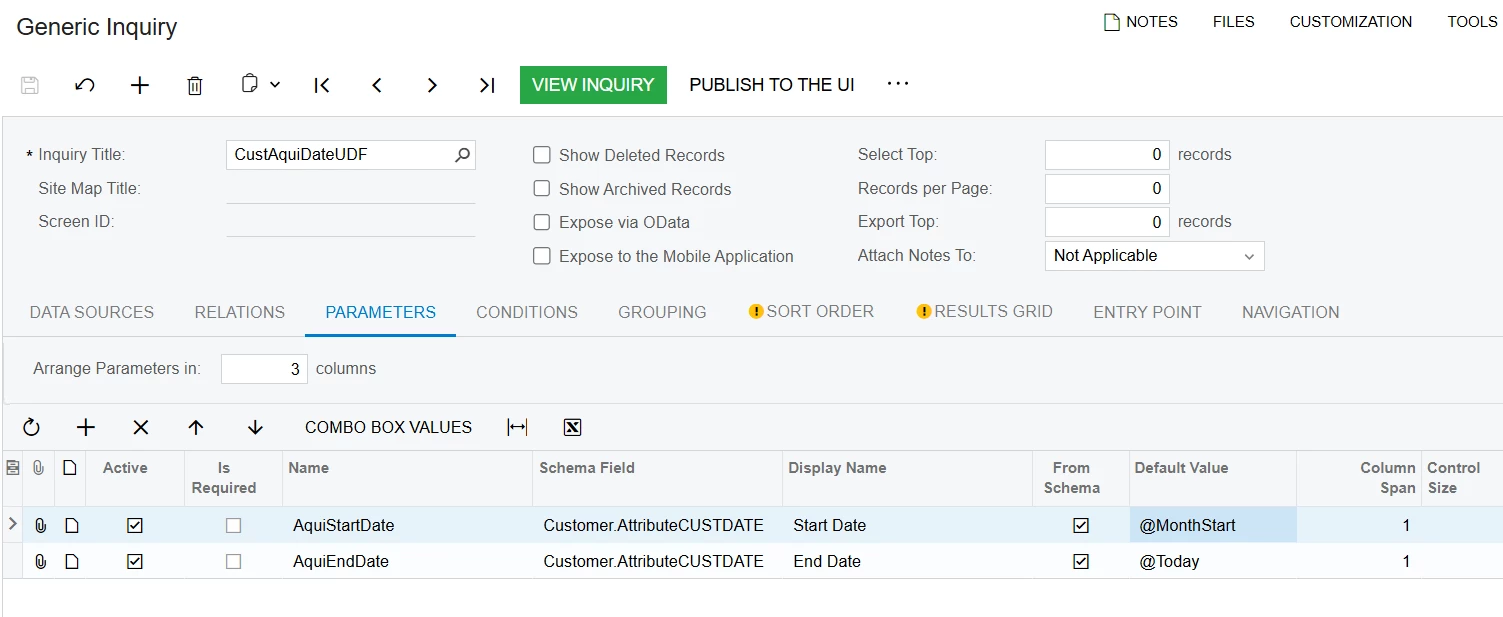
An example GI is set to use the following parameters and condition based on those :


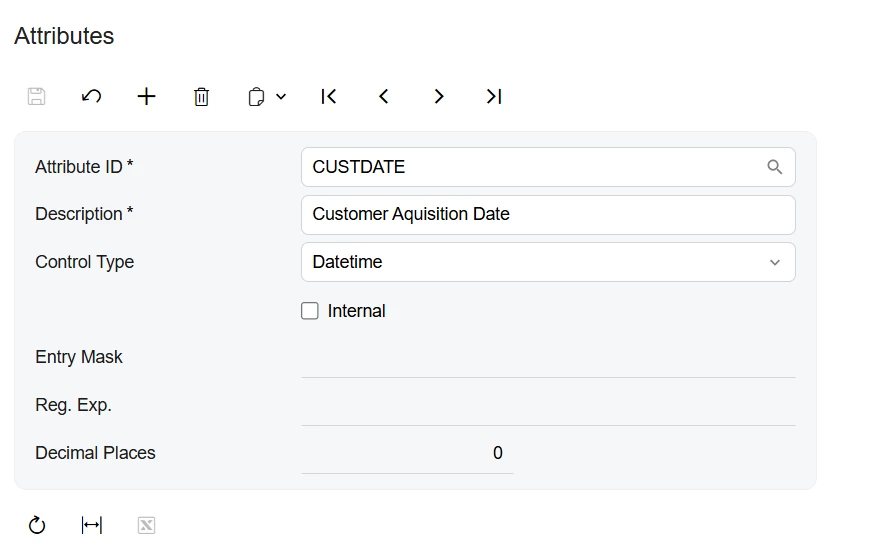
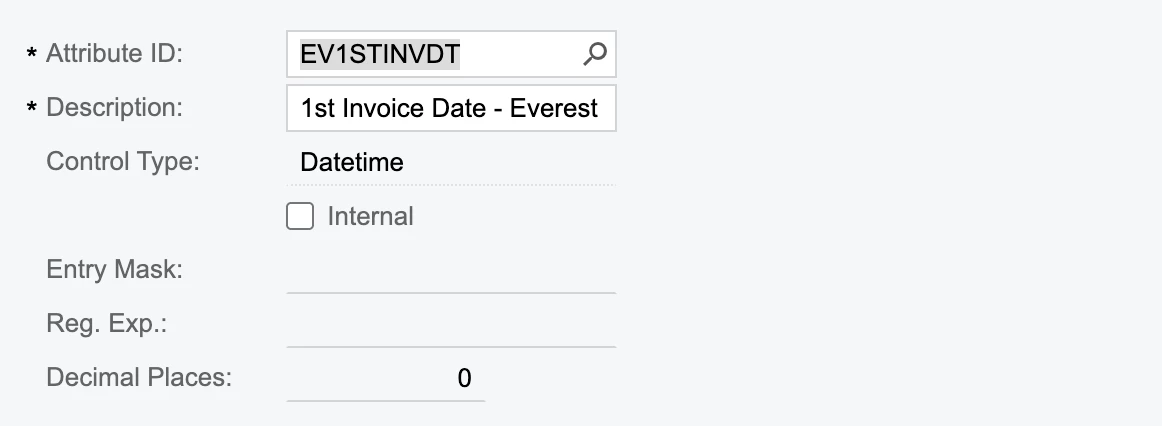
EV1STINVDT is defined as a DateTime in the Attributes:
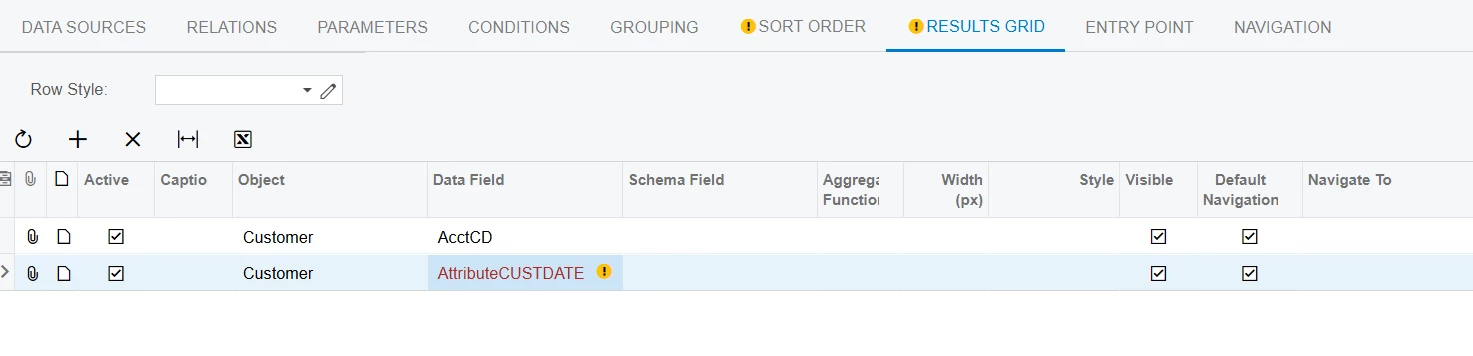
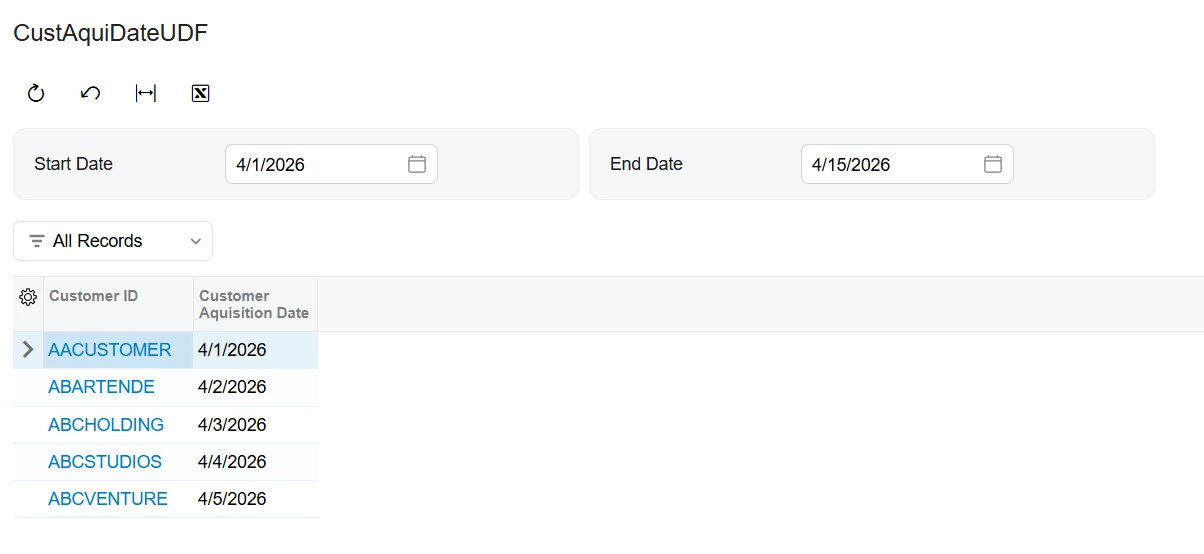
If I click From Schema I can choose dates as usual and it filters by them. If I add the field itself to the Results when I click on the heading to filter there it gives me the expected Date range selections.
It seems for some reason it is not being recognised as a date for only the conditions section when using parameters based on the attribute field.
This worked fine before the upgrade. Is there any way to get these working again? I have tried all I can think of but there seems no way for me to resolve this.
Thanks for any advice/help,
Phil