Answer

Not able to add watermark

  • March 8, 2024
  • 4 replies
  • 122 views

Forum|alt.badge.img+3

Hello all,

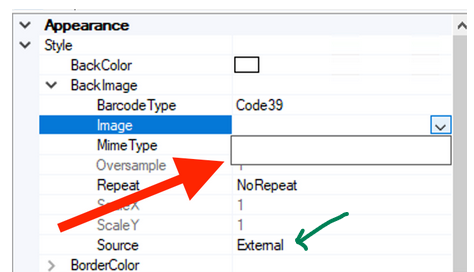
I have been trying to add a watermark to one of my reports. I have uploaded a jpeg image but the report designer isn’t displaying it under back Image section:
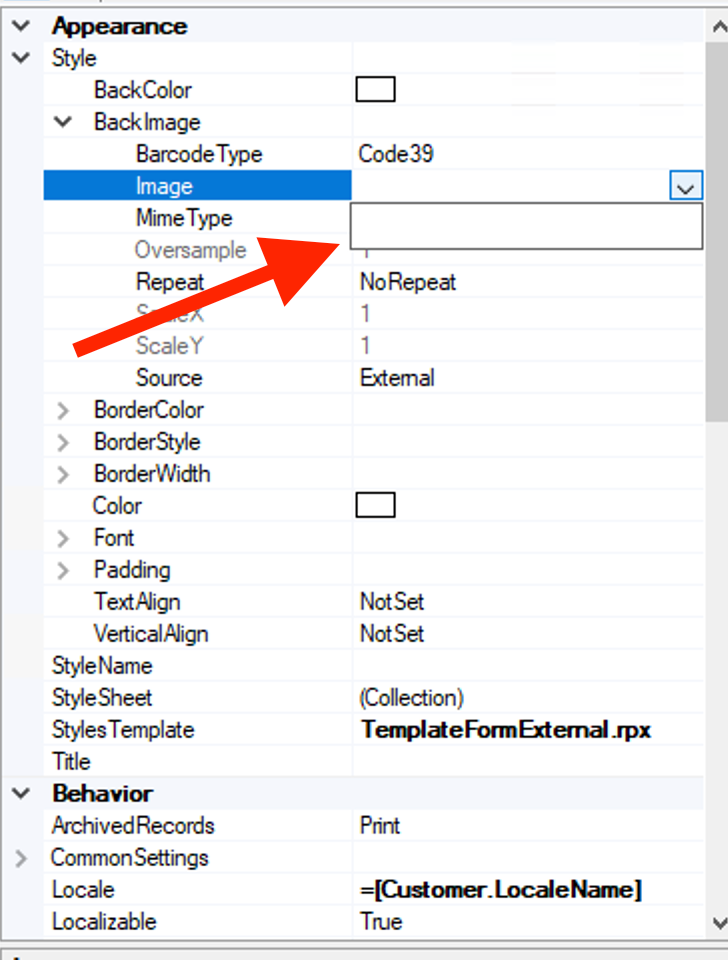
 

How can i set this up? Thanks in advance.

Best answer by Laura03

Hello, Set Source to Embedded.

Laura

4 replies

Sagar Greytrix
Captain II
Forum|alt.badge.img+3

Hi @Harshita,


Have you gone through the This link of knowledgebase of Acumatica. 

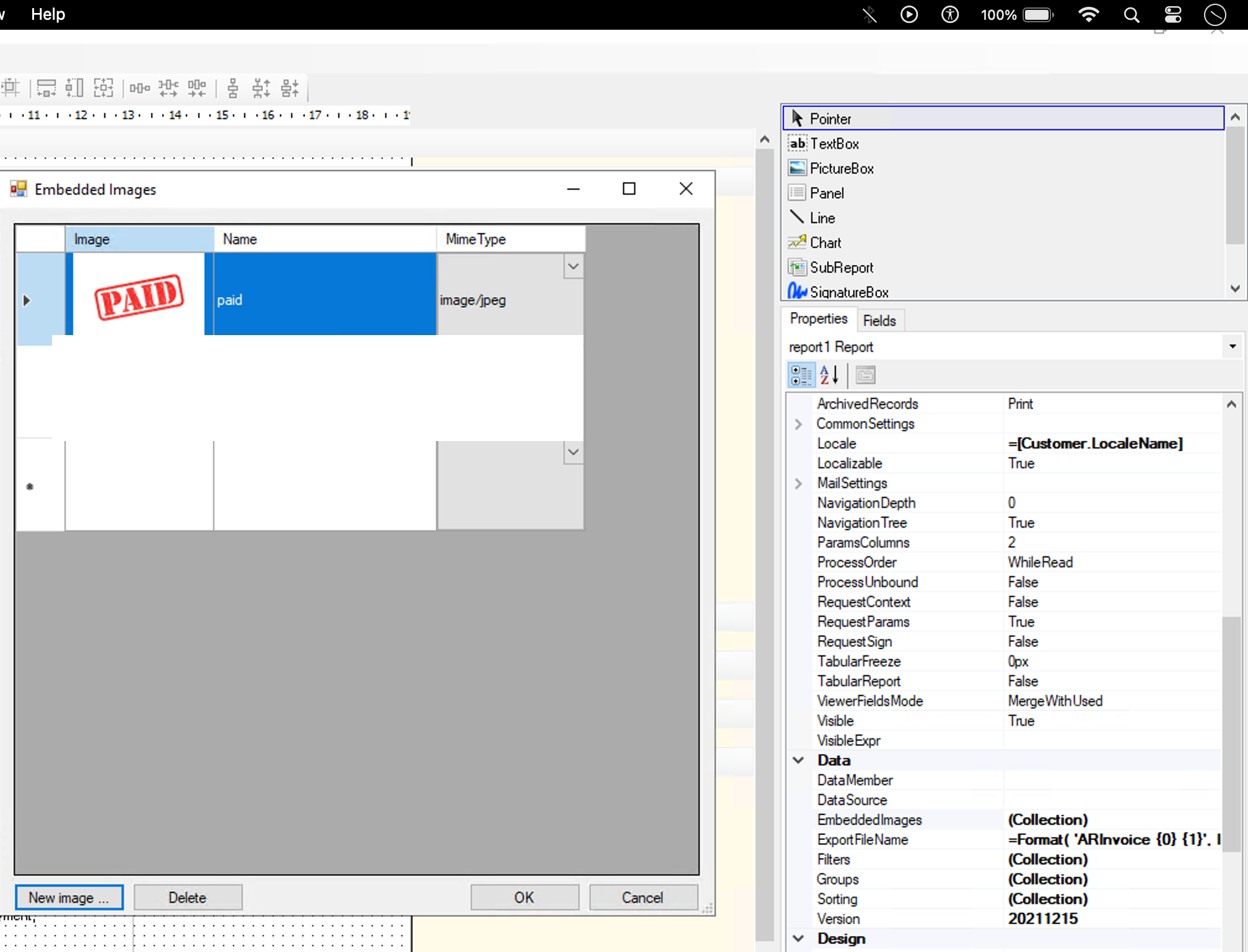
  • In Properties tab, click the ellipsis button in the Data > Embedded Images.
  • In the Embedded Images dialog box, click the New Image button in the bottom,
  • select the image that you want to add as a background image.


Hope, it helps!

Regards,
Sagar, Greytrix


Forum|alt.badge.img+3
  • Author
  • Captain II
  • March 8, 2024

Hello @Sagar Greytrix ,
thank you for your prompt reply, but i already have followed these steps. I have the screenshot pasted.


Laura03
Captain II
Forum|alt.badge.img+19
  • Captain II
  • Answer
  • March 8, 2024

Hello, Set Source to Embedded.

Laura


Kandy Beatty
Captain II
Forum|alt.badge.img+17