

Question

Issue with Dashboard Embedded Widgets

  • April 23, 2026
  • 2 replies
  • 24 views

Forum|alt.badge.img

Hello! I am having an issue with two embedded widgets that I placed next to each other on a dashboard. These are views into two different manufacturing schedules that we have going in the system and we need to use the embedded webpage instead of tables.


For some reason, it often loads with this big white space that covers half of the screen. It happens on most browsers and only loads properly if I get lucky (seemingly). Does anyone else face this issue and know how to get around it? For instance, here are some pictures of the dashboard (one of which is zoomed out to the most allowable value):

Typical Dashboard View w/ Issue:



Zoomed out Picture:
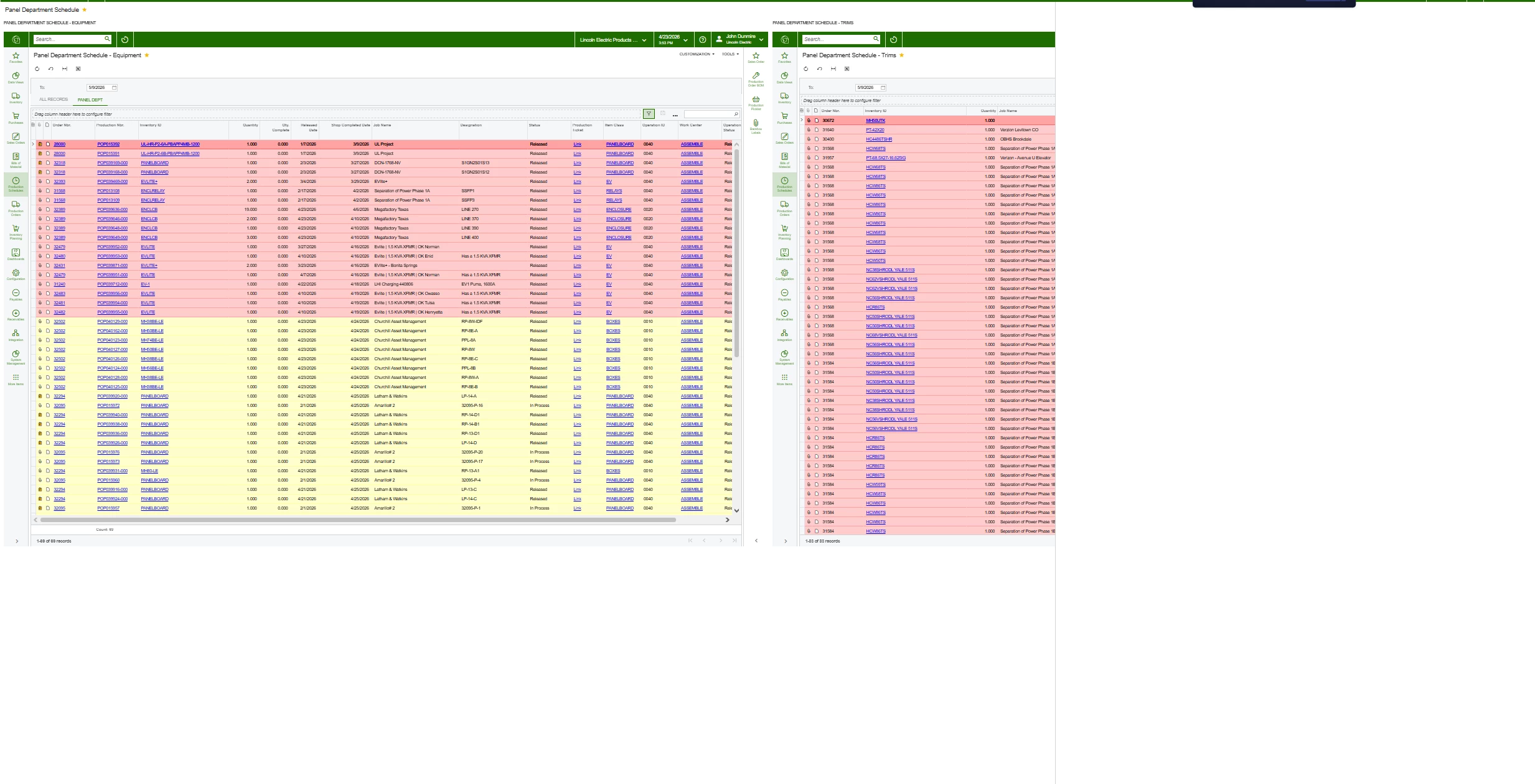


Thank you!

2 replies

KrunalDoshi
Varsity III
Forum|alt.badge.img+1
  • Varsity III
  • April 28, 2026

Hi ​@jdunmire,

I apologies if I have misunderstood your question. But looks like you are trying to add a widget to display the GI result. If this is correct, then you can use Data Table widget in your Dashboard to display the result. If you are trying to display the webpage then you can use Embedded Page widget in your Dashboard.

Hope this helps!


WillH
Semi-Pro II
Forum|alt.badge.img+4
  • Semi-Pro II
  • April 28, 2026

Hi ​@jdunmire  - 

I don’t have a solution for you directly, but what’s the reason a data table won’t work for you?  
Just wondering if there’s a way to add whatever functionality you require into a data table, or if you seriously need the embedded webpages feature and it’s non negotiable.

