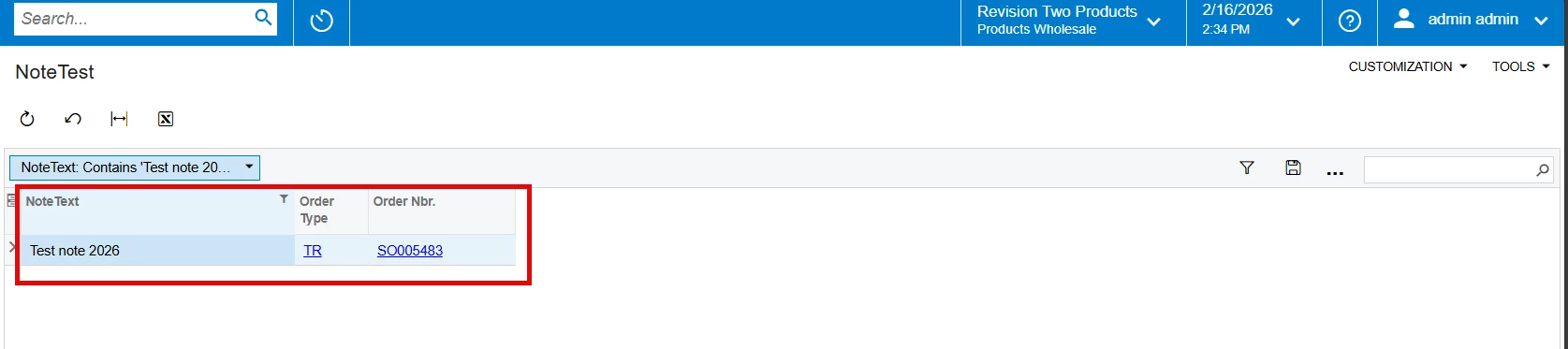
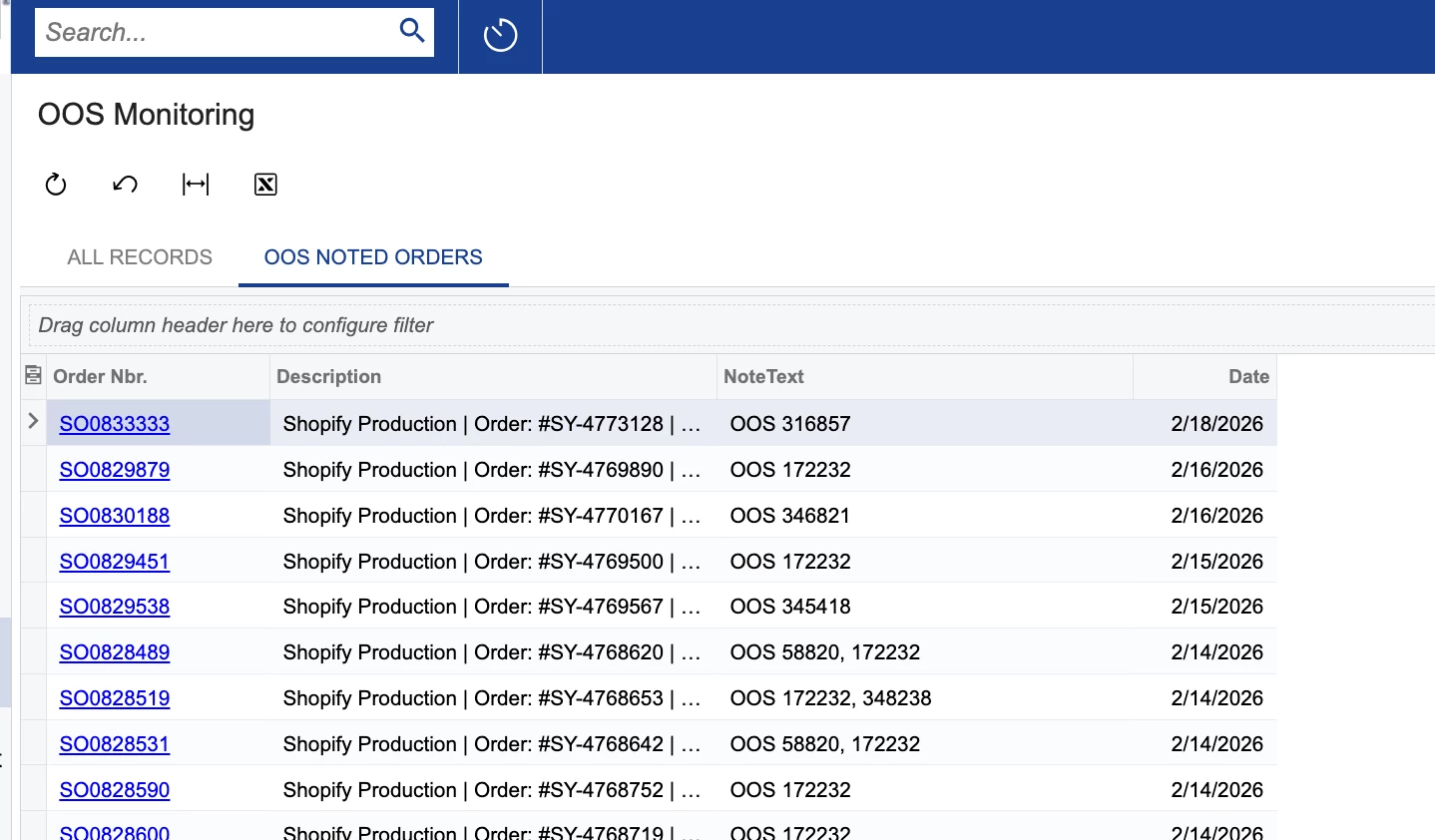
I am building a GI to track OutOfStocks from sales orders, but have gotten stumped on the inclusion of the sales order pop-up notes. (We track our OOS via notes, since the backordered SKUs get removed from shipment and then cleared out so the backorder status etc is not able to be tracked for just those SKU as it gets completed still.)
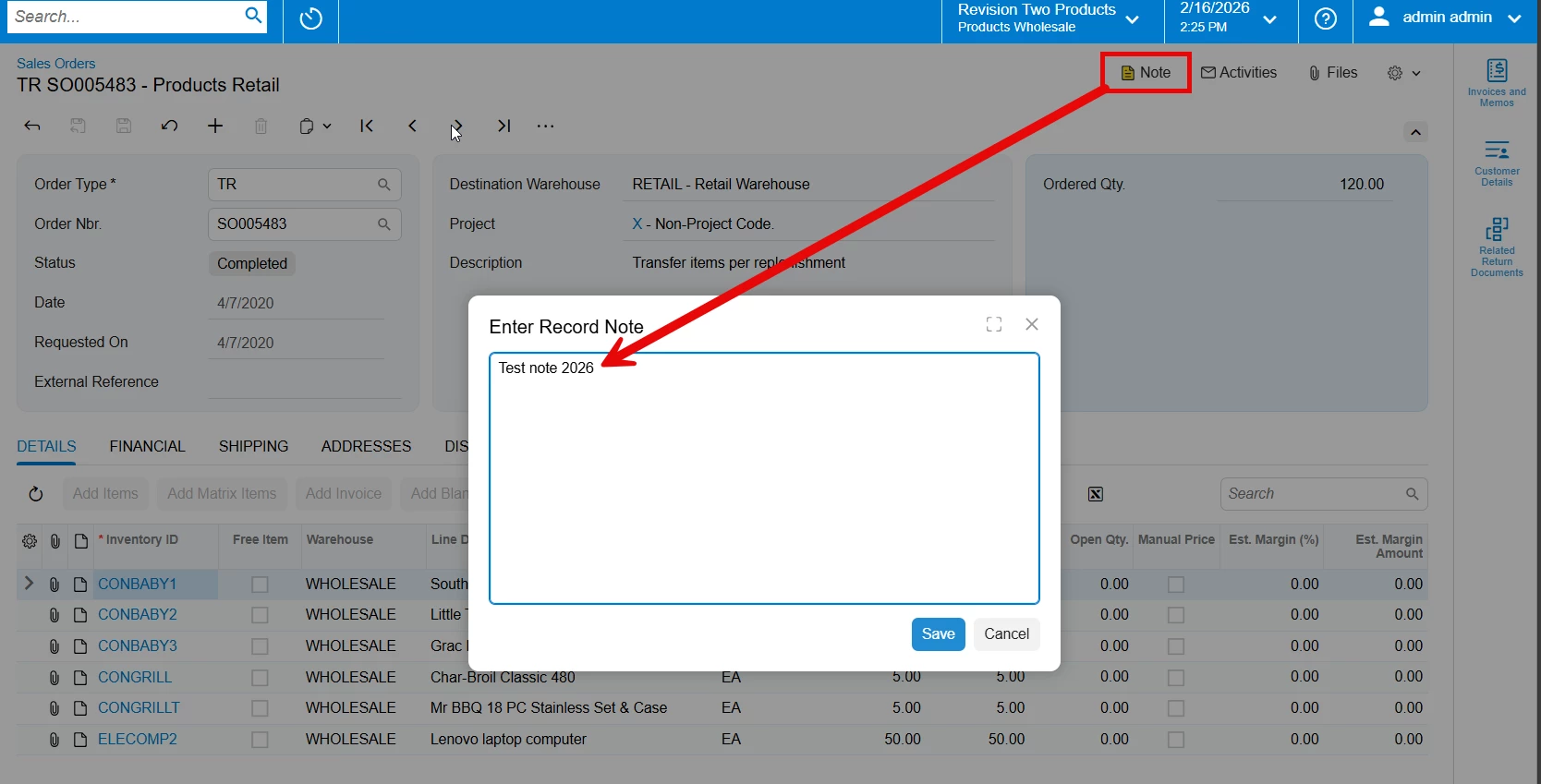
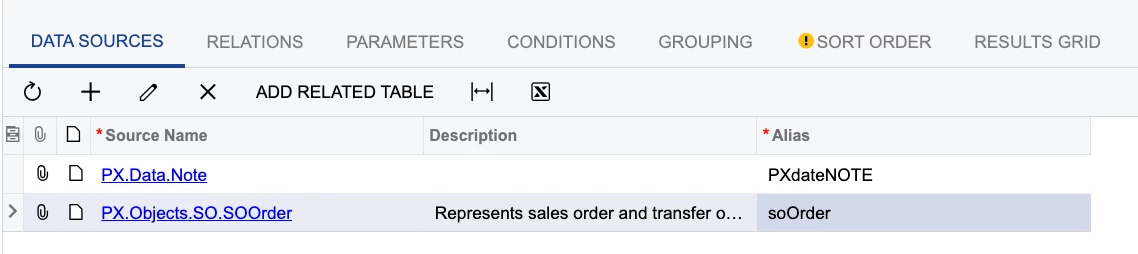
It seemed like I only need PX.Objects.SO.SOOrder + PX.Data.Note, but when I access those note text fields it is not correct. When I use “inspect element” it doesn’t work on the open popup, only clicking the note symbol which only gives me “NoteShow”
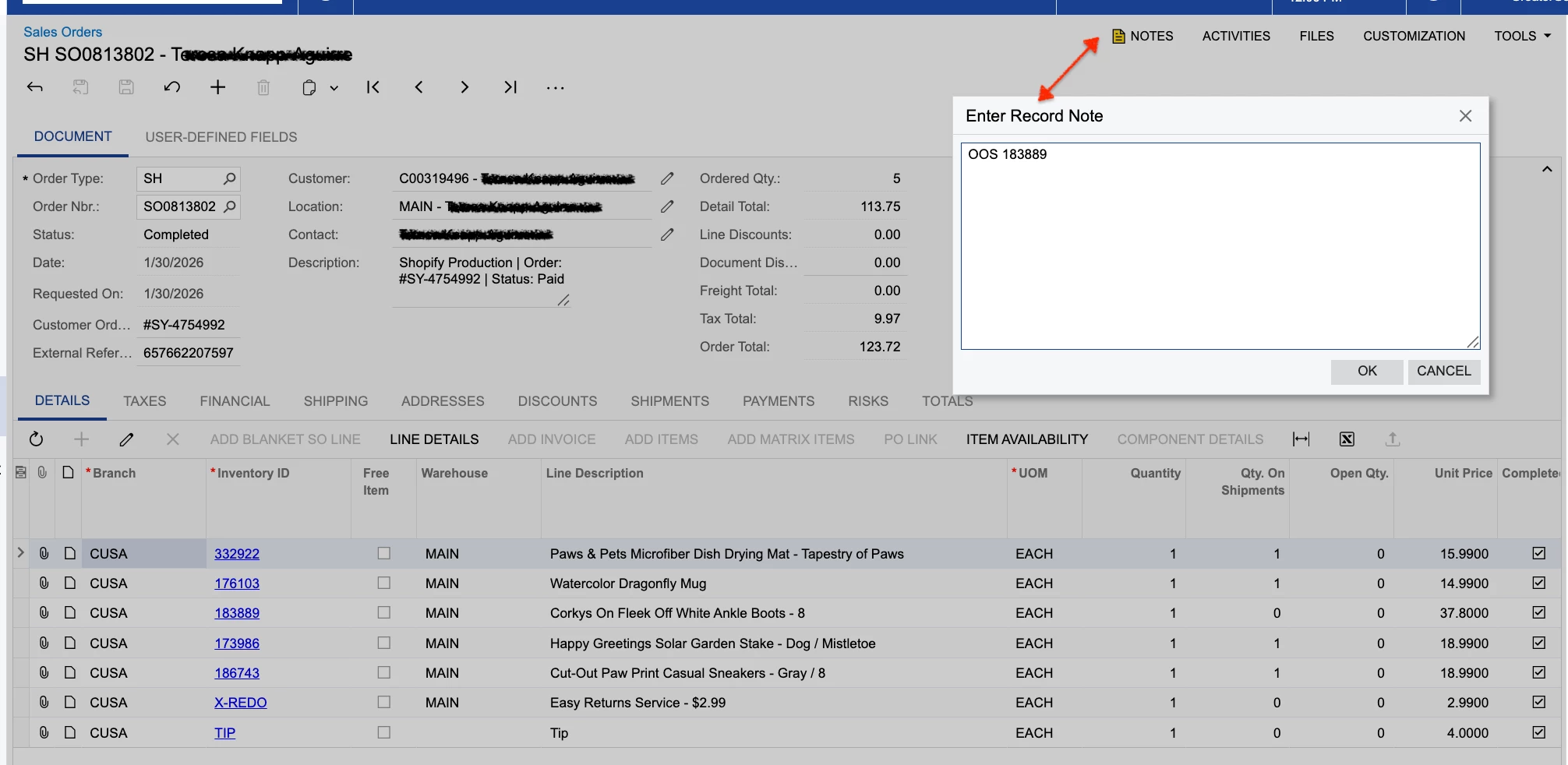
Per the screencap above, I’m trying to get “OOS 183889” to show in the GI, but I can’t seem to target THAT note field.
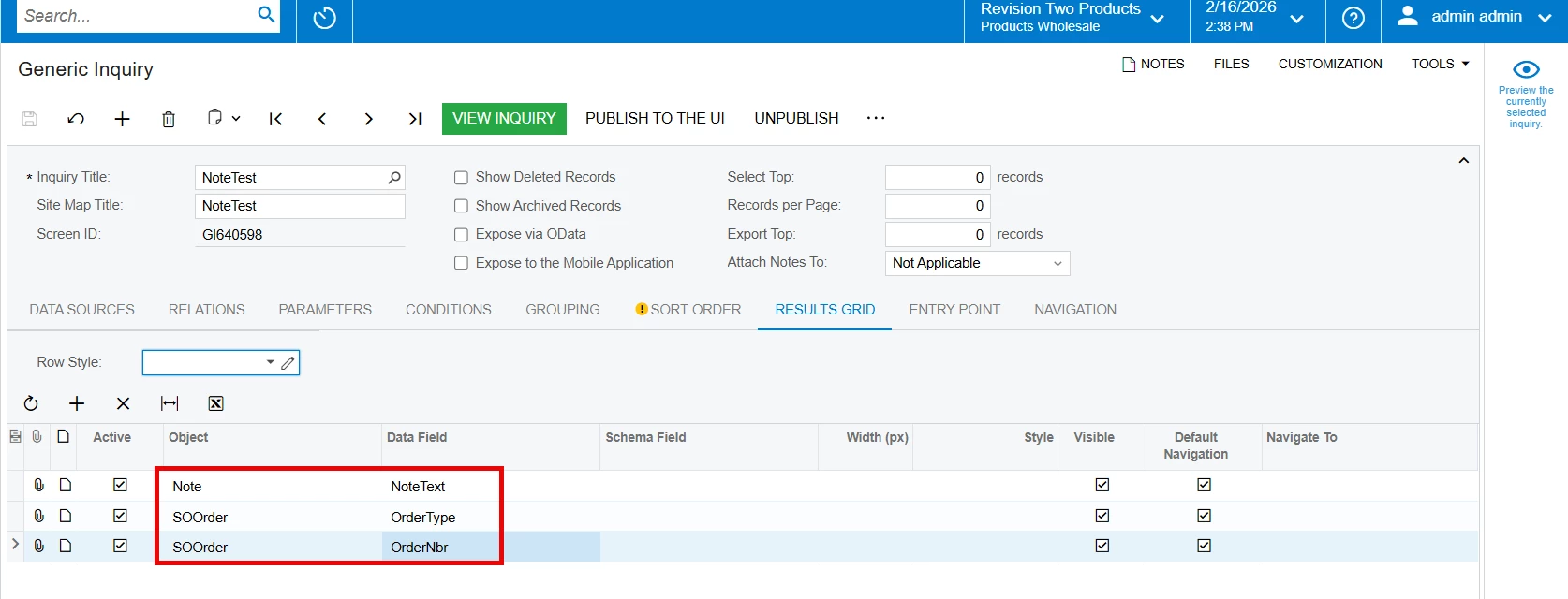
Note.NoteText pulled in the origin sales order notes from the external system and/or AP, not the notes in the pop-up record in Acumatica.
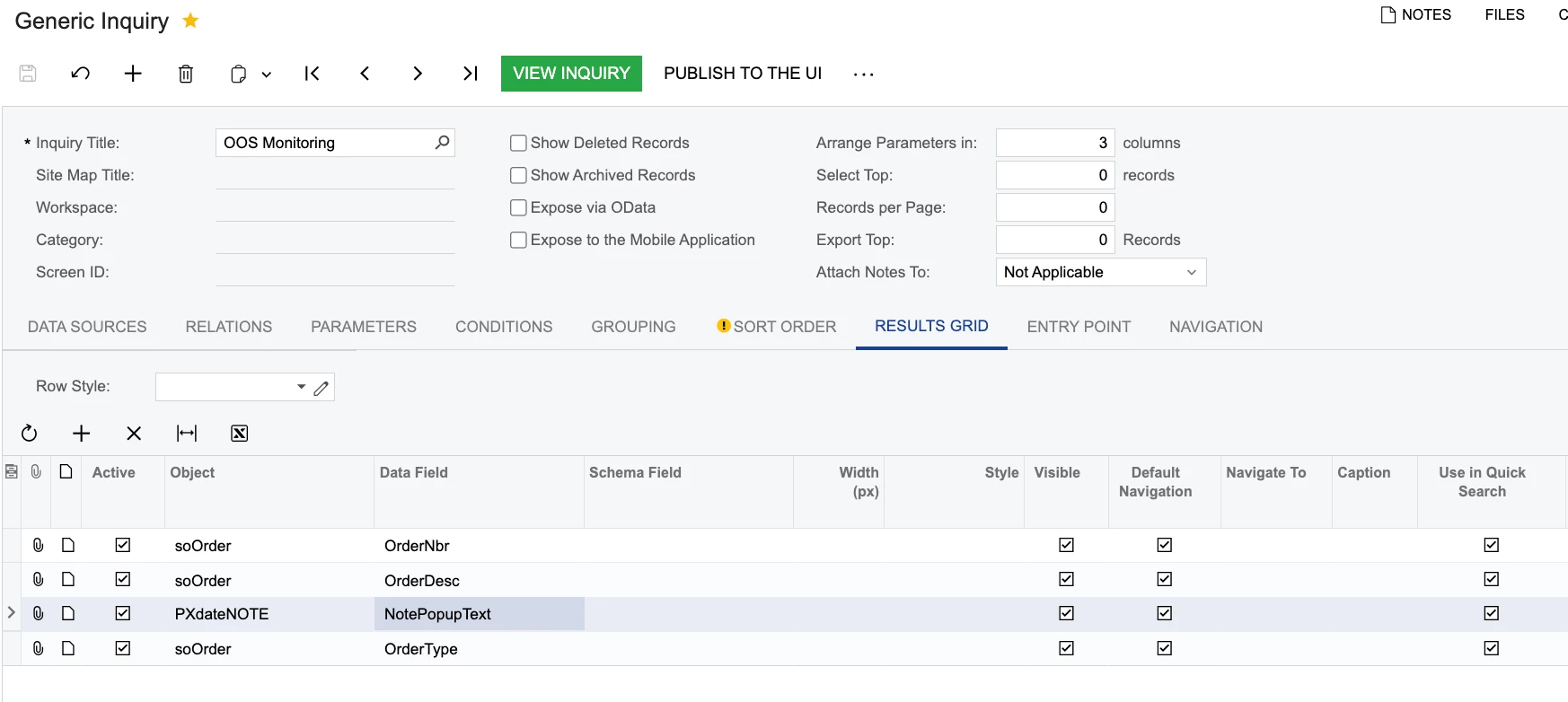
Note.NotePopupText found no text to display, even though I can clearly see them on the sales order.
Is this the wrong table?
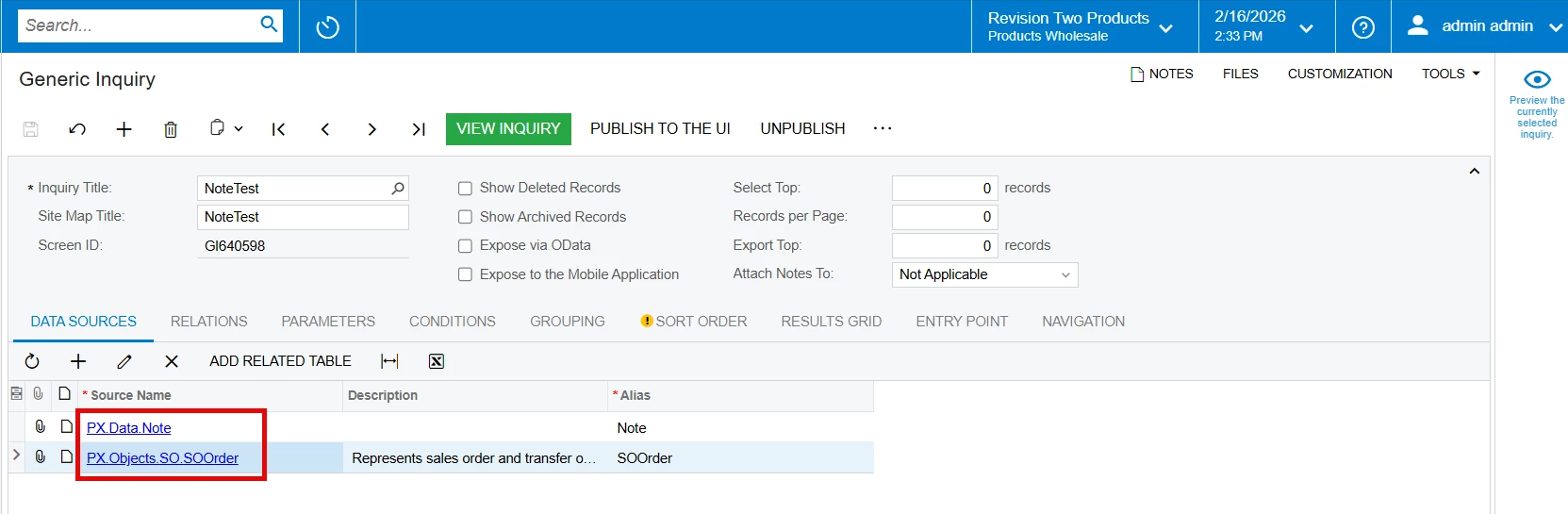
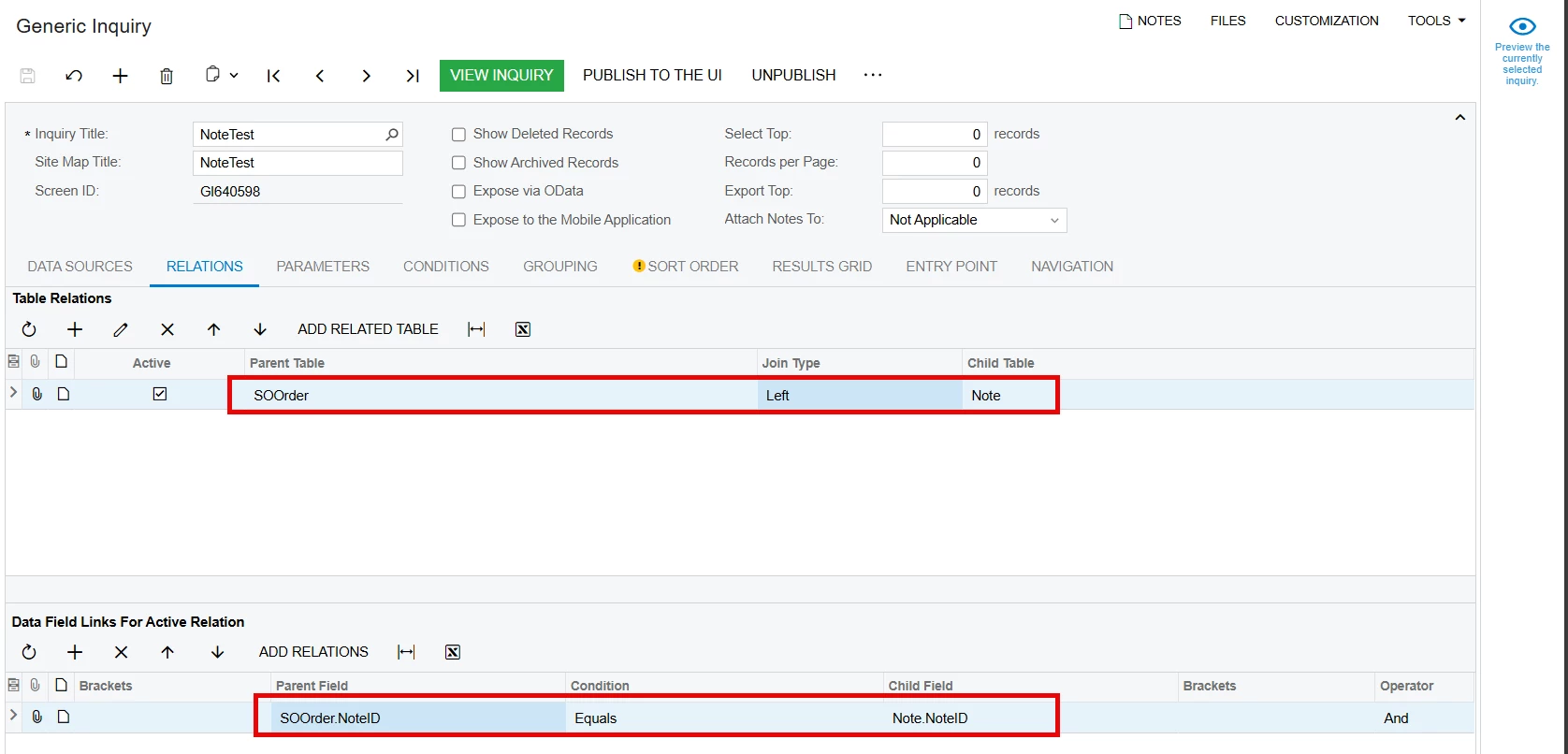
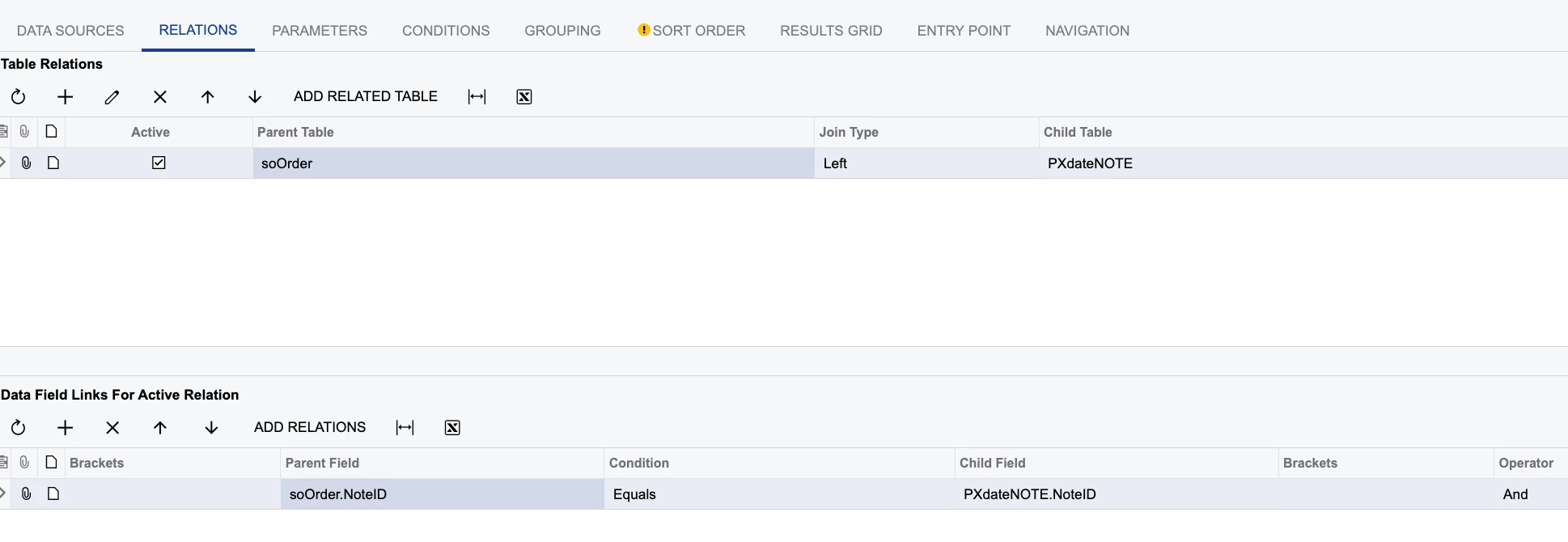
Here are my settings:
Thank you for taking a look.