Solved

Insert (+) button on GI

  • May 5, 2026
  • 7 replies
  • 57 views

Forum|alt.badge.img

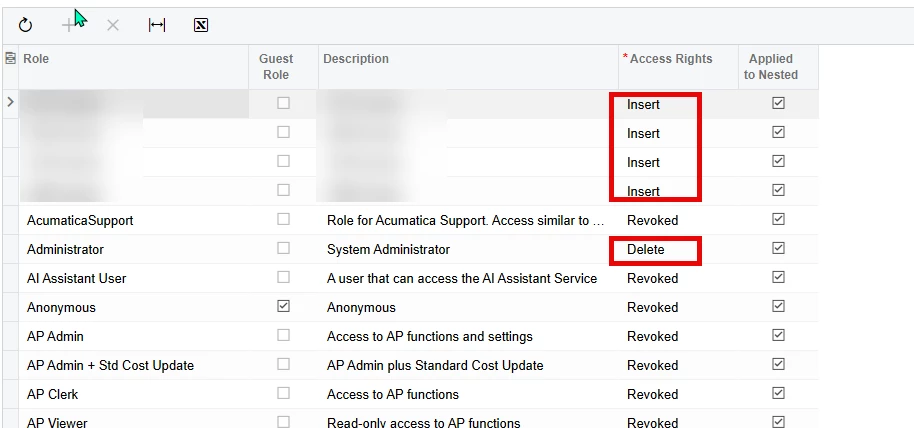
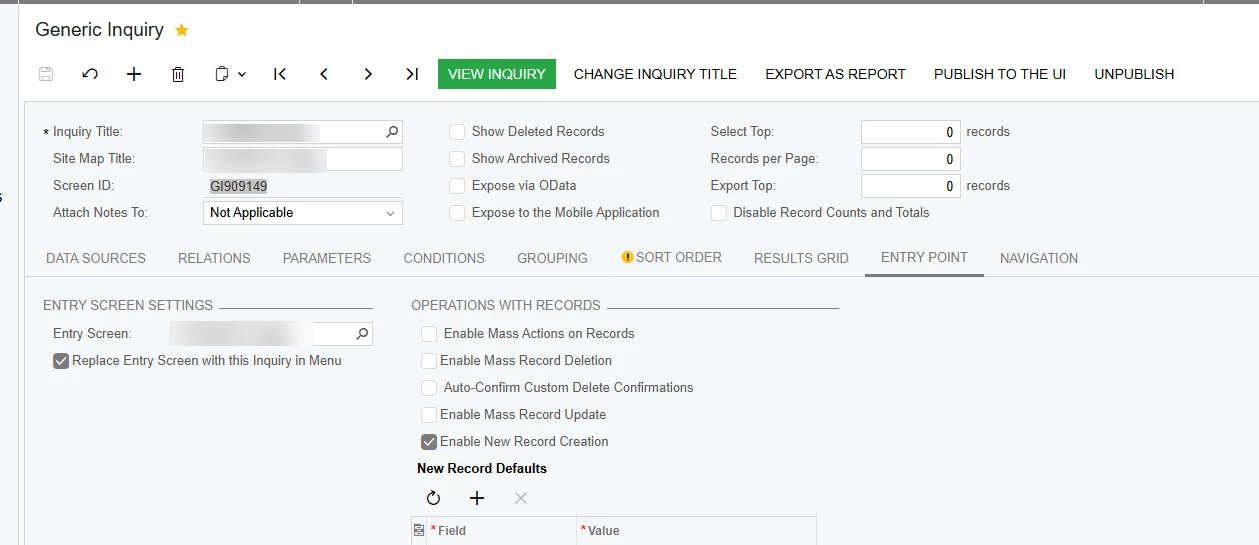
I am having issues getting the insert new record button to show up on an entry point GI that is for a custom screen. I have the “Enable new record creation” button checked. I have insert or delete access but it still doesnt show up. I saw this post in the community that says to look in the hidden folder, but there isnt anything about my screen or GI in the hidden folder. I had issues with it not showing up on another screen i made but it randomly showed up. this one hasnt shown up yet. I tried restarted the application and logging out and back in. I also tried unclicking the “Enable new record creation” and then selecting it again. so far, nothing i have done has made it show up. Does any one have any ideas how to make it show up?
 

Best answer by darylbowman

In a meeting with ​@justen0351, I noticed that he was using the PXGraph class with two parameters which automatically adds PXSave, PXCancel, etc as inherited actions. He also had defined a PXAction called ‘Save’ on the graph which caused a ‘hiding of the inherited member’.

After removing that and recreating the GI, the insert action appeared on the GI. What exactly the issue was, I can’t say for certain.

7 replies

Naveen Boga
Captain II
Forum|alt.badge.img+20
  • Captain II
  • May 6, 2026

Hi ​@justen0351  Have you tried configuring and testing the standard (out-of-the-box) screen in Acumatica ERP to confirm whether the issue occurs there as well?

If the default screen is functioning as expected, then the problem is likely specific to the customization or setup of the current screen. Based on that, I believe the most probable cause could be related to the following:

  • In the custom screen graph, check if you written any logic related to AllowInsert = FALSE
    OR
  • GI primary DAC ≠ screen primary DAC

Forum|alt.badge.img
  • Author
  • Semi-Pro I
  • May 6, 2026

@Naveen Boga on standard screens, that functionality works fine. sales orders, purchase orders, etc. i also have a separate GI for a different custom screen that it is working on. I do have allowinsert = False but only as part of the workflow when an item reaches a certain status. like the sales order screen does. The only table used in the GI is the Primary DAC for the screen.


Forum|alt.badge.img+9
  • Captain II
  • May 6, 2026

@justen0351 

I have had an issue like this, can you try to reset caches and/or restart the application.


Forum|alt.badge.img
  • Author
  • Semi-Pro I
  • May 6, 2026

@aiwan i have restarted the application a couple of times and it still doesnt work.


Forum|alt.badge.img+9
  • Captain II
  • May 7, 2026

@justen0351 


Are you working on a sandbox/dev instance? If so, are you able to replicate the same GI on another instance?

Alternatively, add the GI to a customisation project and publish the customisation project.


Forum|alt.badge.img
  • Author
  • Semi-Pro I
  • May 7, 2026

@aiwan it is happening in two different instances now. I created it in a local dev instance. then I moved it to a sandbox so that other team members can test the functionality. it is happening in both. i just added the generic inquiry to the customization project, published, restarted application, and signed out/in and it is still doing it.


@Naveen Boga i commented out the section in the code that has allowinsert = false. it was only on the details section and not the header, but i commented it out anyway to be safe and that didnt fix it either.


darylbowman
Captain II
Forum|alt.badge.img+16

In a meeting with ​@justen0351, I noticed that he was using the PXGraph class with two parameters which automatically adds PXSave, PXCancel, etc as inherited actions. He also had defined a PXAction called ‘Save’ on the graph which caused a ‘hiding of the inherited member’.

After removing that and recreating the GI, the insert action appeared on the GI. What exactly the issue was, I can’t say for certain.