Question

How to view Approval History for all modules in one place?

  • May 5, 2026
  • 3 replies
  • 45 views

Hi Community,

I am looking for a way to allow our approvers to track their own approval history across multiple modules. Currently, we are using Expense Claims (EP), Expense Advances, Purchase Requests (RQ), and Requisitions.

In Approvals (EP503000) screen, once an approver approves a document (EC or Request), the record immediately disappears from the list because it is no longer pending.

Specifically, I want each approver to be able to see their own "Approved History" (Approved items only).

3 replies

lauraj46
Captain II
Forum|alt.badge.img+9
  • Captain II
  • May 5, 2026

Hi ​@acusupport28 ,

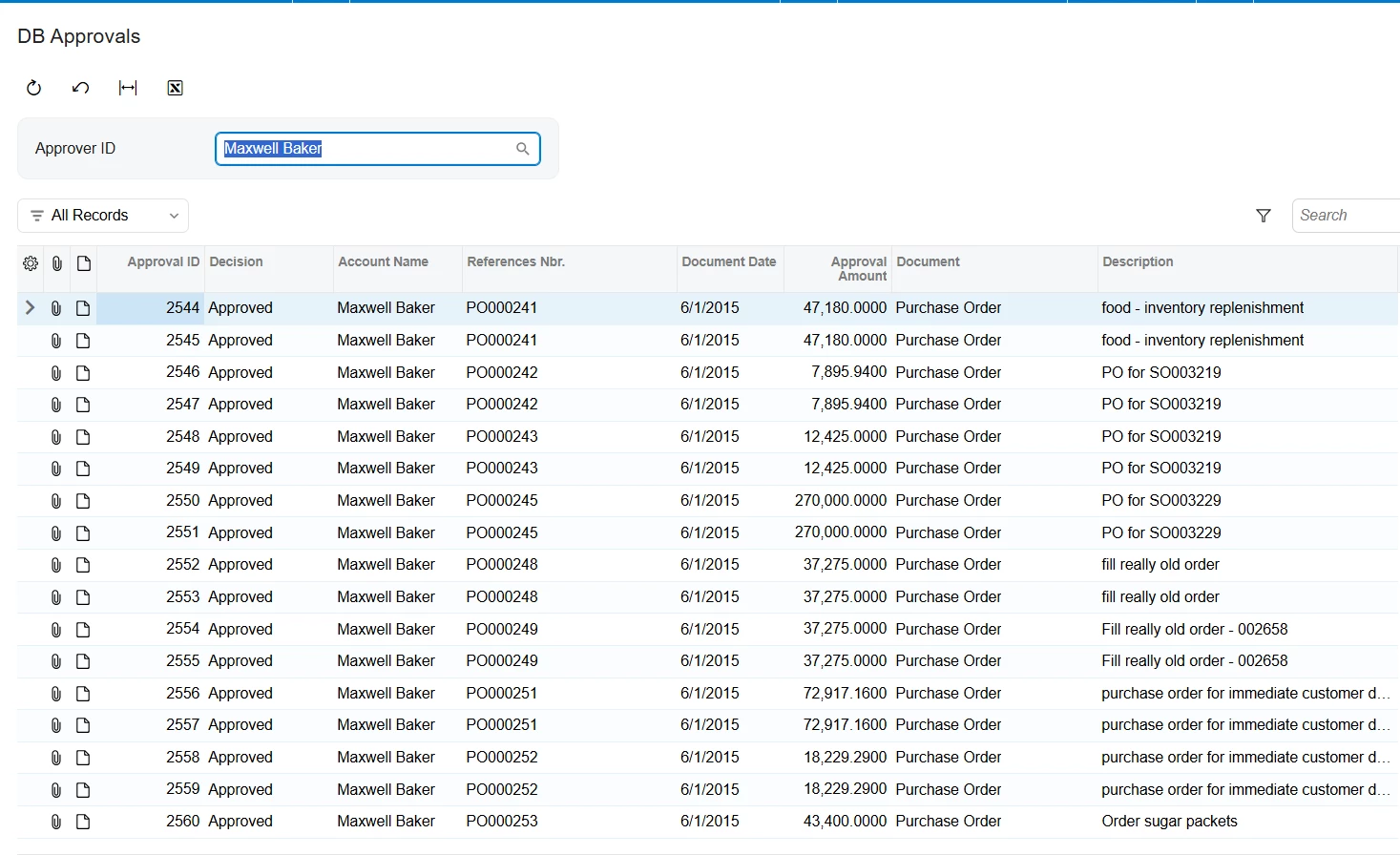
See attached GI as a starting point.  You could make the parameter hidden so that the user can only see their own approvals.

Hope this helps!

Laura


  • Author
  • Freshman I
  • May 6, 2026

Hi ​@acusupport28 ,

See attached GI as a starting point.  You could make the parameter hidden so that the user can only see their own approvals.

Hope this helps!

Laura

"Hi Laura, thank you so much for the GI and the tip! It’s very helpful for managing approvals.

I have a follow-up question: Since the 'Ref. Nbr' in this GI can belong to different modules (like Expense Claims, Cash Advances, Requests, or Requisitions), how can I configure the navigation so that clicking the Ref. Nbr routes to the correct specific screen depending on the document type? Should I use multiple Side Panels or is there a way to set conditional navigation for a single column?"


lauraj46
Captain II
Forum|alt.badge.img+9
  • Captain II
  • May 6, 2026

Hi ​@acusupport28 ,

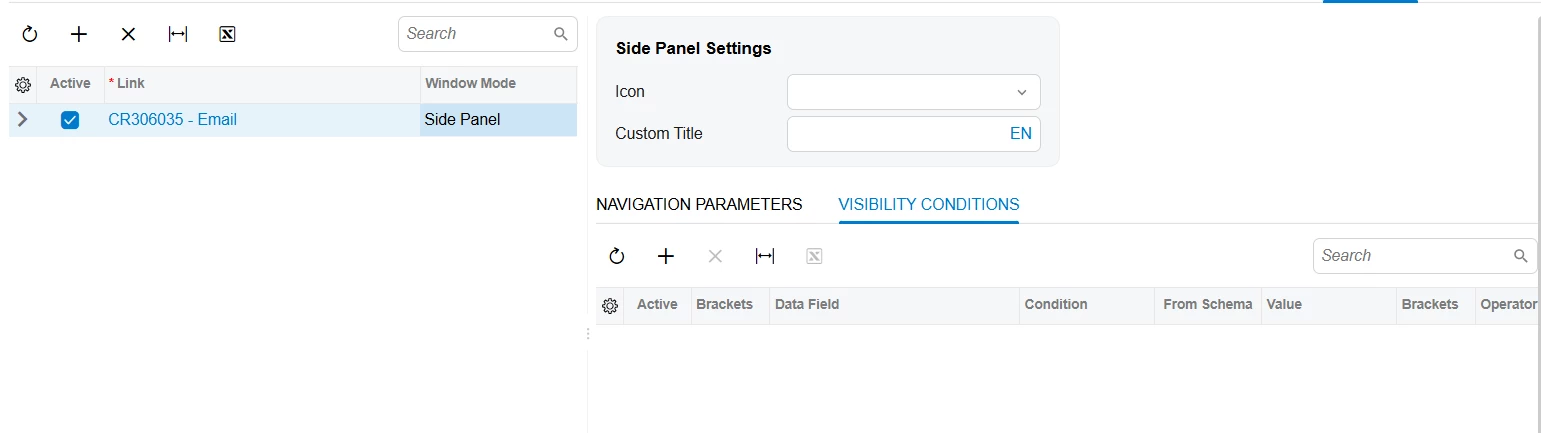
You could define multiple side panels and use Visibility Conditions to hide or unhide based on the Document field.  Hope this helps!

Laura