



Hello all,
I wanted to share a tip that threw me of course today.
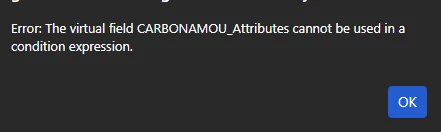
If you use an attribute field in a formula in a Generic Inquiry which is aggregated at all, this will throw an error similar to this:
To overcome this, you should add an Inner Join to the table which holds the attribute with the following data field links (in this case I will use Inventory Item as the example):

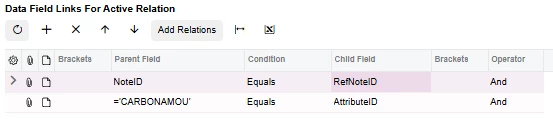
The NoteID link ensures that the right record is selected, and the AttributeID link ensures that the right attribute value is selected.
In your results grid, instead of this:
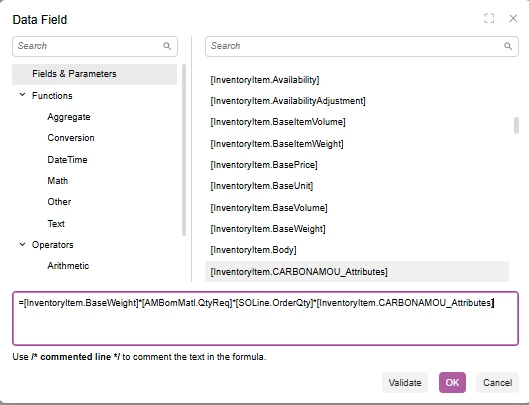
You should use this:
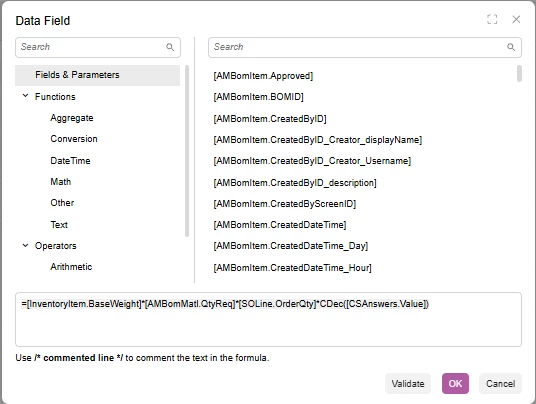
Once you had switched out those values you will be able to load your GI:

Happy GI Building!

