



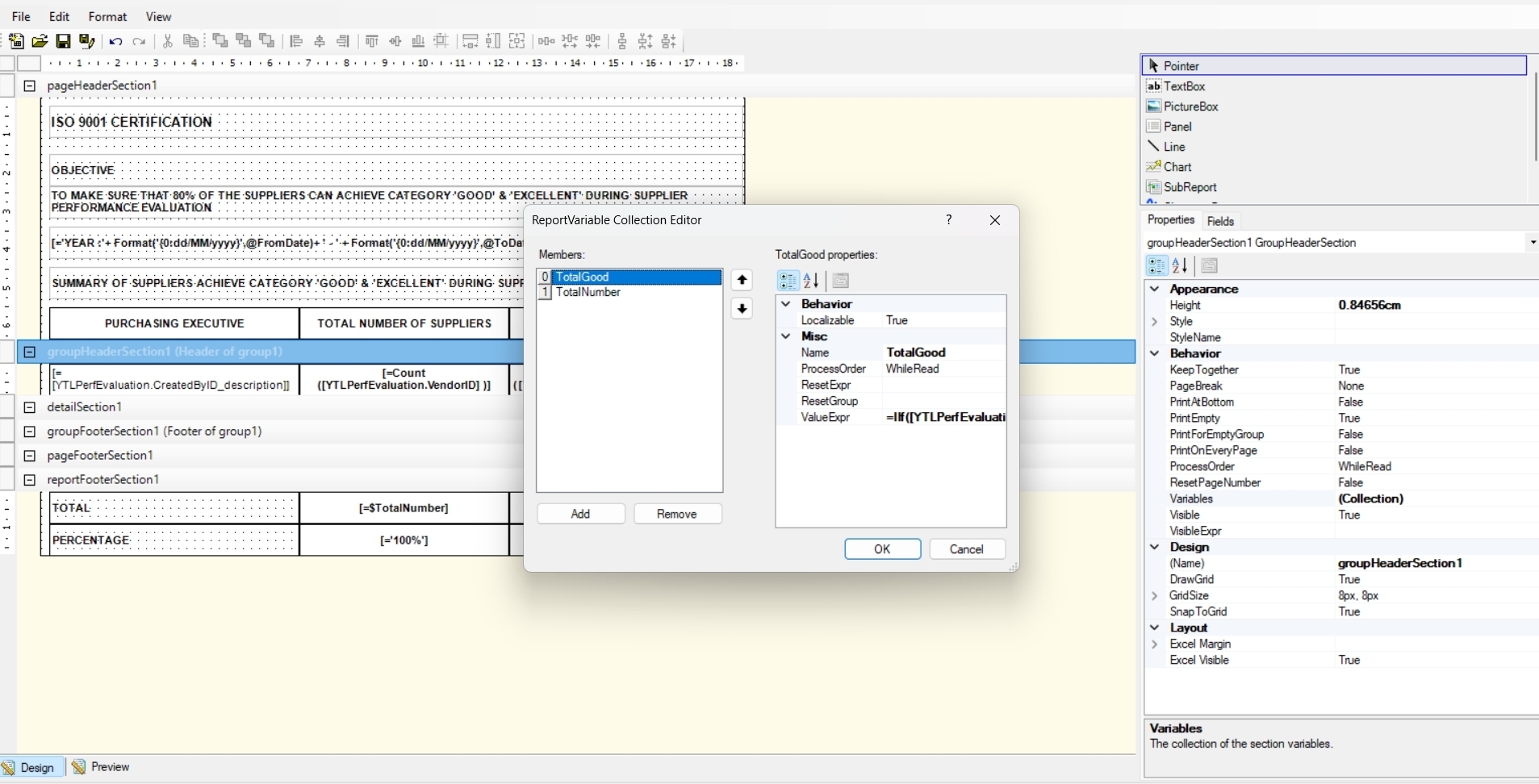
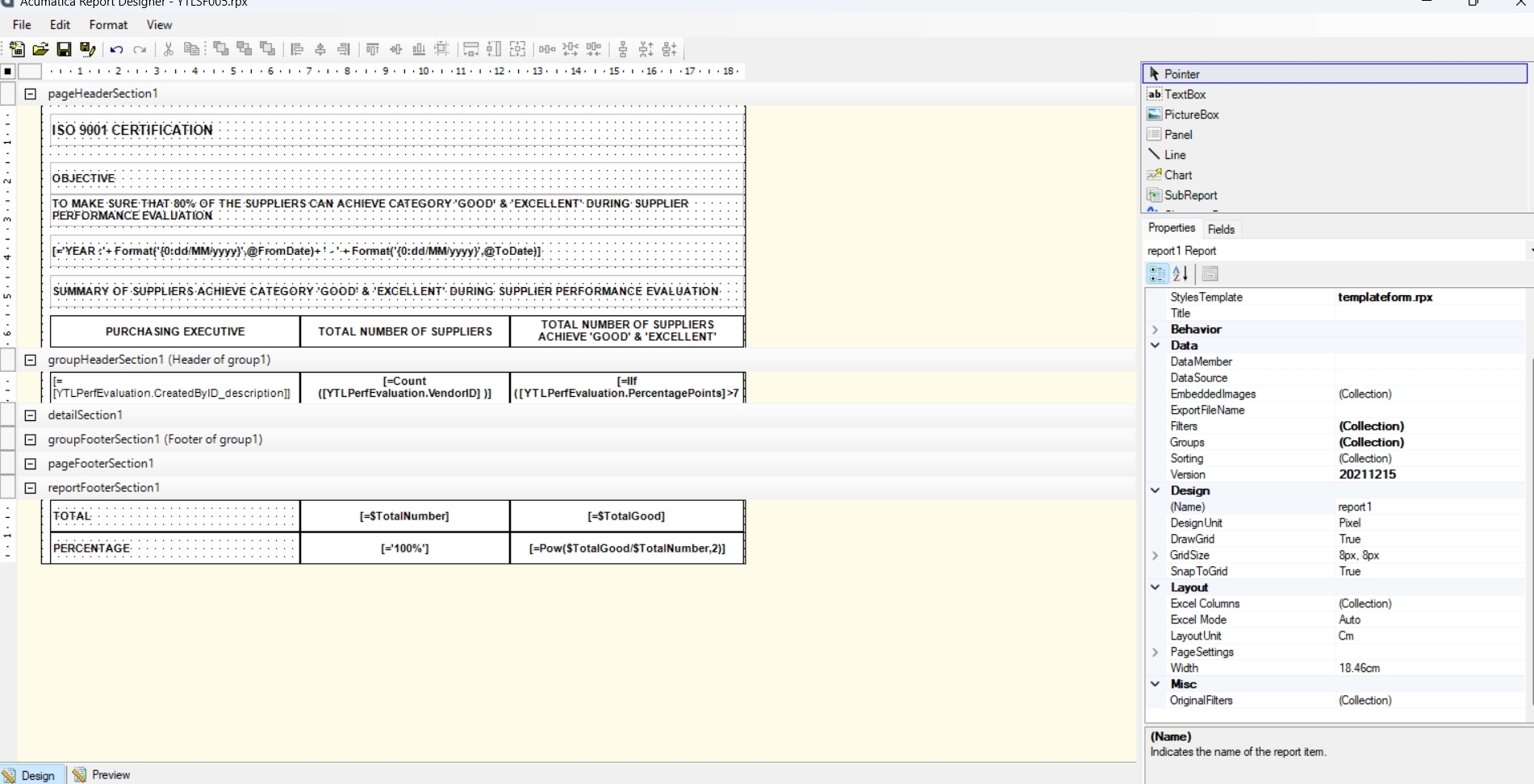
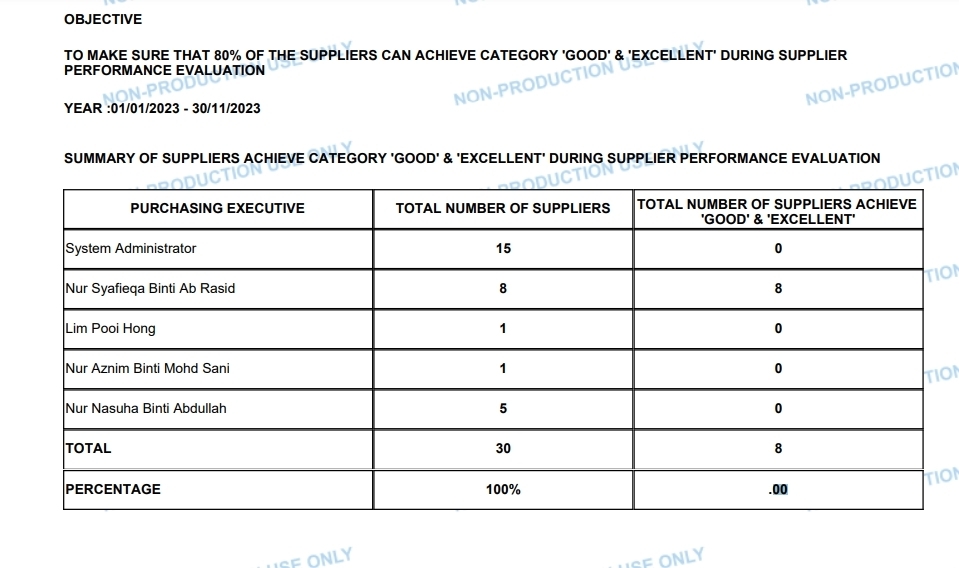
Example: Total value is 30, Sales is 7. so when i check percentage calculation, Percentage = (sales/total)*100. but output shown is 0. how to check percentage?
Solved
How to round of method remove to division calculation in Report Designer
Best answer by jesuscruz97
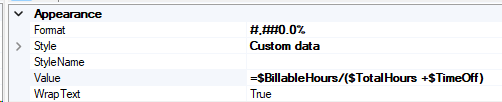
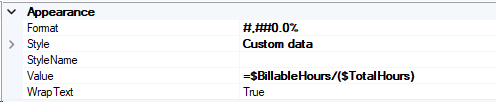
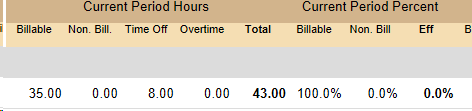
I got the same issue and figure it out. When you add to the variables add the values with decimal places.
For examples: If you have $totalitems +1, use $totalitems + 1.00
when you make the division it will bring decimal places in the result.
Jesus










Enter your E-mail address. We'll send you an e-mail with instructions to reset your password.