I have been working on a report & i am looking to hide the decimals. So for example i have an amount of 1234.56 displaying in the report, now all I want is to round it up & display as 1235 and not display as 1235.00
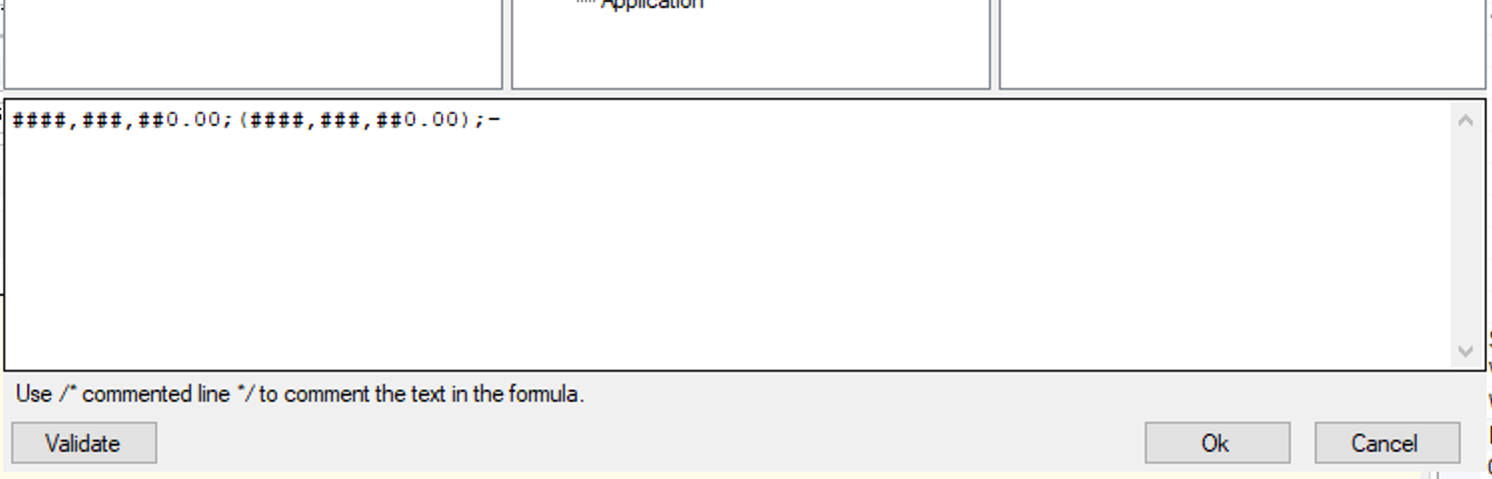
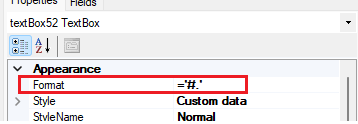
How can I achieve this? I have this formatting applied:
Best answer by lauraj46
Hi @Harshita ,
The Acumatica Report Designer supports Microsoft .Net format syntax. In your formatting string you can replace ###,###,##0.00 with ###,###,##0. This will round and remove the decimals.
The Acumatica Report Designer supports Microsoft .Net format syntax. In your formatting string you can replace ###,###,##0.00 with ###,###,##0. This will round and remove the decimals.