Question

How to define sorting conditions for Segmented cost codes

  • May 22, 2026
  • 3 replies
  • 35 views

Forum|alt.badge.img

Hello all,

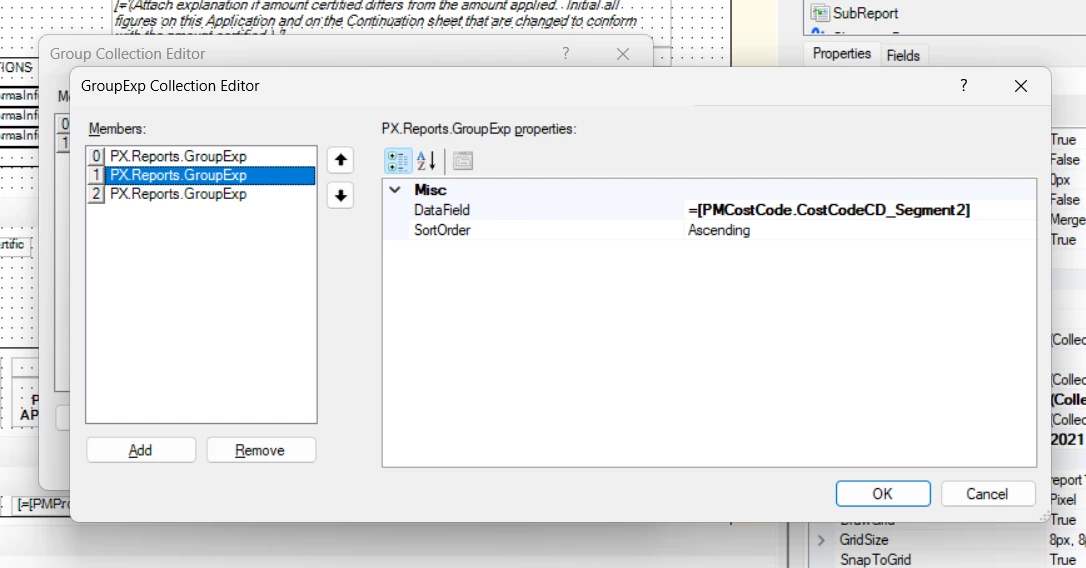
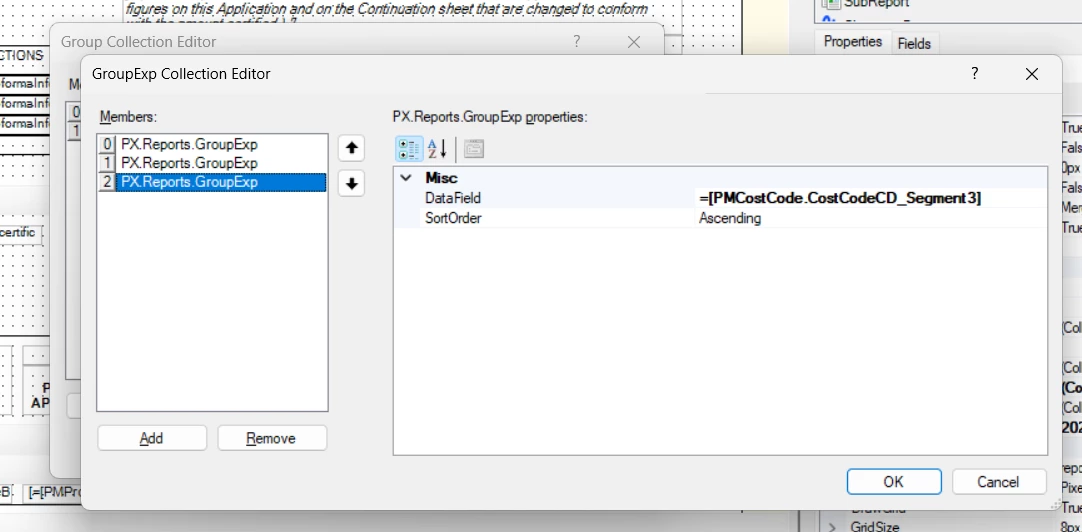
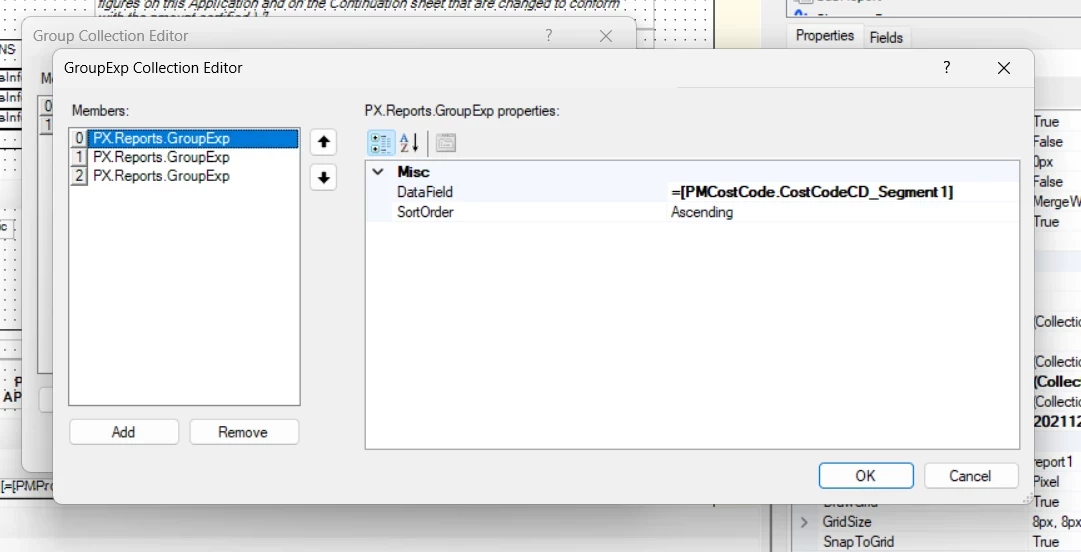
How can I define sorting conditions for cost codes with segments. I tried to define as:
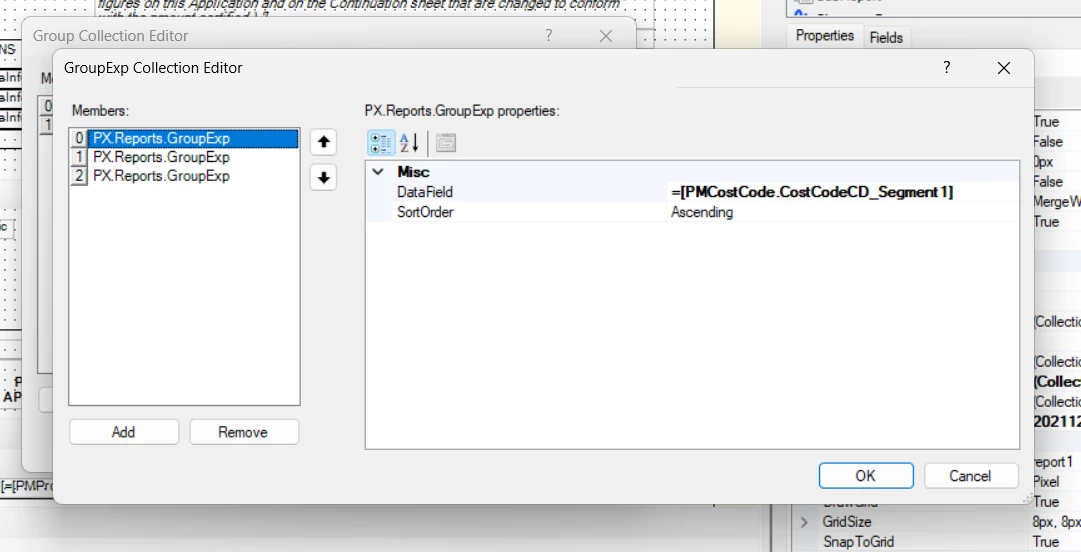


Still no impact.

3 replies

BenjaminCrisman
Acumatica Employee
Forum|alt.badge.img+4

@Harry For the first and last segments you can probably just use Left() and Right() functions, for the middle you’ll need to use one, then the other. So if the cost code is 0123-456-7890, your function would look like: Right(Left([PMCostCode.CostCodeCD], 8), 3). This will take the left most 8 characters and then of those, only return the last 3.

Have you tried something like this?


Forum|alt.badge.img
  • Author
  • Semi-Pro II
  • May 23, 2026

@Harry For the first and last segments you can probably just use Left() and Right() functions, for the middle you’ll need to use one, then the other. So if the cost code is 0123-456-7890, your function would look like: Right(Left([PMCostCode.CostCodeCD], 8), 3). This will take the left most 8 characters and then of those, only return the last 3.

Have you tried something like this?

Hi ​@BenjaminCrisman , thanks for your prompt response. My cost code segment is like 01.020.99. I tried the following for first segment: Left ([PMCostCode.CostCodeCD],2), still it didnt work out. Am I missing something or doing something wrong?


WillH
Semi-Pro II
Forum|alt.badge.img+4
  • Semi-Pro II
  • May 26, 2026

@Harry ,

Disclaimer: I’ve not played with this area extensively, I’m guessing based on other report builders I’ve worked with.

Reference: AUG forums post here: 
https://www.augforums.com/forums/acumatica-report-designer/sorting-a-group/

In your screenshot
I think you’re looking at grouping at the wrong level.


In your above screenshot, whatever is set for Group 0 will be the first sort order applied.
Group 1’s sort order will only be applied once Group 0’s sort order is done.

So my guess is you’re changing Group 1’s GroupExpressions for sort order, rather than Group 0’s.

  1. Schema Builder - Sort Order of incoming data (I believe this acts as the default sort if you don’t set explicit group sort orders.)
  2. Groups sort orders applied
    1. Group0 -
      1. Group0 GroupExp0
      2. Group0 GroupExp1
      3. Group0 GroupExp2
    2. Group1 - 
      1. Group1 GroupExp0
      2. Group1 GroupExp1
      3. Group1 GroupExp2


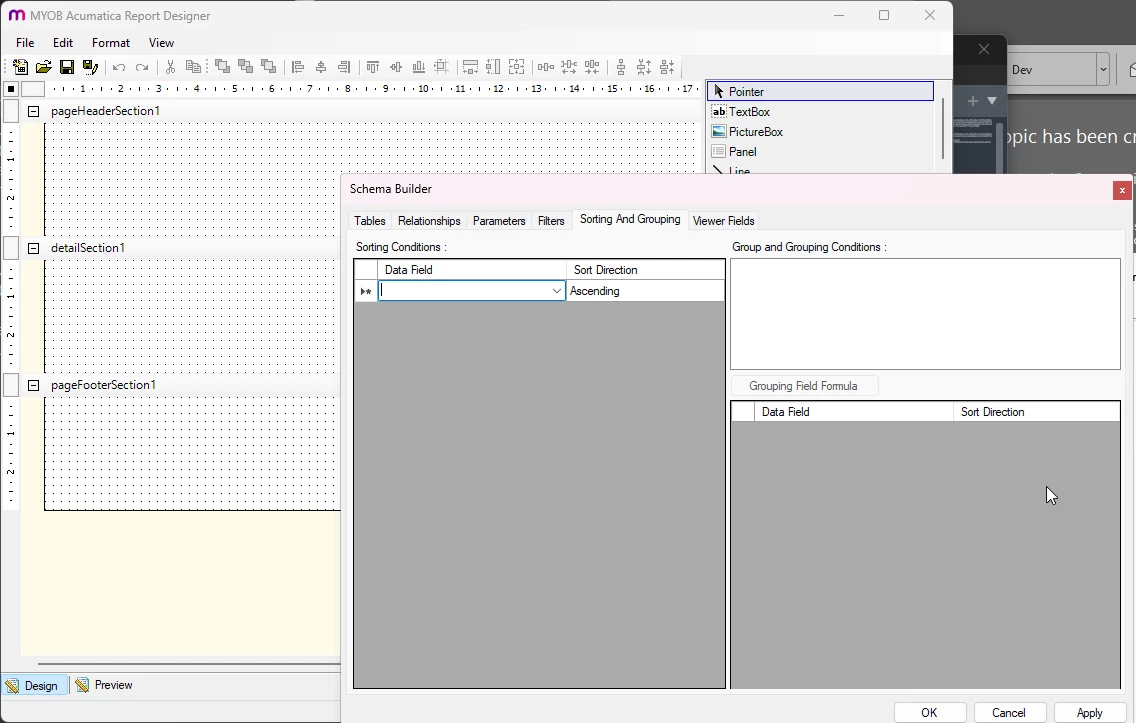
Personally, I always work at SchemaBuilder rather than Grouping level, so I’m not sure if you need to set it there also:


The sorts you’re looking at are within group sorting, which are only going to apply AFTER the initial report sort order has applied. (At least, that’s how it works in most systems).

If you get your formula into the Data Field space:
Left ([PMCostCode.CostCodeCD],2) 
Then that should define the sort ordering.


If you’re willing to share the RPX I or another forum user can probably take a quick look for you.  
Alternatively, screenshots of the following:

  1. Schema Builder - Sorting and Grouping screen
  2. Group 0 definition
    1. And any sort expression set
  3. Group 1 definition
    1. And any sort expression set


Should be enough to diagnose.