Answer

How to change the report printing order ?

  • March 16, 2023
  • 5 replies
  • 133 views

Forum|alt.badge.img

Hi

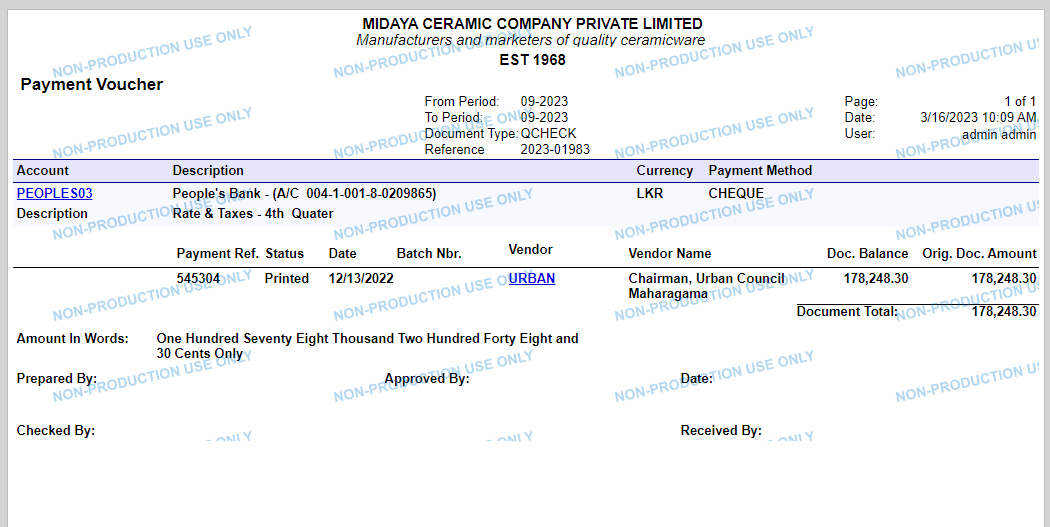
We have a Payment Voucher Report in Quick Checks Form that can be print when the Status is equal to Printed
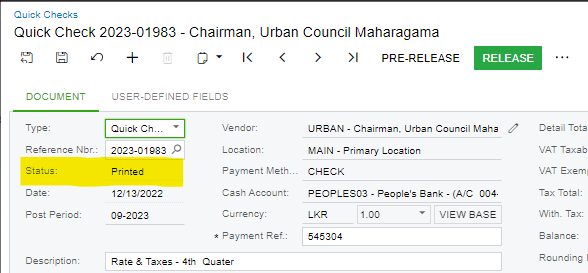
Status is Equal to Printed
the Payment Voucher Report


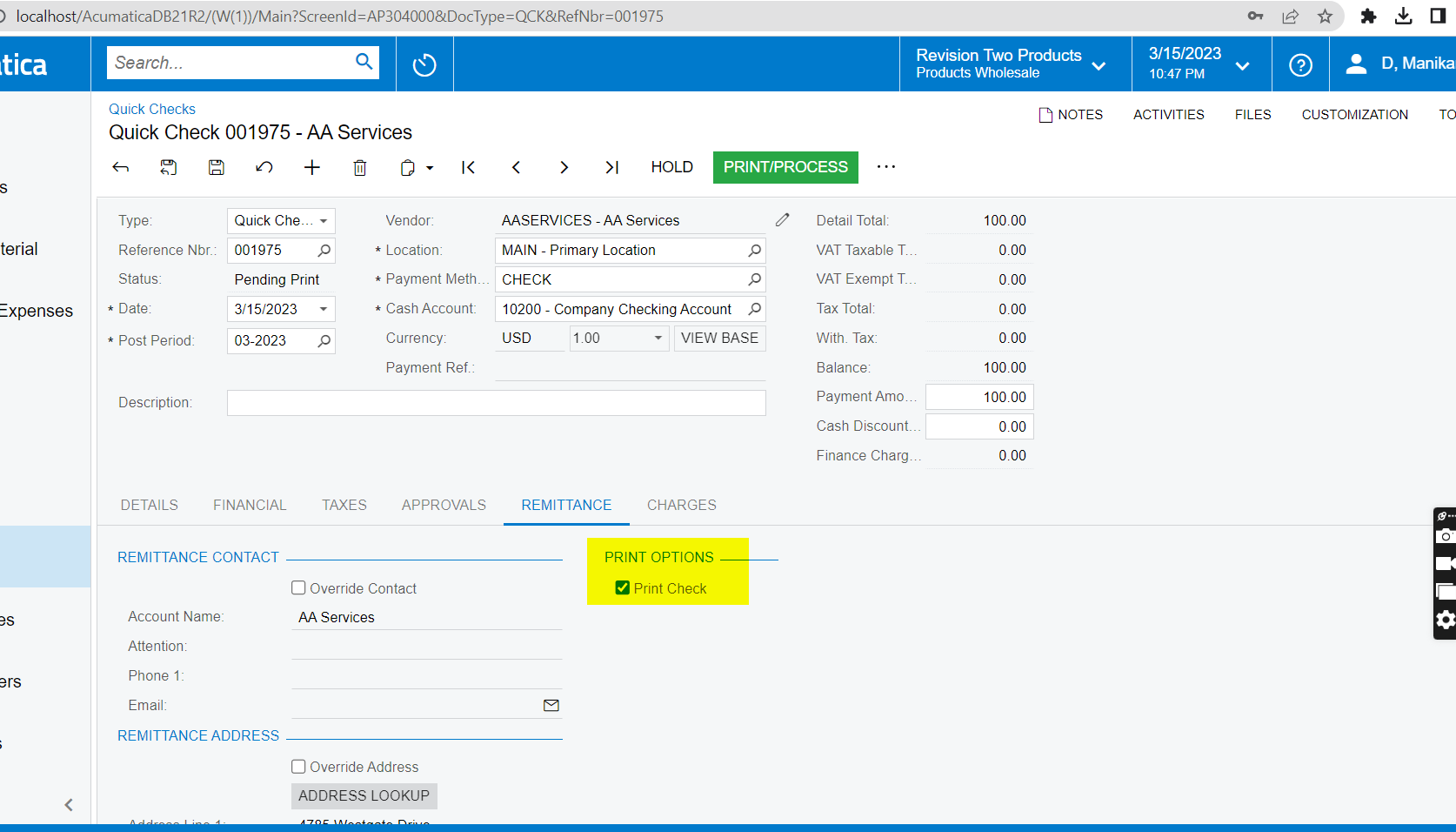
But we want to print this Payment Voucher Report when the status is equal to Pending Print.
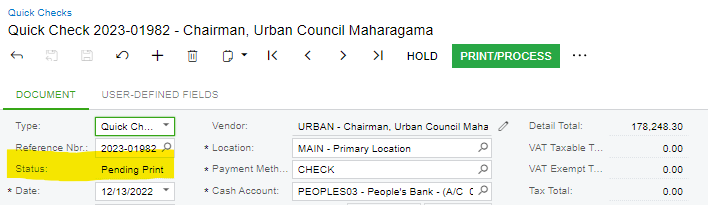
When Status is Pending Print

Report is not showing correct values when the status is Pending Print.
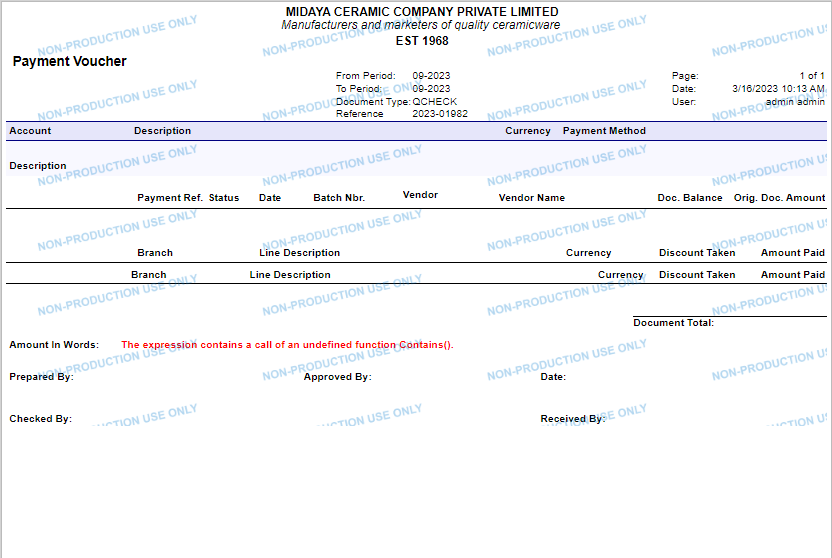
Does anyone know how to solve this issue?

Thank you.
Best answer by Manikanta Dhulipudi

Hi @RManathungage94 

It is standard behavior in Acumatica, still if you want to print the report

Please follow the steps as a woraround.

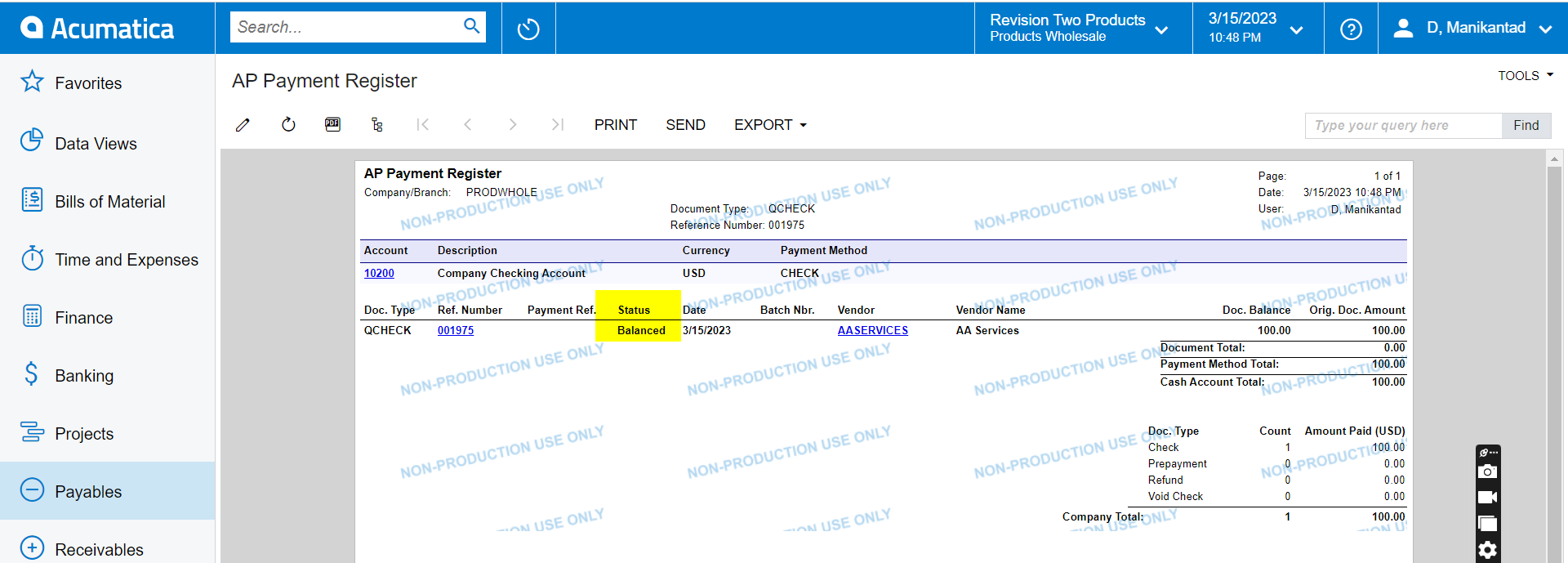
Disable the Print check and run the report > AR Payment register

THANK YOU

5 replies

Manikanta Dhulipudi
Captain II
Forum|alt.badge.img+15

Hi @RManathungage94 

It is standard behavior in Acumatica, still if you want to print the report

Please follow the steps as a woraround.

Disable the Print check and run the report > AR Payment register

THANK YOU


Forum|alt.badge.img+9
  • Semi-Pro III
  • March 16, 2023

Hi @RManathungage94,

Can you please provide your customized report? So, I will check this from my side.

Regards,

Sweta


Forum|alt.badge.img

Hi @manikantad18 ,

I will try that way. thank you.


Forum|alt.badge.img

Hi @sweta68 

Please find the report attached below. kindly rename the filename extension.
Thank you.


Chris Hackett
Community Manager
Forum|alt.badge.img
  • Acumatica Community Manager
  • April 20, 2023

Hi @RManathungage94 were you able to find a solution? Thank you!