Question

How to add Change Orders to Purchase Order report with the original amount

  • January 7, 2023
  • 1 reply
  • 123 views

How do i show the original purchase order amount and all of the change order transactions for the entire purchase order?

How to add Change Orders to Purchase Order report


Acumatica

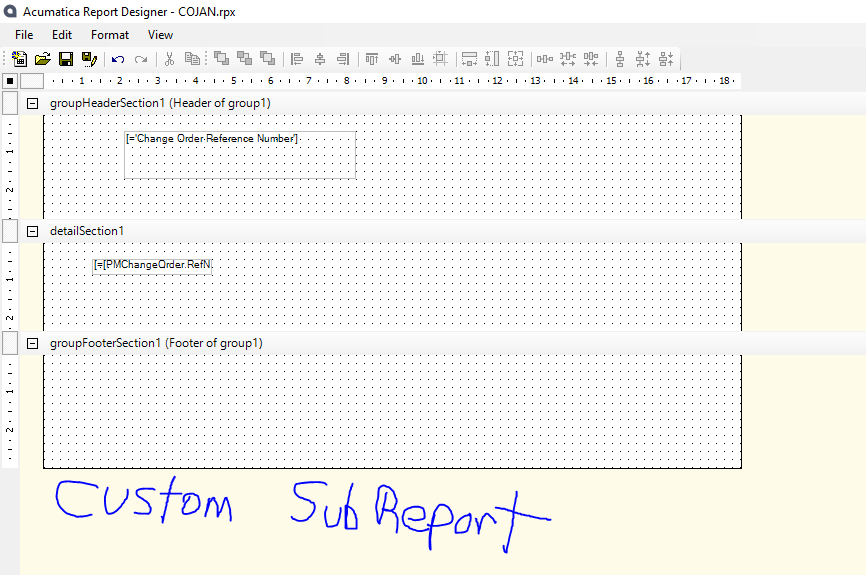
Report Content: To Add a Subreport


I have went through the tutorial to create a subreport and tried adding this in to my custom report. how can i add change orders into my purchase order report
 

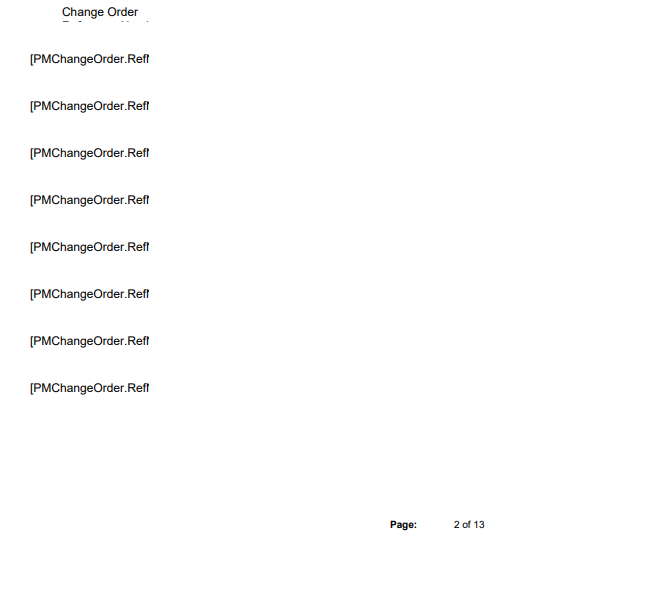
This is how it generates in my original purchase order

How do i show the original purchase order amount and all of the change order transactions for the entire purchase order?

1 reply

Forum|alt.badge.img
  • Freshman I
  • August 16, 2026

@CAllaire , 

A good approach is to build a Generic Inquiry or customized Purchase Order report that combines the original PO amount with all subsequent change-order transactions.

The report can show:

  • Original PO amount

  • Each change order/revision number

  • Change amount

  • Date and reason for the change

  • Revised PO amount

  • Cumulative change-order total

If you are using the Project Change Order functionality, the GI/report should join the PO to the related change-order records and aggregate the changes by PO.

If you are not using the Project module, Acumatica does not provide a standard change-order transaction structure for regular POs, so you would typically need a customization or custom DAC/fields to capture and report those changes.

Logistify.ai can help automate this reporting layer—giving you a single PO view showing the original commitment, every change, and the current revised total without manually reconciling transactions.