



How can i create a GI which can display month wise Forecast just as same as Inventory Analysis report.
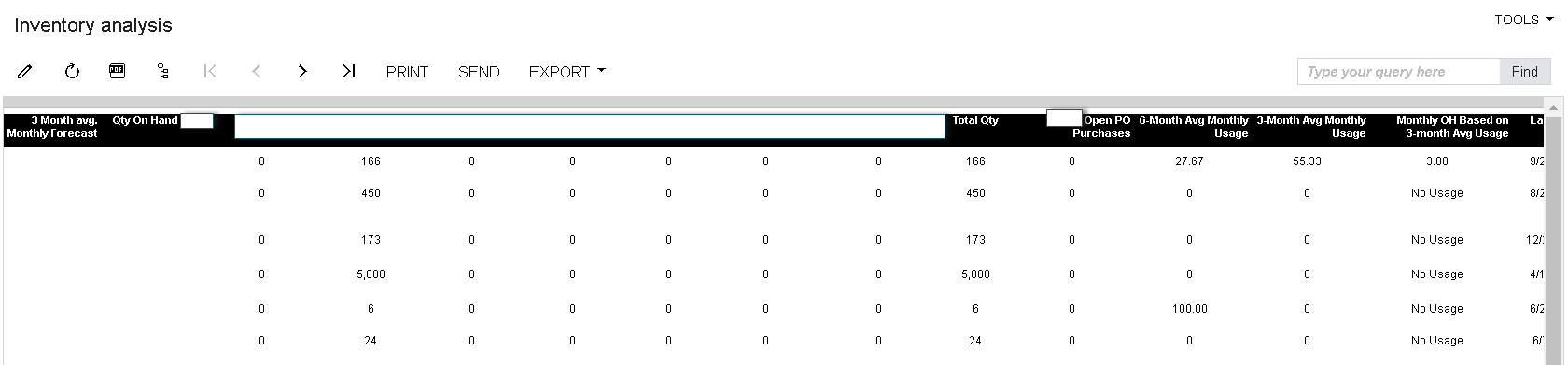
How can i create a GI which can display month wise Forecast just as same as Inventory Analysis report.
Best answer by Laura03
Hello,
What steps have you tried?
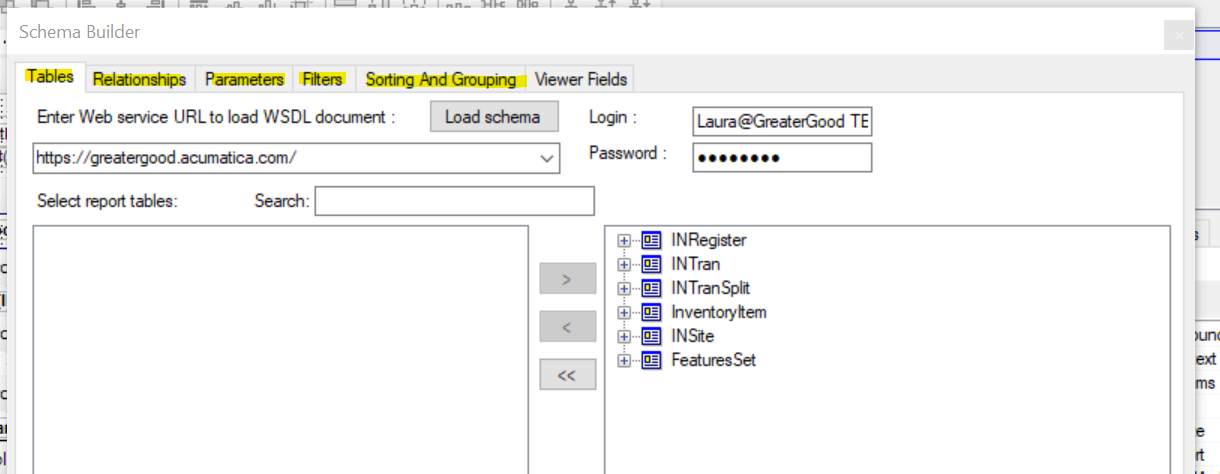
When I’m trying to mimic a Report in a GI, the first thing I do is open the report in Acumatica Report Designer, go to File, Build Schema, and take Screen Shots of the Tables, Relationships, Parameters, Filters, and Sorting/Grouping tabs. I paste all the screenshots in a document, such as Word.
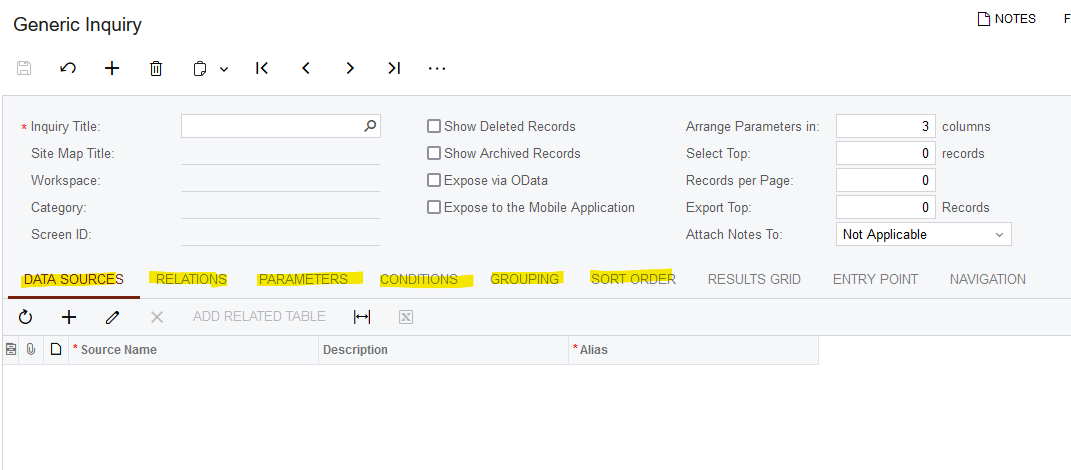
Generic Inquiries use the same Building Blocks as Acumatica Report Designer: Start your new Generic Inquiry by selecting the same Tables, Relationships, Parameters, Filters, Sorting, and same Grouping that you just recorded from your favorite Inventory Analysis report . Add fields to the Results Grid, in the same order they appear on your Inventory Analysis report.
Good luck!
Laura
Enter your E-mail address. We'll send you an e-mail with instructions to reset your password.


